This week's sweep caught a small line in a plugin update, the kind that is easy to scroll past: a SketchUp AI render tool added a MoodBoard function next to its usual render controls. It is part of a pattern. Moodboarding is becoming a button across the archviz tools, sold as one more thing the software now does for you. Which is worth a pause, because the moodboard is one of the few steps in a project where the software doing it for you is exactly the risk.
What a moodboard is actually for
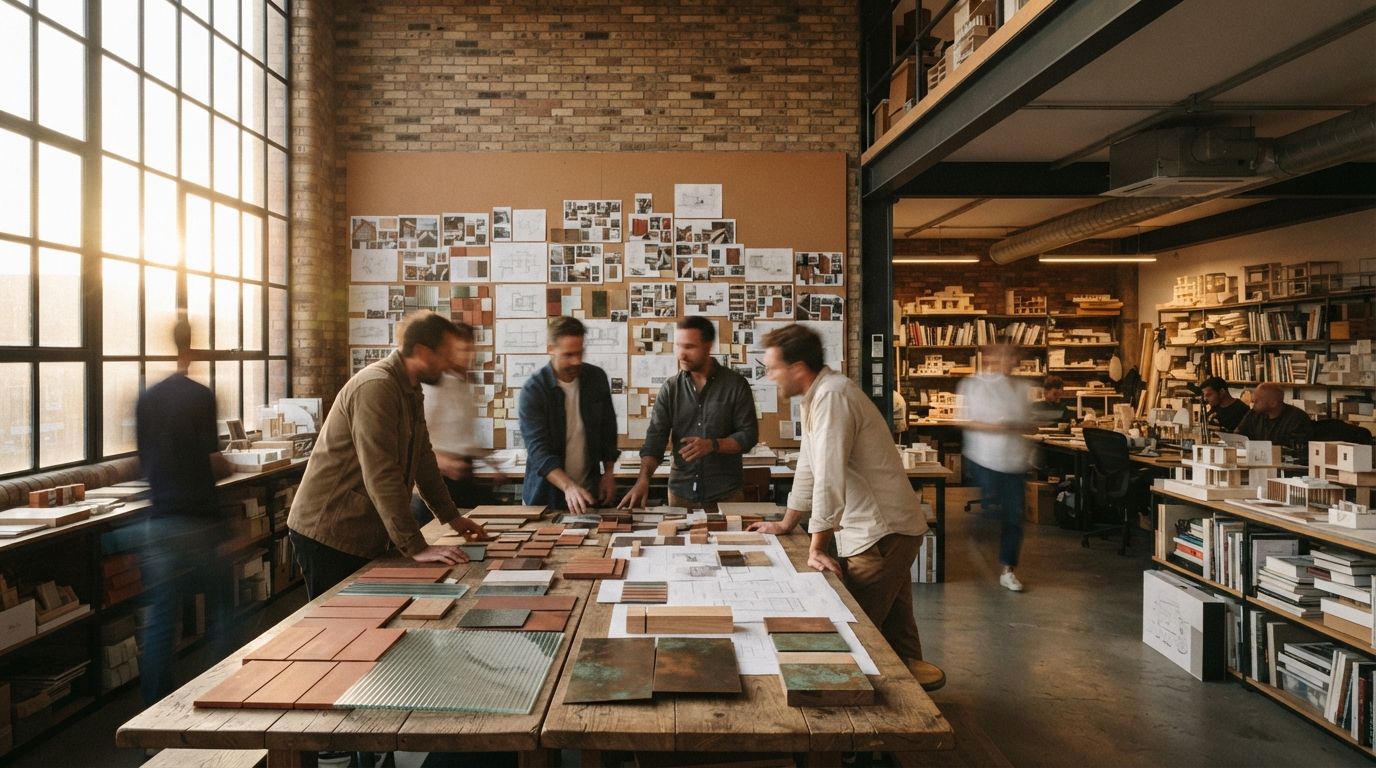
A moodboard is a client alignment device. Its job is to make a vague brief specific before anyone commits real hours: to turn "warm but modern" and "timeless" into a set of actual materials, a real palette, a light quality you can point at and argue about. The value is not the board. The value is the disagreement it surfaces. When a client sees blackened steel next to pale oak and says "no, warmer than that," you have just learned something that would have cost you a full render to discover later.
That is the whole function. A moodboard is a cheap place to be wrong. It exists so the expensive artifacts, the renders and the drawings, get made once against a decision everyone has already touched.
What the instant version actually changes
Speed and breadth, mostly. Assembling a board by hand meant an afternoon in stock libraries and material sample sites. A generated board gives you a dozen directions in the time it takes to write a prompt, and it will happily show you a route you would not have pulled yourself. For early, divergent exploration, that is genuinely useful. Ten quick directions beat two careful ones when the point is to find the edges of what the client responds to.
A generated moodboard is a good way to open a conversation and a terrible way to close one. The speed is the feature. The speed is also the trap.
The trouble is what the polish does to the room. A hand-built board of real samples reads as provisional, so people treat it as a question. A generated board arrives lit like a finished render, and a lit render invites a client to nod and move on. You wanted a decision. You got a compliment. Two weeks later the built material is nothing like the invented one on the board, because the board's materials never existed and no one wrote down what they were meant to stand for.
The board that decides for you
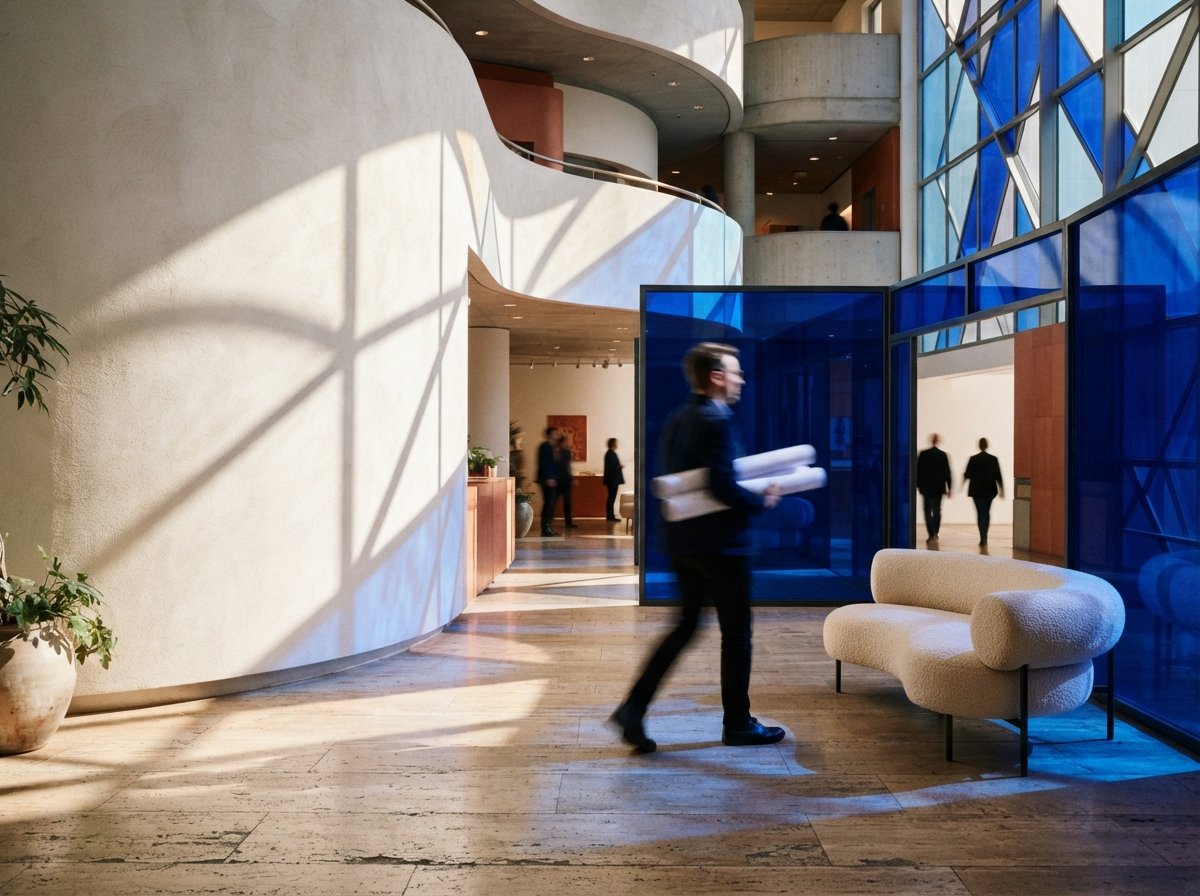
There is a quieter problem under the speed. Generated boards trend toward the same tasteful average, because the model is drawing on what it has seen most: warm minimalism, arched openings, travertine and boucle, a certain flattering afternoon light. A board that looks confidently resolved may just be the model's defaults wearing your project's name. The client nods, because it is easy to nod at something competent and familiar, and you record that nod as preference when it was only recognition.
That is the reverse of what the step exists to do. A moodboard should pull a client toward what is specific to them and to the site, not toward the median of everything the model has rendered. When all five directions on the board share the same underlying taste, you have not offered choices, you have offered one choice in five outfits. Push against it on purpose. Ask for the palette the model would not reach for, the material that is wrong for the trend and right for this building, the light that belongs to this latitude rather than to a catalogue. The friction is the part worth paying for.
Where it helps, and where it quietly hurts
| Situation | Instant moodboard | Verdict |
|---|---|---|
| Kickoff, brief still vague | Generate wide, show contrasts | Strong. Finds the client's edges fast |
| Narrowing to a direction | Regenerate around one chosen route | Fine, if you name what you kept |
| Specifying real materials | Board's finishes are invented | Weak. Swap to real product references |
| Signing off a palette | Polish reads as a decision made | Risk. Confirm against physical samples |
| Presenting as the scheme | Client mistakes mood for design | Do not. It is a question, not an answer |
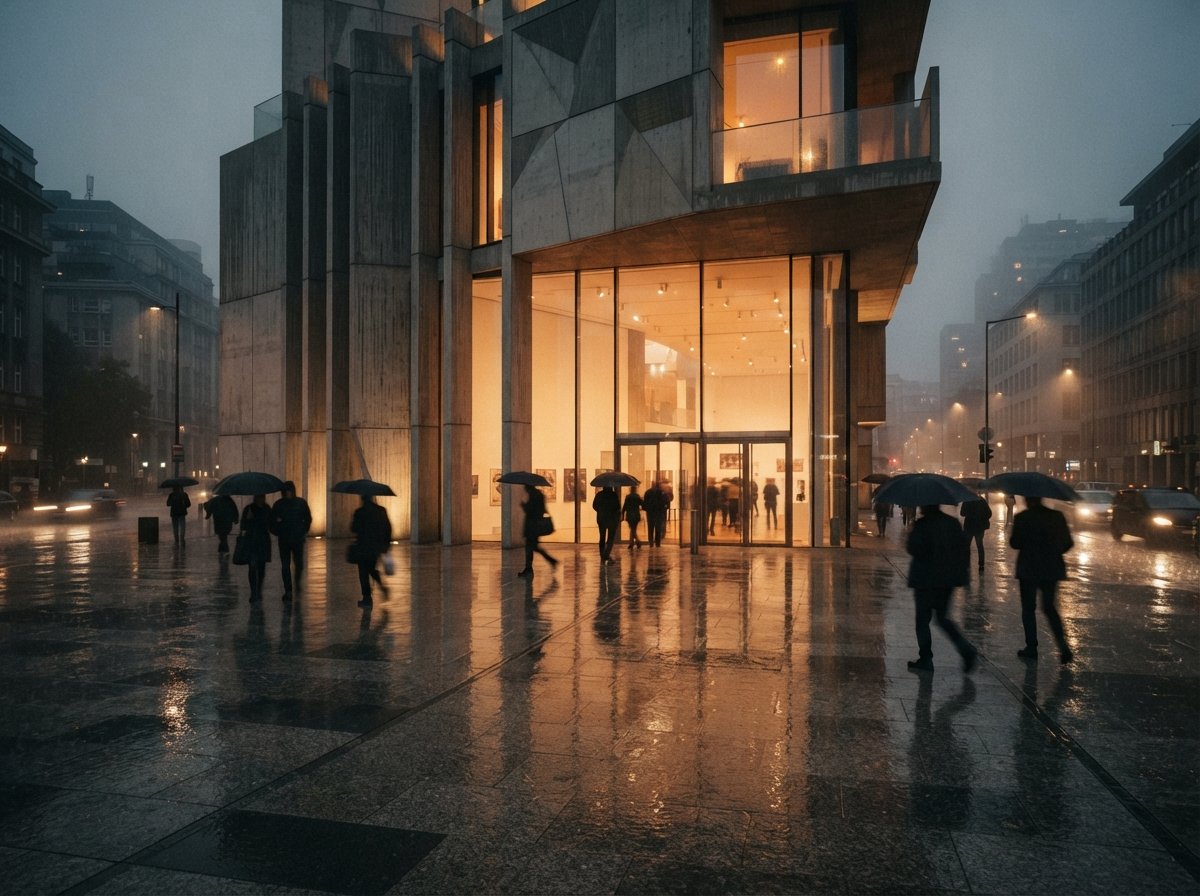
The pattern is clear enough. The generated board earns its place at the front of a project, where being fast and slightly wrong is the point, and loses it near the end, where an invented finish becomes a promise you cannot keep. A palette that photographs beautifully and does not exist is worse than no palette, because it sets an expectation the built room will fail to meet.
How to run an AI moodboard that earns its place
Generate wide, then commit narrow
Use the first pass for range, not resolution. Ask for several distinct directions on purpose, cool and warm, heavy and light, quiet and graphic, and put them in front of the client to react against. The goal of round one is to hear a firm "not that," which is the most useful sentence a client says all project.
Translate every image back to a real material
The moment a direction is chosen, leave the generator. Name the actual finishes: this oak, that stone, this specific steel, a real paint reference. A moodboard the client approved has to resolve into products a contractor can price and a supplier can ship. If you cannot name it, you have not aligned on it, you have agreed on a mood, and moods do not get installed.
Keep the board honest about its status
Label it. "Direction study, materials indicative" belongs on the sheet. It protects you when the client remembers the glowing render and forgets it was a question, and it keeps your own team from treating an early exploration as a settled spec. The board's job is to be replaced by decisions, not to become one by default.
Our take
The AI moodboard is a real convenience aimed at a step that was never slow because of the images. It was slow because alignment is slow, and alignment is supposed to be. The hours went into judgement, not assembly, and judgement does not compress. Cutting the assembly from an afternoon to a click is a genuine gain when it buys more conversations. It is a loss when it buys fewer, when the polish talks the client out of a disagreement you needed to have and the whole point of the exercise goes missing.
So use the button, and keep the discipline it tempts you to drop. Generate more directions, not fewer, and show the ones that provoke. Convert every kept image into a nameable, orderable material before it leaves the room. Mark the board as indicative until the samples are on the table. Done that way, the tool does what a moodboard is for, faster, and front-loads the decision that saves you the render revisions later. Done lazily, it is a very fast way to agree on a room that will never be built.
The button makes the board. It does not make the decision. That part is still yours.
Written from the 15 July 2026 intel sweep, which flagged a SketchUp AI render plugin adding a MoodBoard tool alongside broader coverage of AI-assisted architectural workflows.