
The number that pushed us over the edge was 94%. That was the share of practising architects who told a 2025 RIBA survey they were not regularly using AI in any part of their workflow. Not for renders. Not for spec writing. Not even for the easy wins.
We sat with that number for a while. Most of the architects we know are curious about AI. They've tried Midjourney once or twice. They've heard about Veras. They keep meaning to look at ComfyUI when there's a quiet week.
The quiet week never comes. So they keep doing what they've always done, and the gap between studios who've figured it out and studios who haven't keeps widening. The tools are improving faster than the workflow knowledge is being shared.
What we kept looking for
For about a year, we tried to find a single resource we could send a colleague to. Something honest about what these tools actually do, not what the marketing pages say.
We didn't find it. What we found instead:
- Marketing blogs from the tools themselves. Useful for features, useless for judgment. Every tool is the best tool, every render is photorealistic, every workflow takes ten minutes.
- YouTube tutorials with no project context. A great node graph for a hero shot of a Tuscan villa is not what we needed for a four-storey mixed-use scheme on a tight site.
- Reddit threads. Sometimes brilliant, mostly not. Hard to tell which is which without a week of reading.
- Affiliate review sites. Every tool gets 4.5 stars. Every comparison ends with "they're both great." Nobody loses.
None of it was made by people who would have to defend the renders to a client on Friday.
What we tried, and what we discarded
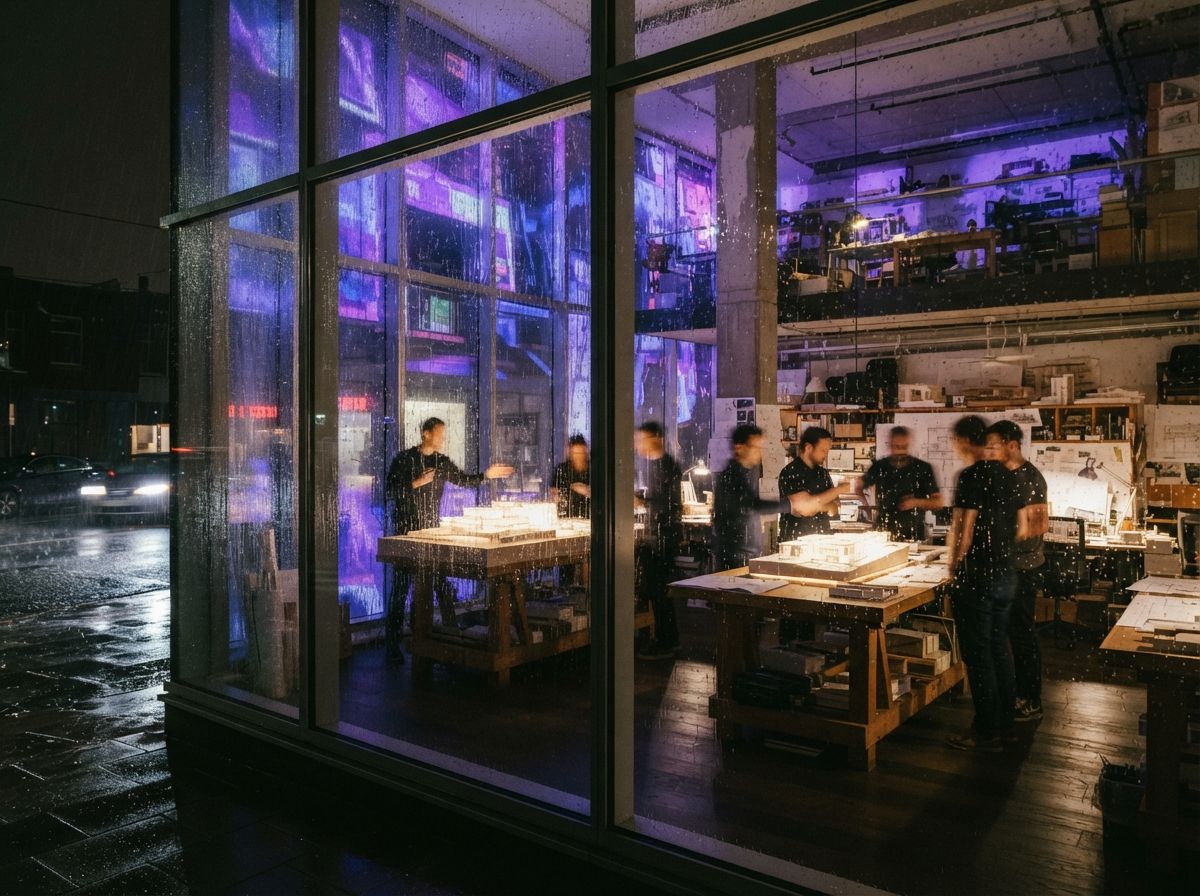
Vista Studios spent most of 2024 putting AI through the actual project pipeline. We were not careful. We tried things that were obviously wrong because someone on the team wanted to see what would happen.
We tried generating presentation renders entirely from text prompts. They were beautiful. They had nothing to do with the building we were designing. We threw them out.
We tried using Midjourney for technical drawings. The results were inventive in the wrong way, extra columns, missing structure, doors that opened into other doors. We laughed and stopped.
We tried ChatGPT for spec writing. It produced confident, fluent text that was wrong about half a dozen products in ways the project architect would have caught and a client would not. We kept it for the first draft and built a verification step.
We tried Veras for everything. It's good at most things, but interiors made it look strained. We added Rendair for those.
We tried ComfyUI for full custom workflows. It took weeks to get right. The first few projects were slower than V-Ray. By the fifth, we were faster, more flexible, and producing things we couldn't have done by hand. We kept it.
The studios who get value from AI are not the ones with the best tools. They're the ones who tried enough wrong things to know what's worth keeping.
What ArchiGen AI is meant to be
This site is the resource we wanted and didn't find. It has three things in it.
Judgment. Reviews and comparisons of tools we've put through actual project work. We name the things they're bad at. We name the things they're surprisingly good at. We don't take affiliate money, so the verdicts don't have to flatter the vendors.
Workflows. Step-by-step pipelines for the parts of practice where AI actually saves time, exterior visualisation, interior moodboards, plan-view diagrams, schematic design exploration. Not "here's a magic prompt." Here's the eight nodes, what they do, what to swap when it fails.
Real proof. Side-by-side renders from the same model in different tools. Time-stamps. The shots that didn't work alongside the ones that did. If we tell you a workflow takes 40 minutes, we mean from a SketchUp model we'll show you to a render we'll show you, on a project with a real client and a real deadline.
How we use AI in daily work
Most days at Vista, AI shows up in three places.
Schematic design starts with Midjourney. Three or four prompts to find a register, material, light, mood. We never present these. They live in the pinboard. They tell us what kind of building we're trying to make before we've drawn it.
Massing and early visualisation moves to our internal stack, SketchUp model, ComfyUI for the render pass, Leonardo for the upscale. About 40 minutes from massing to a publishable image. Most schemes get six of these before the first client meeting.
Late-stage presentation goes through Veras and Rendair, depending on whether it's exterior or interior. The geometry is locked. The AI is doing materiality, lighting, atmosphere, the things V-Ray could do, faster and with more variations.
Spec, scoping, drafting emails to consultants, Claude. Always reviewed. Never sent without a human reading every line.
None of this is exotic. All of it is replicable. None of it requires a research team. The hard part was the year of trying things that didn't work, which is the part we hope this site shortens for you.
What's next
We're publishing weekly. Tool reviews, workflow walkthroughs, side-by-side comparisons, and the occasional opinion piece when something annoys us enough.
If you're a practising architect figuring out where AI fits, or quietly already using it and looking for a place where the conversation is honest, this is for you. The Sunday letter is the best way to stay in. Otherwise, the journal updates as we publish.
ArchiGen AI is a Vista Studios publication. No affiliate relationships. No sponsored reviews. Edited slowly.