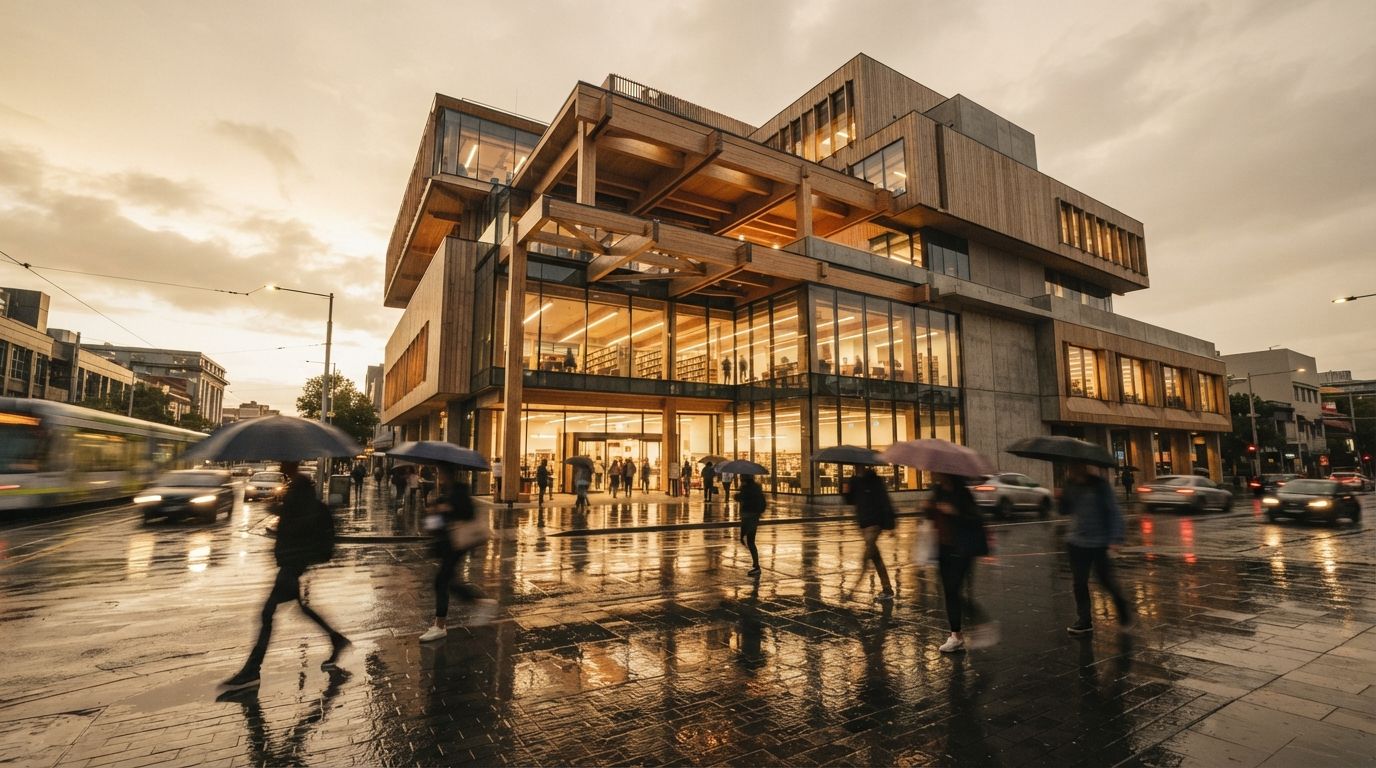
An enhancement pass is not a special, gentle mode. It is a diffusion pass like any other, and the model has no concept of "improve but do not change." Every region you let it touch is a region it is willing to repaint. So when the instruction is "make this more photorealistic," it hears permission to redo the whole frame to a higher standard, and that includes the facade. It will add a window because the rhythm looked better with one. It will fatten a mullion, round a hard corner, slide an entrance over. None of that is a bug. It is the model doing exactly what an open-ended enhance request asks for.
The fix is not a better prompt. It is a tighter cage. Two dials build that cage, and they are the same two that govern every careful image-to-image job in architecture: how much freedom the model gets, and how hard you pin it to the original.
Denoise is the freedom dial
Denoise strength decides how far the pass is allowed to wander from the source. At 1.0 you get a brand new image. At 0.0 you get the source back untouched. Enhancement lives in a narrow band near the bottom, and most people set it far too high because they are thinking about how much better they want the image to look, when the dial actually controls how much the model is allowed to invent.
For a full realism polish, keep it between 0.2 and 0.35. That is genuinely enough. In that band the model can lay in material grain, warm the light, deepen contact shadows where surfaces meet, add the faint atmosphere that separates a render from a flat export. It cannot, at that strength, restructure a facade, because there is not enough freedom in the budget to move geometry and improve materials at once. Push to 0.45 or 0.5 chasing a bigger jump and you cross the line where the pass stops enhancing and starts reinterpreting, and reinterpreting a building means new windows and bent lines. If a third of a denoise does not get you the detail you want, the answer is never to raise the global value. The answer is to mask, which is the second half of this.
Structure control is the leash that holds
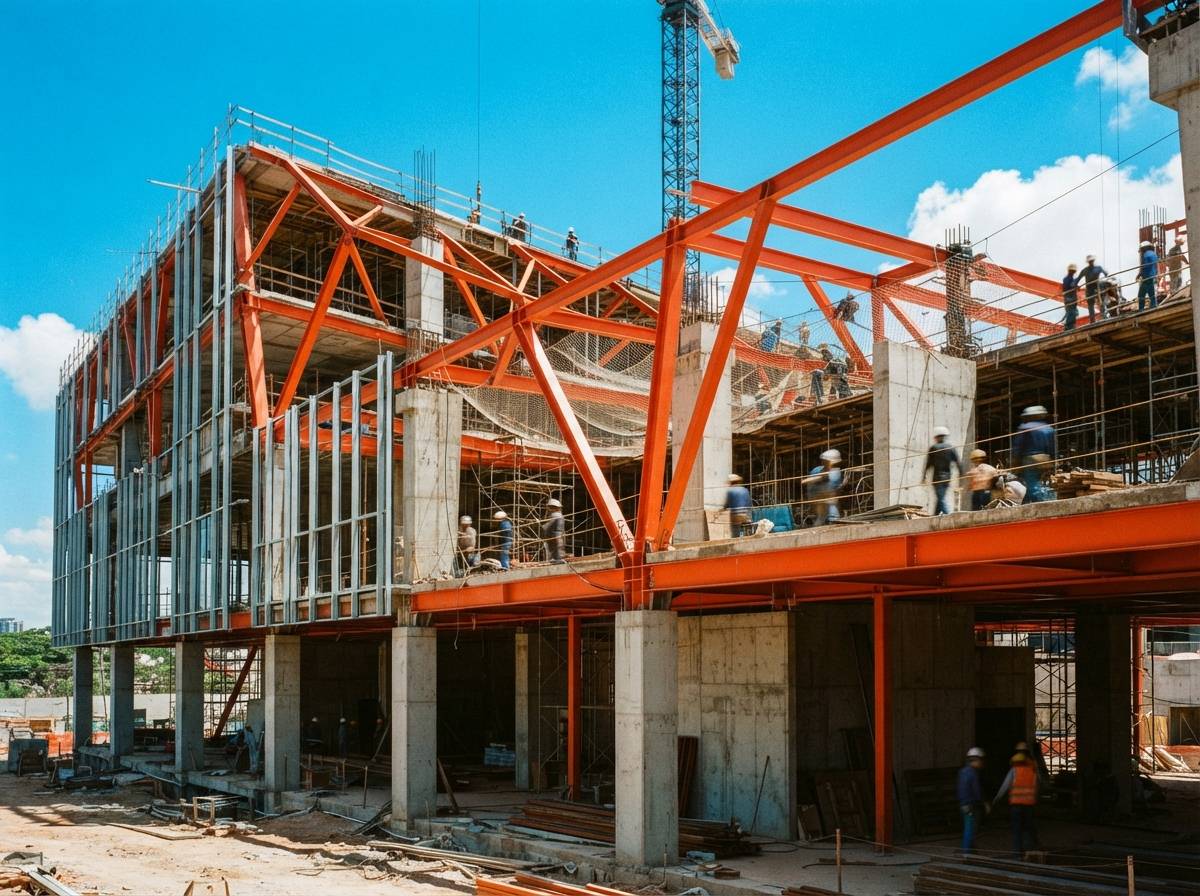
Low denoise alone protects a small image. On a large facade with a lot of repeating elements, even 0.3 leaves enough room for the model to drift a window line over a wide span, because each region is making its own local decision and they do not have to agree. So you give the model a map it has to follow. Generate a depth pass and a soft-edge or lineart pass from the original image and feed them in as controls. Now every part of the frame is told where it sits and where its edges are, before the styling starts. The geometry is pinned by the control and the freedom is capped by the denoise, and between the two there is no room left to redraw the building. The only thing the model can still change is surface: how a material reads, how light sits on it, how the foreground fills in.
This is the part the louder tutorials skip. They show the denoise slider and stop, and a denoise-only enhancement on a detailed elevation will quietly lose a bay every few runs. Depth plus a soft edge map is what makes the pass repeatable, the difference between a method and a coin flip.
One caution on the controls themselves. Strength matters here too, and the failure runs in the other direction. Crank a lineart control to full weight across the whole frame and the model traces every edge so literally that the render comes back stiff, the materials flattened back to the look you were trying to fix. Hold the structure controls firm on the building, where you want the edges respected, and ease them off over the foreground, where you want the model to improvise planting and reflection. The controls are there to protect the geometry, not to freeze the realism you are paying the pass to add.
Mask the realism where it actually belongs
Here is the move that solves the tension in the original request. The building wants almost no change. The foreground planting, the ground plane, the glazing reflections, the sky, those want a lot. A single global denoise cannot serve both, so stop trying to make it. Mask.
Paint a selection over the parts that should get pushed hard, the trees, the wet paving, the people, the water, the entourage that sells the scene, and run those at a higher denoise, 0.4 and up, while the building sits under a low global pass or is excluded entirely. Inside the mask the model has room to grow real foliage and convincing reflections. Outside it, the envelope barely moves. You get the rich, lived-in foreground that makes a render feel photographed, with a facade that is still, line for line, the one you modelled. That is the whole trick the "keep the building" clause is asking for, and it is a masking problem, not a prompting one.
| What you are enhancing | Denoise band | Why |
|---|---|---|
| Whole frame, light polish | 0.2 to 0.35 global | Adds grain and atmosphere, geometry survives. |
| Building facade only | 0.15 to 0.25, control on | Material lift without risking the openings. |
| Foreground planting, water, people | 0.4 and up, masked | Push hard where invention is welcome. |
| "Make it more realistic," no mask, 0.6 | Do not | This redraws the building. This is the problem. |
The check that catches the drift
Before the enhanced image goes anywhere, do the count. Put the before and after side by side and count the windows, bay by bay. Trace the mullion grid. Check the parapet line, the entrance position, the floor count. An enhancement that held will match the source on every one of these, and a few seconds of counting is the only thing standing between a richer render and a confident forgery of your own building. Relighting has the same trap, where the model paints plausible shadows it never cast, and the discipline is identical: the more beautiful the result, the more carefully you check that it is still the same scheme underneath.
Enhancement is permission, and the model takes every inch of it. Your job is to hand over only the inches you meant to give.
So when the next thread asks how to make a render photorealistic without changing the building, the answer is not a magic prompt and it is not a single tool. It is a cage built from two dials and a mask. Denoise low, around a third, so the model can lift the surface but not move the structure. Depth and soft-edge controls on, so every line is pinned to the source. A mask over the foreground, so the planting and reflections get the freedom the facade is denied. Run it, then count the windows. If the number matches, you enhanced the render. If it does not, you replaced it, and no amount of new realism is worth a building the client never approved.
Drawn from this week's intel sweep of 2026 architectural visualization coverage, where community threads on r/FluxAI, r/comfyui and r/archviz kept returning to the same request: enhance a finished render's lighting, textures and reflections while keeping the original geometry intact. ArchiGen AI runs no sponsored placements and has no affiliate relationship with any tool named here.