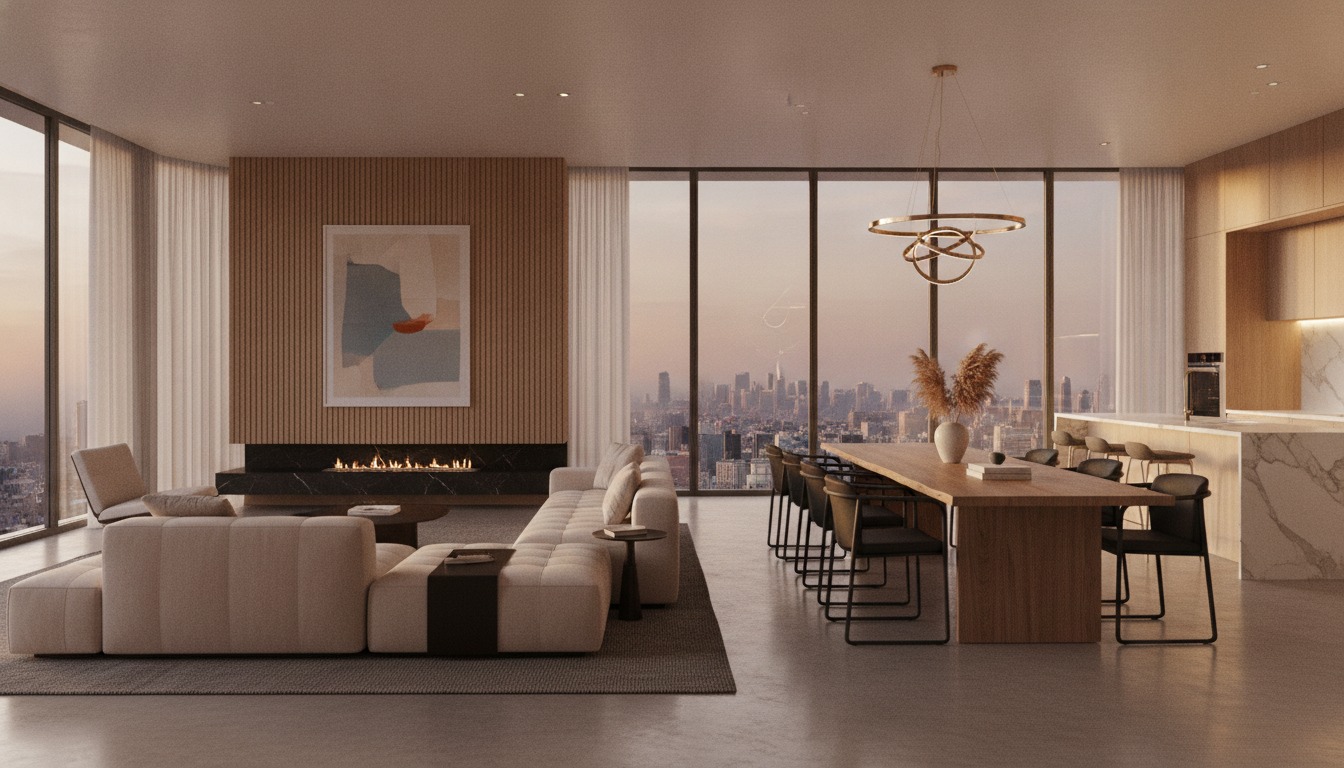
There are now more AI visualization tools than any one practice can reasonably evaluate. We narrowed it down to the ones architects are actually using on billable projects, not demos, not personal experiments, but work that went in front of clients and through planning.
The criteria: output quality at print resolution, turnaround per iteration, learning curve for a practice with no ML background, and pricing at studio scale (2–15 people).
1Midjourney v7
The current benchmark for photorealistic architectural stills. V7's handling of light, material, and spatial hierarchy is unlike anything else at this price point. The new personalization model means it learns your studio's visual language over time.
Best for: Client presentations, competition boards, early concept exploration. The Discord workflow has friction but the web app (now in wide release) closes most of that gap.
The honest limitation: Consistency across a project is still manual work. If you need the same camera angle twelve ways across a scheme, you're managing that through reference images and prompt discipline, there's no native scene-lock.
2Chaos Veras
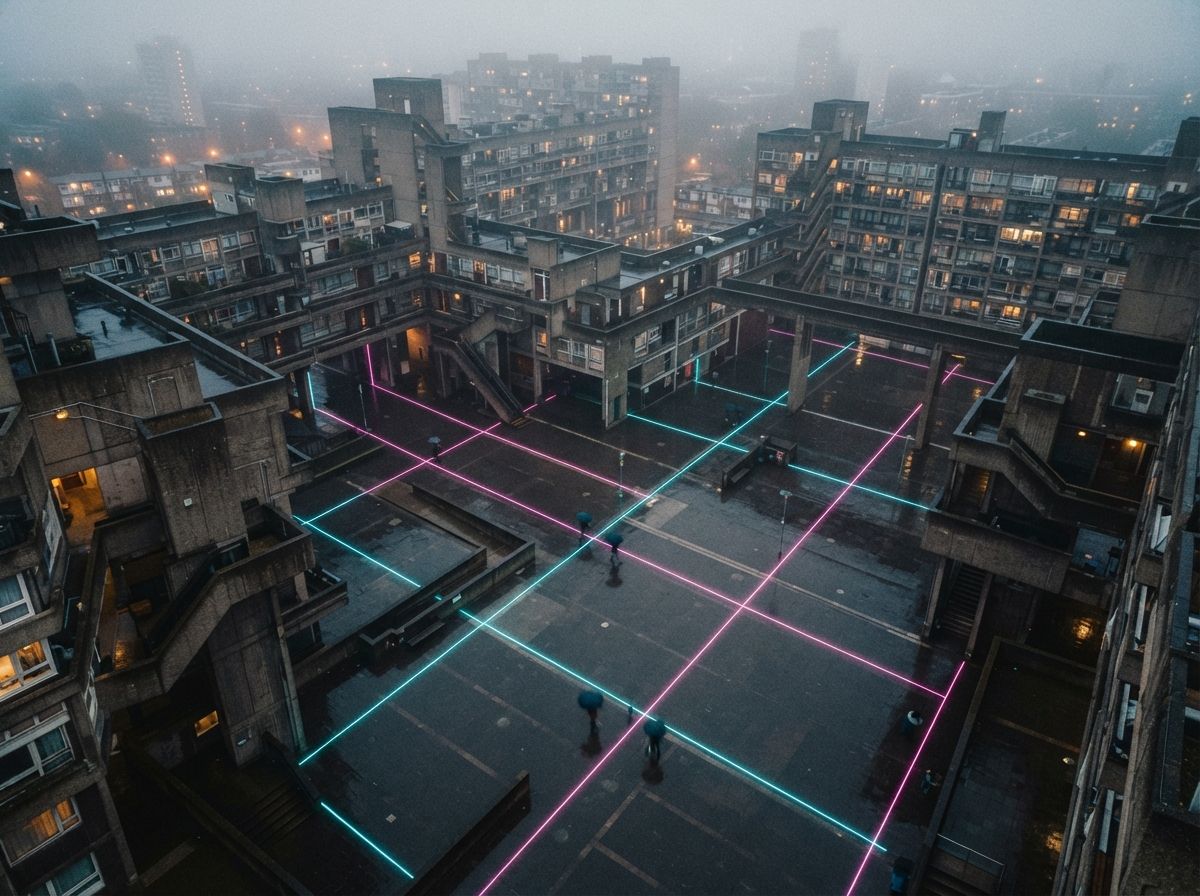
Veras earns its place at number two by solving the consistency problem Midjourney doesn't. Feed it your existing V-Ray or SketchUp scene and it generates multiple stylistic variations without breaking the geometry or lighting you've already set up.
Best for: Practices already in the Chaos ecosystem, or anyone whose clients ask for "the same view but warmer / moodier / more minimalist." Veras turns that request into a five-minute task instead of a half-day re-render.
We showed a client twelve material variations on a facade study in under an hour. That used to be a week's work between the visualization artist and the project architect.
3Adobe Firefly (Architecture Generative Fill)
Photoshop's generative fill, powered by Firefly, has quietly become the most-used AI tool in architecture practices, not because it's the most powerful, but because it's already open. Extend a sky, replace a material, remove scaffolding from a site photo. It's the invisible workhorse.
Best for: Post-production on renders and photography. Not a primary generation tool, but essential in the finishing stage. If your team is in Photoshop anyway, the activation cost is zero.
4ComfyUI + SDXL (self-hosted)
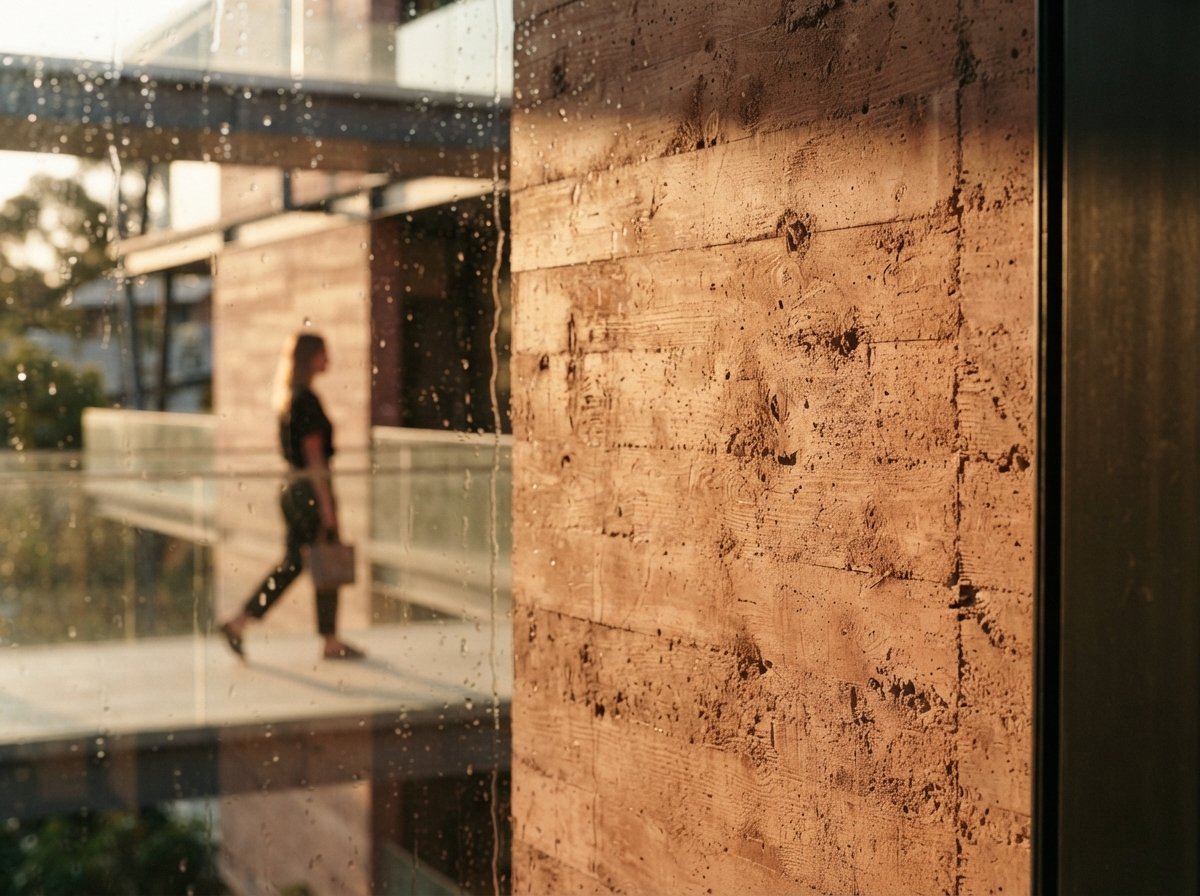
The highest ceiling in the list. ComfyUI with a well-tuned SDXL checkpoint and ControlNet gives you a pipeline that no hosted tool can match for precision, you control every step, from depth map to final composite. The tradeoff is setup time and the absence of a safety net when something breaks.
Best for: Practices with a dedicated visualization artist who's willing to spend a week learning the workflow. Once it's set up, nothing touches it for cost-per-image at volume.
5Leonardo AI
The best entry point for practices testing AI visualization for the first time. Leonardo's architecture-specific fine-tunes are solid, the web interface is approachable, and the free tier is genuinely useful rather than artificially limited.
Best for: Small practices, sole practitioners, or anyone doing a first proof-of-concept before committing to a paid workflow.
The tools we didn't include
Several well-marketed tools didn't make the cut. Stable Diffusion via Automatic1111 is powerful but shows its age next to ComfyUI's graph-based workflow. Krea's real-time canvas is genuinely interesting but not yet reliable enough for client-facing work (see our separate review). Luma AI's video tools are impressive and outside the scope of still visualization.
We'll revisit the list in Q3 2026. The pace of development means last year's ranking is already obsolete, which is part of why we wrote this guide in the first place.
No affiliate relationships. Rankings reflect editorial judgment, not paid placement.