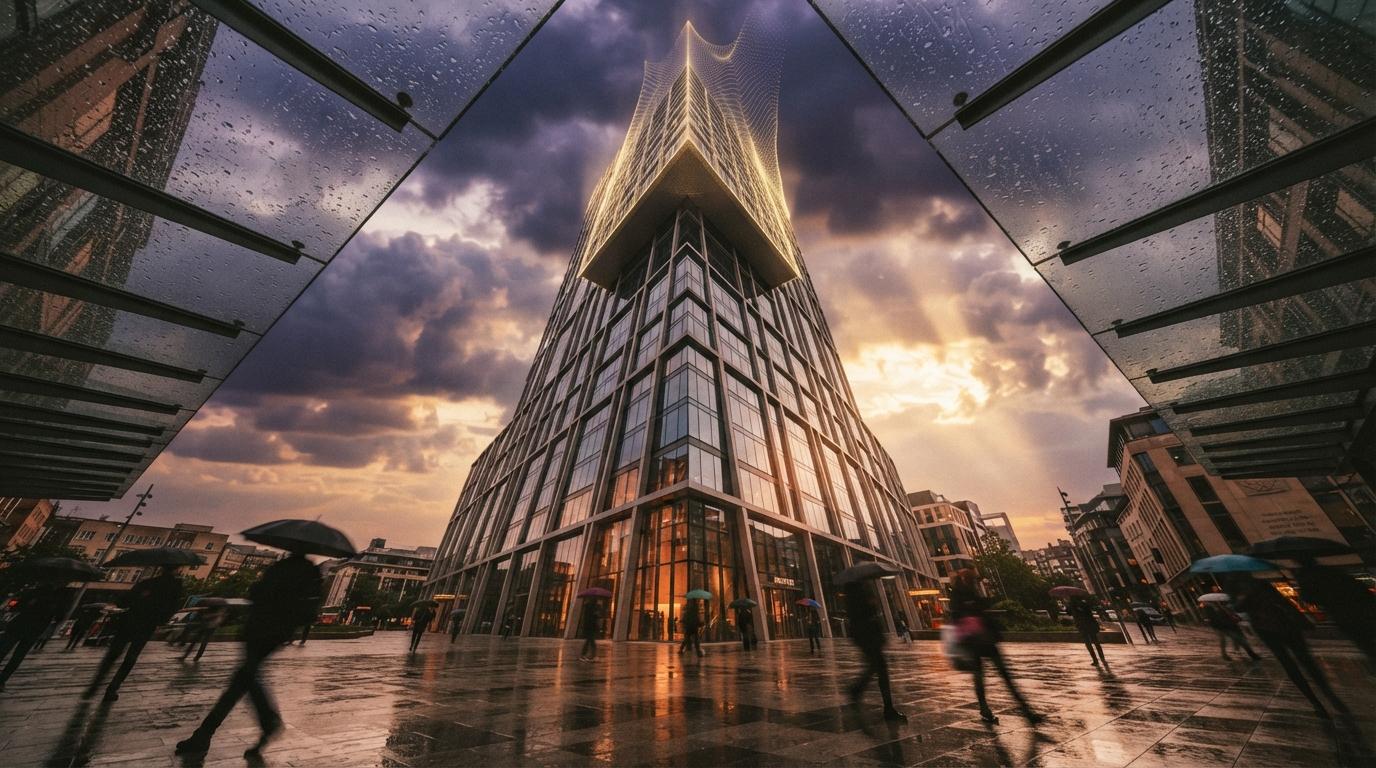
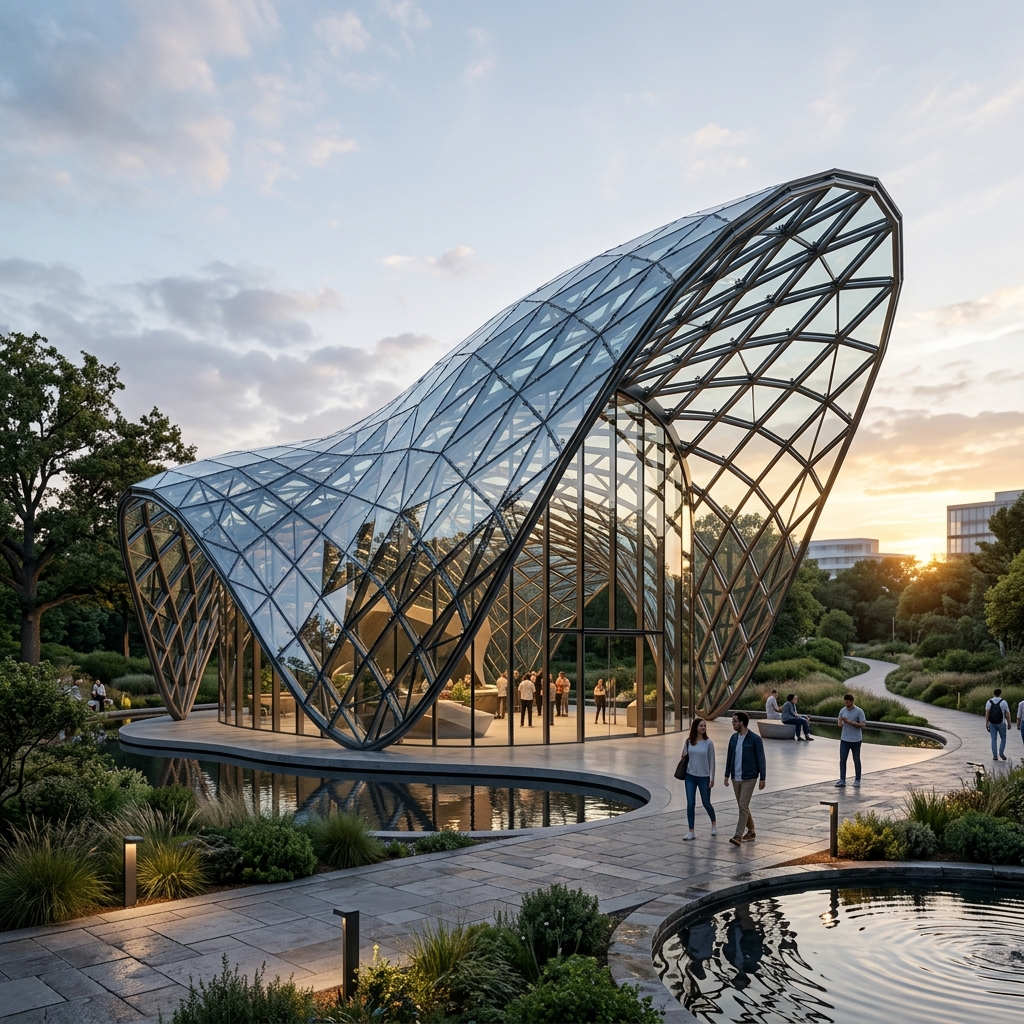
Chaos has been telling a connected-workflow story for a while. Until recently, that story was mostly slide-deck. Enscape and Veras lived in adjacent universes; you exported, re-imported, lost some material settings, and learned to work around it. Envision was a separate cinematic tool that nobody in our studio used because the integration cost was higher than the output benefit.
This week's announcement changes the story. Chaos has updated the connections between the three tools to make the handoffs deterministic, same materials, same lighting setup, same camera, all the way from real-time SketchUp navigation through AI-assisted rendering to final cinematic output. Veras 4.0 in this pipeline is now powered by Nano Banana Pro, which solves a specific class of geometry preservation problem we used to hit constantly.
We ran the new pipeline against a mixed-use scheme currently in SD. Six exterior views, three interior moments, one walkthrough animation. Here's how each handoff actually performed.
Three tools, one model, deterministic handoffs. Enscape (real-time navigation + SD-quality rendering) → Veras (AI-assisted finishing with Nano Banana Pro) → Envision (cinematic animation and post). The handoffs preserve material assignments, camera positions, and lighting setup. Not bug-free, but workflow-coherent for the first time.
Stage one, Enscape as the live model
Enscape's role in the pipeline is what it's always been: real-time visualization of your live SketchUp, Revit, or Rhino model. Where the new pipeline matters is that Enscape is now the canonical source of truth for materials and camera positions across the three tools. You don't reassign materials when you move to Veras. You don't reposition the camera. The Enscape scene is the project file, and Veras and Envision read from it.
That sounds obvious. It wasn't true six months ago. Previously, when you exported from Enscape to Veras for AI finishing, you'd lose the procedural material maps and the AI would interpret your finishes from a flattened thumbnail. The result was that you spent 15 minutes per render reapplying material direction through prompts and reference images, work you'd already done in Enscape.
The new pipeline preserves the material graph. When Veras receives a scene from Enscape, it reads the actual material assignments, concrete, glazing, weathered metal, whatever you set up, and uses those as material constraints rather than as rough hints. The output respects your spec instead of guessing at it.
The biggest single improvement isn't a feature. It's that the work you do in one tool stops being thrown away when you move to the next.
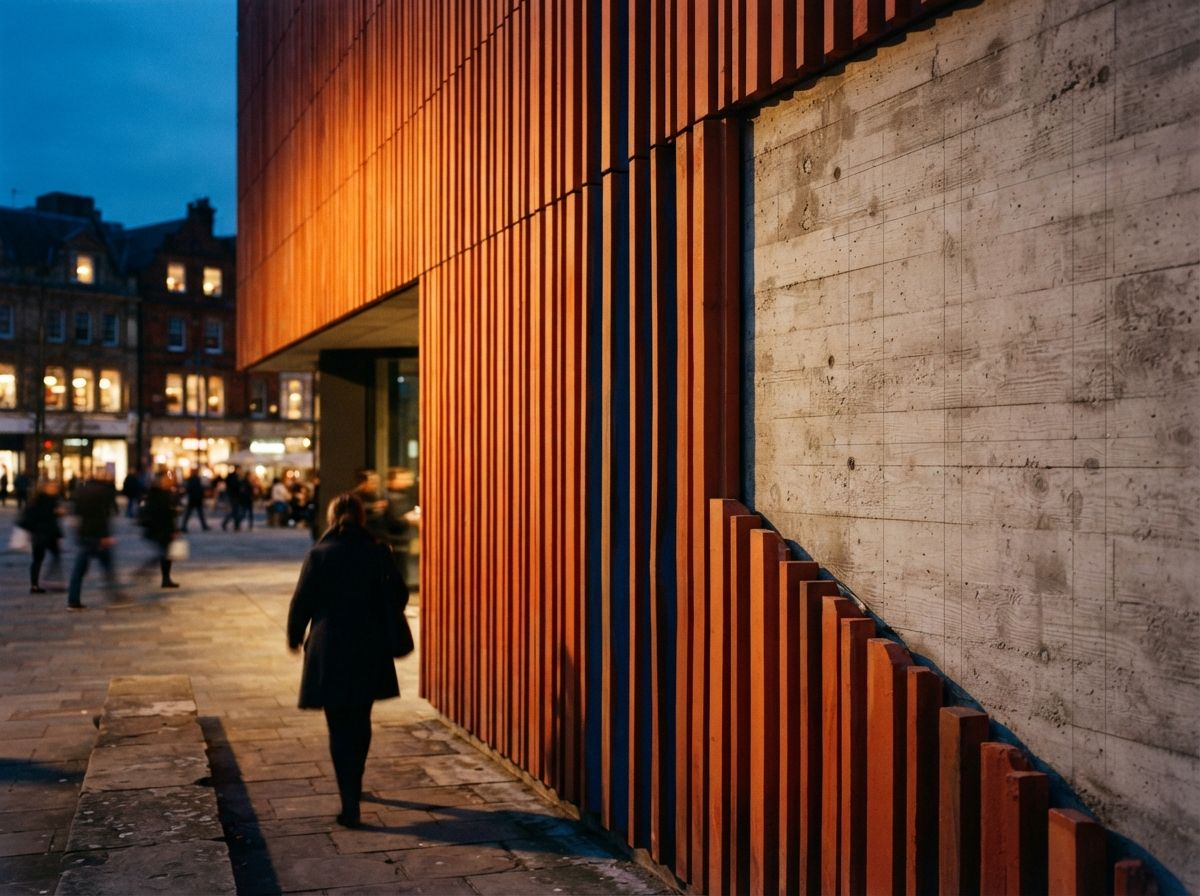
For our SD-phase mixed-use project, this meant the exterior facade material, a custom corten variant we'd defined in Enscape, came through to Veras unchanged. We didn't have to write a prompt about weathered steel. We didn't have to feed a reference photograph. The render came back with our material, lit correctly, on our geometry.
Stage two, Veras with Nano Banana Pro
The Veras inside this pipeline is the version using Nano Banana Pro as its inference engine. We covered the engine itself in our Nano Banana 2 explainer; Pro is the next step up, same architecture, larger parameter count, trained with additional architectural-specific data. The practical difference shows up in two places.
First, geometry preservation on complex assemblies. Our SD scheme has a series of cantilevered volumes with sharp shadow-casting edges and thin-profile glazing. In Veras 4.0 with the previous engine, about 30% of passes came back with edge softening on those assemblies, corners blurred, glazing profiles rounded. With Nano Banana Pro, that rate dropped to under 10% on the same geometry. The hard edges read as designed.
Second, light spill and material interaction at boundaries. The old engine treated each material as an island; light bouncing off corten onto adjacent concrete looked physically reasonable but slightly off, too clean, too procedural. Nano Banana Pro produces noticeably more credible material interactions. On our interior tests, where we have a copper-clad column adjacent to a polished concrete floor, the warm-cool reflection on the floor came back accurately rather than as a generalized warm tint.
The 2D-to-3D capability Chaos has been talking about is also more usable. Inside this pipeline, you can take a 2D sketch or photograph and ask Veras to interpret it as a 3D-consistent scene that drops back into Enscape. Six months ago, that workflow was theoretical.
Stage three, Envision for cinematic output
Envision is the part of the pipeline most studios have ignored, including ours. Cinematic-quality animation has historically been a separate skill set with separate tools, After Effects, Premiere, post houses. The new Envision integration changes the math by bringing the same camera path you defined in Enscape, the same materials Veras finished, into a finished cinematic output without re-importing or re-rigging.
The integration isn't perfect. Our walkthrough animation moved through six rooms of the residential project. The export from Veras to Envision preserved our camera path and our material assignments. What it didn't preserve cleanly was the lighting timing, we had set up a slow shift from morning to dusk in the Enscape scene, and Envision interpreted the time-of-day shift but took its own approach to the rate of change. We had to dial it back manually.
What works well: the cinematic depth-of-field and motion blur look credibly filmic. The output is visibly richer than the same animation rendered straight from Enscape. The integration with Veras-finished materials means surfaces have AI-finished texture detail in the cinematic frames, not just procedural V-Ray output.
What doesn't: render times for cinematic output run 4–6× longer than equivalent Veras single-frame passes. A 90-second walkthrough at 30fps took us about 2 hours to finalize. That's manageable for milestone deliverables but wrong for live client iteration.
Pipeline performance vs previous workflow
| Step | Previous (disconnected) | New pipeline (May 2026) |
|---|---|---|
| Enscape → Veras handoff | Material reassignment in prompts/refs | Material graph preserved |
| Camera continuity | Manual reposition each tool | Single camera, all tools |
| Lighting setup | Re-establish per tool | Mostly preserved; timing curves drift |
| Geometry preservation (Veras) | ~30% edge softening on cantilevers | Under 10% with Nano Banana Pro |
| Cinematic output | Separate post pipeline | Envision in-line; longer renders |
| Time per exterior render set (six views) | 4–5 hours including reapply work | 2–2.5 hours end-to-end |
Where the pipeline still leaks
It would be dishonest to call this seamless. We hit three friction points worth flagging.
Lighting curve translation between tools. The time-of-day animation we set in Enscape did make it through to Envision, but the easing curve didn't survive cleanly. If you care about precisely-timed lighting transitions in cinematic output, expect to re-time them in Envision rather than trusting the Enscape settings.
Custom V-Ray materials with procedural texture maps. About 15% of our custom materials translated cleanly through the pipeline. The remainder had subtle differences in texture scale or roughness that we needed to re-tune in Veras. Standard materials from the V-Ray library had no problems.
Plan and section views. The pipeline is built for perspective work. If your deliverables include AI-finished plan or section drawings, you're outside the pipeline's intended use case and the outputs reflect that. We're still doing those manually.
Who this is for
If you're already deep in the V-Ray ecosystem, Enscape running on a live Revit or SketchUp model, Veras for the marketing-quality finishes, occasional cinematic work for major submissions, this pipeline is a meaningful productivity gain. The savings come from removing reapply work, not from making the actual rendering faster.
If you're outside the Chaos ecosystem, running Lumion, D5, or one of the AI-native tools like Rendair, this announcement is more strategic than immediate. It signals that Chaos is going to keep tightening the loop on connected workflow, and the standalone alternatives need to keep up. The argument for staying with Chaos used to be "V-Ray is the industry standard." Now it's becoming "the connected pipeline saves real hours per project."
If you're running a small practice without V-Ray and trying to choose your AI rendering stack, the pipeline isn't enough on its own to justify the V-Ray subscription cost. The standalone tools, Rendair, MyArchitectAI, the ComfyUI route, still solve the rendering problem for less money. The pipeline benefit accrues at firm scale, when render volume and the cost of reapply work add up.
What we'd ask Chaos for next
Three things, in priority order.
First: batch processing. The pipeline still operates one camera, one render at a time. Studios shipping 15–20 view render sets need to batch the Veras finishing step. This is overdue.
Second: lighting curve fidelity from Enscape into Envision. If you're going to call it a connected pipeline, the timing should survive the handoff.
Third: a real plan-and-section workflow inside the pipeline. AI rendering tools across the category have abandoned 2D drawings to the manual workflow. The first vendor to solve this credibly will win a meaningful chunk of architectural workflow.
If you're paying for V-Ray, the new pipeline is worth the time investment to learn. The handoffs work, the savings are real, and the Nano Banana Pro upgrade in Veras meaningfully improves geometry preservation on complex assemblies. If you're not in the Chaos ecosystem, this announcement doesn't change your stack, but it's worth tracking, because it raises the bar for what "AI rendering workflow" means in 2026.
No affiliate relationship with Chaos.