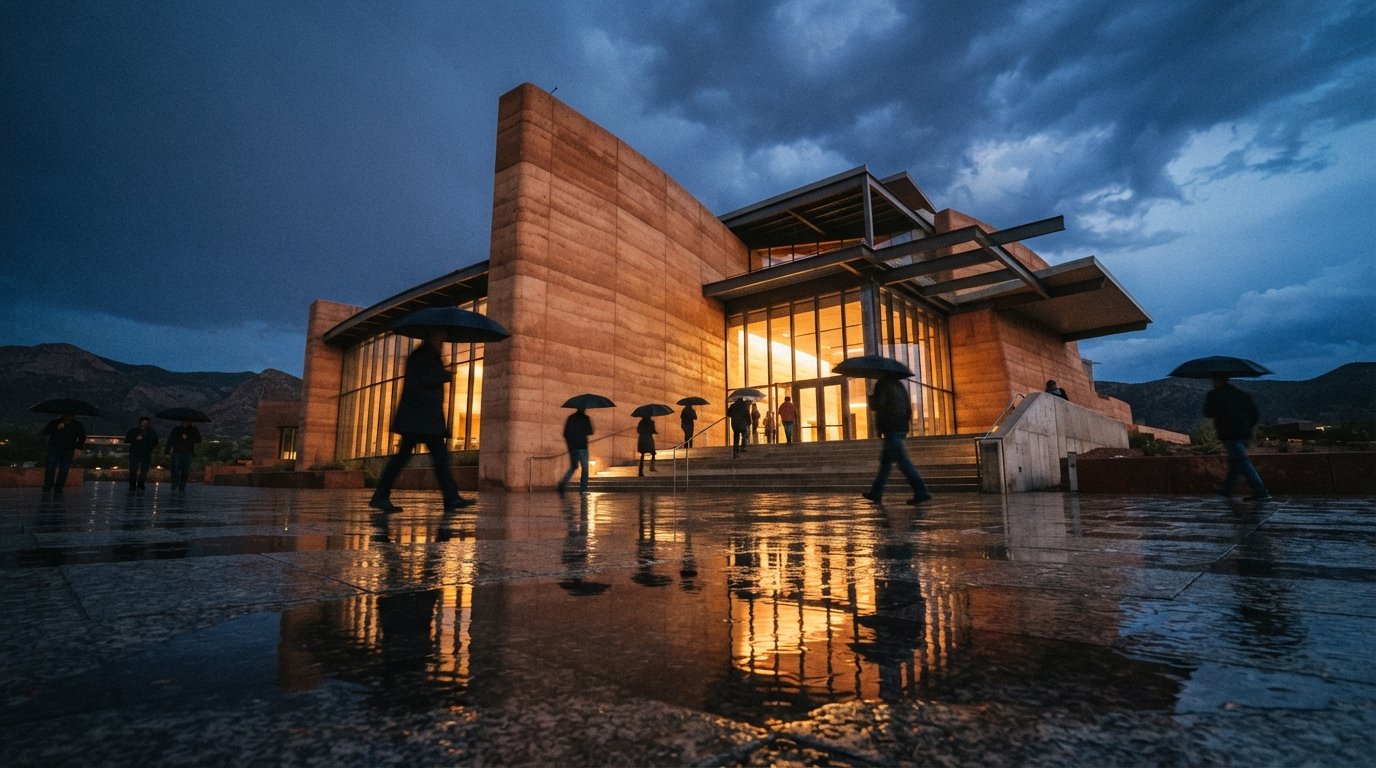
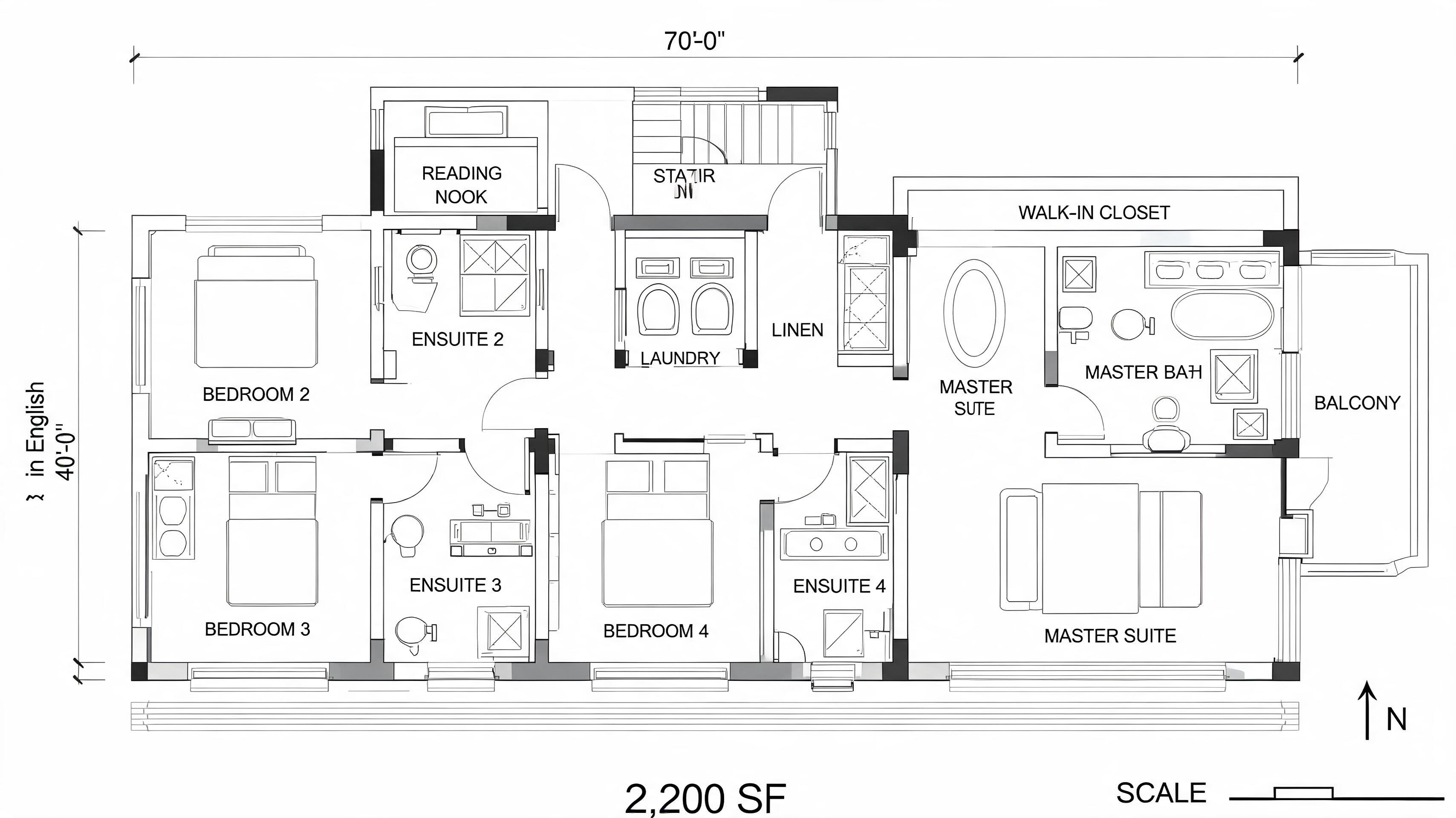
Let me tell you how this guide came to exist. A project architect at our studio spent three days fighting Midjourney to produce a consistent exterior view across eight facade options. She got six of them looking right, two that were unusable, and a set of screen-time logs that would embarrass her in front of any serious production team. The work was good. The process was not.
That experience is common. AI rendering tools have been marketed to architects with a kind of breathless optimism that papers over the real operational picture. They are genuinely useful, in some contexts, dramatically so, but the conditions under which they are useful are specific, and the costs of deploying them outside those conditions are real. This guide is the briefing I wish we had at the start.
What AI rendering is actually good at
Start with what the tools can do before worrying about what they can't. There are three areas where AI rendering earns its place in the workflow without serious qualification.
Speed at ideation stage. Nothing touches AI rendering when the goal is to generate a range of formal or material possibilities before the design is locked. Where a traditional render pipeline requires a reasonably resolved model before you get useful output, a good AI tool can work from a rough massing sketch, a section diagram, or even a text description of spatial intent. That is a qualitative difference in how early the visualization can inform the design. We have used Midjourney to produce forty exterior mood studies in an afternoon, not forty good ones, but enough signal to make clear decisions about orientation, materiality, and scale register.
Client communication in early stages. The jump in render quality that AI tools bring to concept-level presentations is significant. Clients used to receive hand-drawn sketches or basic SketchUp stills at early design presentations; they now receive images that read as near-photographic. That is useful when the design direction is still being negotiated, because it closes the imagination gap between architect and client without committing to geometry. The caveat, and it is important, is that you have to be precise in how you label these images. "AI concept render, geometry to be confirmed" is not optional small print. It is the difference between managing client expectations and setting yourself up for a dispute.
Variation generation for approved schemes. Once a scheme is resolved, AI tools can produce material and lighting variations from a base render faster than any traditional pipeline. Feed a V-Ray or Corona output into an img2img workflow and you can generate a dozen material studies in the time it would previously have taken to set up three. This is the application where the tools look most like a genuine production accelerant rather than a creative shortcut.
The fastest workflow is not the one that replaces the traditional pipeline. It is the one that runs alongside it, handling the parts that used to require a round-trip to the visualization studio.
Where they fail
The failure modes are consistent and worth understanding precisely, because they tend to show up at the worst possible moments, in front of planning committees, on a laptop screen in a client boardroom, in the last twelve hours before a competition submission deadline.
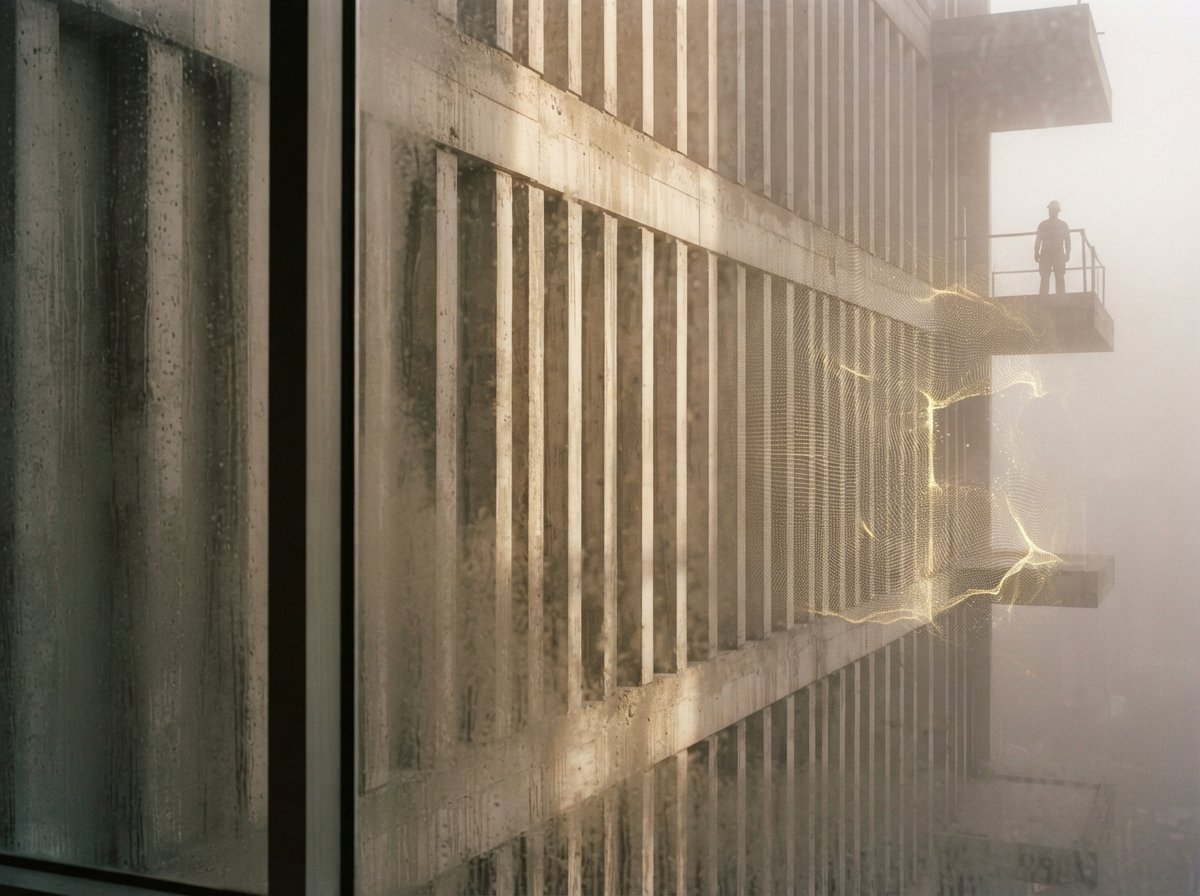
Structural and geometric accuracy. AI rendering models are trained on photographs, not blueprints. They have no internal representation of structural logic. When you ask a model to render a cantilevered roof overhang, it will produce something that looks like a cantilevered roof overhang, until you look at the connection detail, or the column spacing, or the way the slab thickness resolves at the edge. The geometry will be plausible at arm's length and wrong up close. This matters less for mood work and enormously for anything a structural engineer or planning officer will scrutinize.
Material realism at close range. AI-generated materials look excellent at the scale where you're reading a whole facade. Zoom in on the brick coursing, the window gasket detail, or the coping joint, and the model is confabulating. It has learned what brickwork looks like in aggregate, not the dimensional logic of a particular bond pattern at a particular scale. For material specification work, the kind where a client is deciding between two stone finishes, close-up AI renders are actively misleading.
Complex, controlled lighting. Asking an AI model to light a space in a specific way, to show how light from a north-facing clerestory falls across a concrete wall at 3pm on the winter solstice, requires a level of parametric control that most AI tools do not expose. You can get good daylight renders. You cannot currently get accurate daylight renders. There is a difference, and it becomes critical when a building's light performance is part of its environmental credentials or its planning justification.
Consistency across a project. A related and underreported problem: AI rendering tools have weak scene memory. Getting the same building to look like itself across a site plan, five exterior views, four interior views, and a detail study requires a level of prompt discipline and reference-image management that negates a significant portion of the speed advantage. Practices that have successfully addressed this problem have generally done so by building elaborate ControlNet pipelines, which brings its own overhead.
The workflow that works
The practices getting the most value from AI rendering are not the ones that have replaced their traditional pipeline. They are the ones that run both in parallel, with a clear handoff point between them.
The structure that works is roughly this: AI rendering owns everything from project inception to design development sign-off. It handles concept mood work, early client presentations, option studies, and material exploration. Traditional rendering, whether that is V-Ray, Corona, Enscape, or an external visualization studio, takes over once the scheme is frozen and the deliverables are formally committed.
In practice, the handoff usually happens around RIBA Stage 3. Before that point, the speed and visual quality of AI rendering creates real value. After that point, the accuracy requirements, for planning submissions, for contractor packages, for building regulations, exceed what AI rendering can reliably deliver without manual correction.
One specific workflow pattern: use AI rendering to produce the "book cover", the single hero image that leads a planning submission or competition entry, and traditional rendering for the technical views that accompany it. The hero image benefits from the atmosphere and visual weight that AI tools deliver naturally. The technical views need to be defensible.
Before starting any AI rendering task, confirm the answers to three questions:
- Is the design sufficiently resolved that AI geometry confabulation won't mislead the client?
- Is this image being used for communication (AI fine), or for technical justification (use traditional rendering)?
- Who is the audience? Internal team and early-stage clients can tolerate AI imprecision. Planning officers, contractors, and engineers cannot.
Tool by tool: the honest take
Four tools dominate the serious end of AI rendering for architecture. Each has a genuine use case and genuine limitations. Here is what we have found after sustained project use, not benchmarks, not PR demos.
Midjourney is the best tool in this group at producing images that feel like architecture, in the way a great architectural photograph feels like architecture, light, weight, material, sequence, mood. That quality is real and hard to replicate. The limitation is equally real: Midjourney has almost no parametric control. You cannot tell it to match a specific geometry. You cannot lock a camera angle. You cannot reliably reproduce a view across a session. For concept work and for hero images where you have freedom over the composition, it has no equal at this price point. For anything requiring geometric consistency or repeatable views, it will cost you more in post-correction than it saves in generation speed. Use it at the front of the project. Do not use it to document the back of the project.
FLUX is the strongest open-weights base model currently available for architectural work. Its understanding of material surfaces, concrete texture, stone grain, weathered steel, is noticeably better than Stable Diffusion, and its prompt fidelity is high enough that you can describe a specific spatial condition and get something architecturally coherent back. The gap between FLUX and Midjourney on atmosphere has closed considerably with FLUX 1.1 Pro. The limitation is operational: you need a wrapper to use it effectively. FLUX on its own is a model, not a tool. Running it productively requires either a ComfyUI pipeline, a fal.ai API integration, or a hosted interface like Krea or Freepik, each of which adds its own overhead and constraints. The ceiling is the highest in this group. The setup time is also the highest.
ComfyUI is not a tool for practices that want a quick result. It is a node-based pipeline builder that requires a meaningful technical investment before it pays off, our estimate for getting a production-quality ComfyUI architecture workflow running from scratch is a week of focused work by someone with reasonable technical aptitude. What you get for that investment is the most controllable AI rendering pipeline available: ControlNet depth conditioning lets you drive outputs from actual model geometry; LoRA fine-tunes can be trained on your studio's reference imagery to enforce visual consistency; inpainting workflows let you fix specific regions without rerunning the whole image. We use ComfyUI for every project where volume, consistency, or cost is a material concern. At scale, fifty images across a competition entry, say, the economics are materially better than any hosted tool. But if your practice runs at lower volume or lacks technical staff, the setup cost is prohibitive.
Leonardo is the most accessible serious tool in this group, and that is a genuine recommendation, not damning with faint praise. The free tier is not crippled. The architecture-specific fine-tuned models, particularly the ones trained on exterior renders and interior photography, produce results that are meaningfully better than a generic base model for building-scale work. The canvas and inpainting tools are functional and learnable in an afternoon. Where Leonardo falls short of the other tools is at the professional ceiling: it lacks the parametric depth of ComfyUI and the atmospheric quality of Midjourney, and at the paid tiers it competes poorly on value against FLUX-based alternatives. For a sole practitioner, a small studio getting started, or a practice doing a proof of concept before committing budget, Leonardo is the right first tool. It is not where you land permanently once the workflow matures.
When not to use AI rendering
This section is short because it should be simple to apply, but it is regularly ignored. The rule is this: AI rendering is a communication tool. It is not a documentation tool. Anywhere your output carries technical or legal weight, AI rendering is the wrong instrument.
- Planning submissions where geometric accuracy is material. Planning officers are increasingly sophisticated about identifying AI renders. More importantly, an AI render that misrepresents setback, massing, or daylight impact can create liability that extends well beyond the submission.
- Construction documentation. This should be obvious but is worth stating: no AI tool produces output that is reliable enough to inform a contractor's understanding of what they are building.
- Environmental and daylight studies. Daylight, sunlight, and overshadowing analyses require physically accurate simulation, not visually convincing approximation. These are legally meaningful technical assessments in most planning jurisdictions.
- Anything in a legally binding document. Contracts, warranties, building regulations submissions, listed building consents, heritage assessments, none of these should contain AI-generated imagery as technical evidence. Atmospheric mood renders in supporting design statements are a grey area; technical views asserting geometric or material accuracy are not.
- Client sign-off on specific material selections. If a client is approving a stone selection based on an AI render, they are approving a confabulation. The real stone will look different. Close-up AI renders for material specification are a route to post-completion disputes.
A practical decision rule: if someone could use the image to hold you accountable for a specific geometric, material, or performance claim, that image should come from a traditional rendering pipeline with a verified model behind it.
The practical verdict
AI rendering is a real productivity tool with a real application domain and real limits. Practices that have integrated it well treat it as a specialized instrument rather than a universal replacement. The question is not "should we use AI rendering" but "where in the workflow, and for which deliverables, does AI rendering give us something we couldn't get otherwise."
For most practices, the answer to that question covers a meaningful range of work: concept presentations, early client engagement, option studies, competition entries, and high-volume variation generation. For most practices, the answer does not cover planning submissions, contractor-facing documentation, or anything a lawyer might one day be asked to interpret.
The tools are improving fast. Consistency across a project, currently the biggest operational headache, is getting better with every generation. Geometric fidelity is improving as model architectures incorporate 3D priors. The zone of legitimate application is expanding. But the boundary between communication and documentation is not moving, and it is that boundary, more than any capability ceiling, that should govern how and when you deploy these tools in your practice.
Get the workflow right and AI rendering is genuinely valuable. Treat it as a shortcut past the parts of the job that require precision, and it will cost you more than it saves.
No affiliate relationships. Editorial judgment only, not paid placement.