Most articles about AI rendering are written to sell you something. This one isn't. We've used every tool in this category on real client projects for two years, and what follows is what we'd tell a colleague over coffee.
AI rendering is not magic. It's a tool. Specifically, it's a layer that sits between your geometry and your final image, doing things V-Ray and Corona used to take an artist to do, material specification, lighting setup, atmospheric variation. It does some of those things faster. It does a few of them better. It does several of them worse, and pretending otherwise is how studios end up with $2,000/month in subscriptions and no usable images.
What AI rendering actually does
There are roughly three categories of tool sold under the "AI rendering" label, and they do different things.
Geometry-aware renderers. Veras, Rendair, Lumion AI, Enscape AI. You bring a 3D model. The tool reads its geometry, applies materials and lighting based on a prompt, returns a render. Faster than a traditional path tracer. Less faithful to your specified materials. Best for variations and exploration.
Image-to-image tools. Krea, Magnific, Vizcom in img2img mode. You give it a screenshot or a sketch. It infers a render from the visual. Good for fast moodboarding. Bad for anything you need to be technically defensible.
Generative models. Midjourney, Flux, SDXL with architectural LoRAs. No geometry. Pure prompt-to-image. Useful for early concept work. Useless for anything that has to match a real building.
Most studios mix these. The mistake is treating them as interchangeable.
Five mistakes we see constantly
Expecting photorealism from prompts alone
You can't text-prompt your way to a render that holds up in front of a planning officer. The geometry has to come from somewhere. Text-only renders look great until you try to count windows, or check that the entry is on the right facade, or confirm the parapet is the right height. They're moodboards. Treat them as such.
Skipping the workflow layer
The studios who get value from AI rendering aren't just using one tool. They have a stack, concept tool, geometry-aware renderer, upscaler, post pipeline, and they've documented the handoffs. The studios who fail try to do the whole thing in one app. That's not how production work has ever worked, and AI hasn't changed it.
Using Midjourney for technical work
Midjourney is the best concept tool we have. It is also the worst tool for any image where geometry matters. We've watched senior architects spend an afternoon trying to prompt their way to a faithful render of their actual scheme. It cannot be done. Stop trying. Use it for the front of the book, not the set.
Not upscaling
Most AI renderers output at 1024 or 2048 pixels on the long edge. That's fine for screen review. It's not enough for a printed presentation board, a competition panel, or a website hero shot. An upscaler, Topaz, Magnific, Leonardo Finish, is not optional for client work. Build it into the workflow, run it on every keeper.
Treating the output as final
An AI render is a draft. It needs the same Photoshop pass, color correction, and entourage clean-up your V-Ray renders always needed. The tools that promise "final image in one click" are lying or naive. Plan for 15 to 30 minutes of post on every render that goes to a client.
How to actually evaluate a tool
The marketing pages all look identical. Every tool produces a stunning hero render. Every tool integrates with your stack. Every tool costs $30 a month. Here's how we cut through it.
Bring your own model. Every demo uses a project the tool was tuned for. Ignore those. Upload your messiest current SketchUp file, the one with the dirty geometry and the missing materials. That's the test. If a tool needs a clean model to look good, you've learned something useful.
Test the worst-case shot. An interior at 4pm in November with mixed daylight and artificial lighting is harder than a sunny exterior. A site context render with surrounding buildings is harder than an isolated object. Ask the tool to do the hard thing first.
Count the variants you actually use. A tool that gives you 10 great variants in 5 minutes is impressive in a demo. The question is how many you'd actually present. Two solid options is more useful than ten mediocre ones. Run the variant test on a real brief.
Get pricing in dollars per usable image. Most tools sell credits, generations, or seats. The metric that matters is the cost of a single image you'd put in front of a client. Divide your monthly fee by usable outputs after a month of real use. That's the actual price.
The right question isn't "is this tool good?" It's "is this tool good for the next render I have to make?"
What separates good renders from AI slop
You can spot AI slop immediately. The studios putting out actually good work are doing four things differently.
They lock the geometry. Slop comes from letting the AI invent details. Good work comes from giving the AI a tight envelope and asking it to handle materiality, lighting, and atmosphere, never form.
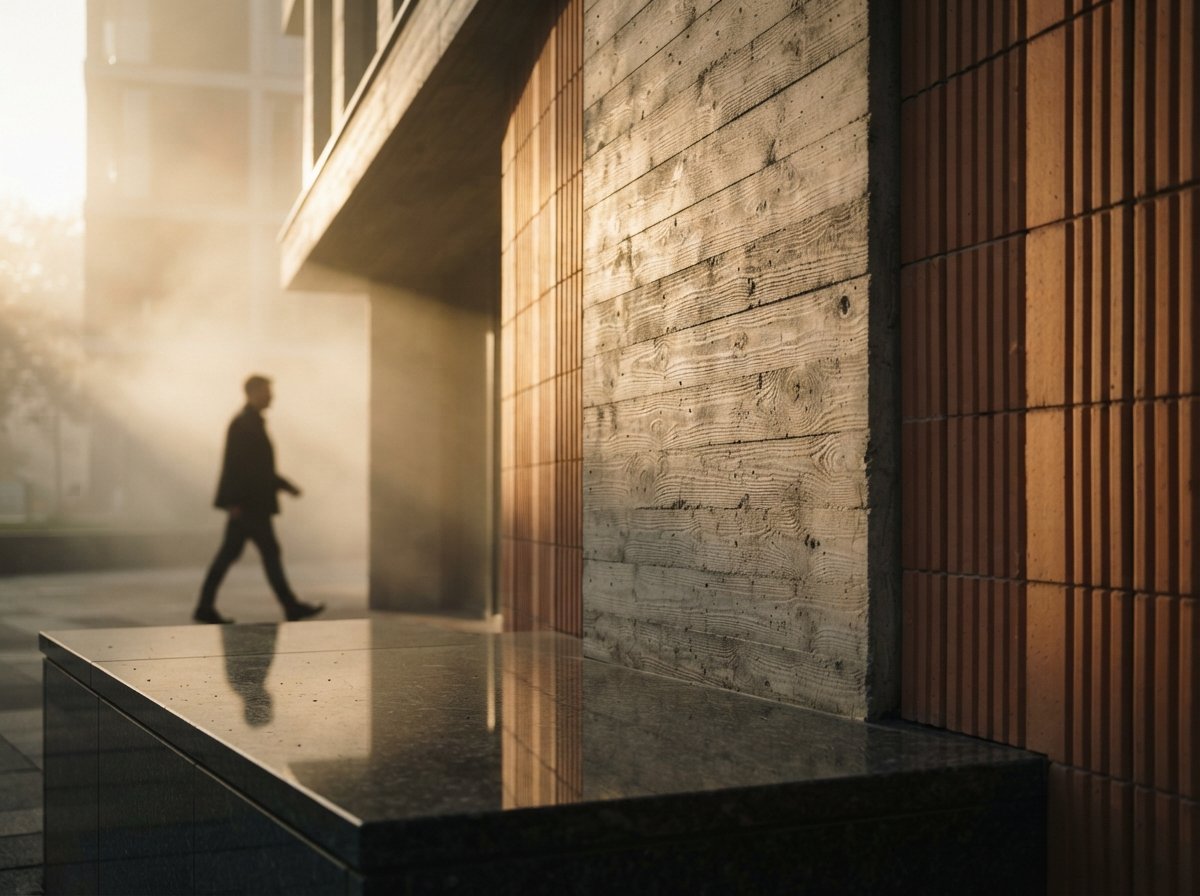
They specify materials, not vibes. "Modern minimalist" is a slop prompt. "Board-formed concrete with 100mm boards, weathered to a soft grey" is a real one. The model performs better when the brief sounds like a finishes schedule.
They do real post. Color match the entourage. Add real sky photography. Hand-paint the windows. The AI gets you 80% there. The last 20% is what makes it look like a render and not a generation.
They publish process, not just outputs. The studios producing the best AI renders are also the ones writing about how they made them. Slop comes from copying outputs. Good work comes from understanding pipelines.
Where this is going
The honest answer is that the category is moving fast. Tools we recommended last September have been overtaken. Tools that didn't exist in January are now essential. Anyone telling you they have the definitive stack is selling something.
What's stable: the workflow shape. Concept tool → geometry-aware render → upscale → post. That hasn't changed in two years and won't change in the next two. The names of the tools at each step will. The stack won't.
If you're starting now, pick one tool per stage, use it for a month on real work, and replace any link in the chain that frustrates you. That's how every studio we know built a stack that works for them. There is no shortcut.
No affiliate links. No sponsored placements.