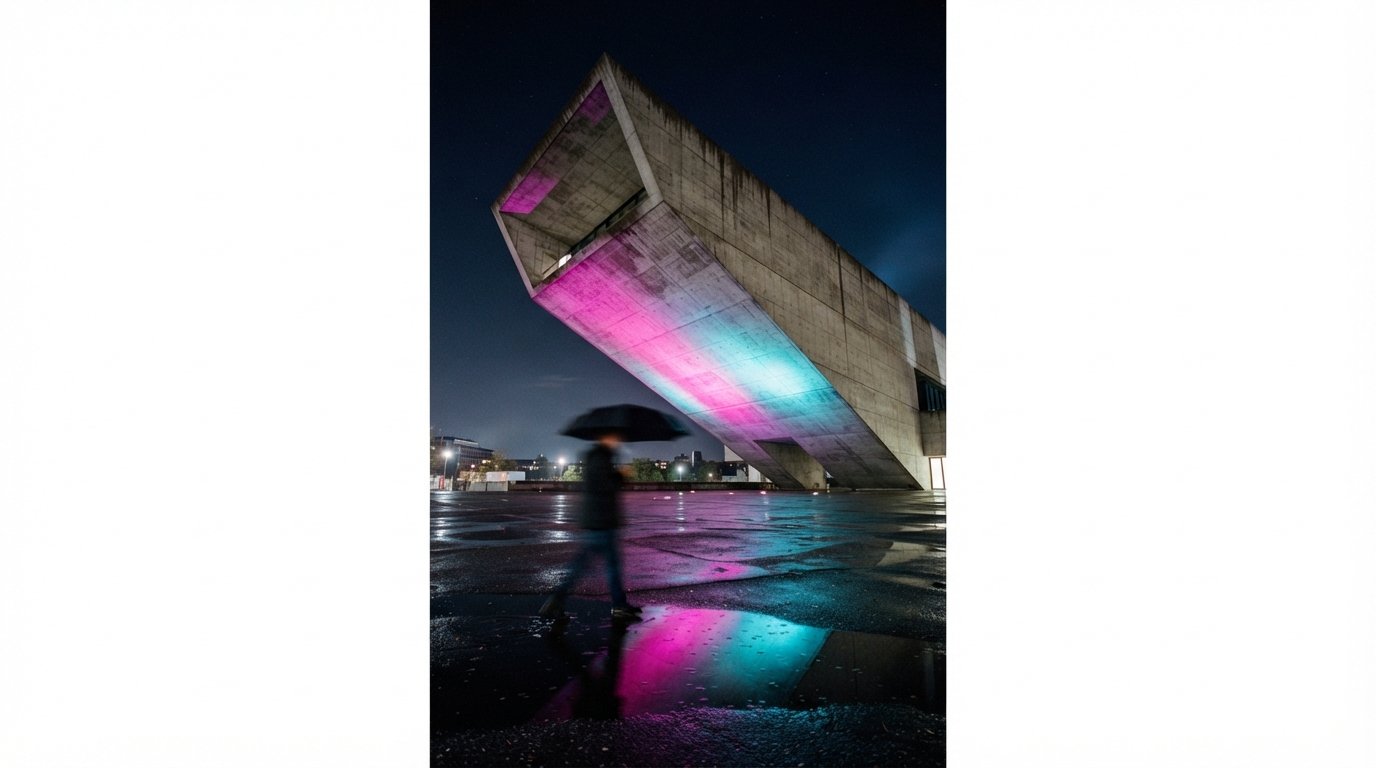
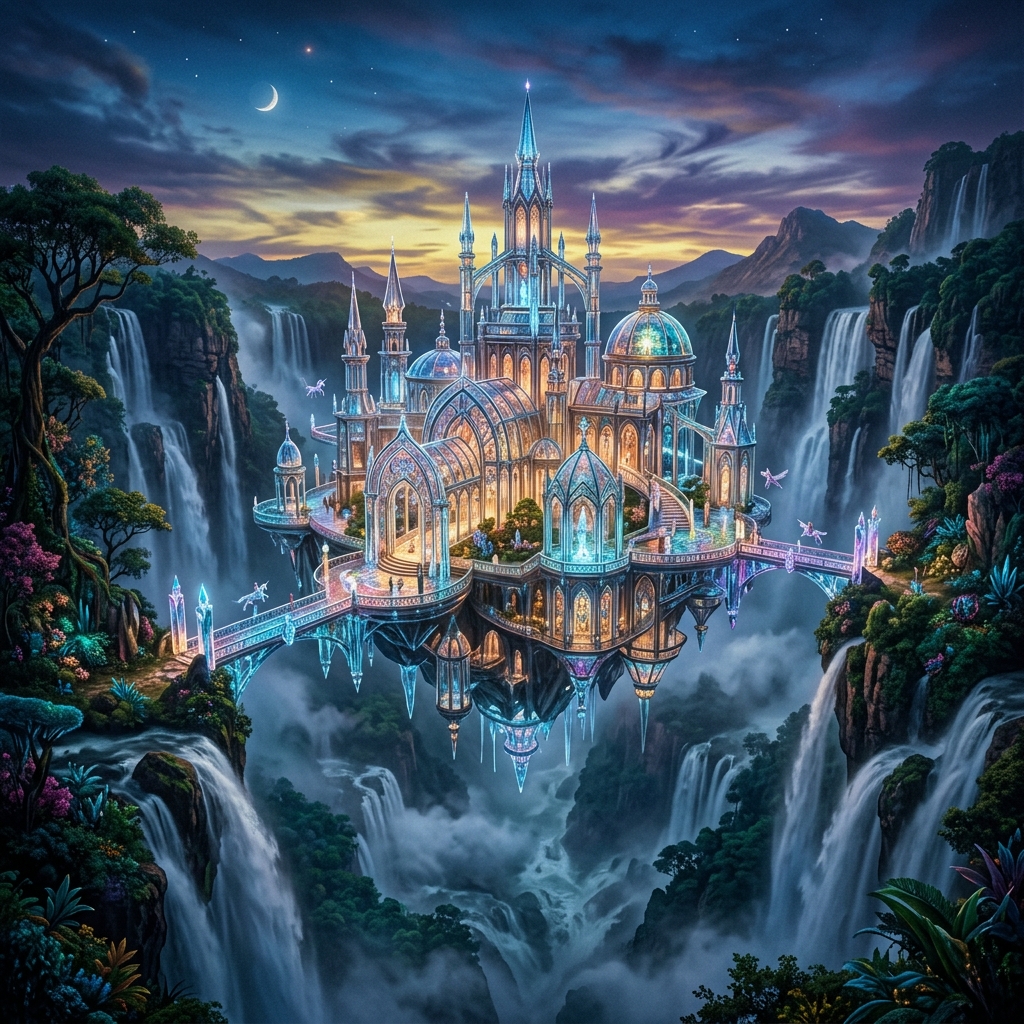
Leonardo AI started life as a Discord-adjacent image generator with a friendlier interface than Midjourney. In 2026, it's something else: the workhorse upscaler and finisher that quietly ends up in most of the architecture pipelines we've built. It's not the most exciting tool in the stack. It's the one we'd miss most if it disappeared.
What it does
Leonardo is a generative image platform with three things going for it: a deep library of fine-tuned base models, a serious upscaler, and a Canvas tool that handles inpainting, outpainting, and image-to-image without the friction of running ComfyUI yourself.
The architecture-relevant features sit in three places. The "Phoenix" and "Lightning XL" base models are fast and competent at exterior renders. The Universal Upscaler is the best we've used at the $12/month price point. And the Canvas inpainting handles entourage replacement, sky swaps, and material edits in a single browser tab.
A solid generalist that earns its place at the end of the pipeline. Strong upscaler, useful Canvas, deep model library. Best value when used as a finisher rather than a primary renderer.
Where it excels
- Universal Upscaler quality
- Architectural finish presets
- Inpainting on Canvas
- Photorealism on simple geometry
- Token economy at $30/mo
Where it falls short
- Complex geometry fidelity
- Free tier is too limited
- Slow during peak hours
- No real geometry input
- Plan-view renders are weak
Where it excels
Upscaling. The Universal Upscaler can upscale any 1024px AI render, from Veras, Rendair, Midjourney, anywhere, 2x with the "Crisp" preset. Alternatives include Topaz Gigapixel and Magnific.
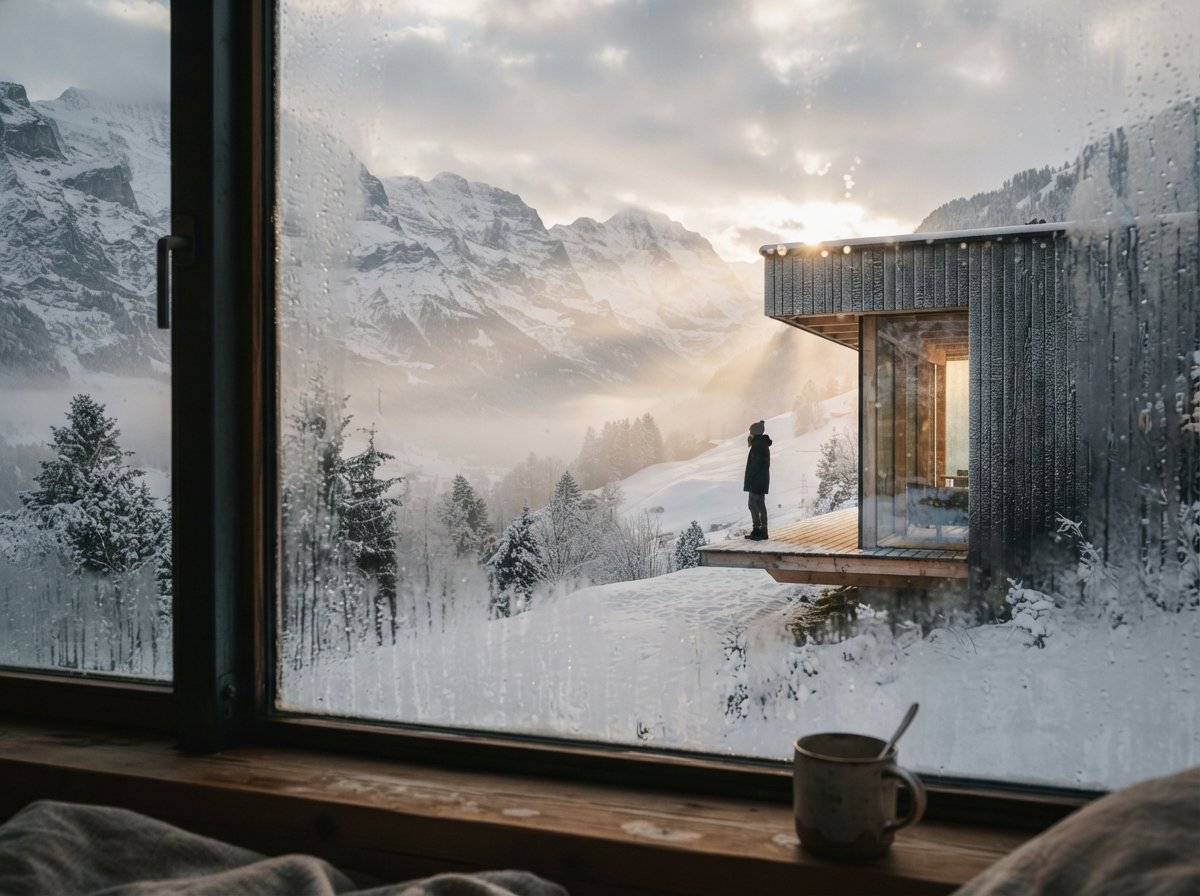
Finishing renders. The Canvas tool handles the small fixes that used to require Photoshop. A streetlight in the wrong place, a weird artifact in the sky, an entourage figure that looks AI-generated, all fixable with inpainting in under a minute. We do final-pass cleanup in Leonardo before any client delivery.
Photorealism on simple geometry. Single-volume buildings, isolated objects, hero shots of one facade, Leonardo does these well from a depth map or sketch. The Phoenix model has the right priors for contemporary architecture. We've used it for competition boards where the brief permitted abstraction.
The architecture presets. Leonardo ships with prompt presets for "Architecture Exterior," "Interior Design," "Landscape" and a few others. They're not magic, but they're a sensible starting point for someone new to image prompting. Better than starting from a blank text box.
Where it falls short
Complex geometry. Anything with multiple massing volumes, faceted facades, or unusual roof forms confuses Leonardo. It will produce a render. The render will not look like your building. This is true of every text-to-image tool, but Leonardo doesn't have a geometry-aware mode the way Veras does, so there's no fix.
The free tier. 150 daily tokens sounds generous until you realize a single high-resolution upscale eats 30 to 40 of them. The free tier is a marketing loop, not a usable product. Plan to subscribe from day one.
Speed during peak hours. US business hours are when Leonardo slows down. A render that takes 12 seconds at 7am can take 90 seconds at 2pm. Not a deal-breaker, but worth knowing if you're delivering on a deadline.
Plan-view renders. Leonardo cannot do orthographic. Ask it for a top-down site plan and you'll get an isometric. Ask it for an axonometric and you'll get something between perspective and isometric that resembles neither. This is a category limitation, not unique to Leonardo, but noted.
Pricing in practice
The Apprentice tier at $12/month gives you 8,500 tokens, roughly 80 to 100 upscales or 200 to 300 generations. That's enough for a small firm doing one or two projects a week.
The Artisan tier at $30/month is what we recommend for active studios. 25,000 tokens, no relaxed-mode wait, and access to the higher-quality Maestro models. We split this seat across two designers and it's ample.
The Maestro tier at $60/month is overkill unless you're producing AI imagery as a primary deliverable. Most architecture firms don't need it.
Cost per usable image, calibrated against our last quarter: about $0.40 per finished, upscaled, client-quality render. That's competitive with anything in the category.
How it compares
vs Magnific: Magnific has the edge on hero-shot upscaling and texture detail, but costs $40/month minimum and lacks Leonardo's broader feature set. We use Magnific for portfolio work and Leonardo for everything else.
vs Midjourney: Different categories. Midjourney is for atmosphere; Leonardo is for production. We use both.
vs Krea: Krea wins on real-time interactivity and live client meetings. Leonardo wins on output quality and finishing tools.
Workflow tips
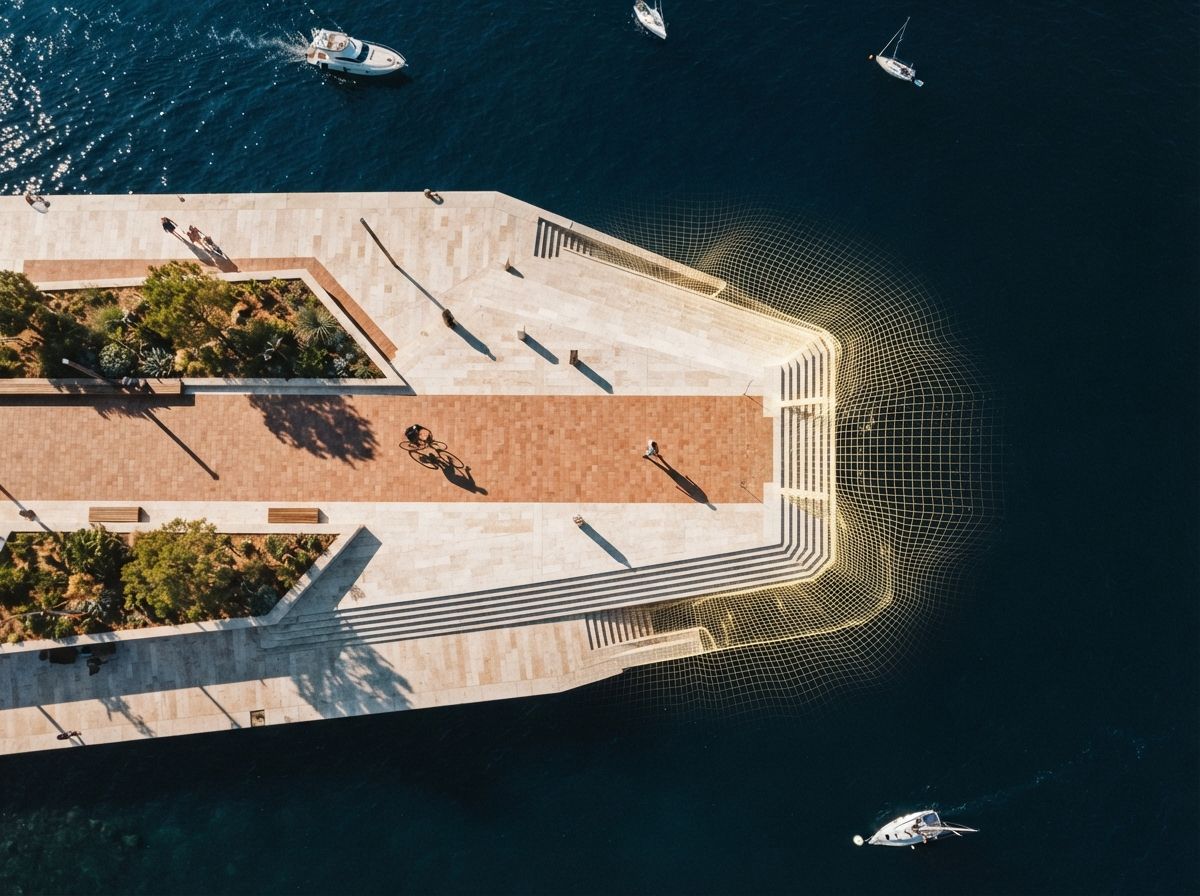
Use it as a finisher, not a starter. Generate your concept in Midjourney, your geometry-aware render in Veras, then bring both into Leonardo for upscaling and inpainting. That's where the value lives.
Set up a private model library. Leonardo lets you train light fine-tunes on your own renders. Train one on your firm's preferred materials and lighting register. The output gets noticeably more "yours" within ten training images.
Batch your upscales. Leonardo charges the same tokens whether you upscale one image or ten in a session, but the queue position resets between jobs. Batch them at the end of the day. You'll save real time.
Use the Image Guidance feature. Drag in a reference image alongside your prompt and Leonardo will hew closer to that visual register. Especially useful for getting consistent atmospheric mood across a render set.
Boring, fast, reliable. The last node in nine of our ten workflows.
The verdict
Leonardo AI is not the tool we'd reach for first when starting a new render. It's the tool we reach for last, every time. As an upscaler, finisher, and inpainter, at $30 a month, it's the best value in the category.
If you're running anything in our recommended stack, Midjourney, Veras, Rendair, ComfyUI, anything else, Leonardo is the cheapest way to lift the output quality across the board. Recommended without hesitation, with the caveat that it's not a primary renderer.
Rating: ★★★★☆, 4.2 / 5.0. Loses half a star for the limited free tier and the lack of real geometry input. Would be a five-star tool if either changed.
No affiliate relationship with Leonardo AI.