How should architects write prompts for AI exterior renders?
Specify seven parameters rather than a vague search phrase: building type and programme, material system at finish level, site context, lighting condition, camera and framing, a rendering style reference, and exclusions. Lead with physical and material conditions, not the design concept, and describe light as physics, since mood words like "dramatic" do not constrain the model.
The most common mistake in AI exterior rendering is treating the prompt like a search query. "Modern residential building, daytime, photorealistic" will give you something that looks like a real building, but not your building. The difference between a generic render and a project-specific render is in the parameters, and most practitioners are using three when they need seven.
This framework applies across Midjourney, Veras, and Stable Diffusion/ComfyUI. The parameters change the specific syntax slightly by tool, but the structure stays the same.
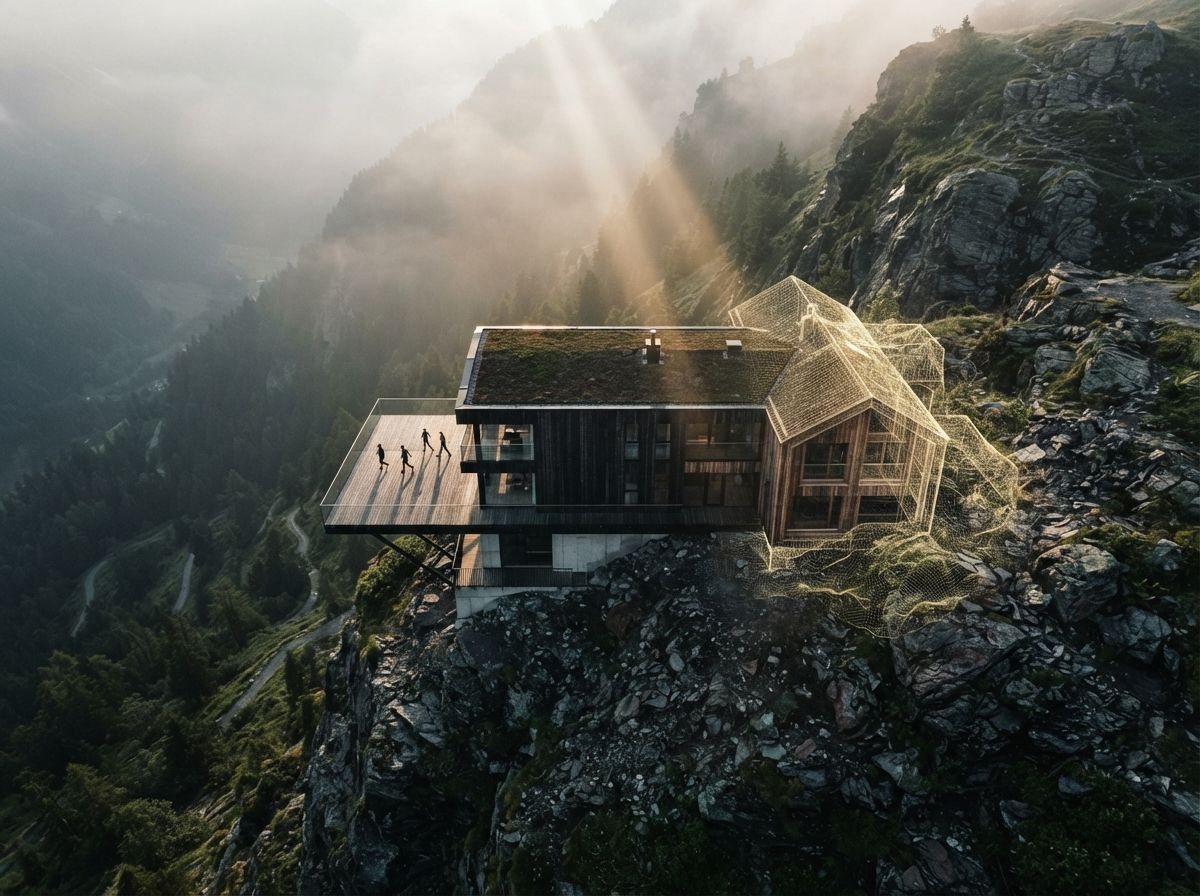
The seven-parameter framework
Not just "residential", be specific. "Four-storey mixed-use residential over retail ground floor" produces fundamentally different results than "apartment building." Include occupancy density cues where relevant ("boutique 12-unit," "high-density 80-unit").
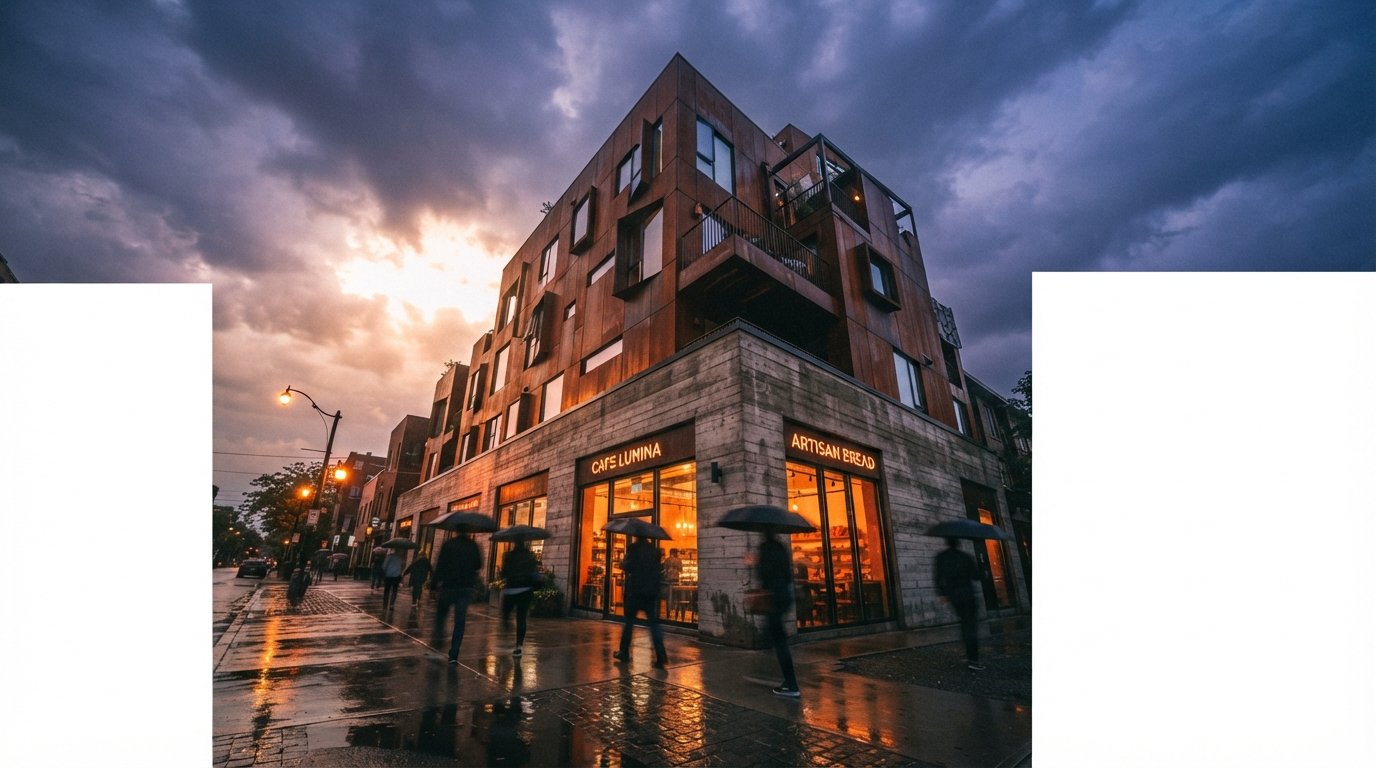
Name materials at the finish level, not the category level. "Weathered Corten steel cladding with exposed concrete base" is useful. "Metal and concrete" is not. Include aging and patina cues ("new," "weathered 5 years," "oxidized"), the model knows what these look like.
Urban, suburban, rural, coastal, alpine, desert, but also the specific texture: "dense urban streetscape with existing masonry neighbours," "open suburban lot with mature oak trees and lawn." The context tells the model what's around the building, which determines scale reading and shadow cast.
Time of day + season + weather + sun angle. "Late afternoon golden hour in autumn, long shadows from the west" produces a specific physical situation that constrains the model usefully. Add atmospheric conditions when relevant: "slight haze," "overcast diffuse light," "clear blue sky."
Lens, distance, angle, height. "50mm equivalent lens, street-level view, slight upward angle, building fills 60% of frame" is a complete camera specification. Add "wide angle" or "telephoto compression" to control spatial depth. Eye-level vs. aerial vs. worm's-eye changes the read of the building fundamentally.
Not just "photorealistic", point the model toward a specific photographic tradition. "Architectural photography in the tradition of Julius Shulman," "editorial real estate photography," "construction site documentation," "Herzog de Meuron monograph photography." Each activates a different visual language.
What you don't want is as important as what you do. Consistently remove: "no people," "no cars," "no lens flare," "no digital artifacts," "no unrealistic saturation." For Midjourney use the --no parameter. For ComfyUI, negative prompts in CFG. For Veras, the exclusion panel. Every tool supports this, use it every time.
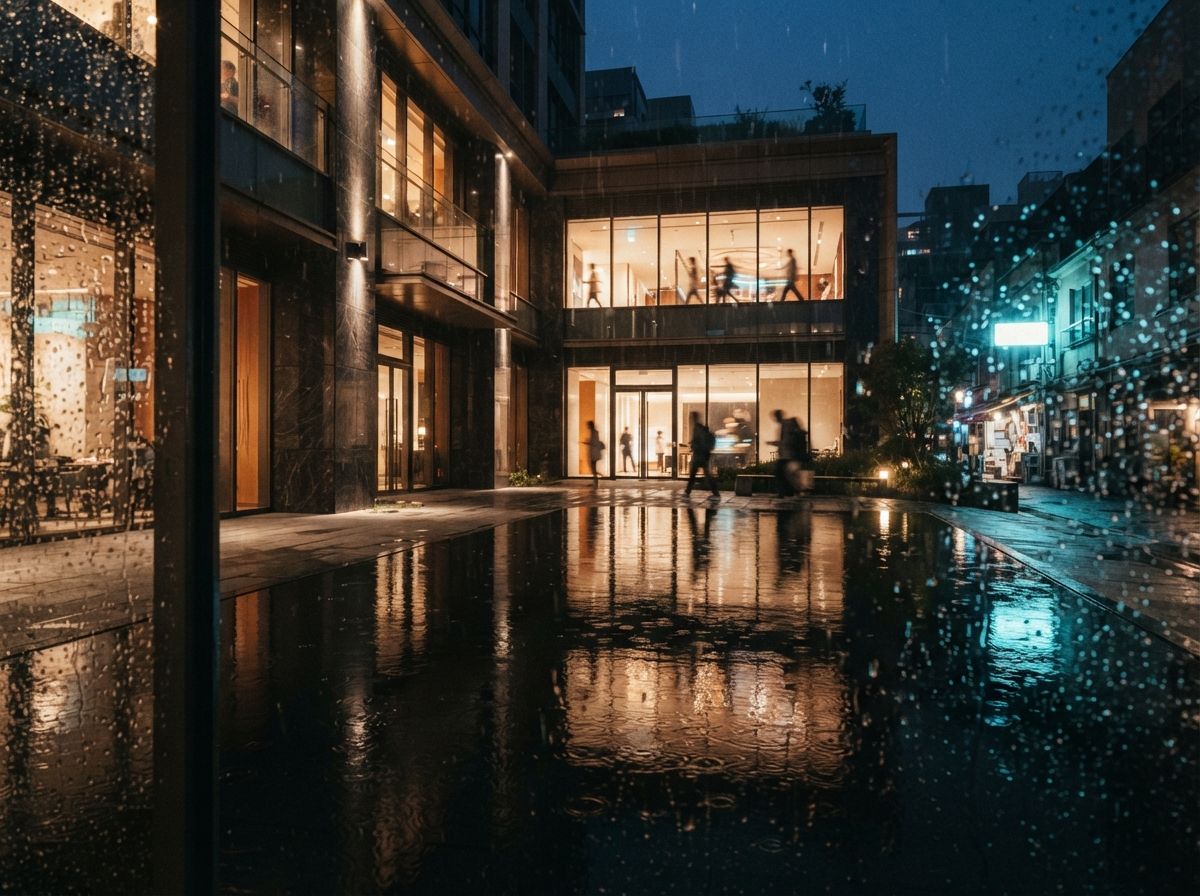
A complete prompt, assembled
Here's an example prompt for a residential building, brick masonry, urban infill:
--no people cars lens flare digital artifacts oversaturation HDR tone mapping floating elements
--ar 16:9 --style raw --v 6.1
Seven parameters, one framework. The difference is in the specificity you're willing to commit to before you generate.
Common mistakes
Over-specifying the architectural concept and under-specifying the physical conditions. "Deconstructivist angular massing with cantilevers and void" is a concept description, not a rendering brief. The model doesn't know what your cantilever looks like. Start with the physical and material, not the conceptual.
Using mood words as substitutes for lighting parameters. "Dramatic" is not a lighting condition. "West-facing facade in strong direct late afternoon light with deep reveals creating hard shadow lines" is a lighting condition. The model renders physics, not mood, give it physics.
Forgetting the camera. The same building from a different angle at a different height reads completely differently. Most practitioners generate at eye-level and never try an aerial or a compressed telephoto pass. The client almost always responds to the view they haven't seen yet.
We publish updated prompt libraries by building type quarterly. The residential exterior library (80+ tested prompts, tagged by tool and condition) is available to subscribers.