
Start with why the framing matters. Most 2026 tool roundups are written by people who never have to make good on the render they publish. A blogger runs a tool on a sample model, screenshots the best output, and moves to the next row. Nobody calls them back three weeks later because the client noticed the balcony railing turned to soup in the far corner. A working studio does not get that luxury. Every image that leaves the building has their name attached to it, so "worth paying for" means something specific and unglamorous to them: does this tool's output survive contact with an actual deliverable, or does someone on staff spend an extra ninety minutes in Photoshop making the machine's homework presentable.
What the claim promises
Read the subhead literally and it promises a review graded on total cost, not sticker price. Total cost, for a studio, is subscription fee plus finishing labor plus the client friction of anything that has to be re-rendered before it ships. A $40-a-month tool that needs a junior to spend an hour cleaning up every plate is not cheaper than a $90-a-month tool that ships clean. Any studio that has staffed a production queue knows this instinctively. The question is whether the article says it out loud, or whether it quietly reverts to the standard shape once the credibility line has done its job in paragraph one.
A studio compares invoices. The test is whether the article prices in the fixing, or just says it does.

The tell: does rework show up as a line item?
Based on this week's sweep, the piece is built around 1,000-plus delivered renders as its stated credential, then organizes its recommendations by category, BIM-native plugins, browser-based generators, and finishing tools, the same three-bucket shape every other 2026 list reaches for. That shape is fine. It is the correct way to bucket the category. What it does not automatically do is tell you which bucket costs the studio the most in labor after the AI step finishes, and that number is the entire reason a studio's opinion is worth more than a hobbyist's in the first place.
So here is the honest way to read a studio-credentialed list: treat the credential as a reason to trust the categories, not as proof the pricing verdict already accounts for rework. Unless a review names a specific failure mode, geometry drift on a repaint pass, material inconsistency across a twelve-image set, a materials estimator quietly disagreeing with a hallucinated slab thickness, it is describing output quality, not total cost. Those are different reviews wearing the same headline.
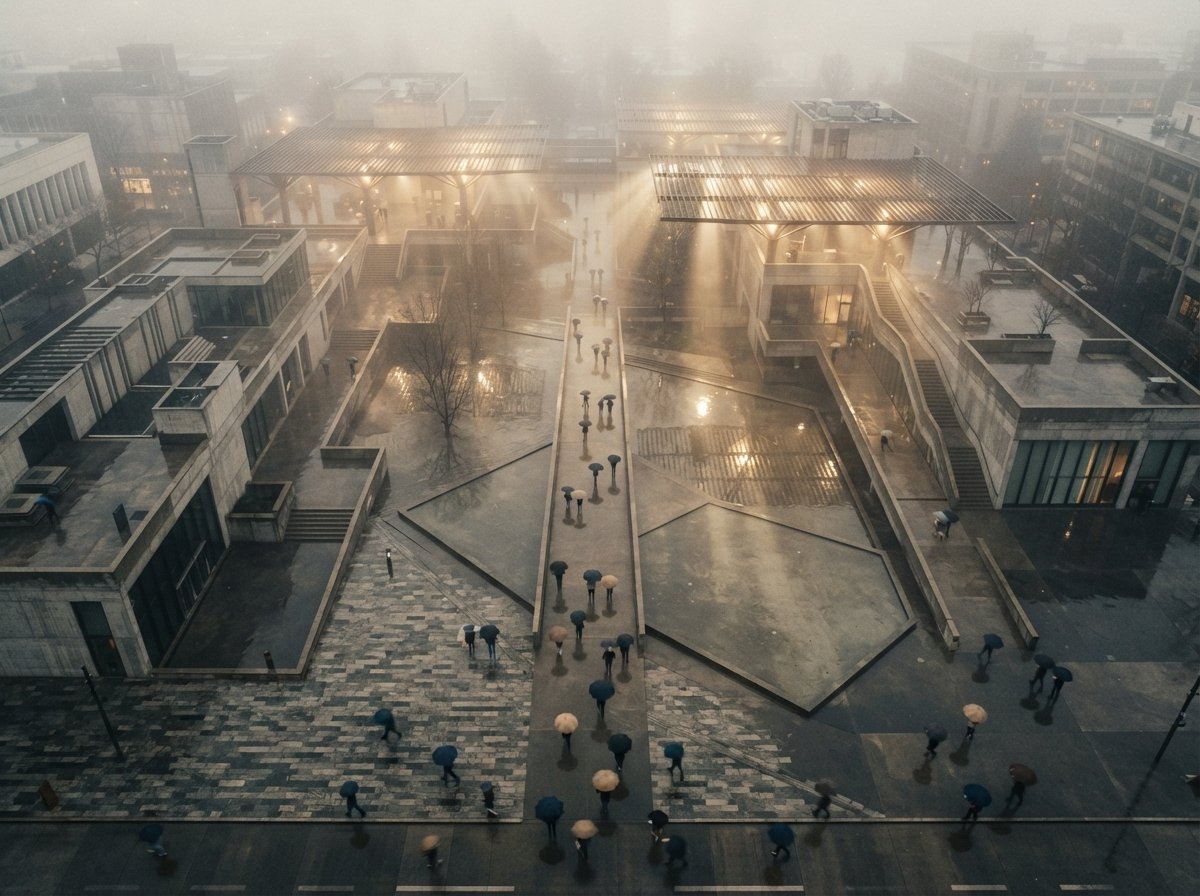
What the rework tax actually looks like, by category
This is the part a studio credential should be answering and rarely spells out, so here it is plainly, drawn from how these three categories actually behave in production.
BIM-native plugins (Veras, Enscape, D5)
Low rework tax because the geometry is yours. The tool repaints or renders what you modeled, so nobody has to hunt for a mullion that moved. The tax here is time, not correction: render queues, license seats, and the learning curve of matching a plugin's material library to your actual finish schedule.
Browser-based generators (Midjourney-style, Gendo, standalone diffusion)
High rework tax, hidden well. Output looks finished on first glance, which is exactly the trap. A junior designer has to go back and check every window count, every railing, every roofline against the drawing set, because the model invents freely and invention does not announce itself. Studios that skip this check are the ones whose renders get called out by a sharp-eyed client.
Finishing tools (Photoshop generative fill, Topaz, upscalers)
Rework tax is the point, not a surprise. You are already touching the image; the tool is there to shorten that touch, not eliminate it. The only real risk is over-trusting an upscaler's hallucinated detail at 4K and shipping texture the model never had.
Applying the test to this list
Judged against that framework, the RapidRenders piece earns partial credit. The studio-credibility framing is a real differentiator in a category flooded with affiliate blogs, and the category buckets it uses track how production actually splits. What the sweep excerpt does not show is a review that names its rework failures the way a studio debrief would, the render that came back from the client, the plugin update that broke a material preset the week before a deadline. Without that specificity, "worth paying for" reads as a strong, credible opinion about output quality dressed in studio language, which is not nothing, but is not the invoice-level accounting the subhead implies either.
None of this makes the recommendations wrong. It means the studio credential should be spent on trusting the shortlist, not on skipping your own rework math. If you run a two-person practice, your rework tax on a browser generator is a Tuesday afternoon. If you run a twelve-person studio pushing forty renders a week, that same tax is a salary line, and no external review, studio-written or not, has actually staffed your queue.
Running the rework test yourself, in one afternoon
You do not need a benchmark lab to get an honest answer for your own studio. Pick one project you already have modeled, and run it through whichever tool a roundup just told you to buy.
- Pick a real plate, not a demo file. Use a project with a finish schedule and a client who will actually look closely, not the vendor's sample scene built to flatter the tool.
- Time the cleanup, not the render. Every list quotes seconds-to-first-image. Nobody quotes minutes-to-shippable. Start a timer the moment the output lands and stop it when you would hand the file to a client.
- Log what broke, specifically. Not "quality issues," but the actual failure: a window count that changed, a material that drifted between two images in a set, a shadow direction that contradicted the site plan. Specific failures are the only ones you can price.
Do that once per tool on your own shortlist and you will have a number no roundup, studio-credentialed or otherwise, can hand you: your rework tax, on your projects, this month. That number ages better than any review, because vendors update their models weekly and your invoice does not lie about what still needs a human afterward.
Our take
Credentials matter, and "we fix what these tools leave unfinished" is a better standing to review from than "we ran each tool once on a sample scene." But a credential earns trust in the categories, not a waiver on doing your own arithmetic. Before paying for anything on a 2026 list, studio-written or not, run one plate through your actual production pipeline, not the vendor's demo file, and time the cleanup. That number is the only "worth paying for" verdict that applies to your studio specifically, and it is one no roundup can hand you, however many renders it claims to have shipped.
Written from the 27 July 2026 intel sweep, which surfaced RapidRenders' "AI Tools for Architects 2026: What's Worth Paying For" alongside several other 2026 render-tool roundups. Category behaviors are described from general production familiarity, not a re-benchmark of the RapidRenders article. ArchiGen AI carries no sponsored placements.