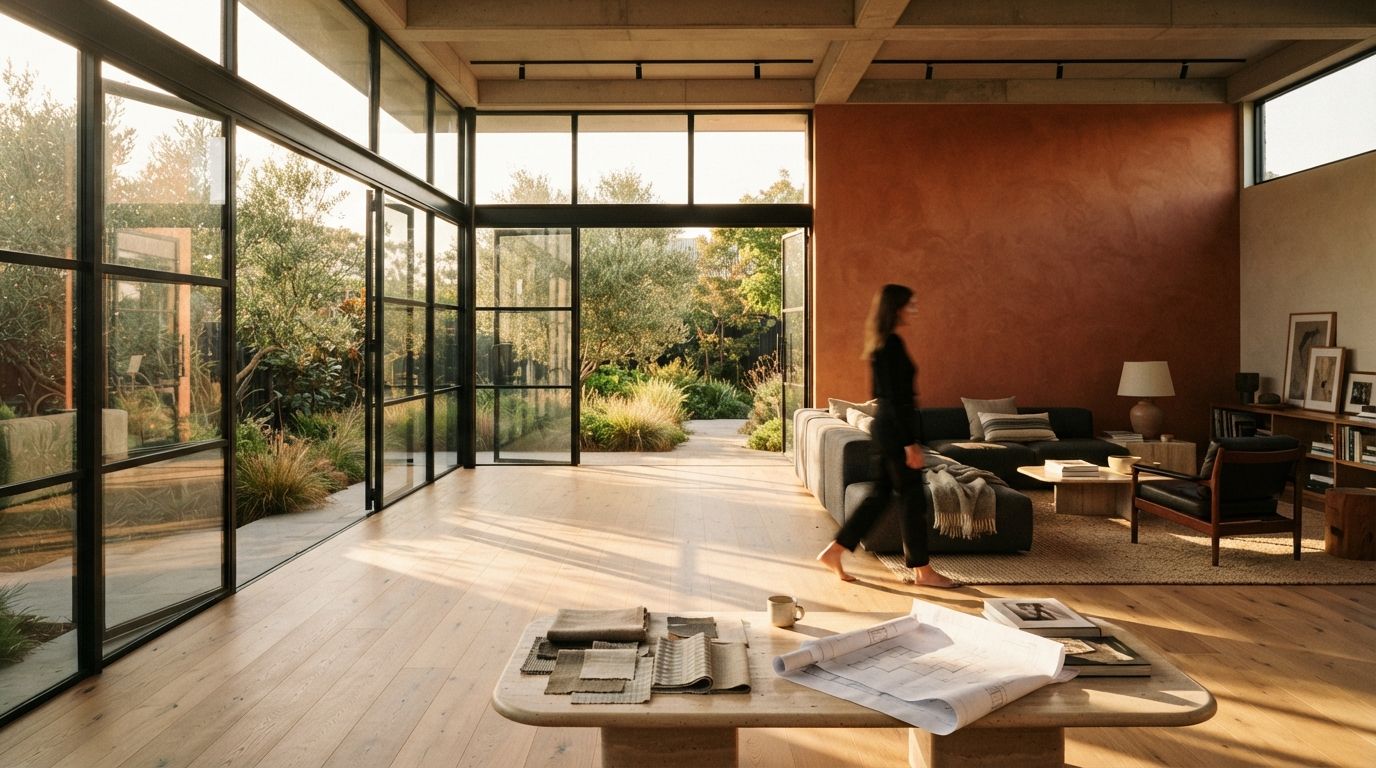
This week's sweep put Veras back in front, and one line in the plugin's own feature list is worth stopping on: render same seed. It sits next to geometry override and render selection as a headline control, which tells you the vendors have noticed a common complaint. The first render is beautiful. The second one, the one that was supposed to be the first with a small fix, is a stranger. The building survived, but the room did not.
The fix starts with understanding what a seed is, and, more usefully, what it is not.
What a seed actually is
A diffusion model starts every image from a field of random noise and then removes that noise step by step until a picture appears. The seed is the number that sets the starting noise. Same seed, same everything else, and the model walks the same path to the same image every time. Change the seed and you get a different starting field, so you get a different room from the same prompt. That is why re-running an approved view without touching the seed hands you a fresh scene. You were never asking for the same image. You were rolling the dice again.
So the first discipline is boring and non-negotiable: record the seed of any render a client has seen. Not in your head, in the file. The prompt, the model version, the seed and the settings belong in a short note beside the image, the same way you would keep the layer state of a saved view. A render you cannot reproduce is a render you cannot revise.
Same seed is not the same as same edit
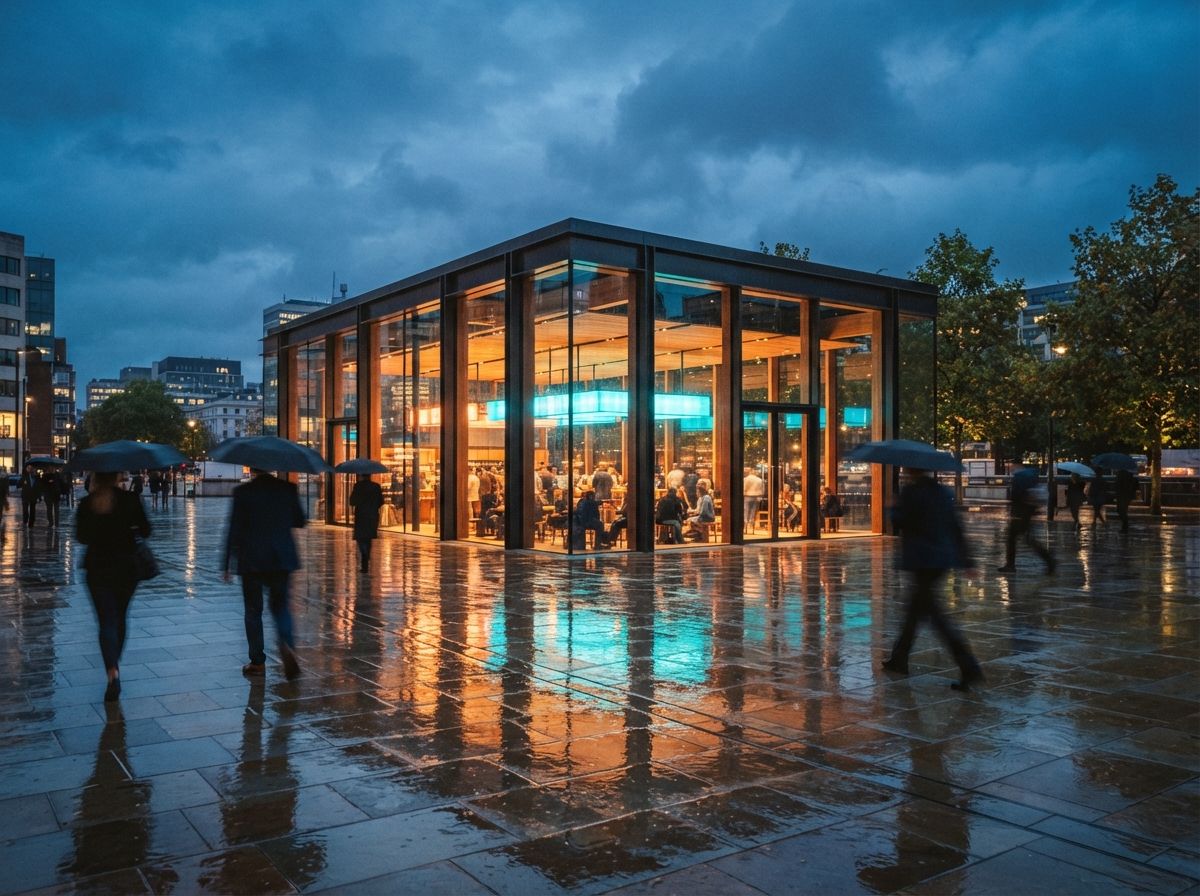
Here is where most people get burned, and where the marketing quietly misleads. Locking the seed reproduces a whole generation. It does not let you change one object and hold the rest still. In a diffusion model the prompt steers the entire denoising path at once. Add the words "charcoal sofa" and you have nudged every step of that path, so the floor, the window and the light all drift with it, seed or no seed. The seed keeps the dice from being re-rolled. It does not keep your hand off the other dice.
A seed makes a render repeatable. It does not make a render editable. Those are two different jobs and they need two different tools.
Reproducing a render is one job: prove you can get the exact image back, run clean A and B versions, hand a colleague the recipe. Changing one part of a render is a second job entirely, and the seed is the wrong instrument for it. Confusing the two is why architects come away thinking AI renders are unusable for real client work. They are usable. They are just being asked to hold still with the wrong control.
The two jobs, and the control each one needs
| You want | Right control | What it does |
|---|---|---|
| The identical image back | Fixed seed, locked prompt and model | Deterministic re-run for records and comparison |
| Two options, one variable | Fixed seed, one word changed | Closer variants, still expect global drift |
| Change only the sofa | Masked inpainting on that region | Regenerates inside the mask, freezes the rest |
| Keep the exact geometry | Geometry lock or depth control | Holds the model's structure while look changes |
| Match a look across views | Reference image plus fixed seed | Carries palette and mood, not pixel identity |
The client who wants the sofa changed and nothing else is not asking for a seed. They are asking for a mask. You paint a region over the sofa, regenerate only inside it, and the model leaves everything outside the mask untouched because you never fed it back through the sampler. That is the honest answer to "change this one thing," and it works in the tools architects already touch.
Where each tool hides the control
The vocabulary shifts by product, which is half the reason people miss it.
Veras
Render same seed is now an explicit toggle in the SketchUp and Revit plugin, sitting with render selection and geometry override. Use the seed toggle to iterate on a look you liked, and reach for geometry override and a masked selection when a specific area needs to change while the rest holds.
ComfyUI and Stable Diffusion
The seed lives on the sampler node, usually with a control set to fixed or randomize. Set it to fixed the moment a render matters. For localized change, an inpainting workflow with a drawn mask is the standard move, and it is the most surgical option in the whole toolkit because you control the mask by hand.
Midjourney
The --seed value reproduces the same starting point for an identical prompt and version, which makes it useful for consistency across a small set. It is a blunter instrument for architecture, since the tool gives you less structural control than a geometry-aware renderer, but the principle holds: note the seed or lose the image.
Gendo, D5 and the canvas tools
Purpose-built platforms increasingly frame this as iterate or variations rather than exposing a raw seed number. The naming is friendlier and the determinism is often weaker, so test each one directly: run the same input twice and see whether you get the same output. If you cannot, that tool is for exploration, not for revision.
Where seed discipline quietly breaks
A locked seed is only as stable as everything around it. Four things reset the room without warning.
A model version bump. When a vendor updates the engine, the same seed no longer maps to the same image, because the path through the new model is different. This is why you record the model version next to the seed. Veras swapping its underlying engine, which it has done more than once, will change your reproductions even with the number held.
A prompt reflow. Editing any word, even fixing a typo, changes the guidance and moves the whole image. If you need the old render back exactly, restore the old prompt exactly.
An upscaler that reseeds. Many upscaling and enhancement passes run their own diffusion with their own seed. A perfect base can come back altered after the upscale if that second stage is left on random. Lock the seed on the enhancement step too, or do it last and keep the approved base untouched.
An aspect or resolution change. Changing the canvas size changes the noise field's shape, so the composition shifts. Set your final aspect ratio before you start iterating, not after the client falls for a square crop you now have to rebuild wide.
Our take
Seed control is not an advanced trick. It is the difference between a render you made and a render you can defend. The studios that treat AI images as production assets write down the seed, the model version and the prompt as a matter of habit, the same way they would never deliver a drawing without a revision cloud and a date. The studios that treat AI as a slot machine keep pulling the handle and wondering why the client's "small change" costs an afternoon.
And the deeper lesson is the split between repeatable and editable. Vendors sell same-seed rendering as if it answers the revision problem, and it only answers half. Reproduce with the seed. Edit with a mask. Hold structure with geometry lock or depth. Carry a look with a reference. Use each control for the one job it actually does, and the AI render stops being a lucky first draft and starts behaving like a view you can iterate, sign and issue.
Write the number down. It is the cheapest revision control you will ever run.
Written from the 15 July 2026 intel sweep, which surfaced Veras' render-same-seed control alongside broader coverage of AI-assisted architectural rendering workflows.