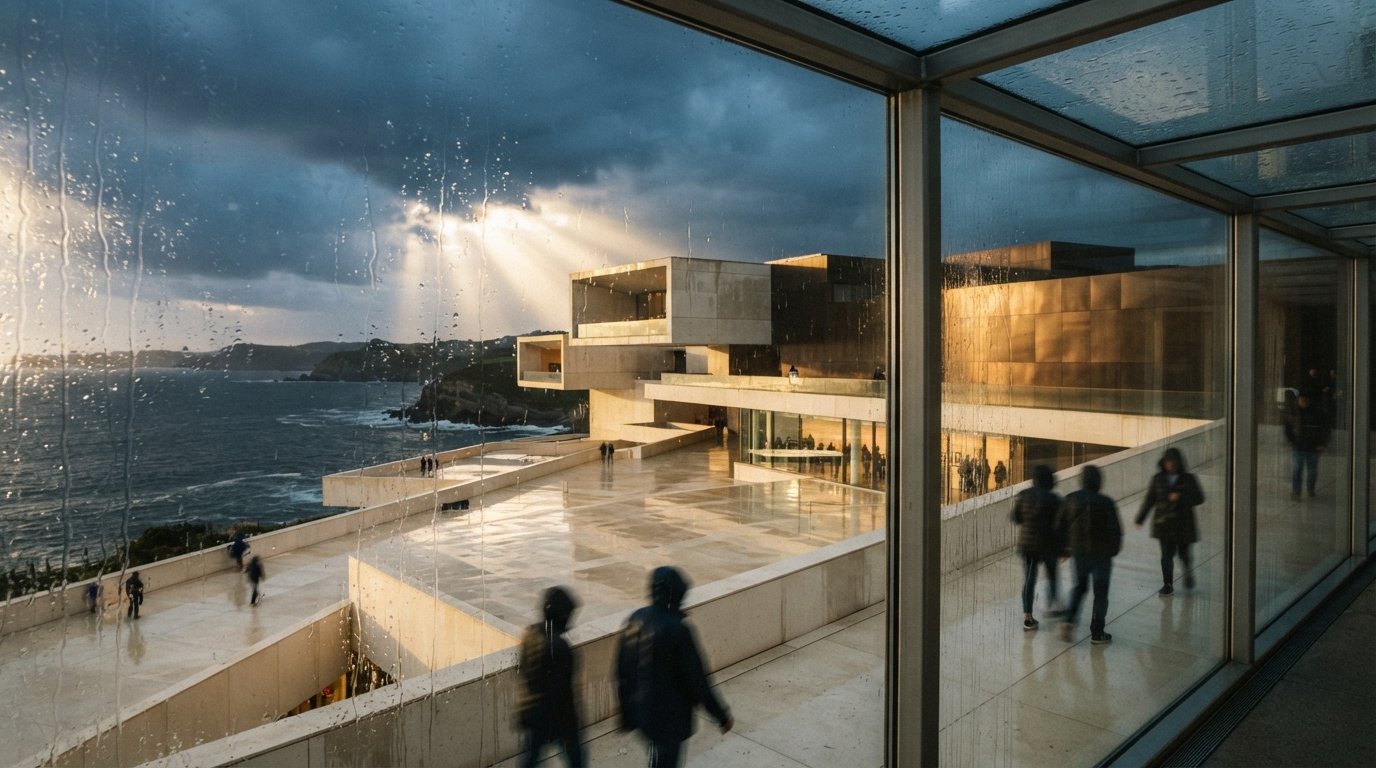
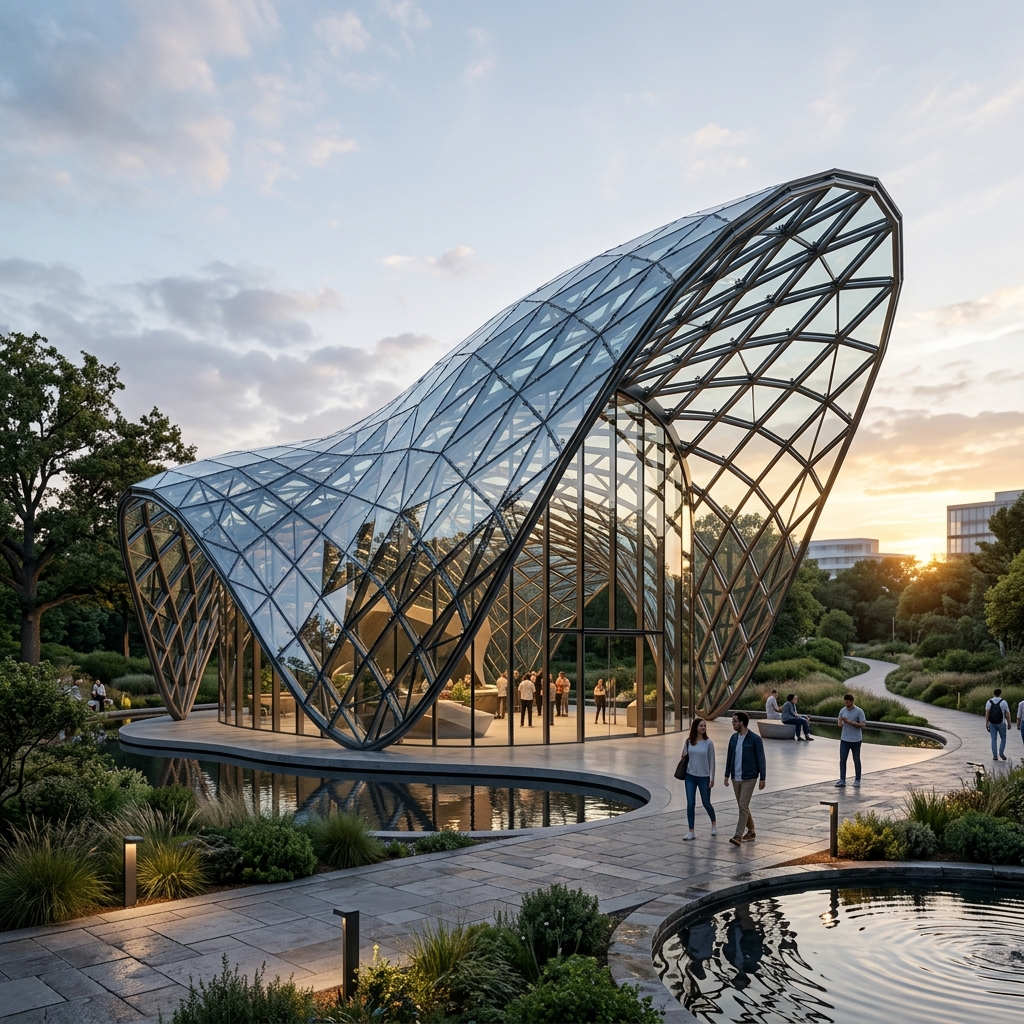
Veras has spent its life at the front of the pipeline. It started as an add-in for the tools architects use while a building is still an argument — SketchUp, Revit, Rhino — turning massing models into atmospheric concepts in seconds. That placement told you everything about how Chaos saw it: a thinking tool, used before anyone cared whether the materials were physically accurate. The newest move changes the address. Veras is now built into Corona, the production renderer that 3ds Max archviz studios reach for when the deliverable has to be photoreal and signed off. The AI layer just walked from the concept room into the finishing room.
That migration is worth more than a feature note, because Corona's users are a different audience with different standards. A SketchUp user trying Veras is exploring. A Corona artist has a scene with calibrated light, layered materials and a camera they fought for — and a client who expects a final image to match the last one. Putting an AI generation layer in that window is a bolder claim: that AI exploration belongs inside the production toolchain, not parked in a separate app you alt-tab to. The interesting question isn't whether it's impressive. It's where, exactly, it earns its keep — and where it quietly doesn't.
What actually changed
The mechanics are the headline. Instead of exporting a frame, opening a browser or a separate plugin, and re-establishing your composition there, you stay in the Corona-driven 3ds Max environment and send your current frame to Veras in place. Your geometry, your camera, your composition — all of it carries over as the structural basis for the AI pass. Veras then does what it has always done well: rapid material, lighting, vegetation and mood variation, driven by a short text prompt and your scene as the anchor.
The reason this matters more here than it did in SketchUp is the quality of the input. Veras is only as faithful as the frame you feed it, and a Corona work-in-progress frame — even an untextured clay pass — carries honest perspective, real shadow direction and clean massing. That gives the AI engine far less room to invent. Chaos has been moving Veras onto stronger image engines through its recent releases, positioned around the Nano Banana 2 generation, and the gain that matters to architects isn't the model's name — it's that a better engine fed a clean Corona frame drifts less from your building.
The closer the AI layer sits to the production renderer, the cleaner the geometry it's handed — and the less it has to guess.
An AI visualization layer that uses your live Corona scene — geometry, camera, composition — as the substrate for fast material, lighting and mood exploration. It is an ideation and enhancement step that lives next to your production engine, not a replacement for a physically based Corona or V-Ray final render.
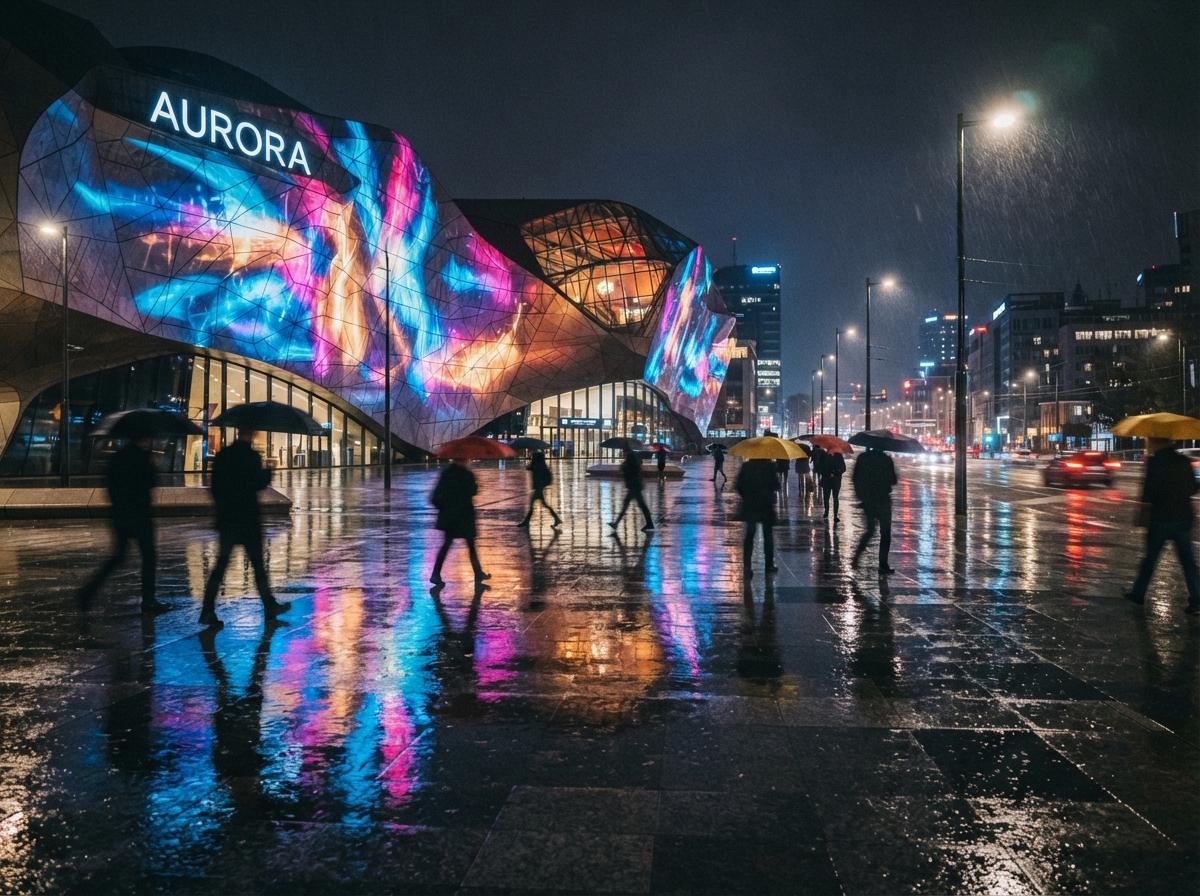
The workflow we'd actually run
Here's how this slots into real production rather than a demo. The value is concentrated at two moments, and it's close to zero everywhere else.
1. Early massing, before materials exist
You've blocked the scene in 3ds Max, set a hero camera, and you're staring at grey clay. This is the expensive moment in a traditional pipeline — you'd assign provisional materials and kick a test render just to feel the space. With Veras in place, you push the clay frame through a few prompts: warm travertine and bronze, low evening sun, soft haze; board-formed concrete, overcast, restrained. In a minute you have a wall of directions to put in front of the client or principal, all sharing your exact geometry and camera. That's the strongest use, and it's genuinely faster than the old loop.
2. Mood and atmosphere passes on a near-final frame
Later, with a textured scene, Veras becomes a fast way to test atmosphere — time of day, weather, the emotional register of an image — without re-rendering the production frame for every variation. You're not shipping these as finals; you're using them to decide what the final should feel like before you commit Corona's render time to it.
| Stage of the job | Veras-in-Corona | Production Corona render |
|---|---|---|
| Concept / massing options | Fast, scene-anchored, ideal | Overkill — slow for exploration |
| Material direction | Ten looks in minutes | Accurate but one at a time |
| Mood / time-of-day study | Quick, expressive | Re-render per variation |
| Final, sign-off-grade frame | Not deterministic enough | The job it's built for |
| Consistency across a set of views | Drifts view to view | Locked, repeatable |
Where it still hands the job back
Be clear-eyed about the boundary, because the in-pipeline placement makes it easy to forget. Veras is an AI image layer, not a render engine. It does not give you Corona's deterministic light transport, its render elements, its physically accurate reflections and refractions, or the per-pass control your compositor needs. Run the same Veras prompt twice and you'll get two cousins, not the same image — fine for a mood board, fatal for a six-image set that has to read as one building photographed on one afternoon.
So the moment the deliverable becomes a coordinated set of finals — the board, the competition panel, the marketing suite — you're back in Corona proper, and you should be. The honest framing is the one we keep arriving at across these tools: AI is now a superb front half of the archviz pipeline and a poor back half. Chaos putting Veras inside Corona doesn't move that line; it just removes the friction of crossing it. That's the actual improvement here — not that AI got more accurate, but that the handoff got shorter.
Our take: placement is the product
The temptation with a release like this is to argue about image quality. That's the wrong axis. Veras's quality has been climbing release over release; what changed is its location, and location is the real feature. By embedding the AI layer inside the production renderer instead of a sidecar app, Chaos shortened the loop between "I have a modelled scene" and "I have ten directions to react to" — and a shorter loop is what actually changes how a studio works day to day. This is the same consolidation story we flagged when Chaos updated its whole product line in lockstep: one vendor steadily knitting Veras, Enscape, Vantage and V-Ray into a single graph.
The thing to watch is the same thing to watch with any all-in-one stack — leverage. The more your concept, exploration and final-frame steps all live inside one vendor's ecosystem, the more convenient your day and the thinner your negotiating position at renewal. Use the in-Corona Veras for exactly what it's good at, keep your final-render discipline intact, and don't let a smoother handoff talk you out of knowing where the AI stops and the engine starts.
If you're trying it this week
Take one real scene. Send a clay frame through Veras for material options, pick a direction, then build that direction properly in Corona and render it for real. Lay the AI concept next to the production final. You'll see precisely what the AI bought you — speed and breadth at the front — and precisely what it couldn't give you — the locked, accurate, repeatable frame at the end. That side-by-side is the whole argument for using both, and it's the habit that keeps the tool in its lane.
We publish the honest version of AI rendering tools — including which stage of the pipeline each one actually belongs in. Join the studio newsletter for weekly field notes, or read our companion on why integrated renderers are beating standalone generators.
Reported from public Chaos product information on Veras and its Corona integration, current as of June 2026. Engine and feature details reflect publicly described releases and may change. No affiliate relationship with Chaos.