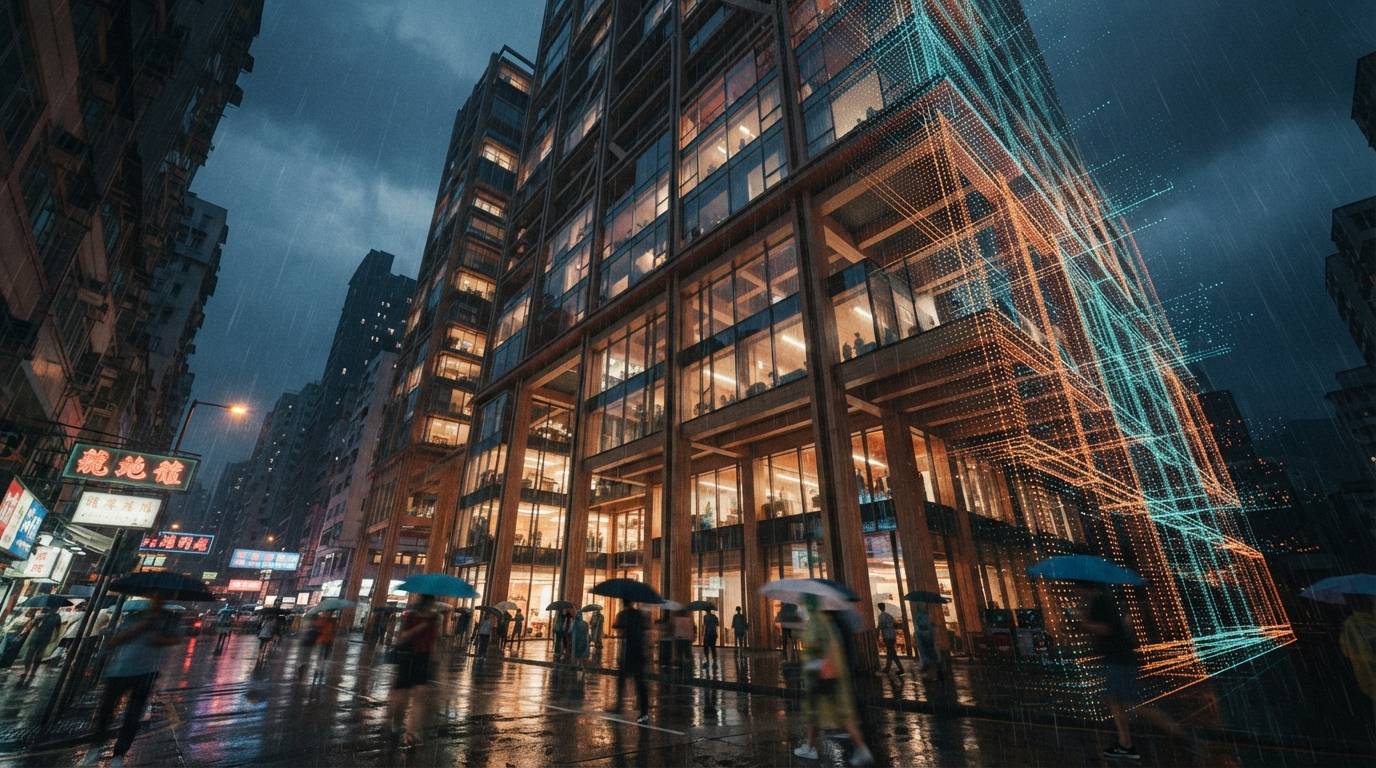

For most of the last two years, the honest advice on Veras and Revit was a shrug. Yes, there is a Revit plugin. Yes, it technically renders from a Revit view. But the workflow that actually shipped frames was Revit to SketchUp to Veras, because the SketchUp integration was faster, the camera handling was friendlier, and the iteration loop did not fight you. The plugin existed. The workflow lived somewhere else.
That gap is the thing Chaos has spent 4.3 trying to close. The recent BIM After Dark Live appearance was not a coincidence. Putting Veras in front of a room of Revit-first architects, walking through the in-model workflow live, is a statement of intent. So we did the obvious thing and ran the BIM-native path on a real project to see whether the intent has turned into a workflow yet.
What “built in your workflow” actually means in Revit
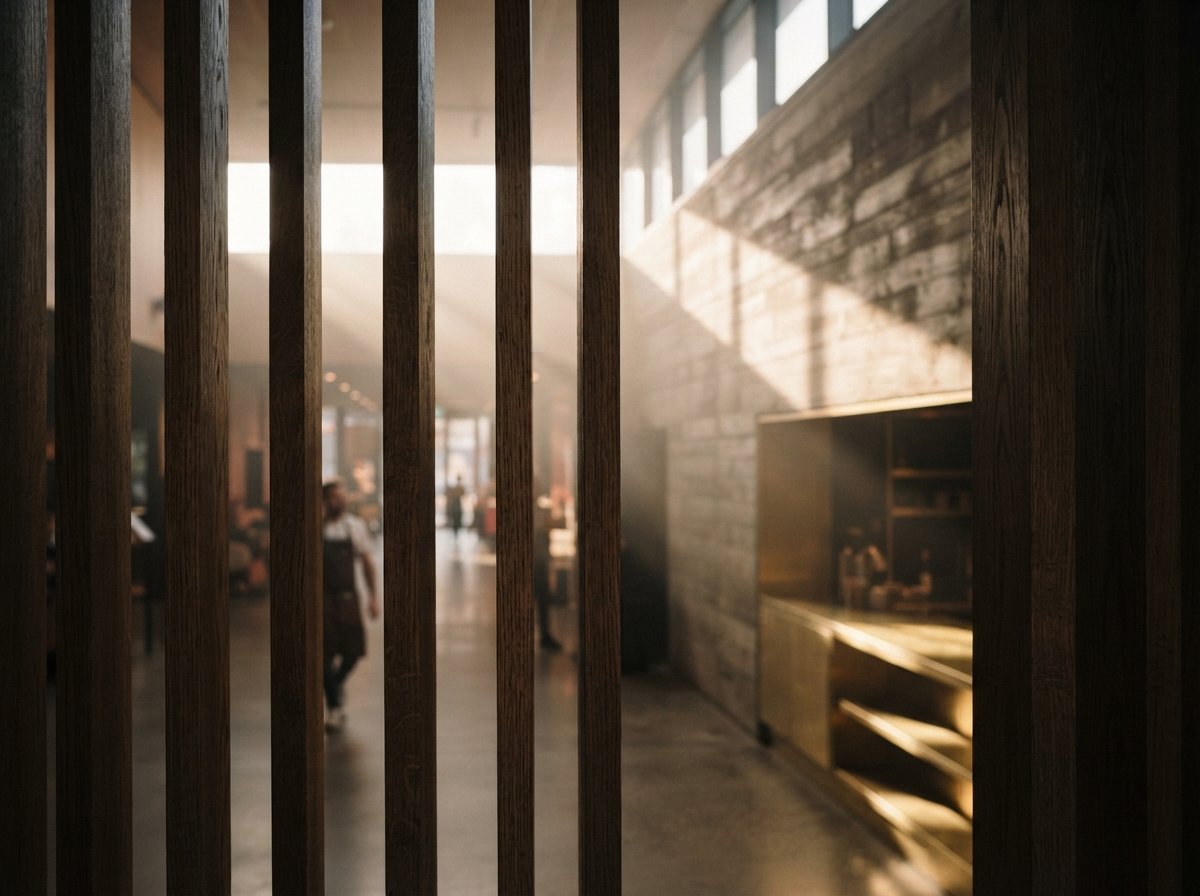
The pitch is that you never leave Revit. You set a 3D view, open the Veras panel, pick a style and a few references, and a rendered frame comes back into the same dialog. No FBX export, no re-establishing cameras in a second application, no round trip. For a BIM-first practice where the model is the single source of truth, that is the entire value proposition. Every export is a chance for the render to drift away from the documented design.
In practice the 4.3 in-Revit panel is genuinely closer to that promise than the 4.1-era plugin was. The view you have framed in Revit is the view Veras renders. Material assignments from the Revit model carry through as a base that the AI styles rather than replaces, which is the part that matters for a BIM team. You are not generating a building near your building. You are styling the building you documented.
The friction that remains is camera and resolution control. Revit's 3D view navigation was not designed to be a render camera, and you feel that when you are trying to nail a specific eye-level approach shot. It is workable. It is not as fluid as framing the same shot in SketchUp or Rhino. If your shot list is mostly aerials and three-quarter massing views, the in-Revit path is fine. If it is mostly considered eye-level views, you will still want a modeler with a real camera in the loop.
The 4.3 features that actually change the Revit workflow
Veras 4.3 shipped a handful of changes. Three of them genuinely matter for a Revit team, and the rest are nice.
The new reference image type
4.3 adds a reference image type that lets you steer the render with a dedicated material or atmosphere reference, separate from a style reference. For Revit users this is the most useful single change in the release. A BIM team usually has a material board before it has a rendering style, and being able to feed that board in as a distinct input means the AI is matching your specified brick and your specified glazing tint rather than guessing from a vibe. It tightens the gap between the render and the spec.
Combining multiple video renders
4.3 lets you combine multiple video renders into a single output. On its own this reads like a motion feature, but the practical effect for Revit users is that you can render several short clips from different 3D views and stitch them without leaving the toolchain. For a fly-through assembled from documented Revit views, that is a real time saving over exporting frames and editing elsewhere.
Render fine-tuning
The render fine-tuning controls in 4.3 give you more grip on how far the AI is allowed to push from the source. For a BIM workflow this is a safety rail. You can dial the style strength down so the render stays legibly the documented building, which is exactly what you want when the image is going in front of a client who will later see the construction. A render that flatters the design into something you cannot build is a liability, and fine-tuning is how you keep it honest.
Tested on a live project. What held, what did not
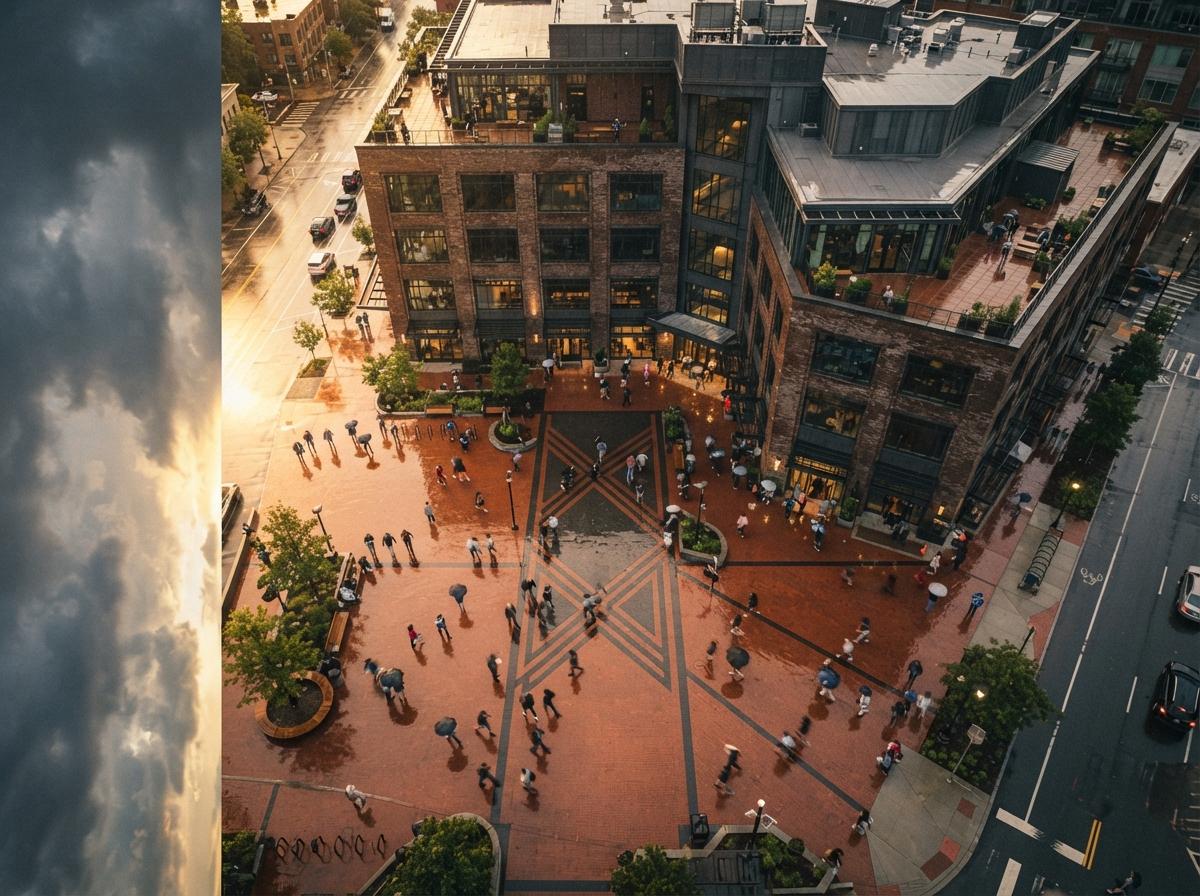
We ran a current mixed-use scheme through three paths: Veras 4.3 in-Revit, Veras 4.3 from a SketchUp export of the same model, and a cloud img2img tool fed a flat Revit viewport capture. Same views, same material references, same afternoon.
The in-Revit path held the building. Massing, fenestration rhythm, the setback on the upper floors, the canopy depth at street level, all of it survived because Veras was styling the actual model geometry rather than reinterpreting an image of it. Material fidelity was the best of the three because the new reference image type was doing real work. Where it lost ground was camera. Two of our six shots needed eye-level framing that Revit's 3D view made awkward, and those two shots were faster to set up after a SketchUp export.
The SketchUp-export path produced marginally more polished frames on the eye-level shots purely because the camera was easier to control, but it carried the usual export tax. One material assignment dropped in translation and had to be re-prompted. The cloud img2img path, fed a flat viewport capture, was the weakest. Without the underlying geometry it styled confidently and drifted on the upper-floor setback, which is the exact failure mode a BIM team cannot ship.
| Criterion | Veras 4.3 in-Revit | Veras 4.3 via SketchUp export | Cloud img2img on viewport |
|---|---|---|---|
| Geometry fidelity to BIM model | Highest | High, one drift | Drifted on setback |
| Material match to spec board | Strongest | Good | Generic |
| Camera and shot control | Awkward at eye level | Fluid | Fluid |
| Round-trip risk | None | Export tax | Export tax |
| Iteration speed | Good | Fastest | Fastest |
Where the Nano Banana 2 engine shows up
Chaos is now explicit that Veras runs on a Nano Banana 2 engine, and the difference is visible in the same place we noted when we covered the engine switch: material realism and light behavior. Glazing reads with believable reflection and depth rather than the flat plastic look the older engine produced, and afternoon light falls across the facade with a softness that used to take a reprompt or two to coax out. For a Revit team this matters because it means the first pass is closer to usable. You are fine-tuning a credible frame rather than rescuing a synthetic one.
The in-Revit path is no longer the compromise. For BIM-first practices it is now the most defensible render in the building.
Our take, who should switch and who should not
If you are a BIM-first practice and your render deliverables are mostly massing studies, aerials, and three-quarter views, the in-Revit Veras 4.3 workflow is now the right default. The geometry fidelity is the best you will get without a path-traced render, the material reference type keeps the image honest to the spec, and cutting the SketchUp round trip removes a real source of drift and wasted time. The BIM After Dark crowd is being sold something that, for once, mostly delivers.
If your render work is camera-heavy, considered eye-level views, tight interior shots, sequences where the framing is the craft, keep a modeler with a real camera in your loop. Export to SketchUp or Rhino, render with the same Veras 4.3, and accept the export tax as the price of camera control. That is not a knock on Veras. It is a knock on Revit's 3D view as a cinematography tool.
The honest summary is that Veras 4.3 has finally made the Revit plugin a workflow rather than a checkbox. It has not made Revit a good render camera. Know which of those two problems you actually have before you change how your studio works.
Run the comparison on your own model this week. Take one current Revit project, pick three views, and render each one twice, once through the in-Revit panel and once through a SketchUp export. Put the pairs side by side with your spec board. If the in-Revit frames hold the building and the materials as well as ours did, you have just removed a round trip from every project for the rest of the year.
No affiliate relationships.