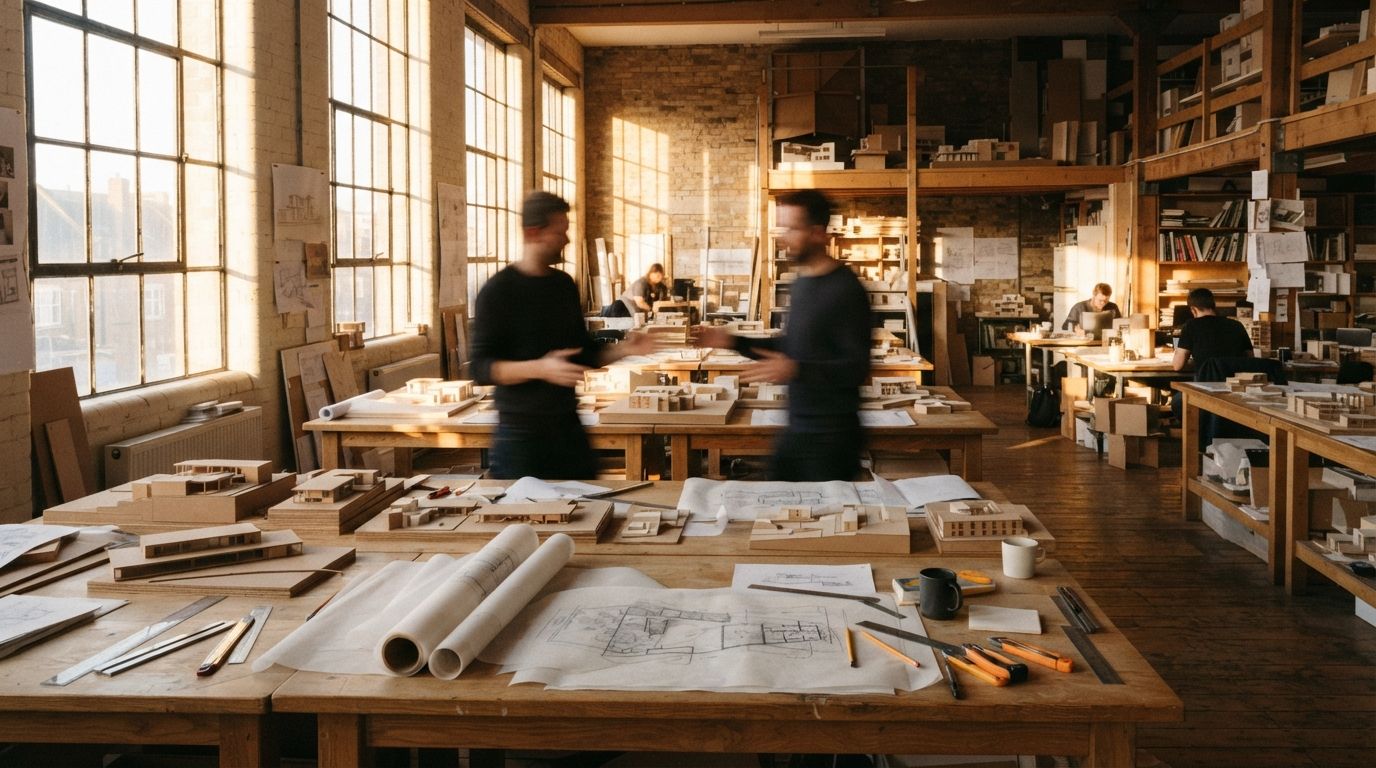
The most expensive habit in an AI render practice is not a slow GPU or the wrong tool. It is starting from a blank prompt box every single time. Each project, sometimes each image, begins as if the office has never made a render before. Whatever produced the good result last quarter lives in nobody's head and no file. It evaporated the moment the tab closed, and next time someone reconstructs it from memory, slightly wrong.
This is a solved problem everywhere else in the studio. You do not redraw the title block on every job. You do not re-derive your wall types from first principles each Monday. Those are templates, and templates are how a practice stops paying twice for the same thinking. The render prompt is the one piece of production knowledge most offices still treat as disposable, and it is costing them a consistency they have not noticed they are missing.
What a prompt library actually is
A prompt library is not a clever phrase you found on a forum. It is a small, named, versioned set of base prompts that carry how your firm wants renders to look, so every new image opens from a known-good baseline instead of an empty field. Think of it the way you think of a materials palette or a standard detail. The point is not brilliance on any one image. The point is that the studio never starts from zero.
The unit that matters is not the perfect one-off prompt. It is the reusable block: a piece of text proven on real projects, written down once, and pulled forward into the next job with small edits. A firm with even three good blocks renders more consistently than a firm of brilliant individuals each guessing fresh every morning.
Build it in layers you can swap one at a time
The trap with prompts is that everything ends up tangled in one paragraph, so changing the time of day means rewriting the whole thing and breaking the parts that were working. A reusable prompt is built in separate layers, and the separation is the entire trick.
| Layer | What it carries | How often it changes |
|---|---|---|
| Style block | Camera language, lens, light quality, render finish. Your signature. | Rarely. This is the house look. |
| Project block | This building's materials, context, palette, mood. | Once per project. |
| Shot block | This specific view, framing, time of day. | Per image. |
| Negative block | What to suppress: people, text, warped glass, extra floors. | Rarely. Your standing list. |
Keep them as four labelled pieces of text, not one wall of words. When the style block lives apart from the shot block, you can move a project from morning to dusk by editing one line, and everything that made the look yours stays untouched. The architect who tangles all four together is the architect who gets a different building back every time they nudge the light.
Build it from what already worked
You do not write a prompt library from theory, and you should not try. You recover it from your own best renders. Pull your five strongest images from the last year. For each, get the prompt back, from the tool's history, a saved file, or careful reconstruction. Lay them side by side and read for what they share. That common core, the phrasing about light and lens and finish that keeps showing up under your good work, is your style block, already proven on jobs that shipped.
Then write it down somewhere the team can actually reach: a shared document, a text file dropped into the project template, a page on the studio wiki. The medium matters far less than the fact that there is now one source instead of twelve memories. And version it. When you improve the style block, date the change and keep the old one. A line named house-warm-v3 beats a vague memory of "the good one from the spring competition" every time someone new needs it at five o'clock.
The negative prompt is half the library
Most architects spend all their attention on what to ask for and almost none on what to forbid. That is backwards. The negative block is where consistency actually lives, because a model's failures are predictable for your kind of work. It invents a spare storey. It populates an empty plaza with people you did not want. It warps the mullions, it prints garbage text on the signage, it cranks the grass to a green nobody has seen outdoors.
Catalogue your failure modes once and forbid them everywhere, in every block, on every job. This is the same instinct behind keeping a model on a short leash during the render itself, which we covered in our piece on model adherence controls. The negative block is that discipline made reusable: the accumulated list of everything this kind of building should never sprout, carried from project to project so you stop re-discovering the same bug.
A prompt you cannot repeat is not a method. It is a lucky throw you are calling a style.
Seeds and references: the other half of repeatable
The text is only half of reproducibility. The seed is the rest. If your tool exposes a seed, record it next to the prompt, because the same prompt with the same seed lands close to the same image. That is what lets you change one material without the entire render reshuffling into a different composition, the same problem we worked through for consistency across a set of views.
Tools persist different things, so use whatever each one offers. Some let you save named presets. Some let you pin a style reference image that does the work of a written style block. Some give you only a text box and a seed field. Where the tool remembers nothing, your external library is the memory, and that is precisely the case where writing it down pays the most. The library is insurance against the day the tool resets, the subscription lapses, or the team moves to something new.
Our take: the prompt is institutional knowledge
The firms pulling ahead on AI rendering are not the ones with the cleverest single prompt. The clever prompt is a party trick that impresses once and is gone by Friday. The firms ahead are the ones who stopped throwing the prompt away. They turned a thousand one-off experiments into one growing, versioned asset, and now a junior who joins on Monday inherits the house look that afternoon instead of guessing at it for six months and producing six months of renders that do not match.
Treat the prompt the way you treat a detail library or a specification template, because it is the same kind of thing: hard-won knowledge about how to make a good result on purpose, written down, owned, and improved. You do not need a system this week. You need one file. Open it, paste in the prompt behind your best render, give it a name, and refuse to start the next project from an empty box. A practice that writes its prompts down renders the same building twice on purpose. Everyone else is rolling dice and framing the lucky throws.
Drawn from this week's intel sweep of 2026 AI rendering coverage for architects, where the loudest recurring thread across community forums was the hunt for repeatable, consistent render quality rather than any single new tool. Tool features and model versions change; the habit of writing your prompts down is the durable part. No affiliate relationship with any tool named.