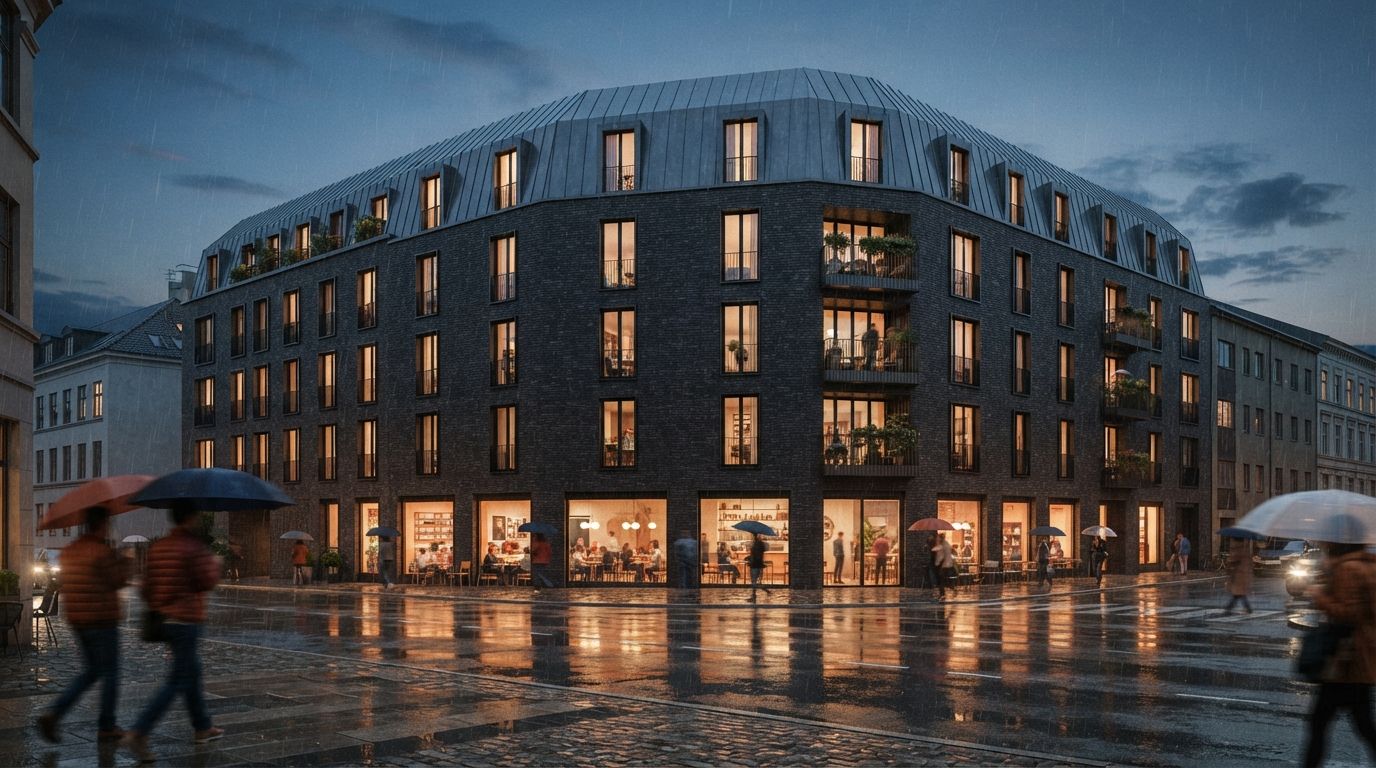
A client opens the PDF. Page one, the street view: charcoal brick, slim black window frames, a standing-seam zinc roof. They nod. Page four, the entry: the brick has warmed to a red, the frames are now bronze, and a small balcony nobody designed is hanging off the side return. Page six, the aerial: the roof has quietly changed pitch. Same project, three pictures, three slightly different buildings. The client does not have the words for it, but the trust drains out of the set anyway, and the meeting turns into a hunt for what feels off.
This is the failure mode nobody warns you about when you switch to AI rendering. The tools got very good at producing one convincing image. They are still bad at producing the eighth image of the same thing. And a real project never ships as one image. It ships as a set: exterior, approach, interior, a context shot, maybe a dusk variant, and the whole point of a set is that it reads as one coherent building seen from different places.
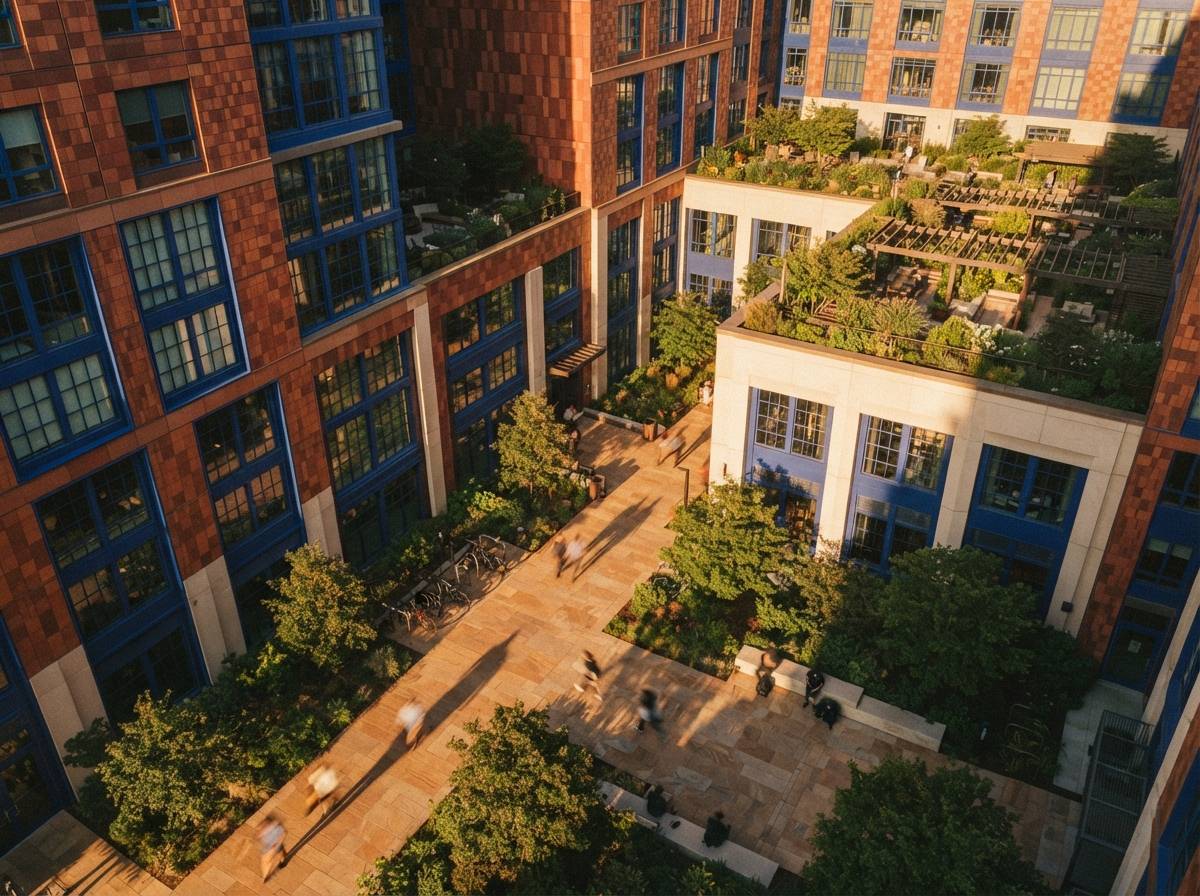
Why the set drifts when the single shot does not
An image model does not know it is rendering a building. It knows it is producing a plausible picture that matches a prompt. Give it the same prompt twice with a new camera angle and it treats the second pass as a fresh draw, with no obligation to the brick colour or roof detail it invented the first time. There is no persistent object in there, only a tendency to land near the same region of its training data, and that tendency is loose enough to repaint your facade every time the view changes.
Pure text-to-image is the worst offender, because the prompt is the only anchor and a prompt cannot pin a specific mullion profile. Tools that read your 3D model do better, since the geometry holds still, but even they will drift on everything the geometry does not fix: material, colour, weathering, the small entourage and detail the model fills in around your forms. This is the same instability behind geometry hallucination in a single frame, scaled up to a whole deck. One hallucinated balcony in one image is a glitch. The same balcony present in two views and absent in a third is a building that does not exist.
A client does not grade your renders one at a time. They grade the set, and the set is only as believable as its least consistent frame.
Anchor everything to one source
Consistency is not a setting you switch on. It is a discipline of giving every view the same things to hold onto, so the model has less room to improvise. Four anchors do most of the work.
Drive the views from one 3D model
The strongest anchor is geometry you control. Export each camera from the same Revit, SketchUp or Rhino model and feed the model a depth or edge pass per view, the ControlNet route most architects already use in a viewport-to-render workflow. Now the building's form is fixed across the set by definition, and the AI is only allowed to dress it, not redesign it. This alone removes the worst drift, the proportions and the openings, and it is why model-driven pipelines beat prompt-only ones the moment you need more than one picture.
Reuse one approved render as the style reference
Once you have a hero view you like, stop describing the look in words and start showing it. Most current tools accept a reference image that carries colour, material and mood into the next generation. Feed the approved hero in as the style reference for every other angle, so the red brick is carried as a picture, not as the word "brick", which the model is free to interpret. The adherence controls that govern how tightly a render follows its inputs are the dials that matter here: turn reference influence up, creative freedom down.
Hold the seed and the core prompt steady
Lock the seed where the tool exposes it, and keep the core of the prompt identical from view to view. Change only the camera and the framing language, never the material and style language. A surprising amount of drift comes from architects rewriting the whole prompt for each shot, swapping "evening light" for "golden hour" or "weathered brick" for "aged brick", and handing the model an excuse to wander. Write the style half of the prompt once and paste it unchanged into every view.
Lock a material list in writing
Before you render anything, write down the four or five materials that define the project: the brick, the glazing, the roof, the frames, the ground plane. Name each one precisely and keep that list open beside you. It becomes both your prompt language and your checklist. If the list says charcoal brick and warm bronze frames, every view either matches the list or gets fixed. The list is what turns "this feels off" into "view four has the wrong frame colour, fix it".
Render the hero first, then conform the rest
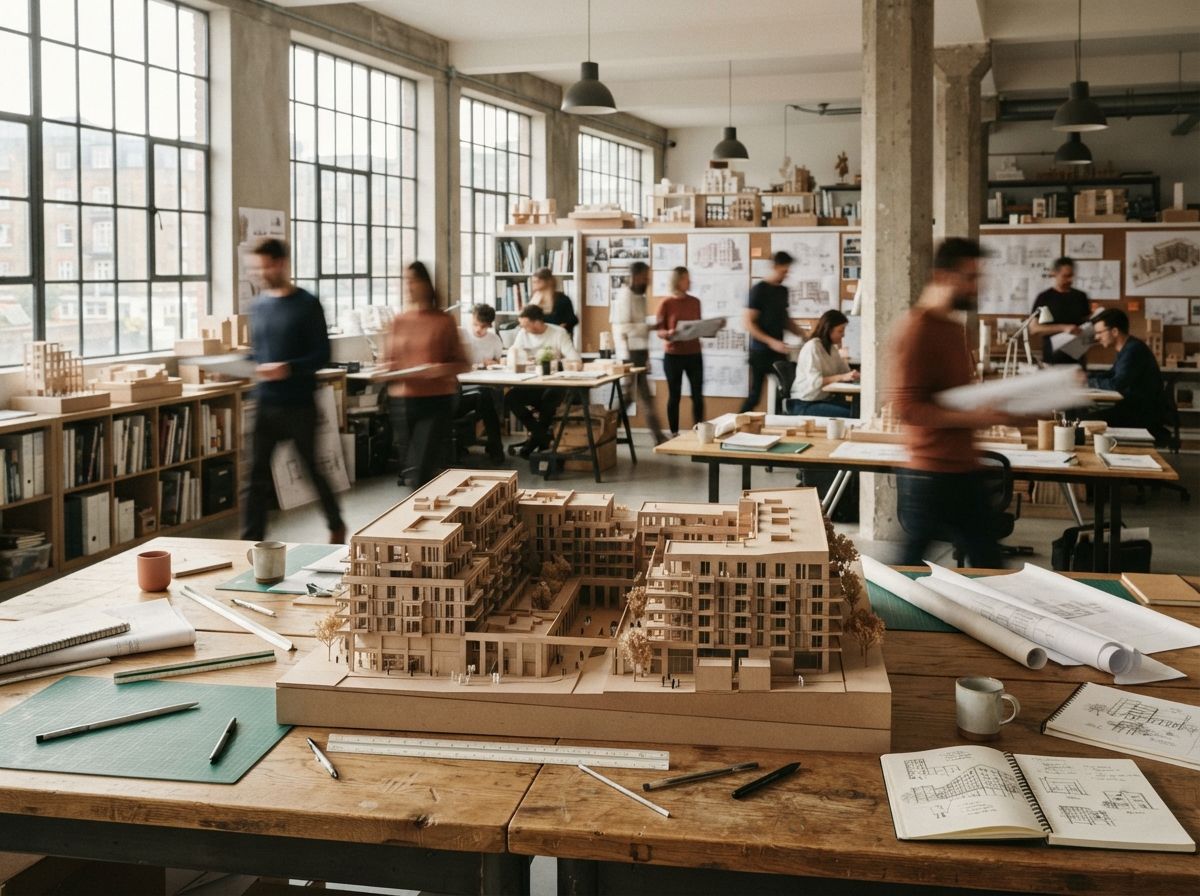
The sequence matters as much as the inputs. Do not generate six views in parallel and try to reconcile them afterward, which is how you end up averaging six different buildings into none. Render the single most important view first, the one going on the cover, and push it until it is genuinely approved: materials right, light right, geometry clean. That image is now the master. Every other view is generated to conform to it, using it as the style reference and matching it against the material list. You are not making six renders. You are making one building and then photographing it five more times.
When a view still disagrees, repair it rather than reroll it. Mask the offending region, the wrong brick, the invented balcony, the changed roofline, and inpaint just that area with the hero as reference, leaving the parts that already matched untouched. This is the same hand-finishing pass that closes the gap on a single render, used to bring an outlier back into the set. Rerolling the whole frame trades a known, local problem for an unknown, global one, and often introduces a fresh inconsistency two surfaces over.
The consistency check, before the set goes out
- Line the views up side by side. Drift is invisible one image at a time and obvious in a row. Put all the renders on one screen before anyone outside the studio sees them.
- Run the material list against every frame. Brick, glazing, roof, frames, ground. Each view matches the list or gets flagged. No exceptions for the back-of-deck shots.
- Track the load-bearing details. Pick three features that define the building, a canopy, a fenestration rhythm, a parapet, and confirm each one is present and identical in every view that should show it.
- Check the light tells one story. The sun cannot be front-left in the street view and back-right in the aerial of the same afternoon. Inconsistent shadow direction reads as fake faster than wrong materials.
- Confirm nothing was invented. An element that appears in one frame and nowhere else is a hallucination. Delete it or add it everywhere, but do not ship it once.
Our take: the set is the deliverable
The industry spent two years optimising the single hero image, and that race is basically over. Any competent tool now makes one beautiful render. The work that still separates a studio from a prompt jockey is the boring part: making the eighth image agree with the first. Clients never bought one picture anyway. They buy the confidence that the thing in all six pictures is real, buildable and the same from every side, and a set that drifts quietly tells them the opposite no matter how good any one frame looks.
So stop treating each view as a new generation and start treating the project as a fixed object you are photographing. One model, one material list, one approved hero, and every other view conformed to it. It is slower than firing off six prompts, and it is the entire difference between a render set and a stack of pictures that happen to share a title.
Make one building. Then show it six times. Anything else is six buildings wearing the same project name.
Based on this week's intel sweep of 2026 AI rendering discussion for architects, including community threads on driving accurate renders from a 3D model with ControlNet and on maintaining composition across generations, plus Vista Studios hands-on use of model-driven and reference-driven render sets on live client decks. Tool features change; verify current capabilities before relying on any one. No affiliate relationship with any tool named.