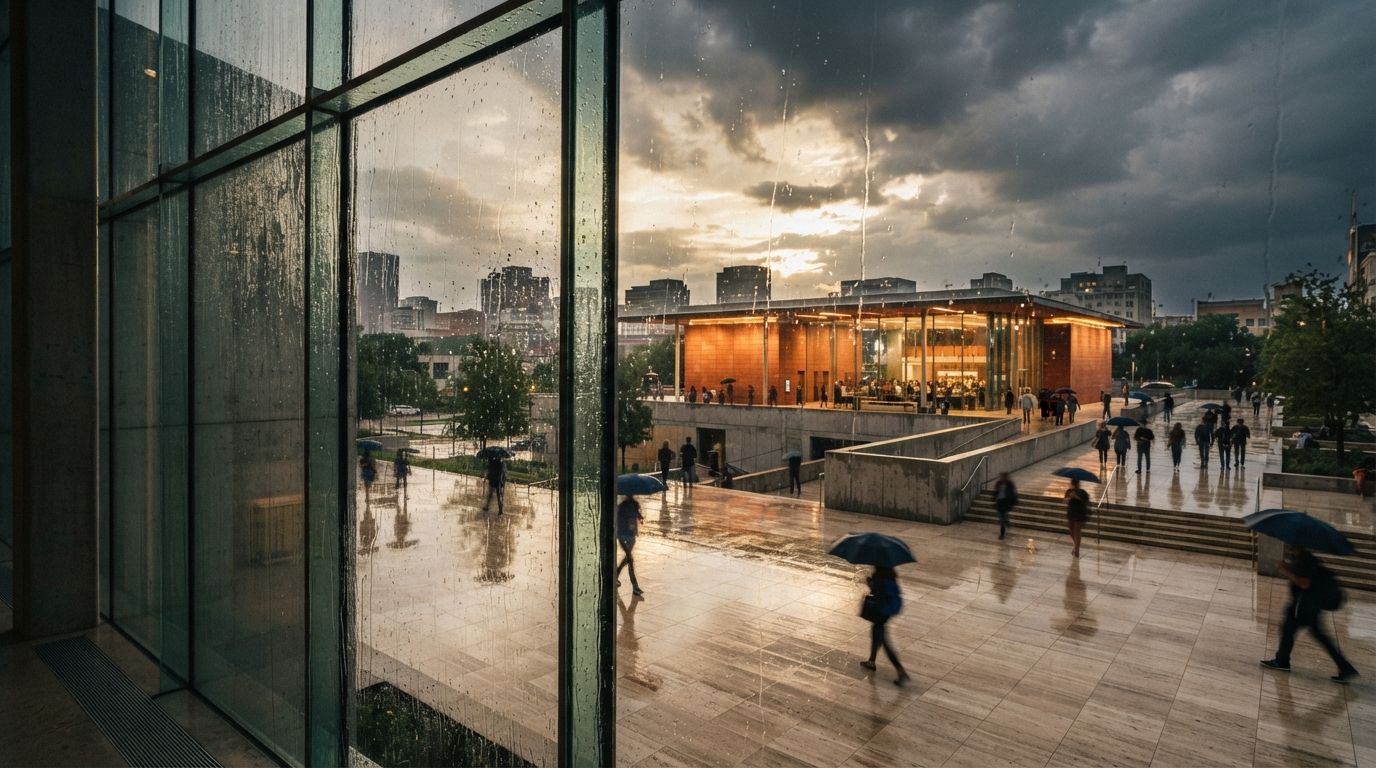
Read enough archviz threads and one comment turns up again and again, usually buried under the tool wars. Someone will say the most useful thing AI does for them is not making the picture, it is finishing it: dropping in people, adding a little motion, cleaning detail, fixing the one corner that looks off. They are not describing a workflow they read about. They are describing what survives contact with a real deadline.
That is worth taking seriously, because it inverts how these tools get sold. The pitch is always the big leap, sketch to photoreal in one click. The practice is smaller and more honest. You get an image that is almost right, and then you spend a focused half hour making it actually right. This is a guide to that half hour: what the finishing pass should contain, what it should not, and how to keep it from quietly wrecking the render.
Why the finish is the work
A base render, from an engine or an AI tool, gets you a competent image fast. Competent is now cheap. What is still expensive is the judgement that makes an image read as a specific place at a specific moment, and that judgement lives almost entirely in the finishing pass. This is a different job from rescuing a rough viewport export, which we covered in the render-rescue workflow. There you are doing the big transform. Here the image is already good. You are spending your time on the last increment, where small moves carry the most weight.
The reason AI fits this stage so well is that the edits are local and bounded. You are not asking a model to invent a building. You are asking it to fill a small selection, match a texture, or remove an object, on an image you already trust. The blast radius is tiny, the iteration is fast, and you stay in control of the result. That is the opposite of betting the whole render on one generation and hoping.
The base render answers what the building is. The finishing pass answers what the picture is about. Skip it and you ship the first answer and never give the second.
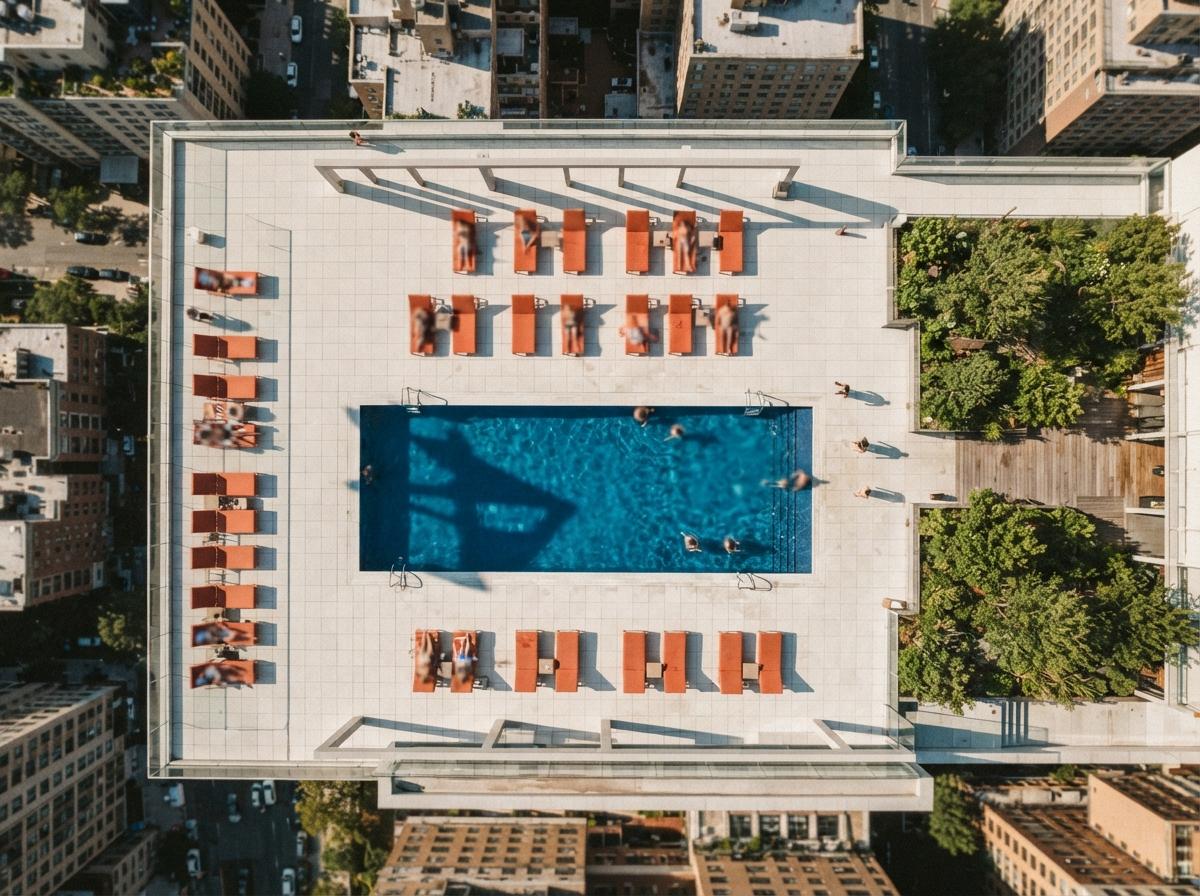
The five fixes that earn their time
A good pass is short and repeatable. Five moves cover most of what separates a generated image from a finished one, in roughly the order I work them.
1. Kill the obvious tells
Every AI image carries giveaways: a railing that melts into the slab, a window mullion that wanders, lettering that turns to soup, a tree fused to a wall. These are the first thing a trained eye catches and the cheapest thing to fix. Select the offending patch, regenerate it locally or paint it out, and the image stops announcing how it was made. Do this before anything else, because a single melted detail undermines everything you add afterward.
2. Give the scene believable life
Entourage is where the forum comments concentrate, and for good reason. The right people, at the right scale, doing plausible things, turn a sterile box into a place. The wrong ones, floating, duplicated, lit from the wrong side, do more damage than an empty scene. Add figures and planting deliberately, match their light to the render, and keep the count honest. A calm plaza with three real-feeling people beats a crowd the model hallucinated.
3. Steer the light
The base render lights everything evenly because it has no idea what the image is about. You do. Darken the corners that do not matter, lift the threshold or the move you want read first, add a little warmth where the eye should land. This is ordinary photographic dodging and burning, and it is the best-spent minute in the pass. It is also how you escape the default golden-hour look that makes every AI render rhyme with every other one.
4. Repair what the model fudged
Generation engines have materials they fake well and materials they fake badly. Brick at distance, fine metal, specific glazing, anything with exact repetition. If a surface matters to the scheme and the model softened it, that is a targeted fix, not a reason to regenerate the frame. A structure or fidelity setting in a good enhancer can help here, but the manual patch is often faster and always more precise.
5. Cut what distracts
The last move is subtraction, and it is the one people forget. Remove the stray object, the over-bright reflection, the second focal point fighting the first. A finished image is as much about what you took out as what you added. If everything in the frame is competing for attention, nothing in it is making your argument.
The tools, kept in their place
You do not need a specific product for this, and the choice matters less than the discipline. A generative fill or inpainting tool handles the local fixes and the entourage. A capable enhancer with a fidelity control can lift detail without redrawing the image, and we put the main ones side by side in our enhancer comparison. A plain image editor still does dodging, burning and subtraction better than any prompt. Most finishing passes use two of these and never touch the third. Pick the lightest tool that does the move in front of you.
Where the pass backfires
The failure mode is not skipping the finish. It is over-finishing. There are three ways it goes wrong, and all of them come from the same instinct to keep pushing.
Inventing what the project does not have. A finishing pass should make a truthful image read better, not add a level of polish the design has not earned. If you are generating detail the building does not actually contain, you have stopped finishing and started fictionalising, and the client will eventually stand in the gap between the render and the result.
Stacking until it turns plastic. Run an enhancer twice, sharpen the sharpening, and surfaces go waxy and the image acquires that over-rendered sheen everyone now recognises. The pass has a stopping point. The render looked finished one move ago; the move you are about to make is the one that ruins it.
Letting a fix redraw the geometry. The quiet danger of generative editing is that a local fill can change a line you are responsible for, thickening a frame or moving an edge. We keep a fuller list in the geometry hallucination checklist, and the rule is simple: if an edit changes what the building is rather than how it looks, throw it out and fix it upstream in the model.
A two-minute checklist before you send
- Zoom to 100 percent and scan the edges. Melted railings, wandering mullions and soup lettering hide at full size.
- Check every figure's feet and shadow. Floating or wrong-lit people are the loudest tell in the frame.
- Squint at the image. If your eye does not land where the design wants it, fix the light, not the geometry.
- Compare against the model. Anything the finishing pass changed about the actual building goes back upstream.
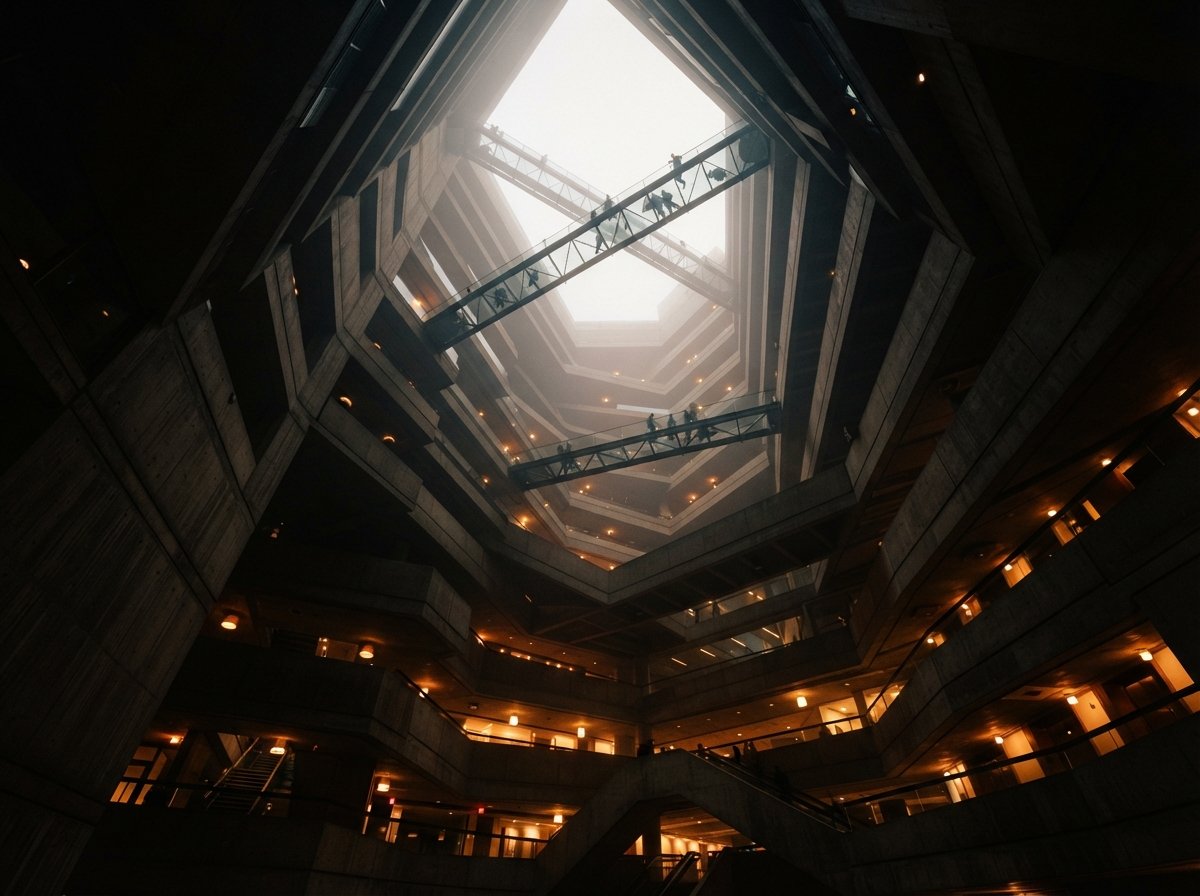
Our take: spend the hour you keep skipping
The forums are right, and they are right about something the marketing keeps quiet. The value is not in the generation, which everyone now has. It is in the finish, which almost nobody does well, because it is unglamorous and it happens when you are tired and the file is technically done. That hour is exactly where your judgement is worth more than the model's, and it is the cheapest edge left in a workflow where the base image has become a commodity.
So treat the render as a draft, not a delivery. Generate fast, then slow down for the last ten percent and make the small decisions the tool will never make for you. The image that looks like a place someone chose to show you is almost always the one someone bothered to finish.
Based on recurring architecture and archviz community threads on post-render editing, vendor materials for the tools referenced, and Vista Studios hands-on finishing of AI and engine renders. Tools and models change fast; test any fix on your own image before trusting it on a deliverable. No affiliate relationship with any tool named.