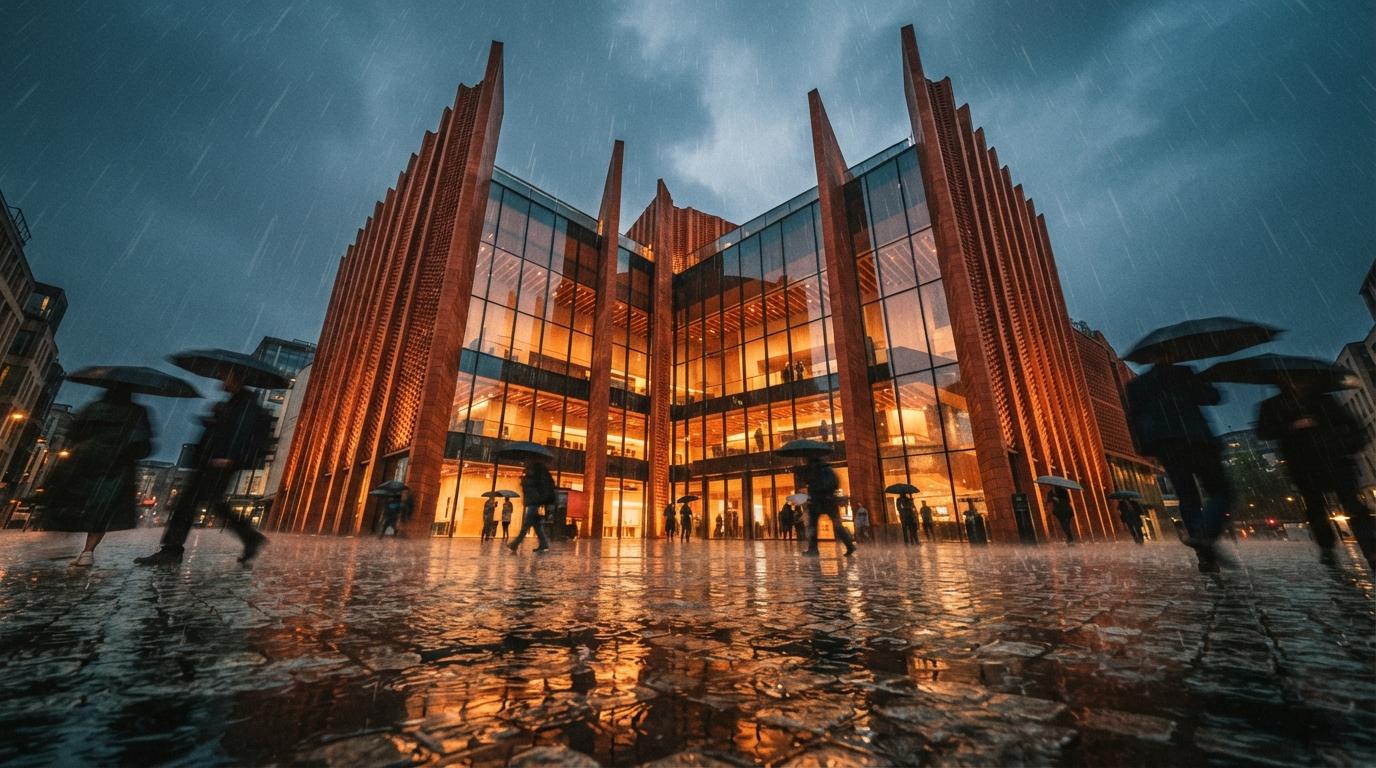
Read the architecture-render forums for a week and a single request surfaces again and again, almost verbatim: "I want to enhance the lighting, textures, reflections and vegetation in this render, but I don't want it to change my geometry." The recommended answer is usually a name: "use an enhancer like Magnific, or D5 Render's AI Enhancer." The advice is right as far as it goes. What it never says is that those two tools sit at opposite ends of a spectrum, and that picking the wrong end can quietly turn a faithful render into a flattering lie.
That spectrum is the frame for this entire comparison. On one end is drift: the enhancer's willingness to invent, sharper, prettier, more cinematic, and increasingly its own design. On the other is fidelity: staying loyal to the geometry, the materials and the proportions you stamped. An enhancer is not "good" or "bad" in the abstract. It is good for a deliverable, and the deliverable decides how much drift you can survive. Get that backwards and you've put invented architecture on a board with your name on it.
How we judge an enhancer for architecture
Most enhancer reviews score on raw beauty. That's the wrong rubric for our field. We weigh seven things, in roughly this order: geometry and structure preservation (does the building survive?); glazing and reflection handling (the failure zone where AI loves to redraw mullions); entourage and vegetation realism (where drift is most welcome and least dangerous); control over change amount (is there a slider, and does it hold?); integration with your existing renderer; commercial licensing comfort; and price and workflow friction. Beauty is assumed, they're all capable of pretty. The question is what they cost you in truth to get there.
One more framing point before the cards. An enhancer is a pass on top of render output, not a renderer. If you're still deciding whether AI belongs in your pipeline at all versus traditional compute, that's a different argument, we made it in render farm versus AI rendering: when each wins. This piece assumes you already have an image and want to make it better without making it false.
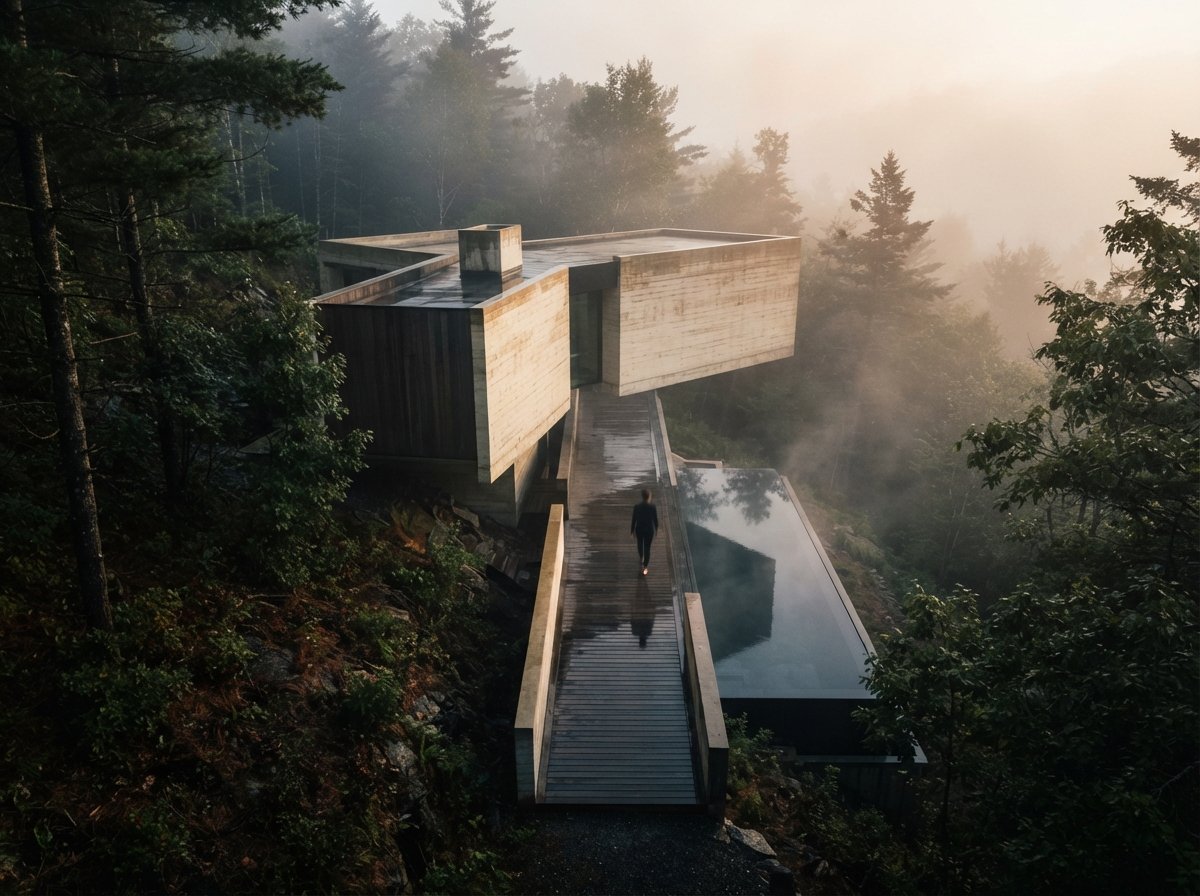
The five, from highest drift to lowest
The verdict: the most spectacular and the most dangerous. Magnific is an aggressive generative upscaler with a "Creativity" (sometimes called Reimagine) slider, and turned up it produces hero images that look like they cost five figures. Turned up is also where it hallucinates: extra windows, mullion grids that don't match the elevation, invented cladding, reflections of buildings that aren't there. Kept low it behaves, but you are always fighting its instinct to redesign. Brilliant for marketing imagery where no one is claiming literal accuracy, reckless for anything dimensional. Read our full Magnific AI review for the slider settings that keep it honest.
The verdict: the sensible middle. Krea offers real-time AI enhance and upscale with an adjustable strength control, fast enough to iterate live and see drift accumulate before it gets away from you. It's less prone to wholesale reinvention than Magnific at comparable settings, and the speed makes it easy to dial in the lowest strength that still reads as "enhanced." It can still invent if you push it, it's generative under the hood, but the feedback loop is tight enough that a careful operator stays in control. A strong default for studios that want one web tool spanning brochure-pretty and board-safe. See our Krea enhancer notes for workflow specifics.
The verdict: the integrated choice, and lower drift for a structural reason. The AI Enhancer lives inside D5 Render, a real-time renderer, so it operates with knowledge of your scene rather than guessing blind from a flat image. It sharpens entourage, lifts realism and cleans up the image while staying anchored to the geometry D5 already knows about, which meaningfully reduces the odds of invented windows or wandering mullions. The catch is obvious: it pays off only if you already render in D5. If you do, it's one of the most fidelity-friendly enhancers available. Our broader look at D5's AI features for architects covers where it fits the wider toolset.
The verdict: the architect's safe-by-design option. The AI enhancer and material generator inside the Enscape and Chaos ecosystem are tightly bound to the live model, which is exactly why drift is lowest here. Because the enhancement understands the model it's enhancing, it's far less likely to redraw structure than a tool working from pixels alone. For practices already in Enscape with Revit, Archicad or SketchUp, this is the path of least risk to design accuracy, and the licensing sits inside tooling your firm already trusts commercially. Less of a free-roaming creative toy, more of a disciplined finisher. Our deep dive on the Enscape/Chaos AI enhancer and material generator has the detail.
The verdict: the honest one. Topaz isn't really a "creative" enhancer at all, Gigapixel and Photo AI upscale and recover detail without generative hallucination. It will not invent a window because inventing is not what it does; it sharpens, denoises and enlarges what's already there. That makes it the default whenever dimensional accuracy is non-negotiable and you just need a viewport-grade image to survive being blown up to print. The trade is that it won't beautify the way the generative tools do, no cinematic relight, no lush new planting. It's clean, not dramatic, and for construction-document work that's the point.
An enhancer that invents geometry has crossed from rendering into fiction, fine for a brochure, dangerous on a board you're stamping.
The comparison, on one screen
| Enhancer | Drift | Geometry-safe? | Best for | Integration |
|---|---|---|---|---|
| Magnific AI | High | Only at low Creativity | Marketing hero shots | Web, standalone |
| Krea | Medium | With a careful hand | Versatile day-to-day | Web, standalone |
| D5 AI Enhancer | Lower | Mostly, scene-anchored | D5 users, entourage lift | Inside D5 Render |
| Chaos / Enscape AI | Low | Yes, model-bound | Design-accurate work | Enscape / Chaos suite |
| Topaz Gigapixel | None (generative) | Yes, no invention | CD / dimensional accuracy | Desktop, standalone |
If you want maximum control
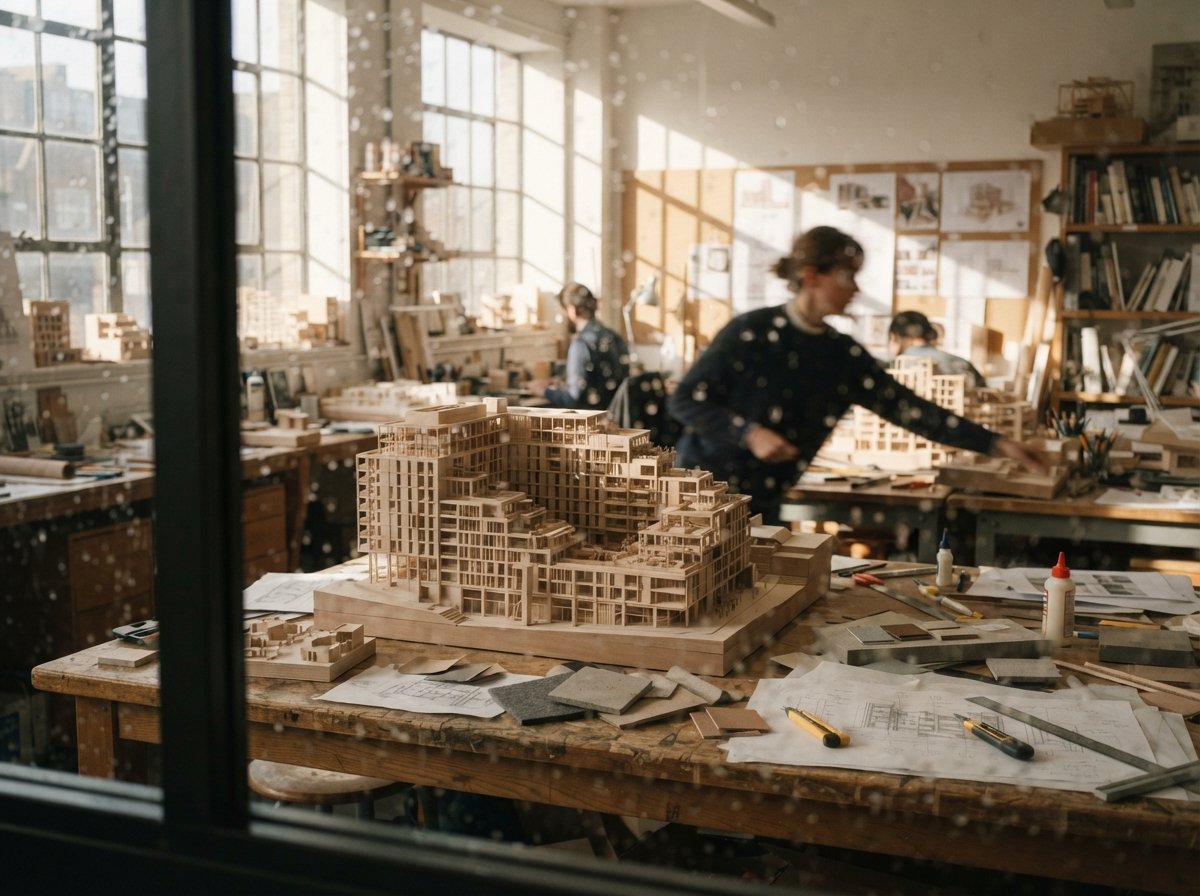
There's a sixth answer the forums under-recommend: build the enhancement pass yourself, where you set exactly how much the AI may touch. A low-denoise image-to-image pass with structural conditioning lets you clamp drift to near zero on the geometry while still lifting light and planting, and you own every parameter. It's more work than a slider, but it's the only place you, not a vendor, draw the line. We laid out the no-hardware route in ComfyUI Cloud for architects; it's the most controllable enhancer in this whole comparison, with the steepest learning curve to match.
Our take: pick by drift tolerance, not by the demo
There is no single winner here, and any review that crowns one is selling you something. The right enhancer is a function of what the image has to be true to. For client-accurate work, construction documents, competition entries, anything presented as a record of the design, stay low-drift: Topaz when you just need clean scale, D5's integrated enhancer if you live in D5, Chaos/Enscape if you're in that ecosystem and need design accuracy guaranteed by the tooling. For marketing hero shots, embrace the drift: Magnific or Krea will produce imagery your competition can't match, just never, ever present a drifted image as a literal design record.
Whatever you choose, the discipline is the same: enhance, then verify. Run a side-by-side against the source render and hunt for invented detail before anything reaches a client, the exact routine in our geometry-hallucination QA checklist. The slider that makes the prettiest image is the slider most likely to redesign your building. Knowing that, and checking, is the whole job.
We rate tools on fit, not hype. Join the studio newsletter for our enhancer-settings field guide, or keep reading in the Journal for the rest of the render stack.
Based on vendor documentation and community coverage as of June 2026. Plans, pricing, model behavior and features change quickly, confirm against each vendor before committing client work. No affiliate relationship with any tool or platform named.