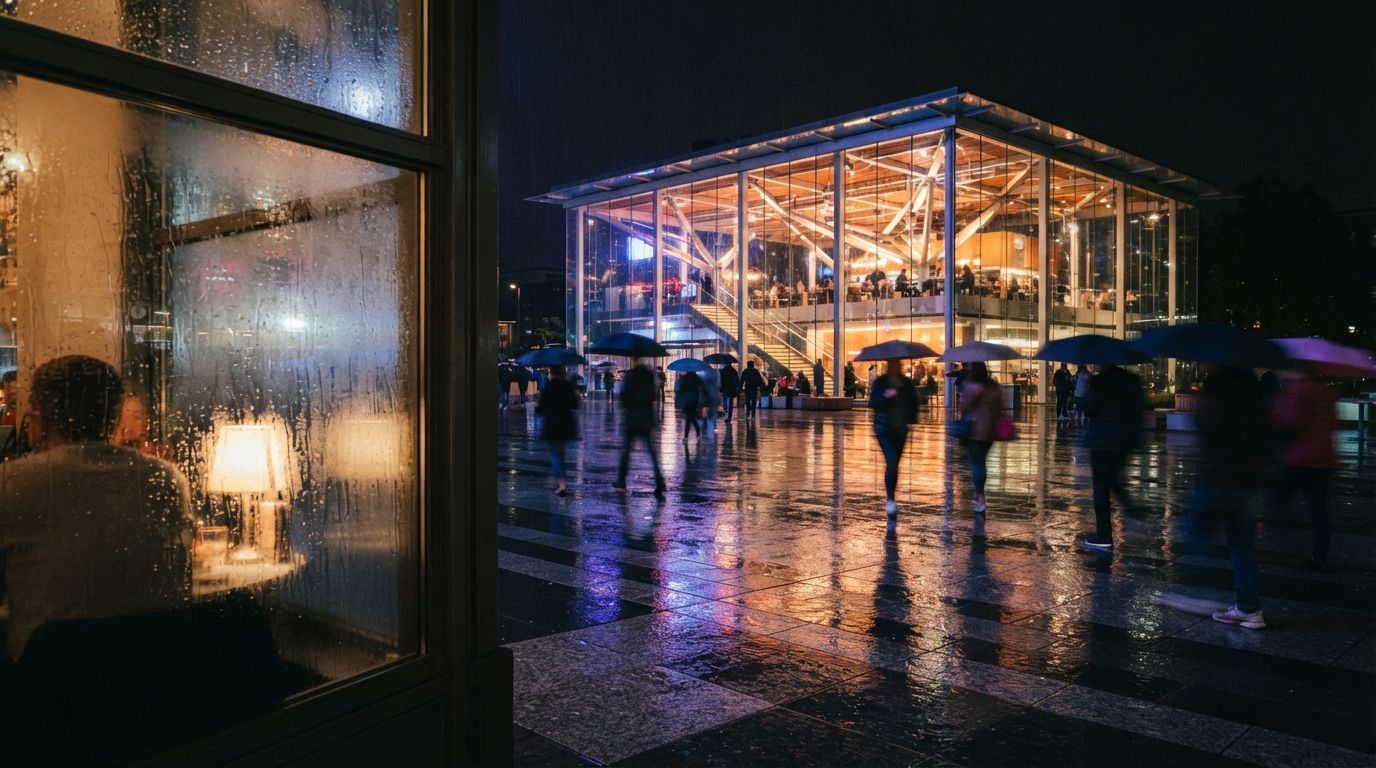
Enscape's pitch has always been speed: a real-time renderer that keeps pace with the model so you can walk a client through a space while you're still editing it. The trade-off was honesty about its ceiling. Real-time output looked real-time, the vegetation read like clip-art, the people looked dropped in, and materials came from a library that never quite had the brick you actually specified. Chaos has spent 2026 closing those exact gaps with two targeted AI features.
What's notable is the restraint. Neither feature tries to reinvent your render or hallucinate a new design. They go after the two things that most reliably make a real-time image look synthetic, the entourage and the materials, and they leave the architecture alone. That's a smarter use of AI than the everything-everywhere approach, and it shows in the results.
The Chaos AI Enhancer: fixing the fake parts
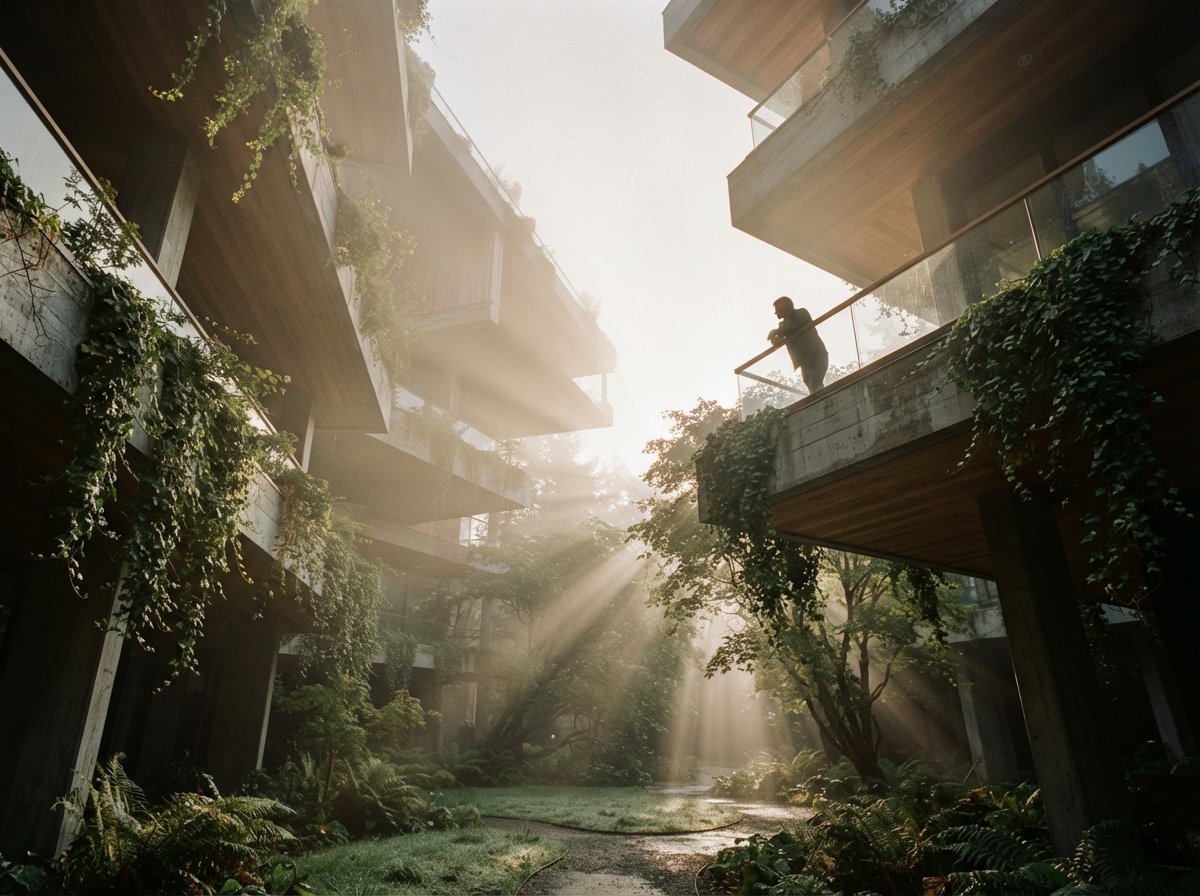
The Enhancer is a post-process pass. You render your view as normal, then apply it, and the AI refines specific scene elements, primarily vegetation, people, and environmental detail, so they sit more naturally in the frame. Crucially, it does this without a full re-render. You're not waiting for the scene to recompute; you're applying an intelligent finishing layer to the image you already have.
On the test scenes, the biggest improvement was foliage. Enscape's stock vegetation has always had a slightly cardboard quality at the edges, and the Enhancer softens and varies it enough that it stops drawing the eye. People assets improved too, the tell-tale "asset placed here" stiffness reads less obviously. The architecture, correctly, came back untouched.
AI post-process that refines vegetation, people, and environmental assets in a rendered Enscape view without re-rendering the scene. Scoped to entourage, not the modeled building. Best for lifting the realism of real-time output before a client review.
Where it earns its keep
The real value isn't a single hero image, it's the review meeting. Because the Enhancer doesn't require a re-render, you can keep working in real time, then apply the finishing pass on the specific views you're about to present. We used it most for quick client walkthroughs where there wasn't time to push the scene through a full offline render but the stock entourage was undermining an otherwise convincing space. Ten seconds of enhancement bought a visible step up in perceived quality.
It doesn't make Enscape look like V-Ray. It makes Enscape stop looking like a video game in the three places clients always notice.
The limits worth knowing
The Enhancer is a polish layer, not a quality transform. If your lighting is wrong or your composition is weak, no amount of foliage refinement saves the image, and on heavily vegetated scenes the pass can introduce a faint uniformity if you lean on it too hard. It's a tool for closing the last 15% of realism gap, not for rescuing a render that has deeper problems. Used as intended, on the right views, at the end, it's a clear win.
The AI Material Generator: photo to PBR
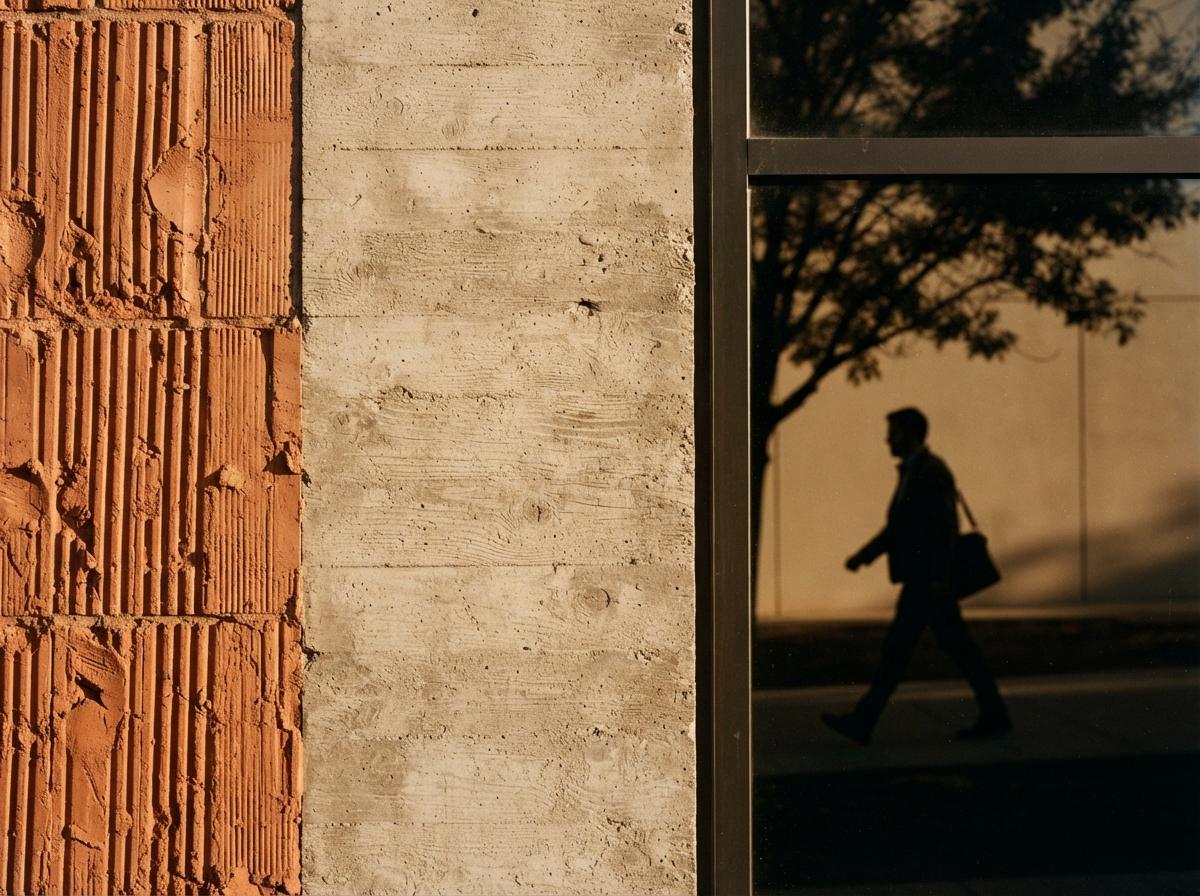
The second feature is the one we expected to be a gimmick and came away respecting. The AI Material Generator takes a real-world photograph, a sample of brick, timber, stone, fabric, and generates a full render-ready PBR material from it: albedo, roughness, normal, and the supporting maps, tileable and ready to apply in Enscape.
The workflow this replaces is genuinely tedious. Previously, getting a specific material into a scene meant either finding a close-enough match in a library or building the maps yourself, a real time sink for a surface that might appear in three frames. With the generator, you photograph or upload the surface and have a usable material in under a minute.
Converts a photograph of a real-world surface into a tileable PBR material with generated albedo, roughness, and normal maps. Removes the library-hunting and manual map-building step for client-supplied or site-photographed materials.
The input photo decides the output
The one rule that determines whether you get a great material or a frustrating one: light your input flat. A head-on, evenly lit, shadow-free photo of the surface produces a clean, neutral material that tiles without seams and takes your scene's lighting properly. Feed it an angled photo with strong directional shadow, and the AI bakes that lighting into the albedo, so your material arrives with a fake highlight that fights every light in your render. We learned to keep a simple routine: flat phone photo, even daylight or diffuse shade, fill the frame with the surface.
Where this shines is client-supplied materials. A client sends a photo of the exact travertine they want, and instead of approximating it from a library, you generate the real thing and apply it. That's not a marginal convenience, it's the difference between "something like this" and "the actual specified material" in a presentation render.
Two features, one strategy
| Dimension | Chaos AI Enhancer | AI Material Generator |
|---|---|---|
| What it fixes | Synthetic-looking entourage | Missing or generic materials |
| When you use it | Final polish, just before presenting | During scene setup, as needed |
| Touches the building? | No, entourage only | Only the surfaces you apply it to |
| Biggest dependency | Quality of the base render | Quality of the input photo |
| Time saved | Skips an offline re-render pass | Skips library hunt + manual maps |
Read together, the two features tell you where Chaos thinks real-time rendering loses to offline rendering, and they're right. It's never the building, Enscape has always rendered architecture credibly. It's the surrounding believability: the planting, the people, the specific materials. Attack those three and the gap to a slow offline render narrows considerably, while keeping the speed that made anyone choose Enscape in the first place.
Our take: the most useful kind of AI feature
It's become fashionable to bolt generative AI onto every tool whether or not it helps. What Chaos has done here is the opposite, and better for it: identify the specific, repeated, low-glory tasks that eat archviz time, building materials, fixing entourage, and quietly automate them. There's no prompt theater, no risk to your design accuracy, just two friction points removed from a workflow people run every week.
If you already use Enscape, both features are the kind you adopt without deliberation, because they slot into what you were already doing. The Material Generator in particular changes a habit: you stop settling for library-approximate materials and start using the real ones, because the cost of doing so dropped to nearly zero. That's a small change that compounds across every project.
The thing we'll be watching is whether Chaos extends the Enhancer's scope over time. Right now its conservative entourage-only boundary is a feature. If a future version lets it touch more of the scene, the question of how much it's allowed to reinterpret, and how much you can trust the result for client sign-off, gets more interesting fast.
If you run Enscape this week
Try the Material Generator on the next client-supplied material instead of reaching for the library, and time the difference. Apply the Enhancer only to the specific views you're about to present, not the whole project, and judge it on the entourage, not the building. And keep a flat-photo habit for material capture, it's the single thing that separates a clean generated material from a frustrating one.
We test new AI rendering features on real project work and publish the honest version. Join the studio newsletter for weekly field notes, or explore the renderer comparisons to see where Enscape sits against Veras, D5, and the rest.
No affiliate relationship with Chaos or Enscape.