
This week's software comparisons did the usual thing. They ranked tools on output quality, prompt behavior, and price, and they mentioned GPU performance and Mac support in passing, as a footnote rather than the headline. That is backwards for a working architect. The tool you can afford to run matters more than the tool that won the roundup, and which tool you can run is decided almost entirely by what is inside your machine. So here is the part the lists skip: what the hardware actually has to do, and the three honest paths through it.
VRAM is the wall, not clock speed
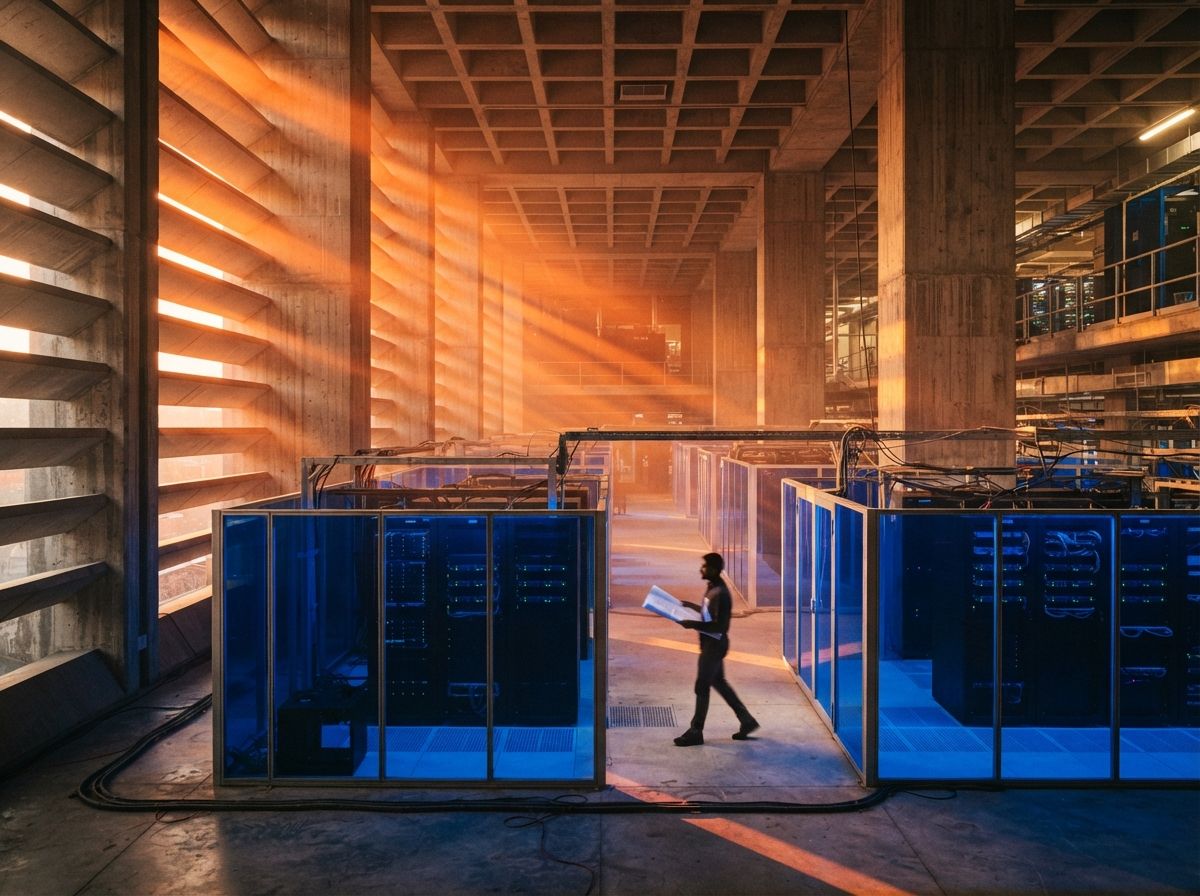
When architects shop for a render machine, they look at the number that gets advertised, which is speed. That is the wrong number. For local AI rendering, the constraint that decides whether a job runs at all is video memory, the VRAM on the graphics card. A diffusion model has to fit in that memory while it works, and if it does not fit, the render does not slow down, it refuses to start.
The practical floors for local diffusion tools like ComfyUI, Stable Diffusion, and Flux: 12GB of VRAM is the bottom of workable, 16GB is comfortable for day-to-day exterior and interior work, and 24GB lets you run the larger models and push resolution without constant memory housekeeping. A faster card with 8GB will choke on jobs a slower card with 16GB finishes calmly. If you take one thing from this, take that: when you read a benchmark, look at the memory before the frame rate. Speed changes how long you wait. Memory changes whether you get to wait at all.
The Mac gap is real, and narrower than it looks
Mac-based firms have spent two years hearing that AI rendering is not for them, which is half true in a way that matters. The local diffusion pipelines that power tools like ComfyUI were built around NVIDIA's CUDA software, and CUDA does not run on Apple Silicon. A Mac can run these models through a different path, and the unified memory helps, but it is slower and more limited than an equivalent NVIDIA card, and some tools simply assume hardware a Mac does not have. That is the gap, and it is genuine. We went deeper on it in our piece on AI rendering on a Mac.
What the gloom misses is where the gap is not. Cloud and browser-based tools, which is most of what architects actually use, run the model on someone else's server. Veras inside your design software, Midjourney in a browser, the web rendering platforms: none of them care what is on your desk, because the GPU doing the work is in a data center. A Mac drives all of them perfectly. The Mac problem is real only if you insist on recreating a local NVIDIA diffusion rig, and for most firms that is a fight worth not having.
Cloud makes the question optional
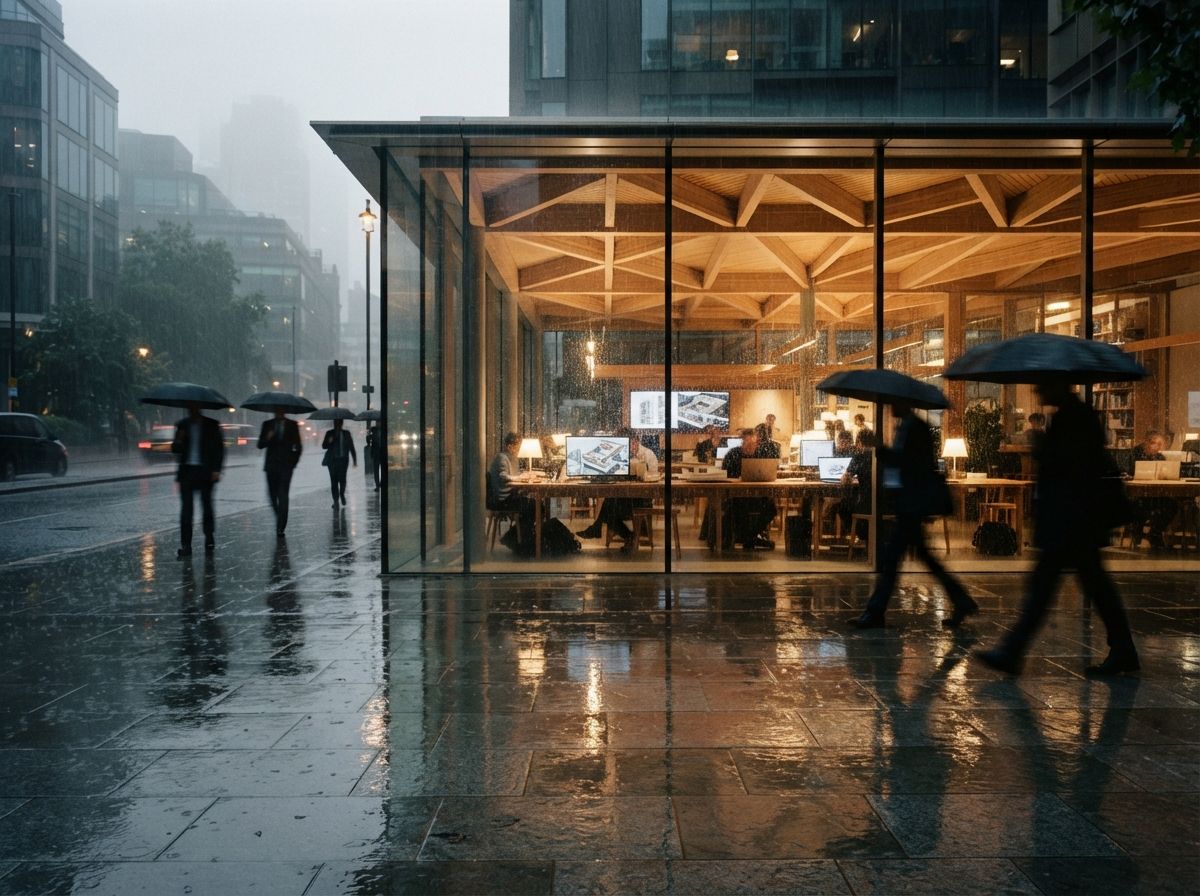
The cleanest way out of the hardware question is to not own the hardware. Cloud rendering, whether a render farm for real-time output or a web tool that runs diffusion server-side, lets any machine produce images a local workstation could not. We walked through the no-GPU version of this for diffusion work in running ComfyUI in the cloud without a GPU, and the logic extends across the board. You trade an upfront capital cost for a recurring per-job one, and you trade control for convenience.
The catch is not speed, it is two other things. The first is cost shape: cloud is cheap until you render constantly, at which point the meter running every job can quietly pass what a workstation would have cost once. The second is confidentiality, which for architecture is not optional. Sending a client's unbuilt project to a third-party server has contractual and ethical weight, and we treated that seriously in our piece on cloud AI rendering and client confidentiality. Cloud is the right default for most small firms. It is the wrong default for sensitive work that has to stay in house.
| The setup | Best for | The catch |
|---|---|---|
| Local NVIDIA workstation | High volume, local model control, confidential projects | Upfront cost; you maintain it; buy on VRAM, not speed. |
| Apple Silicon Mac | Cloud and web tools, design work, light local use | Local NVIDIA diffusion pipelines are slow or off-limits. |
| Cloud or web rendering | Bursty volume, Mac firms, no hardware to manage | Per-job cost adds up; client files leave the building. |
What to actually buy in 2026
Three cases cover most firms. If you are a solo or small studio that renders in bursts, do not buy a workstation. Work in cloud and web tools, keep whatever machine you have, and spend the saved money on the subscription tier that gives you the speed and resolution you need. The hardware question genuinely does not apply to you, and the lists that scared you about it were selling something.
If you render daily and care about control, buy one capable local machine: an NVIDIA card with 16GB of VRAM at minimum, 24GB if the budget reaches, and do not overspend on the rest of the box, because the GPU is the part that matters. That single machine handles real-time work and local diffusion, and it keeps sensitive projects off the cloud. Real-time engines lean on the same card, so the workstation that runs your diffusion pipeline is the one that runs Twinmotion and the real-time path too.
If you are on a Mac and committed to it, stop trying to build a local rig. Run cloud and web tools, which work flawlessly on your machine, and reserve any heavy local diffusion for a single shared NVIDIA box in the office if you truly need it. Fighting your platform to save a subscription is the most expensive saving in the building.
Read the benchmark for the memory, not the frame rate. The card that finishes the job beats the card that finishes faster but refuses half of them.
Our take: match the machine to the work
The hardware anxiety the tool lists create is mostly misplaced. Most architects do not need a new workstation; they need to know that the cloud tools they already use do not care what they own, and that the one real local constraint is memory rather than speed. The firms that overspend buy fast cards with too little VRAM because a benchmark told them to. The firms that underdeliver are Mac shops trying to clone a Windows diffusion rig instead of using the cloud that would have worked on day one.
Decide the path before the tool. Pick local, Mac-plus-cloud, or cloud-only based on your volume and your confidentiality needs, then choose the rendering tools that fit that path. Do it in that order and the "best of 2026" lists become what they should have been all along: a menu, not a source of dread about the machine under your desk.
Drawn from this week's intel sweep of 2026 architectural rendering software coverage, where multiple comparisons foregrounded output quality and price while treating GPU performance, Mac support, and real-time hardware as a footnote. The hardware is not a footnote for the architect paying for it. No affiliate relationship with any hardware vendor, cloud provider, or rendering tool named here.