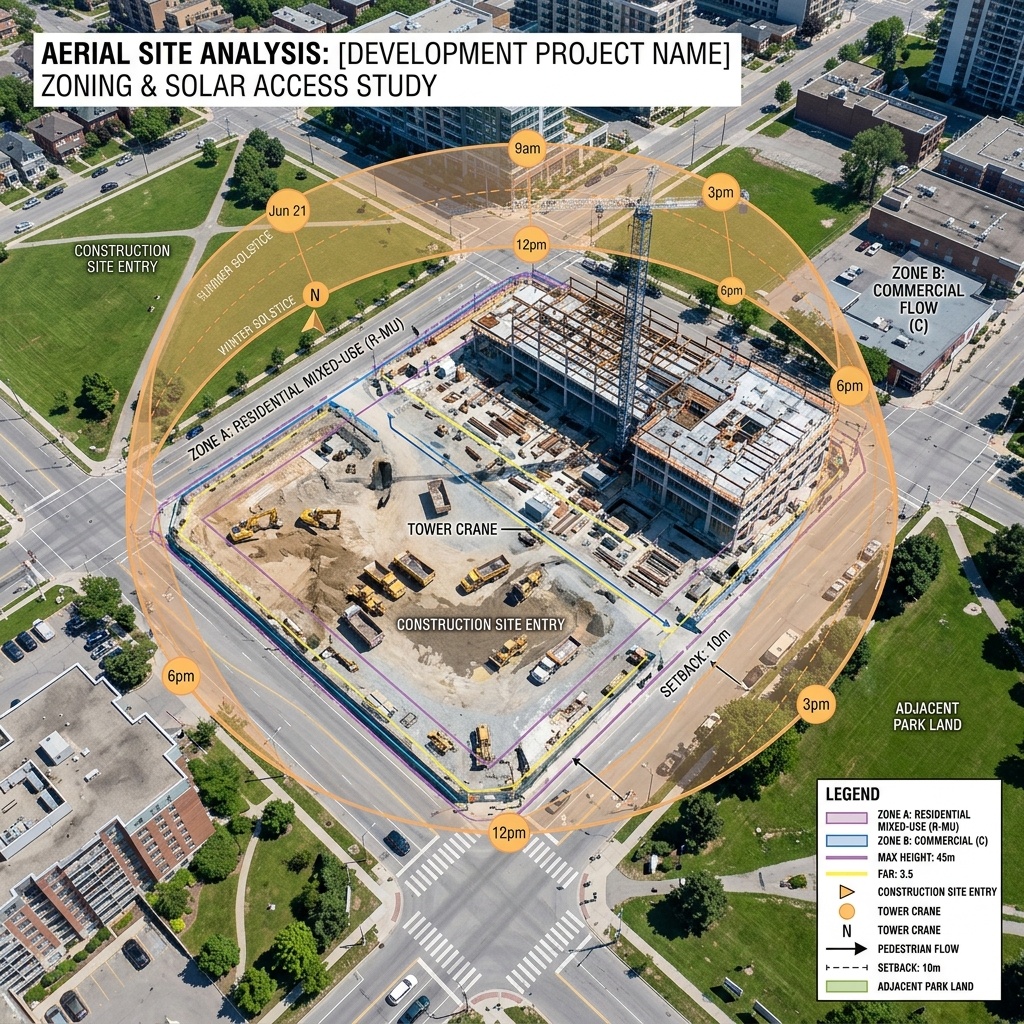
Site analysis is the part of the project where mistakes compound. A bad render gets re-rendered. A bad facade gets re-cladded. A bad site analysis funnels every downstream decision toward a building that should not be on that lot. So when the comparison posts started listing AI site analysis tools next to AI rendering tools as if they were the same kind of product, our antenna went up. They are not the same kind of product. The failure modes are not the same. And the maturity gap between the two categories is large enough that the roundups misleading you about it actually matters.
We took one real parcel. Mid-block urban infill, mixed zoning, a slight grade change, a protected tree, an existing easement, and a neighborhood plan overlay that the city updated last year. The kind of site where the rules are knowable but require attention. We fed it to every tool that markets itself as an AI site analysis platform and graded the output not on prettiness but on whether a practicing architect would trust it enough to start massing.
What “AI site analysis” actually means in 2026
The term covers four very different jobs. Zoning interpretation means reading the parcel's actual zoning code, height limits, FAR, setbacks, and overlays, and reporting them as developable envelope. Solar and shadow analysis means simulating sun across the day and year, including impact on neighboring properties. Context analysis means understanding the surrounding fabric, average heights, building typologies, access patterns. Feasibility means producing a yield study that fits inside all of the above.
These tools cluster differently. Forma and Spacemaker (now the same product under Autodesk) lean toward solar and microclimate. TestFit leans toward yield and feasibility. Hypar leans toward zoning and configurable rules. Finch 3D leans toward conceptual massing iteration. None of them does all four jobs equally well. The marketing pretends they do.

The five tools, head to head on a real parcel
Autodesk Forma (with Spacemaker integrated)
Strongest microclimate and solar analysis in the category. Wind, daylight, noise, and operational energy simulations are credible enough to bring into early-stage conversations. Zoning is light. Yield modeling is limited compared to TestFit.
Forma's microclimate analyses are the most defensible output we got from any tool in the test. The solar study correctly accounted for the seasonal angles, the wind simulation noted the tunnel effect along the long side of the parcel, and the daylight access analysis flagged the same upper-floor units our in-house solar review would have flagged. Where Forma fell short was zoning. It does not know your specific overlay. It expects you to enter the envelope parameters yourself, which means the tool can confidently produce a yield study inside an envelope that violates your actual code. The analysis is correct. The premise can be wrong.
TestFit
The strongest feasibility tool in the test, particularly for multifamily and parking-driven sites. Generates real unit mixes against real envelopes and runs the parking math you would otherwise do twice. Site analysis is in service of yield, not the other way around.
If your site analysis is in service of a yield study for a developer client, TestFit is the right starting point. The output is opinionated, the parking math is real, and the unit mix conversation can happen in the same tool. It is not pretending to be a site analysis platform. It is a feasibility platform that respects site constraints. For an infill parcel where the question is “how many keys does this become and how does the parking work,” TestFit will give you a defensible answer in an hour. For an infill parcel where the question is “is this even buildable under the new overlay,” you need something else first.
Hypar
The closest thing to programmable zoning in the test. You can encode local rules, overlays, and exceptions as functions and run the same site through them. Power user tool. Steep enough that most firms will not get to value without dedicated time.
Hypar is the answer for a firm that runs the same type of project across many jurisdictions and wants the zoning logic encoded so the next site analysis is a parameter change instead of a fresh read of the code. We were able to model our overlay constraints inside Hypar and have the tool flag a setback violation that two of the other tools missed. The cost is the on-ramp. This is not a tool you open between meetings. It is a tool the firm invests in, and the payoff is the third project, not the first.
Finch 3D
Generative massing inside a constrained envelope. Fenestra release sharpened the rule-based generation. Excellent at the conceptual-to-schematic transition once you already know the envelope. Site analysis itself is thin.
Finch 3D earned its category-leader reputation for a reason, but the reason is not site analysis. It is brilliant at generating many massing options inside a defined envelope. Feed it the wrong envelope and it will generate many brilliant options of a building that cannot be permitted. The right place for Finch is downstream of whatever tool actually understands the parcel, and our existing Finch 3D Fenestra review covers the schematic side in detail.
The honest fifth slot: Spacemaker as a standalone reference
Spacemaker as a standalone product no longer exists, but its DNA inside Forma is what most of the comparison posts are still referencing when they list “Spacemaker” separately. Microclimate analysis is the same engine. The new piece is the connection to Forma's wider AEC suite, which matters more than the comparison posts give it credit for.
The grading table
| Job | Forma | TestFit | Hypar | Finch 3D |
|---|---|---|---|---|
| Zoning interpretation | Manual envelope | Light | Best | None |
| Solar & shadow | Best | None | Possible via functions | None |
| Context analysis | Strong | Light | Programmable | Light |
| Feasibility / yield | Light | Best | Possible via functions | Light |
| Setup time to value | Fast | Fast | Slow | Fast |
The failure modes the marketing does not warn you about
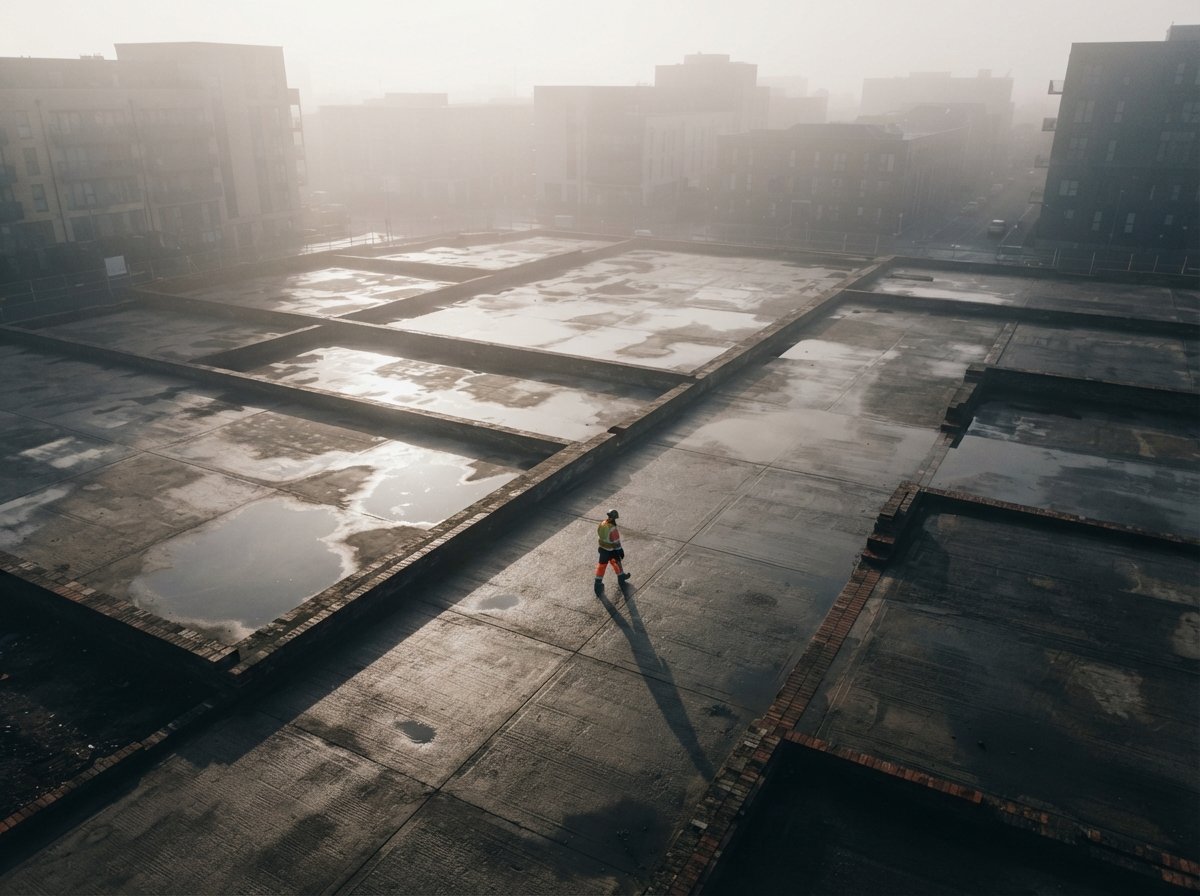
Three failures showed up across multiple tools and you should know about all of them before you trust an analysis to a client meeting.
The wrong envelope problem. If you feed any of these tools an envelope that does not match the actual code, the downstream analysis is plausible and wrong. Hypar is the only tool that pushes back. The others trust you. Validate the envelope by hand against the code before you trust anything the tool tells you about what fits inside it.
The overlay blindness problem. Local plan overlays, historic district rules, view corridors, and incentive programs change the rules of your parcel in ways the tools do not auto-detect. Forma and TestFit will both let you draw a building that violates a recent overlay because they do not read overlays. The overlay knowledge has to live in the architect.
The pretty-diagram problem. Every tool in this category produces presentation-ready diagrams. A solar study with smooth gradients and a yield study with neat color blocks is persuasive whether or not it is correct. The diagram is not the analysis. Pressure-test the assumptions before you put a diagram in a deck.
The site analysis category is the part of the AI architecture stack where confidence outruns capability. Beautiful output, true output, and useful output are three different things.
Our take, which tool belongs in which kind of practice
For a multifamily-leaning practice doing developer-driven feasibility work, the right starting stack is TestFit for yield plus Forma for solar and microclimate. Hypar enters when the firm gets repeatable enough across jurisdictions that encoding zoning logic pays for itself. Finch 3D is downstream once the envelope is real. Skip the tools that promise to do all four jobs from a single upload. None of them does, and the ones that imply they do are the ones whose outputs you should trust least.
For a boutique or single-project firm doing one parcel at a time, the honest answer is that Forma covers the most ground per dollar, but the parts it covers are the parts where the analyst's judgment is most needed anyway. The tools earn their keep on the second and third project, not the first. Plan accordingly.
The deeper point is that AI site analysis in 2026 is at roughly the maturity AI rendering was at three years ago: the outputs are credible-looking, the failure modes are not yet boring, and the human in the loop is doing real work whether the marketing acknowledges it or not. That is fine. It means the tools are useful. It also means they are not yet the analyst.
Test it this week. Take one current parcel, run it through whichever single tool you already have access to, and put the analysis next to whatever your in-house process produced. The deltas are the conversation. The deltas are also where you will figure out which tool belongs in your stack and which one is a beautiful diagram of the wrong answer.
No affiliate relationships.