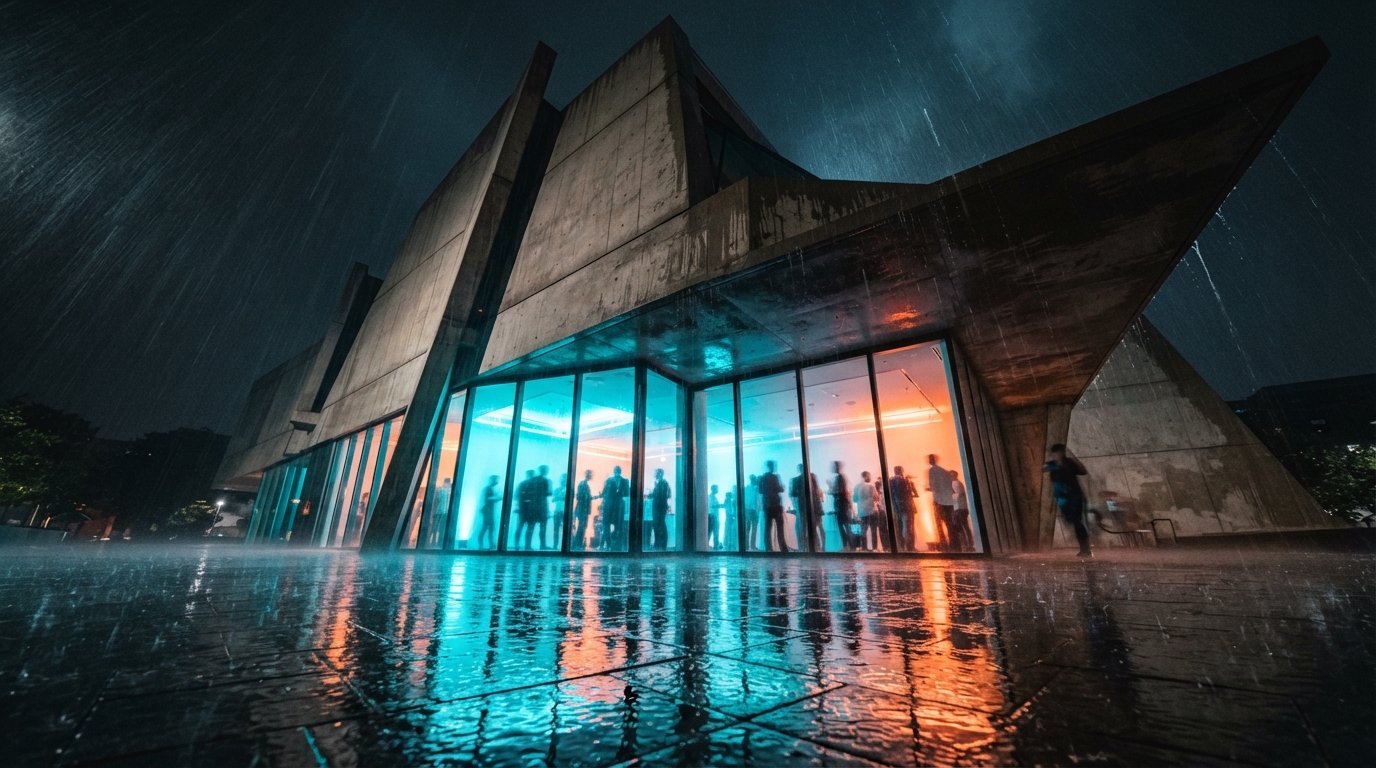
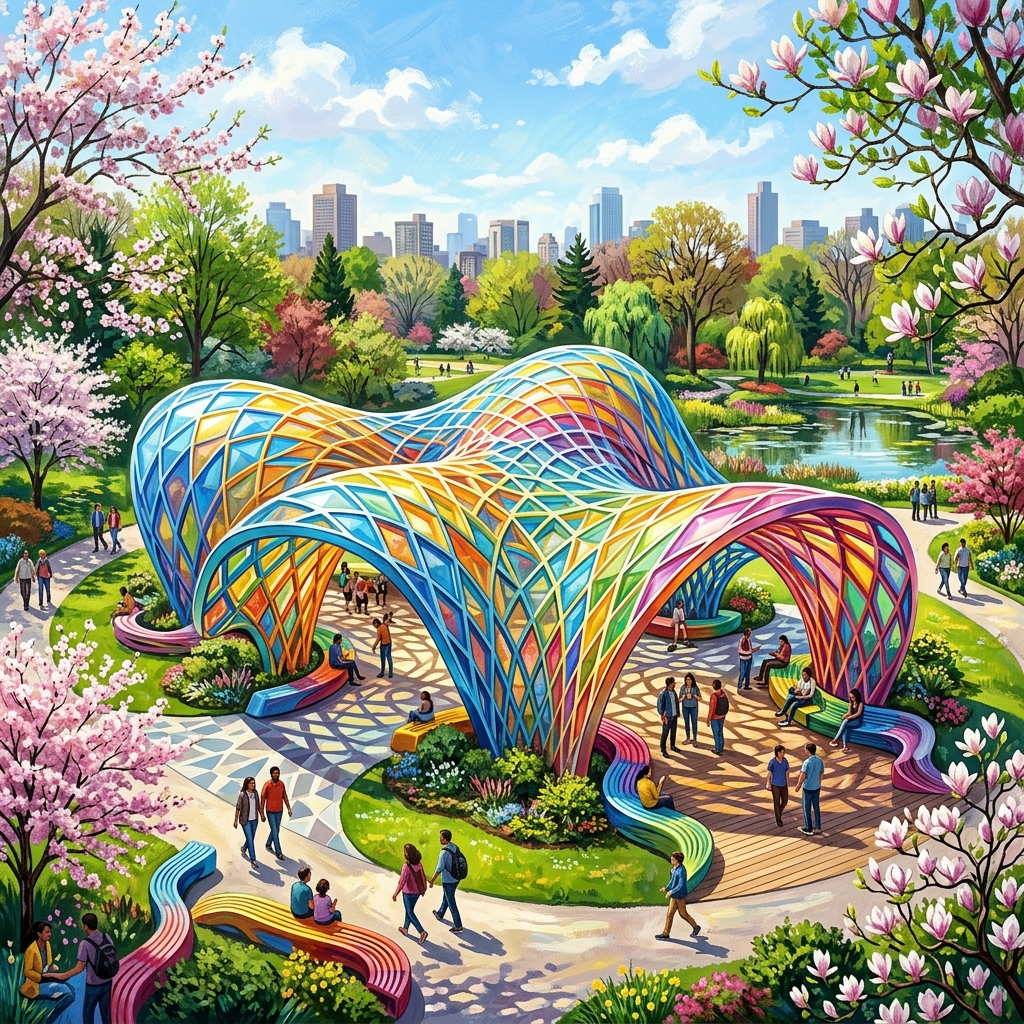
The phrase "free AI rendering tool for architects" is one of the more dangerous Google searches in this category. Most results are either a SaaS trial wearing the word "free," a generic image generator no architect would actually use, or a ComfyUI tutorial that takes a weekend to set up before it produces anything you would show a client. So when Pixels to Plans called Chroma by AlpacaML — the open-access model branded as Alpaca in some surfaces — the best free AI rendering tool for architecture, that was worth checking.
We spent a week running Chroma against a live residential concept set: two exterior elevations, a single interior, and a courtyard study. The brief was the one the free-tool question really asks. If a student, a junior, or a small firm wanted to do real concept rendering without a Veras seat or a Midjourney subscription, would Chroma do the job? The answer is more interesting than yes or no.
A general-purpose AI image generator with a strong architectural lean. Sketch-to-render, image-to-image, prompt-to-image. Genuinely free in 2026 with usable output for concept-phase work — but no geometry lock, no model integration, and a queue that gets long when the West Coast wakes up.
What Chroma actually is
Alpaca started life in 2023 as a Photoshop plugin built on Stable Diffusion — an early entrant in the "AI rendering inside the tools designers already use" race. Two years on, AlpacaML rebuilt and rebranded the model as Chroma, a web-based generator now in open access. The architecture-tool corners of the internet noticed because Chroma's training pulls heavily on built-environment imagery and its sketch-to-render path produces output that does not look like the usual AI render slop — less plastic, less over-saturated, less obviously machine-made.
The interface is the part Alpaca got right. You drop a sketch or a viewport screenshot, type a prompt, pick a style preset, and Chroma returns four variants in roughly 25–40 seconds. There is no token system to budget, no credit balance ticking down, no upsell modal. In 2026 that combination is rare enough to be worth a paragraph by itself.
What free actually buys you
On the residential exterior, with a SketchUp viewport line drawing as the seed and a three-line prompt describing materials, time of day and weather, Chroma produced a pair of usable images on the second run. By usable, we mean: defensible on a client call as an early concept direction, with material reading and atmospheric feel that matched the prompt's intent. That is the same bar Midjourney, Veras and D5 clear. It is not the bar most "free" tools clear.
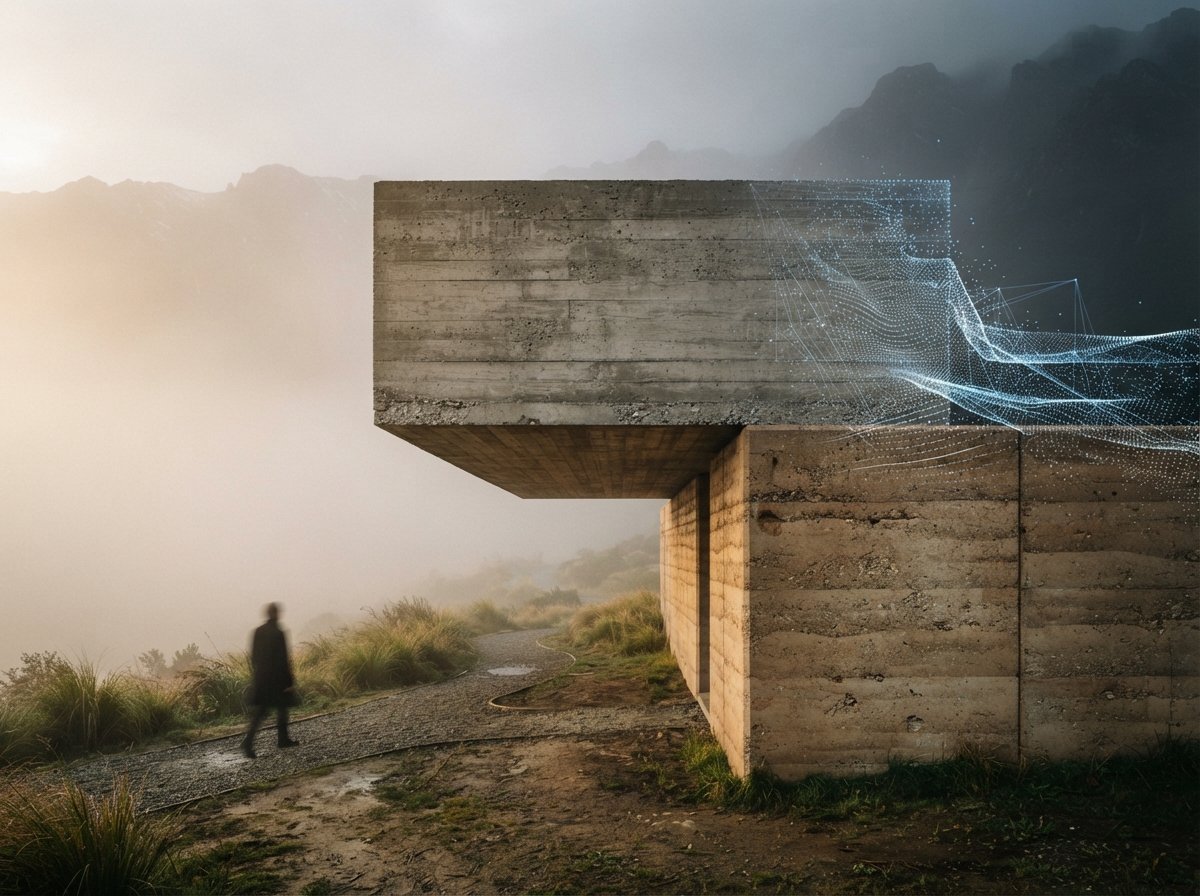
Three behaviors stood out. First, Chroma respects line work more than most general-purpose models — if your sketch shows a flat roof, Chroma is less likely than Midjourney or Leonardo to add a gable. Second, the material handling on natural surfaces — brick, board-formed concrete, weathered timber — is unusually competent for a free model. Third, the output does not have the chrome-and-gloss sheen that betrays AI provenance in client review.
Where it breaks — be honest about the ceiling
Chroma is a general-purpose image model. It is not a renderer in the sense Veras and D5 are renderers. Three failures repeat:
Geometry drift. On the courtyard study, with a four-bay arcade in the seed sketch, Chroma returned a five-bay arcade. Twice. This is the same ceiling as Midjourney V8, and the same caveat applies — a text-and-image model cannot hold geometry it never had. If the building must match the drawing, Chroma is not the tool.
Interior consistency. The single interior we ran went well on furniture and surface read, badly on perspective. Vanishing points wandered, ceiling planes warped. A junior designer would not catch the drift on a thumbnail; a client looking at a printed boardroom A1 would.
Queue latency. Open access means open queue. Morning Pacific generated in 12–15 seconds. Evening UTC ran 90–180 seconds with occasional 5xx timeouts. For a paid tool, queue jitter is a complaint. For a free tool, it is the price of admission — but plan around it.
Free is not the same as cheap. The price you pay for Chroma is not money. It is queue time, geometry drift, and a ceiling you cannot pay your way past.
Chroma vs the paid concept-phase tools
| Capability | Chroma (free) | Midjourney V8 ($) | Veras 4.3 ($$) |
|---|---|---|---|
| Concept image quality | Good | Excellent | Excellent |
| Sketch-to-render fidelity | Decent — respects line work | Weak — ignores structure | Excellent — reads geometry |
| Holds your building's geometry | No | No | Yes (Revit/SketchUp link) |
| Speed (Pacific morning) | ~15s | ~8s | ~20s |
| Speed (evening peak) | 90–180s | ~10s | ~25s |
| Material believability | Strong for natural surfaces | Best in class | Best in class |
| Cost | $0 | $10–$60/mo | $50–$100/mo |
Who Chroma is actually for
Three groups will get real value out of Chroma in 2026, and a fourth should not bother.
Architecture students. Studio reviews want atmospheric concept boards more than they want photoreal renders, and a student's tool budget is whatever the school subscribes to plus zero. Chroma is the best free option for studio crit deliverables we have tested. It will not replace the school's Revit-to-Twinmotion pipeline for final boards, but for the speculative directions you generate to find the one worth modelling, it is right-sized.
Solo practitioners testing whether AI rendering belongs in their stack. If you are not yet willing to commit $50–$100 a month to Veras or D5, Chroma is a credible way to spend a fortnight finding out whether AI concept rendering changes how your projects feel. If it does, upgrade. If it does not, you spent zero.
Small firms in markets where the AI render tools are priced for a different economy. Veras pricing makes sense in London or San Francisco. It does not always make sense in São Paulo or Manila. Chroma plus a SketchUp viewport is a viable concept-phase stack at the cost of nothing.
The group it is not for: mid-size firms with paid Revit seats and recurring CD work. The hourly rate on the staff you are running Chroma's queue against is higher than the Veras or D5 subscription you are avoiding. Pay the money.
How we would put Chroma in a 2026 stack
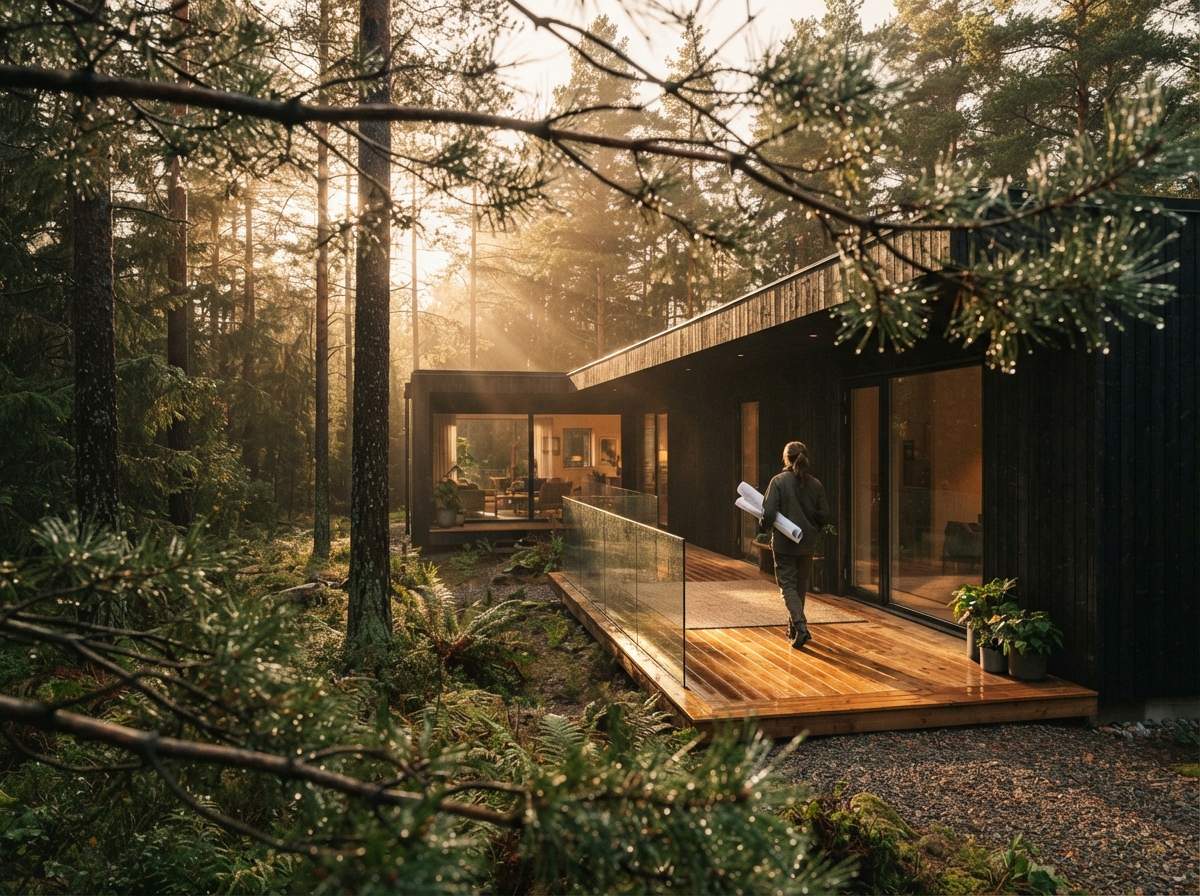
Used well, Chroma is a concept-phase ideation tool that sits before any paid rendering work begins. Three uses earned their place in our workflow during the week:
- Style explorations before committing to a Veras direction. Generate 20 atmospheres on Chroma, pick the two that feel right, then take the winner into Veras with the actual model. The exploration is free; the deliverable is paid.
- Junior staff training. Chroma is a low-stakes sandbox for staff learning how to prompt for architecture. No credit budget to overspend, no client meeting on the line.
- Personal work, competitions and pro bono. The projects with no rendering budget are the projects where free actually matters. Chroma makes them possible.
The two uses we would not endorse: documentation imagery (geometry drift will embarrass you) and client-facing hero shots for paying work (a $50 Veras seat does it better and faster, and the staff time you save covers the cost).
We test free and paid tools on the same brief.
The ArchiGen AI journal runs every new AI render tool through the same residential concept set and reports back. No affiliate links, no sponsored placements — just whether it ships work or wastes time.
Read the journal →Our take
Pixels to Plans was right on the headline. In May 2026, Chroma by AlpacaML is the best free AI rendering tool we have tested for architectural concept work — meaningfully ahead of the free-tier Leonardo and free-tier Midjourney options it competes with. It clears the bar a tool needs to clear to be a real part of a working stack.
But the headline buries the qualifier. Chroma is the best free tool, not the best tool. The geometry drift and queue latency are real, and they are the costs the price tag does not show. The right way to read the recommendation is this: if you are not paying for an AI renderer in 2026, Chroma is what you should be using. If you are paying, Chroma is what you should add to the front of your workflow for ideation — not what you should replace your paid stack with. The right time to start charging for Chroma is the day Alpaca lets us. Until then, take what the open access gives you and put it to work.
No affiliate relationship with AlpacaML.