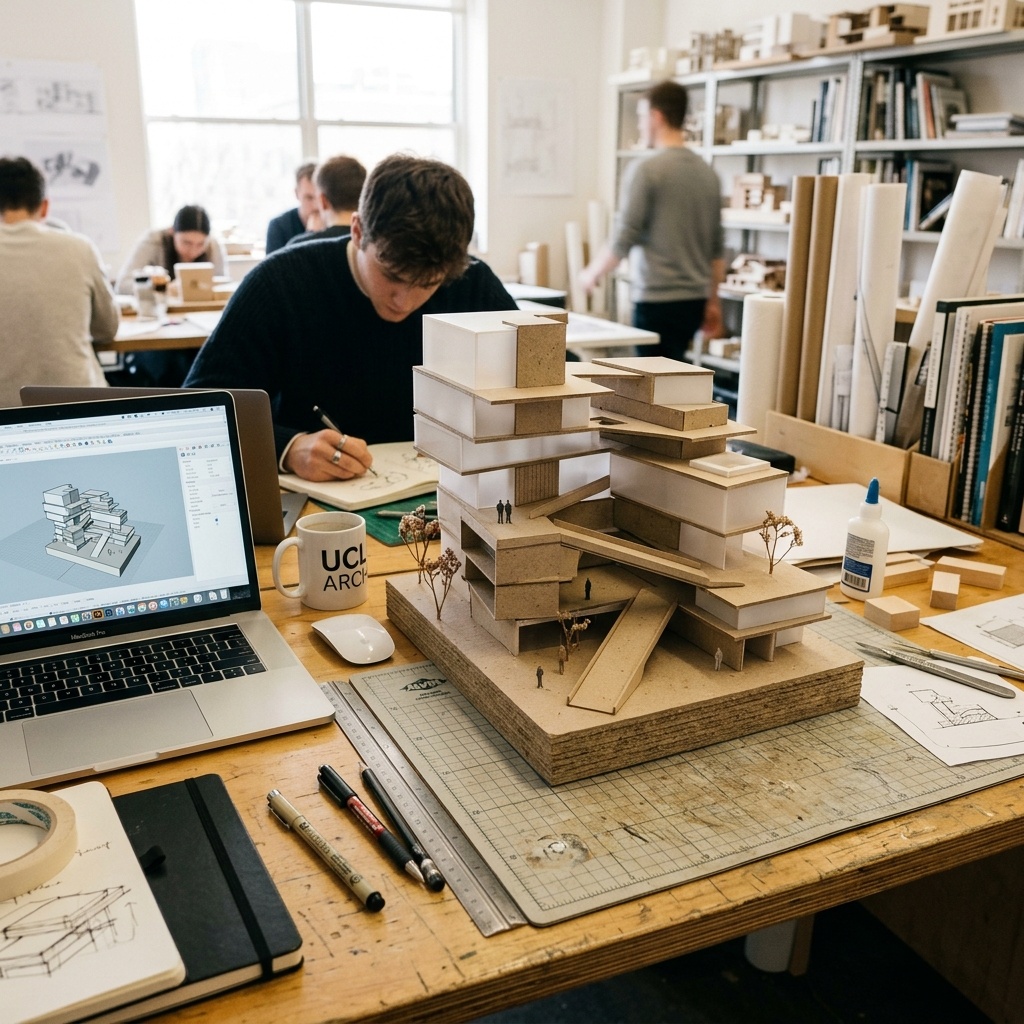
That's a real problem. Students who graduate without exposure to the production-grade stack hit a learning curve at their first job that the firm has to absorb. And students who could be experimenting with the actual tools their employers will hand them are instead limited to whatever has a generous free tier on Discord.
So this week we rebuilt the stack from scratch under a hard constraint: nothing over $20 a month, free tiers preferred, plus open-source options where they exist. We then ran a real studio brief through it, a 22,000 sf community library on a sloped urban site, to test what holds up under crit-pressure. The honest field notes are below.
Concept and mood boards
The concept-image phase is where students spend most of their AI time, and it's also where the budget tools are strongest. You don't need photorealism to test a hunch about massing language or material atmosphere, you need fast, varied, evocative output.
The most generous free tier in the AI image space. Daily token refresh means a student can generate hundreds of mood-board passes a week without paying. The architectural model presets ("Architectural Renderings," "Concept Art") produce credible exterior atmosphere for diagrammatic work. Inferior to Midjourney for the absolute top end, but the gap is smaller than the price difference suggests.
For the library brief, Leonardo's free tier was enough to generate roughly 80 concept passes over four days, easily the volume we'd want at the front of a studio project. The output skews toward overcooked sunset lighting if you don't fight it, but the architectural model presets are real and they produce respectable concept images for a free tool.
Midjourney remains the gold standard for atmosphere and material narrative, and at $10/month for the basic plan it's borderline accessible. We'd recommend students treat it as a one-month-on, one-month-off subscription tied to studio milestones, pay during the concept/precedents phase, pause during production drawing weeks. We covered Midjourney's architectural strengths and weaknesses in detail in our Midjourney for architecture review.
Render, free tiers worth your time
Render tools are where the budget falls apart fastest. The polished tools, Veras, Rendair, MyArchitectAI in their paid forms, start at $30 to $80 per month and assume you have multiple seats. Their free trials, however, are usable if you plan around them.
The fastest sketch-to-render path on this list, actual generations clock in around 10–15 seconds. The free trial is short but it's enough to render a final-presentation hero image and one alternate. The Starter tier sits right at our $20 ceiling and gives you 50 renders, more than enough for an entire studio semester if you're disciplined.
Spacely.ai deserves a special call-out for interior-heavy studios. The free tier is limited but real, and Spacely's room-type intelligence is genuinely better than the architectural-only tools at handling kitchens, lobbies, and clinical spaces. We covered Spacely in detail in today's Spacely review if your thesis is interior-focused.
For the library project, MyArchitectAI's Starter tier did most of the visualization work. Five renders for the trial, then $19 for the month of crit, total spend $19 for the entire visualization phase. The output reads weaker than a Veras render at full fidelity, but at the studio-review scale and resolution most schools project, the difference is invisible.
Open source, where the patient win
If you're willing to spend a weekend on installation and another week on tuning, the most powerful tool on this list is also free. ComfyUI running on a GPU machine (or a free-tier RunPod / Google Colab session) gives you everything Stable Diffusion can do, plus ControlNet, plus depth-aware sketch-to-render, plus animation, for $0.
Node-based interface for Stable Diffusion and adjacent open models. Steeper learning curve than any commercial tool, expect a 10–15 hour ramp before it's productive. Once it is productive, it's the only tool here that gives you full control over the generation pipeline. ControlNet support is the killer feature for architecture: you can lock geometry from a Rhino render and let the AI handle only the styling pass.
Worth the time? Yes, but only if you have one studio semester to absorb the ramp. We explain nodes and model files in our ComfyUI sketch-render guide and a more advanced ComfyUI tutorial. If you're a thesis-year student with a portfolio focus on AI, the time investment pays back. If you're a third-year still figuring out what you want your studio voice to be, stay with the commercial free tiers.
Drafting and collaboration
Most students still default to AutoCAD educational licenses for 2D, which is fine but painful when you're collaborating with a partner on the same plan. Rayon's free tier (3 active projects) covers a typical studio workload without paying anything, and the live multi-user editing is genuinely better than what you get bouncing DWG files through email.
For 3D, SketchUp Free in the browser remains the right answer for most students, Rhino's edu license is more powerful but the learning curve eats studio weeks. Use SketchUp for early massing, push to Rayon for the 2D plan-set, and only escalate to Rhino when a specific assignment demands it.
The full $15-and-under stack
| Phase | Free or near-free pick | Monthly cost |
|---|---|---|
| Concept and atmosphere | Leonardo.AI free tier | $0 |
| Atmospheric polish (optional) | Midjourney Basic | $10 |
| Final render hero images | MyArchitectAI Starter | $19 (one month at crit) |
| 2D drafting and collaboration | Rayon free | $0 |
| 3D massing | SketchUp Free | $0 |
| Power user (optional) | ComfyUI | $0 local · ~$10 cloud GPU/month |
A typical full-semester spend, if you're disciplined, is between zero and forty dollars. That's roughly the cost of two textbooks. The reason this matters is not the savings, it's the access. Students who use these tools graduate ready for the workflows the firm is already running.
The biggest thing students lose by waiting until they're employed to learn the AI stack is the freedom to fail at it. Studio is the place to make ugly renders, ruin a Spacio massing study, blow a ComfyUI workflow. After that, you're billing.
What to skip
A few categories of tool show up constantly in student-targeted listicles that we'd actively skip. "Educational"-priced bundles of professional tools at $40–$80/month are usually under-discounted and will outpace the savings of two free tiers stacked. Generic AI image tools without architecture awareness (early DALL-E variants, generic StableDiffusion forks) hallucinate structure too aggressively to use for crit. And any tool whose entire output is a single text-to-render generator with no input geometry, those will not survive a serious crit, because reviewers can tell.
The rule of thumb: if the tool can't accept a SketchUp model, a Rhino model, or at minimum a sketch, treat it as a mood-board tool only. Final renders need geometric grounding. The free-tier tools above all clear that bar.
What to do this week
If you're a student starting a studio this fall, here's the order to onboard. Day one: Leonardo.AI free account, generate a hundred concept variants on whatever site you're working with, before you've drawn anything. Day two: Rayon free account, set up your studio plan in the browser. Week two: SketchUp Free for early massing. Week six (concept review): MyArchitectAI free trial for hero renders. Week ten (production): a one-month MyArchitectAI Starter subscription for the rest of the term.
Total spend for the semester at this rhythm: $19. Maybe $29 if you sneak in a Midjourney month. The skills you build are the same ones the firms hiring you in two years are going to assume you already have. Worth the trade.
If your school's library or computer lab has a Veras or Rendair license, get on it. Educational seats often go unused because students don't know they exist. Ask the studio coordinator. If they don't, we'll keep this guide updated as the free-tier landscape shifts.
No affiliate relationships with any tool listed. Pricing as of May 2026, free tiers shift; verify before committing.