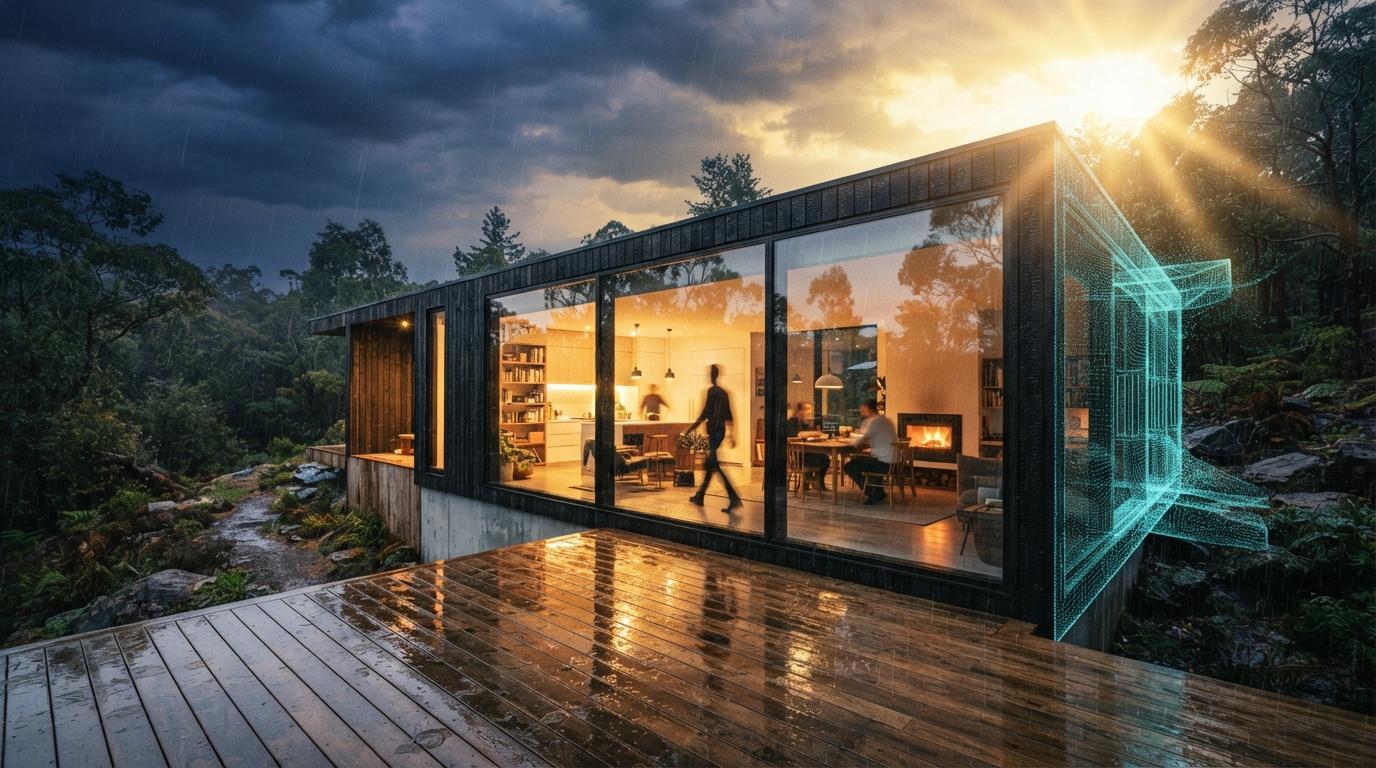
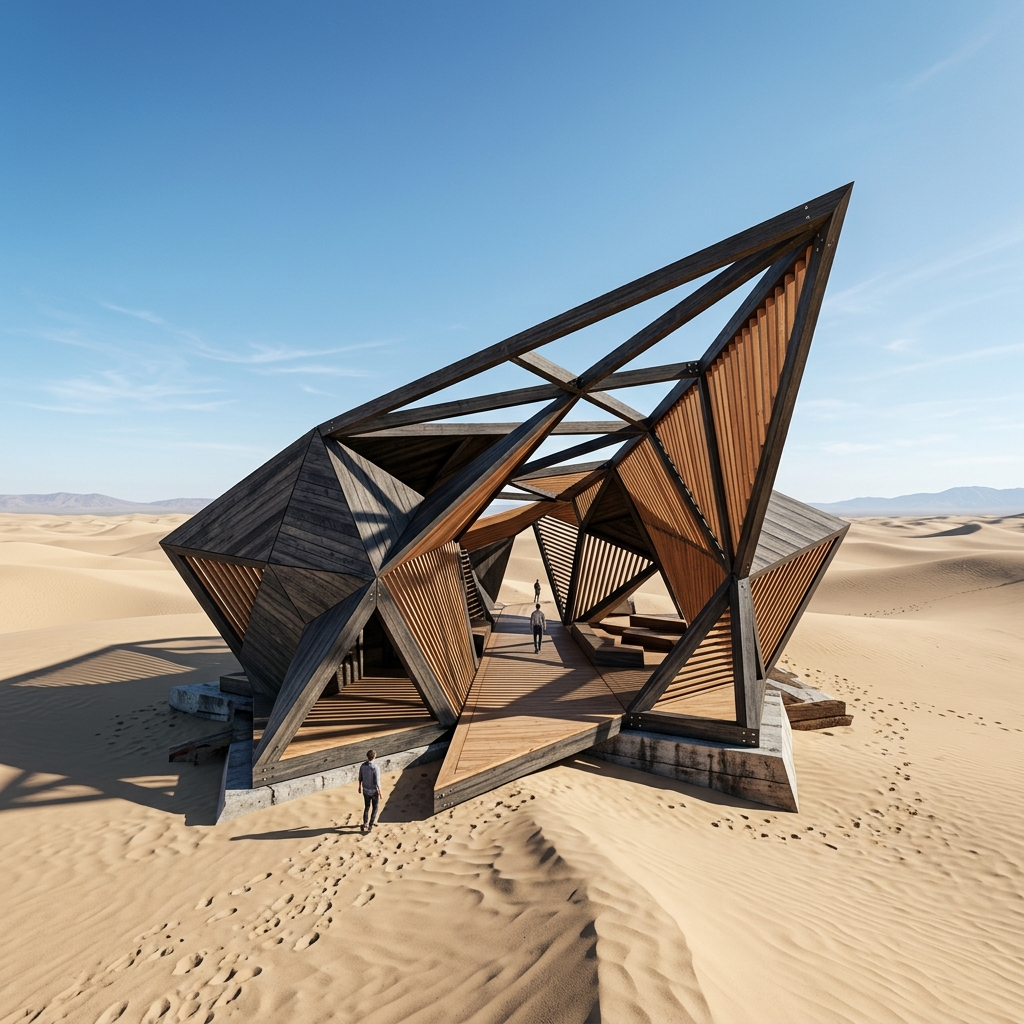
ArchiVinci AI is one of the most aggressively marketed tools in this category. Instagram reels with watermarked sample renders, recurring 15 percent off promo codes, paid placements on creator accounts that have nothing to do with architecture. None of that is a quality signal. So we set the marketing aside and treated ArchiVinci like any other cloud-only AI render service. Sign in, upload SketchUp viewport stills, set a style, evaluate output against what a project architect would actually put in a client deck.
The test project was a residential addition in SD phase. Three exterior camera angles, two interior moments at the kitchen and the main living room, and one site-context image for the planning packet. We ran the same six images through ArchiVinci, MyArchitectAI, and our usual SketchUp plus Veras baseline. Same source. Same prompts where the tool allowed them. Different outputs.
Web-only AI rendering with a SketchUp screenshot workflow, residential and small commercial style presets, and a sketch-to-photoreal mode. Output quality on residential exteriors is competitive with MyArchitectAI and softer than Veras. The marketing budget overstates what the tool actually does. There is no native plugin, the Revit story is a viewport screenshot, and the studio tier price puts it in direct competition with tools that ship more.
The residential exterior path, where ArchiVinci is fine
On residential exteriors, ArchiVinci is a competent middle-of-the-pack cloud render. The web app accepts a SketchUp viewport export as either a PNG or a JPG, lets you set a style preset (Daylight, Golden Hour, Twilight, Editorial, Hand-drawn), and returns a render in roughly 40 seconds at preview quality and around two minutes at marketing quality. The output respects basic geometry, reads SketchUp's painted materials correctly more often than not, and produces the kind of "60 percent there" frame that a project architect can either show as a feasibility deliverable or hand off to a junior staffer for cleanup.
Where it shows weakness is on anything that breaks a residential vocabulary. We ran one of the addition's clerestory walls (8 foot top window strip on a single-story shed roof) and ArchiVinci consistently misread it as a continuous glass wall. Veras handled the same geometry cleanly on the first pass. Rendair handled it cleanly on the first pass. ArchiVinci needed two reprompts and a higher quality tier render to produce a usable frame. For a tool priced against MyArchitectAI at the entry level, that's acceptable. For a tool priced at $99 a month at the studio tier, that's a strange place to lose.

The interior path, where the tool stalls
Interiors are harder for every AI render tool, and ArchiVinci does not buck that trend. Our two interior test moments (kitchen with island and main living room with corner glazing) came back from ArchiVinci with the kind of issues we see across most cloud-only tools at this price point. Material reads were inconsistent. The walnut cabinetry we'd assigned in SketchUp came back as a generic medium wood on one pass and as red oak on the next. Furniture scale read correctly. Lighting was acceptable. The renders are usable for an early SD client conversation but would not survive a DD review.
What we couldn't replicate, despite the marketing implying it, was any kind of furniture-style targeting that pulled from a controlled vocabulary. The style presets on the interior side are broad (Modern, Scandinavian, Industrial, Mediterranean) and the tool occasionally substitutes objects in the scene without warning. A bookshelf we'd modeled became a generic sideboard. A pendant we'd specified became a vague drum shade. For a tool marketed to residential designers selling product-specific selections to clients, that's a problem the marketing reels don't acknowledge.
The output is fine. The marketing claims a level of control the product does not yet ship.
Sketch-to-photoreal, the lever the tool is really selling
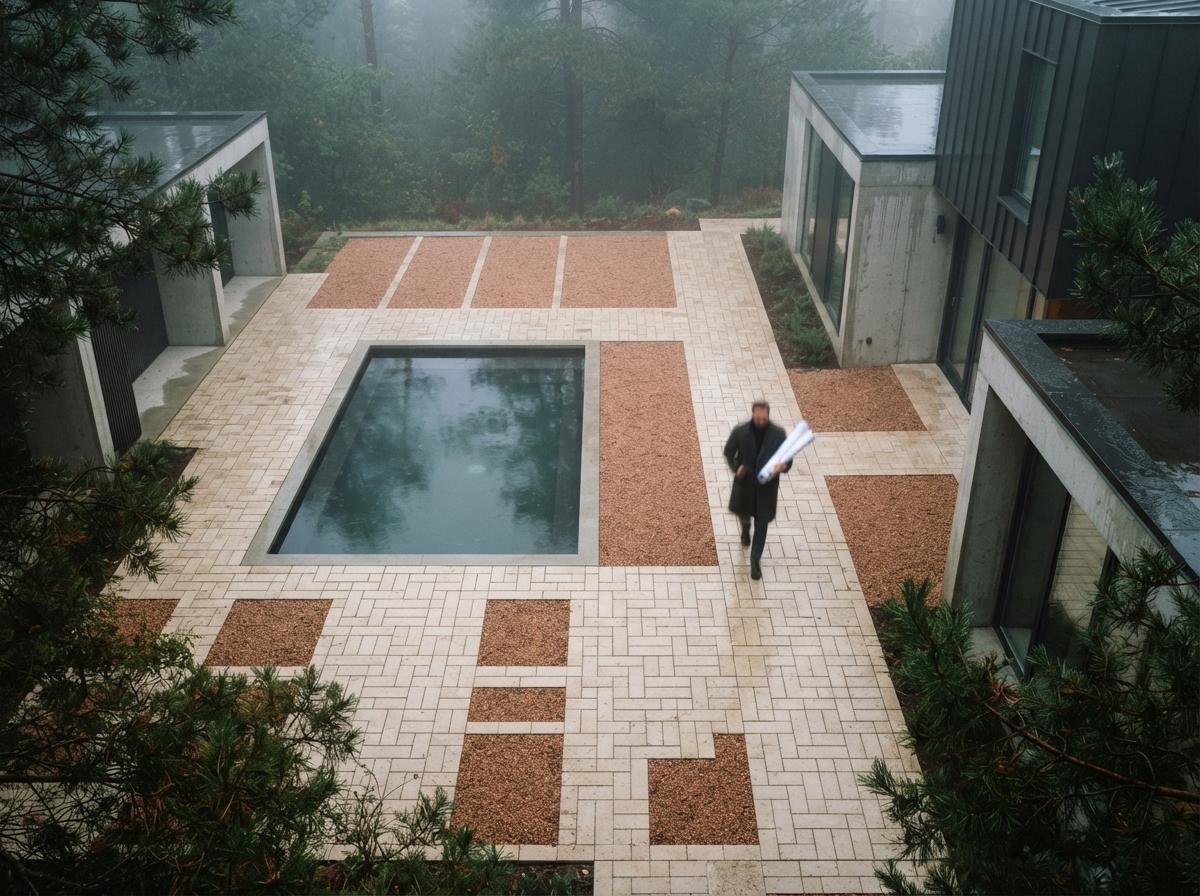
ArchiVinci's sketch-to-photoreal mode is the feature the Instagram reels lead with, and it is genuinely the strongest thing the tool does. Upload a hand sketch, a marker drawing, or a SketchUp line export. Pick a target style. Get back a credible photoreal frame in 60 to 90 seconds. The geometry preservation is competitive with mnml.ai's sketch-to-photoreal pass and noticeably better than Leonardo or generic Stable Diffusion routes.
On the addition's front elevation sketch, ArchiVinci produced a usable client-presentation frame with one minor reprompt. The shed roof read correctly, the clerestory band landed, and the material assumption (board-and-batten on the addition, lap siding on the existing house) was a reasonable starting point even though we hadn't specified it. The downside is that the same feature is available, free, on better-positioned cloud tools and on local ComfyUI rigs. It does not justify a $49 a month subscription on its own.
Pricing, and why it doesn't quite line up
ArchiVinci sits in a pricing zone that doesn't match its capability tier. At $19 a month, it competes with MyArchitectAI ($15) and the entry tier of mnml.ai ($19), both of which offer comparable output and broader integrations. At $49 a month, it competes with the Pro tiers of more capable cloud tools and with Veras's V-Ray bundle, which gives you a Revit-aware material graph and a SketchUp plugin. At $99 a month studio, it competes with Rendair AI ($89), which produces sharper exteriors and reads Revit BIM materials directly.
The promo codes reduce first-month price by 15 to 25 percent. They do not reduce renewal price. They do not add additional features. Functionally, they are a customer-acquisition tool, and once you understand that, the constant promo-code marketing reads as a deliberate strategy to lower the trial barrier rather than as a price advantage. Architects evaluating ArchiVinci should compare the regular renewal price, not the promo entry price.
How ArchiVinci compares to the cloud-only field
| Capability | ArchiVinci | MyArchitectAI | mnml.ai | Rendair AI |
|---|---|---|---|---|
| SketchUp plugin | Web upload | Web upload | First-class | Web upload |
| Revit BIM materials | Viewport only | Viewport only | Viewport only | Material graph |
| Sketch to photoreal | Strong | Limited | Strong | Limited |
| Residential exterior quality | ★★★★☆ | ★★★☆☆ | ★★★★☆ | ★★★★★ |
| Interior quality (SD phase) | ★★★☆☆ | ★★★☆☆ | ★★★★☆ | ★★★★☆ |
| Entry pricing | $19/mo | $15/mo | $19/mo | $29/mo |
Our take, where ArchiVinci fits in 2026
ArchiVinci is a competent residential rendering tool with a marketing budget that doesn't match its product depth. If you are a residential designer doing schematic-phase exteriors for single-family work, it will produce client-ready frames at a fair price point. The sketch-to-photoreal mode is genuinely useful for the napkin-sketch-to-presentation bridge. The interface is clean. Output is reliable for the small-residential case.
It is the wrong tool for two profiles. A commercial or institutional studio doing complex geometry will lose time to reprompts and quality-tier upgrades that other tools handle on a first pass. A BIM-first practice in Revit will get more from Rendair or the Chaos pipeline, where the material assignments survive the render handoff. And any architect comparing the studio tier at $99 a month should look hard at what Rendair, Chaos, or even a properly tuned ComfyUI rig delivers at the same monthly cost.
The honest read is that ArchiVinci is positioned for the volume-driven residential cloud-render segment, the same place MyArchitectAI plays. In that segment it is competitive on output and marginally better on sketch-to-photoreal. It is not a serious option for a working commercial studio.
If you are running residential SD-phase exteriors and your existing AI render budget is under $50 a month, ArchiVinci deserves a free-trial test on a real project view this week. Don't test it on the sample scenes the company hands you. Push your worst SketchUp viewport at it, the one with the geometry that always trips AI tools, and see how it behaves before the promo code resets to full price.
No affiliate relationship with ArchiVinci AI.