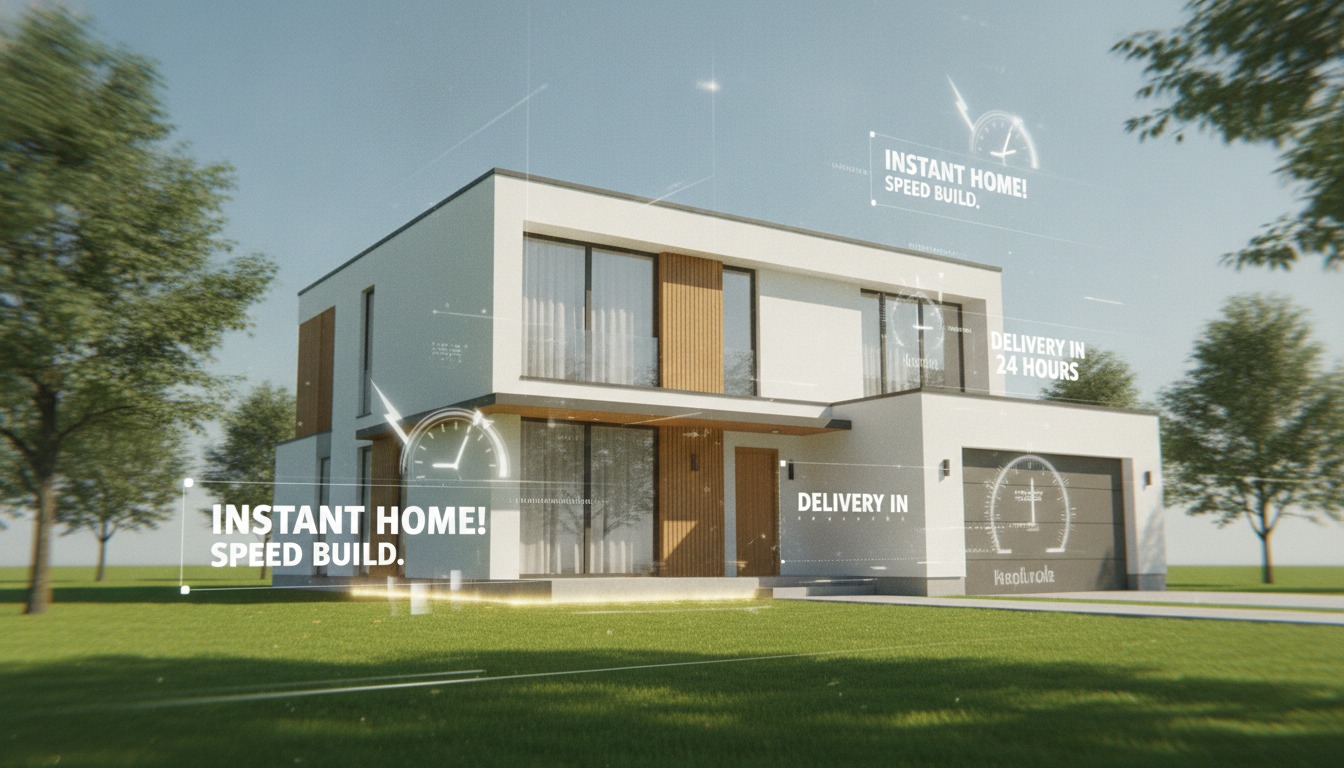
MyArchitectAI is the kind of tool that shows up in every "Best Free AI Rendering Software for Architecture Students 2026" listicle, every Reddit thread asking what to use without a V-Ray license, every parametric-architecture roundup that needs a budget pick. The pitch is simple. Upload a sketch or massing image. Type a prompt. Get a photoreal render in ten seconds. The free trial is generous enough to be a real test, the price after that runs from free up through the mid double digits a month, and the homepage is essentially one large promise: speed and zero friction.
So we ran the test. A working SketchUp model from a residential compound currently in DD, exported as three flattened viewport screenshots: a long elevation, an angled three-quarter view, and an interior framed at a garden room. Twenty prompts across the three views, a mix of literal ("late afternoon, raking light, weathered cedar siding, copper standing seam roof") and atmospheric ("Pacific Northwest mist, low contrast, warm interior glow visible through windows"). The same images we ran through Veras 4.3 and Rendair earlier in the month for the comparison piece. Same brief. Different tool. Honest result.
Web app, no plugin, no model link. Upload a sketch, render, download. Best understood as a budget alternative to Krea or PromeAI, not as a competitor to Veras. The 10-second claim is technically accurate for inference time. The practical wall time on a usable image is closer to two to three minutes after re-prompting.
The ten-second number
The 10-second figure is real and it is not real, depending on which clock you start. From the moment you click render to the moment the first image lands in the browser, the median across our sixty passes was eleven seconds. So the homepage is honest about inference time. What the homepage does not tell you is how many of those first-pass renders are usable.
Across our sixty passes, eight came back client-ready on the first try. The rest needed at least one re-prompt, and the median project required three passes before a usable image landed. Multiply ten seconds by three passes, add the thirty to forty seconds of human time spent re-reading the prompt, deciding what to change, and pasting the new version, and the actual time-to-deliverable sits at roughly two minutes per finished image. Still fast. Not ten seconds.
For comparison: Veras inside SketchUp runs about twenty-five seconds per pass and lands roughly two-thirds client-ready on first try, because Veras is reading the geometry. Same elevation, same brief, fewer passes. The wall time per finished image works out almost identical. The difference is not speed. The difference is what the tool is actually doing while it spins.
What it gets right
The fast loop has genuine value at the front of a project, when nobody is precious about the building yet. Concept stage, mood boards, a panel of nine atmospheric studies for a competition pin-up, the kind of work where you're trying to feel out a direction rather than commit to one. MyArchitectAI is good at this because the friction is low. No plugin install, no software license, no GPU on the local machine. Open the browser, upload a sketch, type a sentence, get an image. A first-year architecture student can be making competition-quality concept images on day one of a studio. That is not a small thing.
Material variation is a particular strength. Feed it the same massing shot ten times with different material prompts and the output respects the prompt. We got credible weathered cedar, standing seam copper, board-formed concrete, charred shou sugi ban, and corten in five separate passes off the same upload, and the building reads as plausibly the same building in each. The model is trained well enough on architectural materials to differentiate without prompt acrobatics.
Lighting follows the prompt. Golden hour reads as golden hour. Overcast reads as overcast. Twilight has the kind of cyan-magenta gradient you'd recognize from a project shoot on the East Coast in November. None of this is exceptional in 2026 (Midjourney does it, FLUX does it, Krea does it), but for a tool that wants to be the budget pick, it works.
The tool is good at the work it advertises. The trouble is that the work it advertises is concept stage, and the marketing implies it can carry a project further than that.
Where it falls apart
The wheels come off the moment your project has specific geometry that cannot drift. Mullion patterns shift between passes. Floor counts change. The four-bay garage we drew in SketchUp came back as a five-bay carport in two of nine passes. A trellis we modelled at twelve members arrived once with sixteen and once with eight. None of this is the model failing at its job, because its job was never to count your bays. It is the predictable failure mode of a tool that does not read the file you fed it. There is no depth pass, no normal pass, no link to the actual geometry. It is a high-quality image-to-image translator with architectural training data, and it cannot be more than that until somebody plugs it into a CAD model the way Veras is plugged into SketchUp.
Interiors are weaker than exteriors. The garden-room view we ran through MyArchitectAI came back with credible furniture composition (which we had not asked for) and credible material variation, but it placed a pendant light through a structural beam in three out of nine passes, and twice it inserted a fireplace that we had not drawn. Rendair handled the same view with no hallucinated objects in nine passes. The gap is not subtle.
Section and plan views are off the table.
MyArchitectAI vs the working stack
| Capability | MyArchitectAI | Veras 4.3 | Rendair AI |
|---|---|---|---|
| Reads your model | No, image-only | Yes, plugin depth pass | Yes, upload-based |
| Speed per pass | ~10s inference | ~25s | ~30s |
| First-pass usable rate | ~13% (8 / 60) | ~67% | ~58% |
| Geometry fidelity | Drifts between passes | Locked | Strong on interiors |
| Interior performance | Hallucinates objects | Improved in 4.3 | Best in category |
| Section / plan support | No | No | No |
| Pricing floor | Free / $19 | ~$80 (with V-Ray) | $49 |
Same view, same brief, three different tools. The number that matters is the first-pass usable rate, and the gap between thirteen percent and sixty-seven percent is the entire argument for paying for a plugin renderer once your work has progressed past concept stage.
Pricing reality check
The free tier is a real free tier. You get enough credits to run a small project's worth of concept images without paying. The paid tiers start at $19 a month for what the homepage calls "personal" use, climb to $39 for "professional," and top out around $59 for the unlimited tier. Compared to Veras (effectively free if you already pay for V-Ray, which most working firms do) and Rendair (forty-nine for the entry tier), MyArchitectAI is competitive on price only at the bottom end. By the time you're paying $59 a month for unlimited, you could be paying $49 for Rendair and getting a tool that reads your model.
The tier most students and early-career architects will land on is the free tier or the $19 tier, and that is the right tier for that user. We're not going to pretend a tool aimed at concept work is competing with production renderers. The trouble is that the marketing on MyArchitectAI's own site implies it is. The site lists "real estate developers, marketing teams, full architecture practices" alongside students. Two of those three audiences will be unhappy by the second week of using it.
Who it's actually for
Architecture students. Early competition entries where the geometry hasn't been fixed yet. Practitioners doing client mood boards before SD has started. Marketing teams at small developers who need stylized imagery on a parcel they haven't yet engaged an architect to draw. Anybody whose deliverable is "an image of a feeling" rather than "an image of this specific building."
The tool is good at what it actually is, which is a fast, low-friction image-to-image renderer with strong architectural training data and a generous free tier. It is poorly positioned by its own marketing as a production tool, and the user it harms most is the user who buys the marketing, runs it on a real project, and discovers in week three that their building keeps changing between renders. If you are that user, get out of MyArchitectAI and into Veras 4.3 or Rendair before the next deadline. If you are the student or the concept-stage practitioner, the free tier is genuinely useful, and the $19 tier is a fair deal for what you'll get out of it.
Ten seconds is real. Ten seconds is also not the number that matters. The number that matters is whether your building survives the render, and on this tool, only sometimes.
Tested on a working SketchUp residential compound, sixty passes across three views, free trial only. No affiliate relationship with MyArchitectAI. Comparative numbers from prior Veras and Rendair test cycles on the same model.