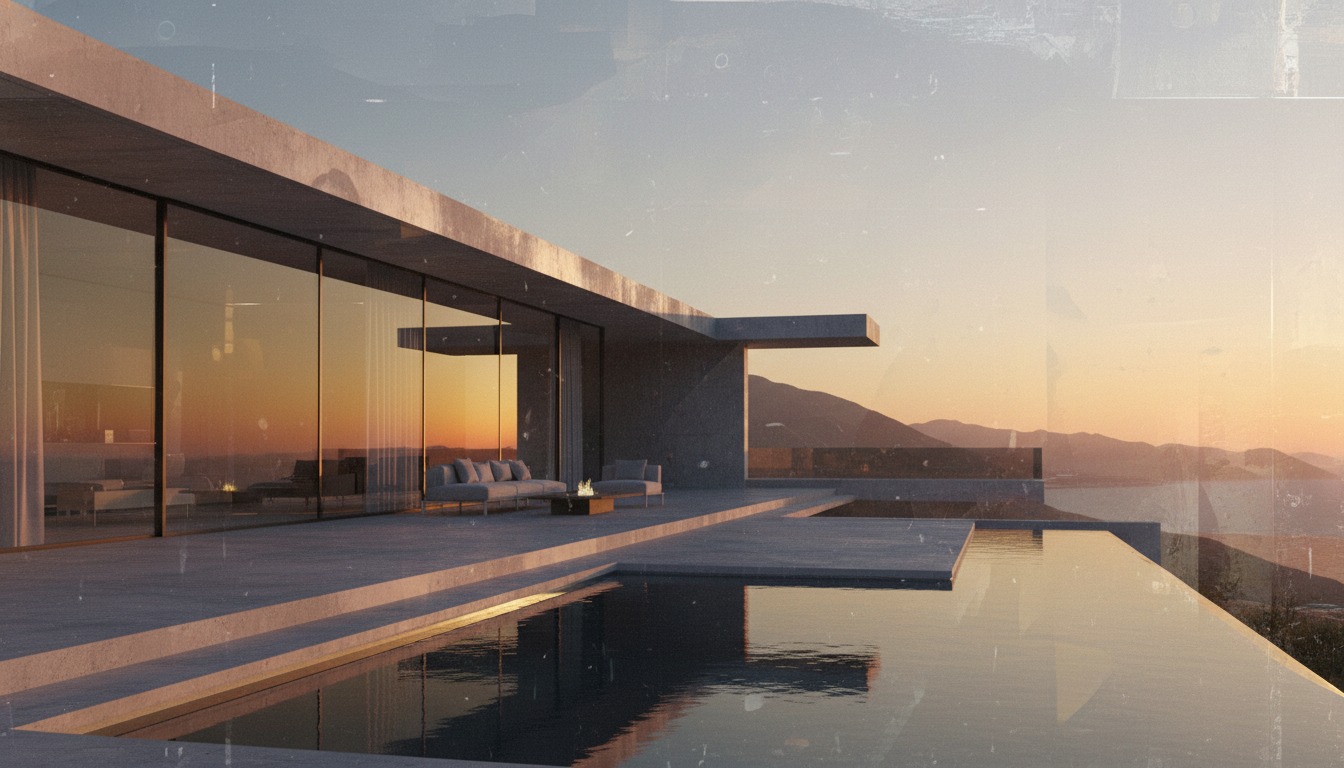
The most-watched architecture rendering tutorials on YouTube right now have one thing in common: they all use three tools instead of one. ChatGPT writes the prompt. Midjourney finds the look. Nano Banana Pro locks that look onto the actual building. The single-tool workflow is over for everyone except students learning their first tool, and the firms shipping the most interesting client work in 2026 figured this out twelve months ago. The math is simple. No model is best at all three jobs. Forcing one tool to do all three means accepting whatever it is worst at.
We ran this hybrid pipeline through two live projects over the last three weeks: a contemporary residential addition in DD, and a small institutional courtyard at SD. Same architect, same brief, same final pin-up boards. What follows is the actual workflow, with the handoffs documented at every stage, the breakpoints noted in the margin, and the per-tool cost broken out so the practice manager can sign off without an argument.
ChatGPT for the brief and the prompt scaffold. Midjourney for the look, atmosphere, mood, time of day, material language. Nano Banana Pro for the geometry-locked final pass. Three tools, three stages, three handoffs. Under ninety minutes of total wall time per finished image, including iteration.
Stage one: ChatGPT writes the brief
The first mistake most architects make is opening Midjourney with a one-line prompt. "Modern residential, golden hour, Pacific Northwest." The output is generic because the prompt is generic, the iterations sprawl across forty images that all look like AI architecture, and the practitioner ends up with a hundred renders that resemble nothing in particular. The fix is to start in ChatGPT, not in Midjourney.
Open a new ChatGPT conversation. Paste in the project brief. Three sentences are enough, siting, building type, materiality, intended atmosphere. Then ask for a structured prompt scaffold for Midjourney that includes camera angle, lens length, time of day, light quality, material list, foreground composition, and parametric mood descriptors. ChatGPT will return a six-block prompt that is two paragraphs long and reads like something an art director wrote, because in effect that is what you just asked for.
The reason this works is that GPT-5 (or whichever model your ChatGPT subscription is currently routing to) has read every architectural rendering prompt anyone has ever published on Reddit, X, and the Midjourney Discord. It knows what works. It knows that "raking afternoon light across textured surfaces" produces better output than "good lighting." It knows that specifying lens length forces Midjourney to commit to a focal compression that reads as photography rather than as illustration. You do not need to be an expert prompt engineer to use Midjourney well. You need to ask the model that already is one to write your prompt for you.
What we ask ChatGPT for, every time
- Camera position and angle, in plain language ("eye-level, 30 degrees off the north elevation").
- Lens focal length, because Midjourney respects it ("35mm" reads differently than "85mm").
- Time of day with sun angle, not just "golden hour" but "low sun, southwest, raking across the cedar siding."
- Three to five material specifications, in the building order from foreground to background.
- Two atmospheric descriptors and one negative ("not stylized, not painterly").
- An aspect ratio matched to the deliverable, 3:2 for board layouts, 16:9 for slide decks.
Time spent in ChatGPT: five to eight minutes per view. Output: a prompt that will land closer to the desired image on first generation than any one-line prompt ever does. This stage is the cheapest part of the pipeline and the one most often skipped, which is why it produces the largest delta in final image quality.
Stage two: Midjourney finds the look
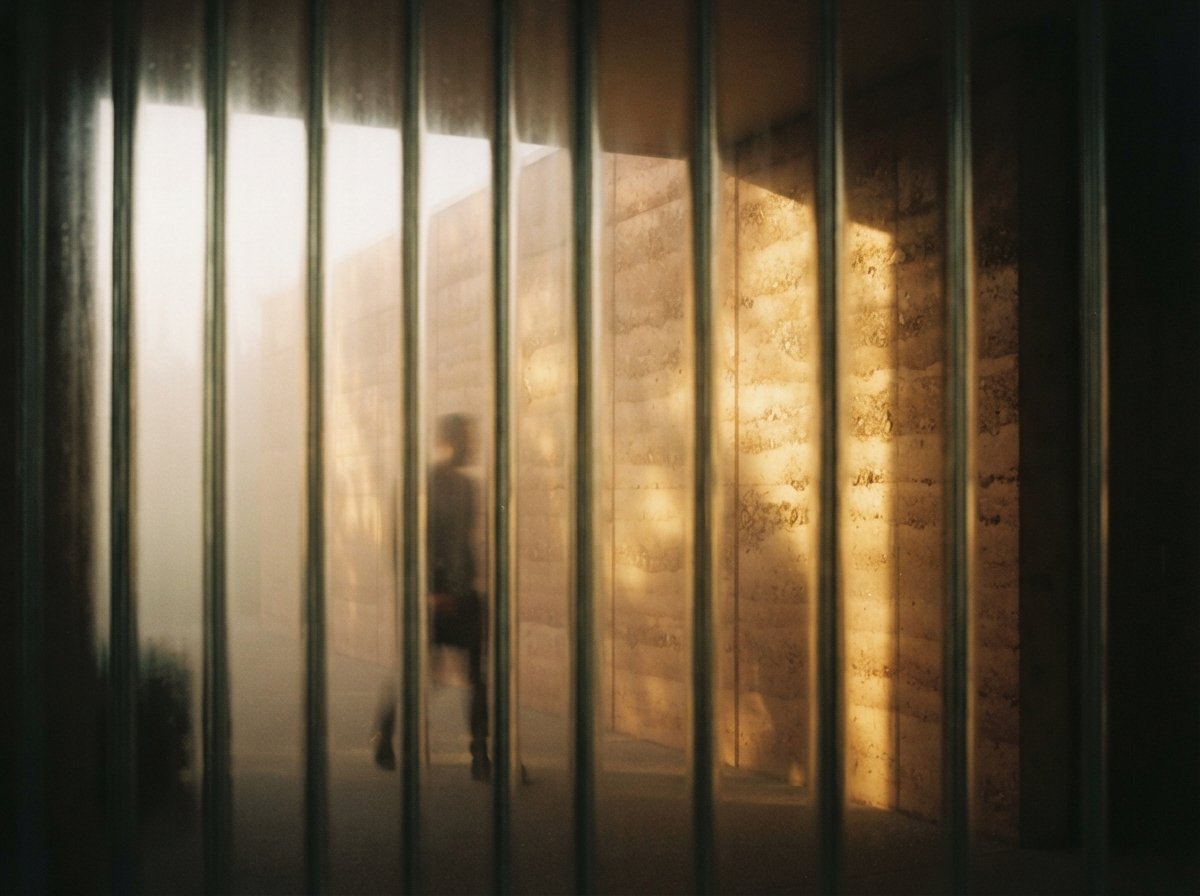
Take the ChatGPT prompt and run it in Midjourney. Generate four images. Pick the one closest to the desired atmosphere, vary it three times to land on the strongest single image, then upscale. Total wall time: about ten minutes. What you have at the end of stage two is not a render of your building. What you have is the look of your building, the atmosphere, the time of day, the material language, the photographic mood.
This is where the hybrid pipeline gets its leverage. Midjourney is the best tool in the world at finding a look. It is the worst tool in the world at respecting your geometry. The roof pitch will be wrong. The window count will drift. The trellis you carefully drew in SketchUp will be replaced by something Midjourney finds more aesthetically interesting. None of this matters at stage two, because stage two is not the finished image. Stage two is the mood reference. We are using Midjourney for what it is best at, and we are about to ignore everything it is bad at.
Two practical notes. First, run with --style raw. The default Midjourney aesthetic over-stylizes architectural imagery. Raw mode pulls the output back toward photography, which is what you actually want for client work. Second, fix your seed once you find a strong image. Use the same seed across views of the same project so the lighting and material reads stay consistent across the deliverable set. The pin-up board falls apart visually if every view has a different sun angle and a different cedar color.
Midjourney is the best tool in the world at finding a look. It is the worst tool in the world at respecting your geometry. The hybrid pipeline uses it for the first thing and ignores it for the second.
Stage three: Nano Banana Pro locks the building
Now the actual building enters the workflow. Take a viewport screenshot from your CAD model, SketchUp, Revit, Archicad, Rhino, all work. Open Nano Banana Pro through Google AI Studio. Upload two images: the Midjourney mood reference, and the CAD viewport. Write a short prompt that says, in plain English, "render the building geometry from image two using the atmosphere, materials, and lighting from image one." Run.
Nano Banana Pro is doing something neither Midjourney nor a traditional renderer can do, which is multi-image conditional rendering with strong geometric fidelity. The image one reference tells the model what the project should look like. The image two reference tells the model what shape it must hold. The prompt tells the model how to combine them. The output, when this works, is the Midjourney atmosphere wrapped onto the actual building you drew, with the windows in the right places and the roof pitch holding.
When it does not work, it usually fails in one of three predictable ways. The model can ignore the geometry image and over-fit to the mood reference (fix: bump up the geometry weight in the prompt and explicitly call out window count). The model can ignore the mood reference and produce a flat default render of the geometry (fix: bump up the style weight and reference materials by name in the prompt). The model can hallucinate a feature that exists in neither input but lives somewhere in its training set, a tree the building does not have, a porch that was never drawn (fix: add an explicit negative). All three failure modes are recoverable with one re-prompt.
Wall time per pass: about thirty seconds. Wall time to a usable image, including the typical two re-prompts: three to four minutes. Compare that to a traditional V-Ray render at any decent resolution, which takes longer to set up than the entire hybrid pipeline takes to deliver. This is the math that makes the workflow worth learning.
What each tool is uniquely good for
| Stage | ChatGPT | Midjourney | Nano Banana Pro |
|---|---|---|---|
| Brief / prompt | Best in class | — | — |
| Look / atmosphere | — | Best in class | Capable |
| Geometry fidelity | — | Drifts heavily | Strong with reference |
| Multi-image input | — | Limited | Native |
| Material consistency across views | — | Seed-locked | Reference-locked |
| Speed per pass | ~30s | ~60s | ~30s |
| Cost per month | $20 | $30 | $20–30 |
Total stack cost: roughly seventy to eighty dollars a month per architect. Less than a single hour of an outsourced visualization studio's time at New York rates. The break-even on the subscription happens on the first project where you would otherwise have outsourced one image, which is to say, all of them.
Where the workflow breaks
Three honest failure modes worth flagging, because no one in the YouTube tutorials seems to mention them.
Plans and sections do not survive the pipeline. Midjourney has no idea what an architectural plan is. Nano Banana Pro can hold a plan view from your CAD model but treats it as a top-down image, not as drafting. If your deliverable is plans and sections, this stack is not your stack. Use Veras, use Rendair, or stay in your traditional renderer.
Geometry that has to be pixel-perfect at DD and CD will eventually drift. Even Nano Banana Pro respecting the geometry reference is not the same as a renderer reading the model. There is always some interpretation. For a competition pin-up where the geometry is still soft, this is fine. For a CD-stage drawing tied to a contractor's bid, do not run the final image through Nano Banana Pro and expect the bay spacing to hold. Use a tool that reads the file.
Iteration cost compounds across views. If your deliverable is one hero image, the hybrid pipeline is fast. If your deliverable is twelve interior and exterior views all needing matched lighting and consistent materials, the pipeline is still fast but the prompt-writing burden grows linearly. The way working firms manage this is by doing stages one and two once, locking the prompt and seed, and then running stage three twelve times against twelve different CAD viewports. The brief is reused. The mood is reused. Only the geometry image changes.
The hybrid pipeline vs the tool that reads your model
It is worth saying clearly: the hybrid stack does not replace plugin renderers like Veras or Rendair for production work. The single best property of the plugin renderers is that they read your file. The hybrid stack approximates that with the geometry-image upload, but it is approximation, not direct ingestion. The right way to think about this is in stages.
Concept stage and competition imagery: hybrid pipeline wins on speed and aesthetic range. Schematic design and early DD: hybrid pipeline still wins for client-facing imagery, plugin renderers start winning for internal review. Late DD and CD: plugin renderers win because the geometry has to hold and the contractor needs to recognize the building. Marketing photography of the finished project: actual photographer with an actual camera.
The mistake to avoid is treating any of this as a religious war. The firms shipping the most interesting work in 2026 have all three workflows in their toolkit, and they switch between them based on what stage the project is at. The hybrid stack is one of the three. Learn it, get fluent in it, then keep the plugin renderers for the work where geometry has to be exact.
The thirty-minute starter run
If you have not run this pipeline before, allocate thirty minutes and do this once. Pick a project at SD. Open ChatGPT. Paste a three-sentence brief. Ask for a six-block Midjourney prompt scaffold. Run that prompt in Midjourney with --style raw --ar 3:2. Pick the strongest image. Take a viewport screenshot of your model. Open Nano Banana Pro. Upload both images, ask for a geometry-locked render with the mood transferred. Re-prompt twice if needed. Save the final.
You will have one finished image in roughly thirty minutes, including the time spent figuring out the tools. Every subsequent image on the same project will take twelve to fifteen minutes because stages one and two are reused. The first project's hour-long fumble pays for itself by the third image.
The reason this workflow has spread fast in 2026 is not because the tools are dramatically better than they were in 2025, they are, but only incrementally. The change is that working architects figured out the handoffs. The pipeline existed in pieces a year ago. What changed is that the pieces are now boring, dependable, and worth stitching together. That is what made it the default workflow for everyone except people who have not yet tried it.
No affiliate relationships.