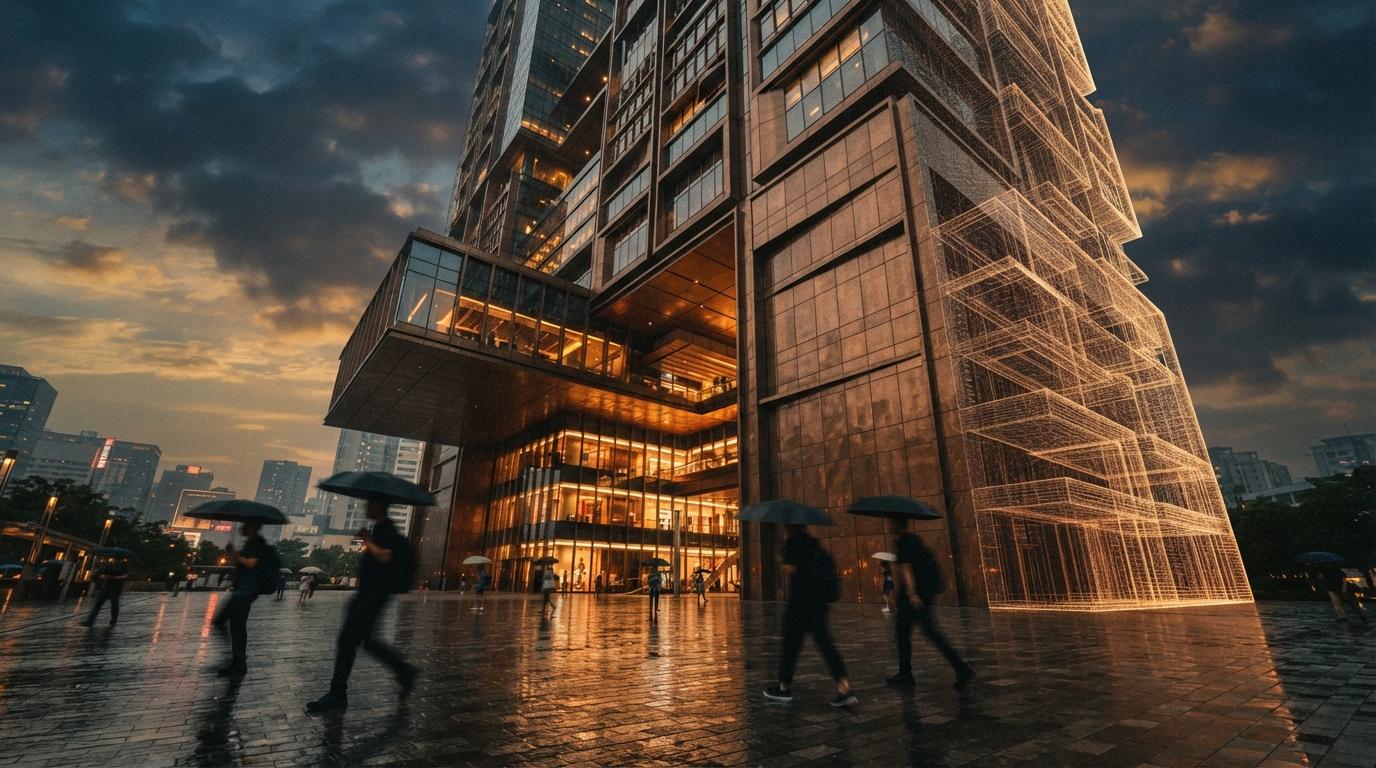
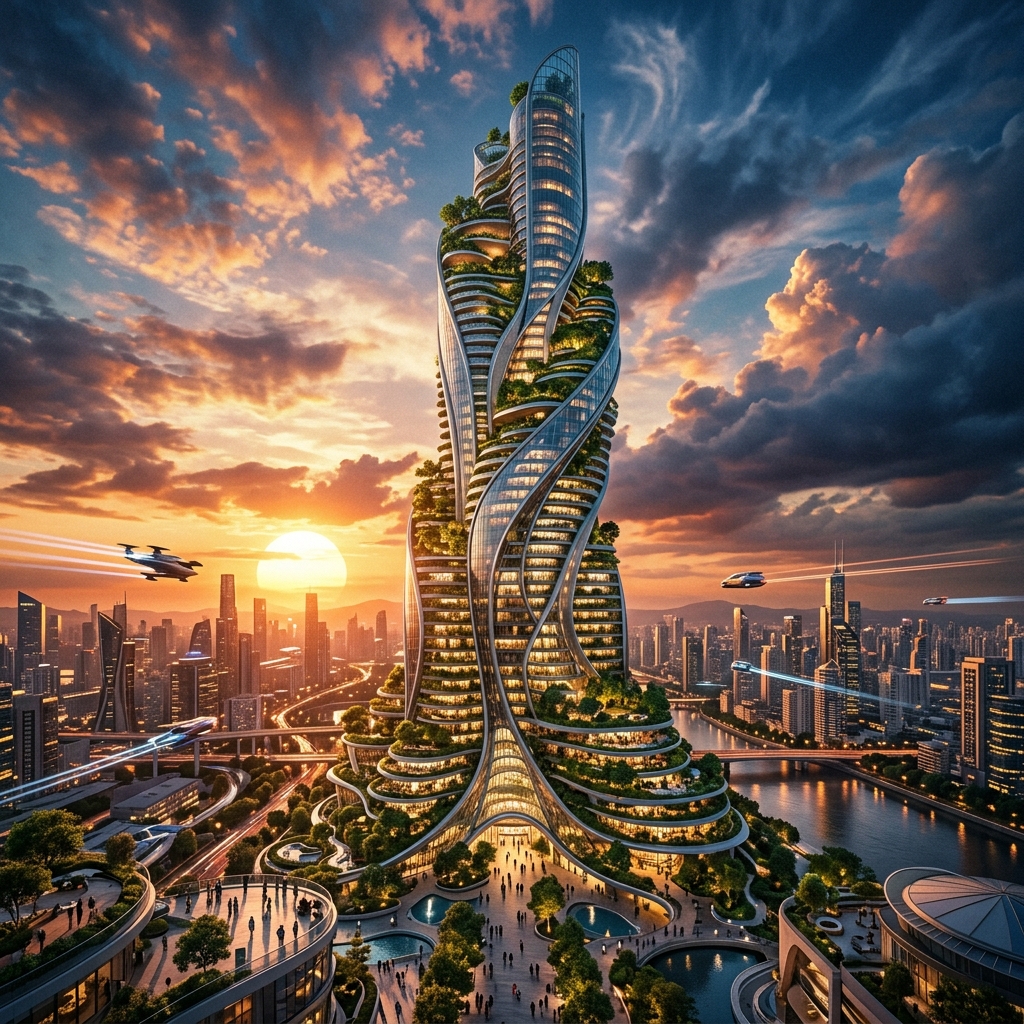
Every Midjourney release arrives with the same noise: a wave of breathless threads, a hundred "V8 changes everything" posts, and almost nothing written for people who draw buildings for a living. Architects do not need another gallery of glowing villas. They need to know one thing — did the release fix the problems that make Midjourney unreliable for project work, or did it just make the unreliable output prettier?
V8 is a bigger deal than the usual point release, and it is worth being precise about why. Midjourney V8 Alpha launched on 17 March 2026, with V8.1 following a few weeks later. Underneath the feature list is a full engine rewrite — Midjourney moved off its old TPU-based codebase onto a GPU-native one. That is not a marketing line. Years of accumulated workarounds got cleared out, and several features that were structurally impossible before suddenly became possible. We ran V8 and V8.1 for three weeks across concept-phase work — two competition boards, early massing studies, a pair of interior mood sets — to see what that means on the ground.
A general-purpose AI image model, not an architecture tool — but still the strongest concept-and-atmosphere generator most architects reach for. V8 brings native 2K output, roughly 5x faster generation, sharper prompt adherence and far better text rendering. Geometry control remains the unfixed weakness.
What shipped — and why this release is different
Most Midjourney updates are new training weights wearing a version number. V8 is not. Midjourney rebuilt the model on a GPU-native codebase, replacing the TPU architecture that the product had outgrown. The old foundation had years of workarounds layered into it — every new feature had to navigate legacy constraints. The rewrite cleared that, which is why the V8 feature list reads less like polish and more like a backlog finally unblocked.
The headline changes: a native --hd mode that renders at 2K resolution without an upscale pass, generation roughly five times faster than V7, a --q 4 mode for extra coherence on demanding prompts, markedly better prompt adherence, and legible text rendering when you wrap strings in quotation marks. There is also a Style Creator, improved personalization, a Grid Mode for focusing on one set, and settings moved into sidebars so they no longer block the canvas. V8.1 then refined the aesthetics and made HD the default behavior. For architects, three of those matter; the rest is workflow comfort.
2K native output — the change you feel first
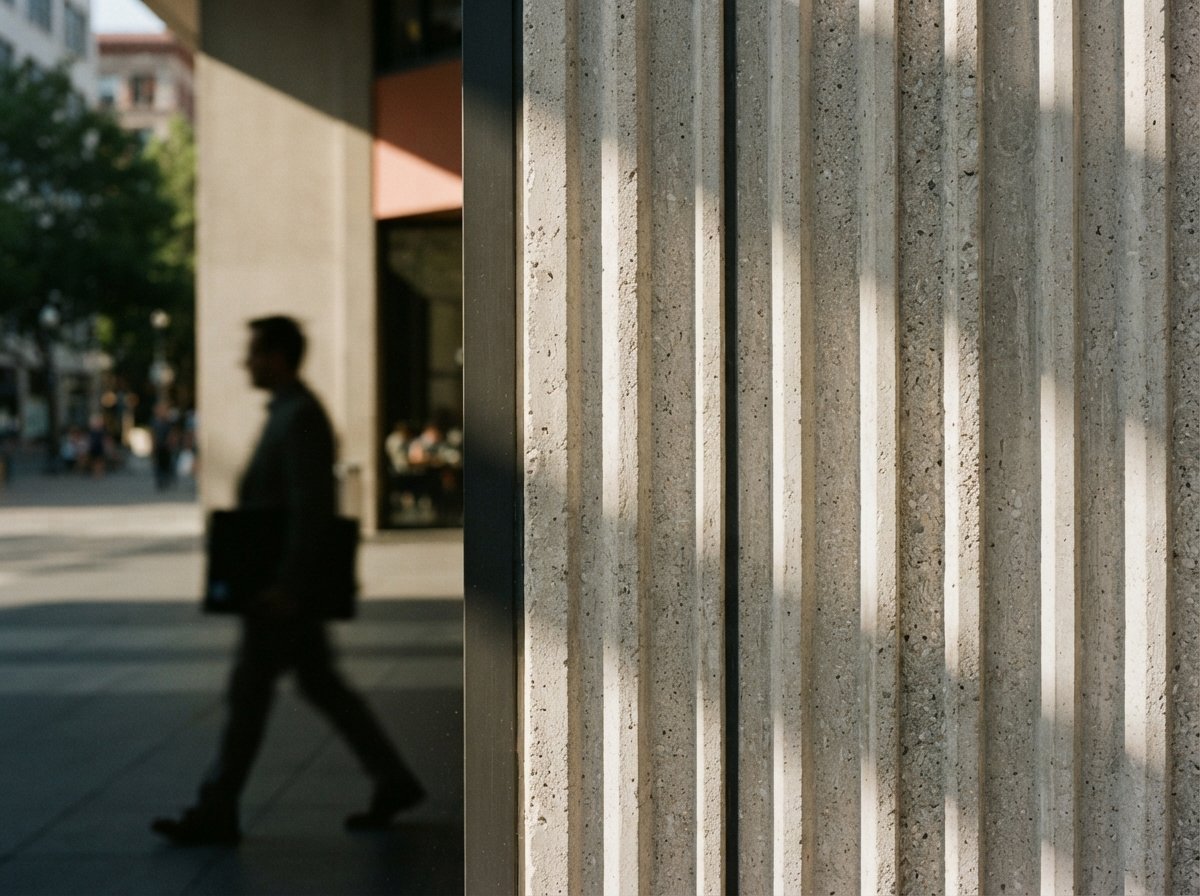
For two years the Midjourney architecture workflow has included a tax: generate, then upscale, then hope the upscaler did not invent detail that was not there. V8 renders at 2K natively. On our competition boards that meant we could crop into a render at presentation scale and the window mullions still held a line instead of dissolving into upscaler mush.
Be honest about the ceiling: native 2K is still not enough resolution to drop a single image across a full A1 board at print size. You will still composite, and for a hero image you will still upscale further. But the baseline jumped, and the upscale-and-pray step is gone from most of the day. That is a real reduction in friction, not a spec-sheet number.
Five times faster — it changes how you iterate
Jobs that took 30 to 60 seconds in V7 now complete in under ten. That sounds like a convenience and is actually a behavior change. When a concept variation costs eight seconds instead of a minute, you stop rationing. On the massing studies we ran roughly thirty directions for a corner treatment where in V7 we would have committed to four and talked ourselves into one. The wider net found a better answer.
The caveat is the obvious one. Speed rewards volume, and volume is not judgement. The architects who get the most out of V8 will be the ones who treat the faster loop as more chances to find the right image — not as permission to skip the part where someone with taste decides which image that is.
Speed does not improve a render. It improves how many bad renders you can afford to throw away before you find the right one.
The geometry problem is still the geometry problem
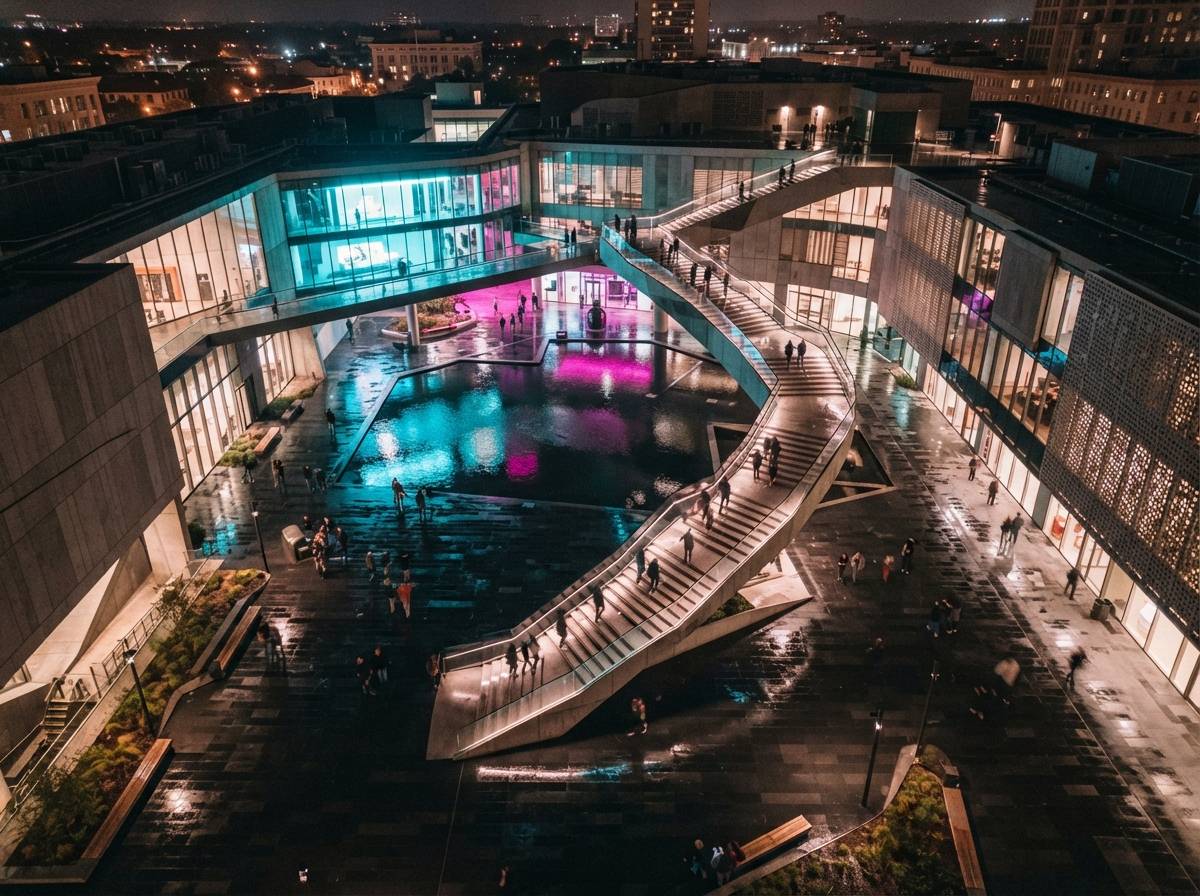
Here is the part the launch coverage will not lead with. V8 follows prompts noticeably better — material callouts, color palettes, lighting conditions and spatial arrangements land more reliably than they did in V7. But V8 still does not understand your building. Ask for a four-storey facade with a regular structural bay rhythm and you will get four-and-a-half storeys and a bay that drifts a foot every span.
This is not a bug a point release fixes. A text-to-image model cannot hold your geometry because it never had your geometry — it has a prompt. If the AI needs to respect your massing, your floor count, your fenestration grid, you need a model-aware tool: Veras driving off your SketchUp or Revit model, D5's render layer, or a ControlNet workflow in ComfyUI that takes your viewport as a depth input. V8 makes Midjourney a sharper, faster concept-and-atmosphere engine. It does not make it a rendering tool for a building you have actually designed.
V8 vs V7 on architecture work
| Task | V7 | V8.1 |
|---|---|---|
| Output resolution | ~1024px — upscale required | Native 2K via --hd |
| Generation speed | 30–60s per job | Under 10s per job |
| Prompt adherence (material, light) | Partial — drops elements | Noticeably tighter |
| Legible text & signage | Unreliable — gibberish | Clean with quoted text |
| Holding your building's geometry | No | No — still hallucinates |
| Style consistency across a set | Manual seed wrangling | Style Creator helps |
| Fit for documentation | None | None |
Where V8 belongs in a 2026 stack
The shape of the workflow has not changed; V8 just makes the front half faster and sharper. Use it where the building is still an idea — competition imagery, concept exploration, mood and atmosphere studies, the early client-facing images that need to communicate a feeling before a single dimension is fixed. Midjourney remains best in class for exactly that, and V8 widens the lead.
One genuinely new use: the improved text rendering. Wrap a sign string in quotes and V8 will give you a plausible, legible storefront name or wayfinding panel instead of AI gibberish. For retail concept boards, mixed-use context studies and wayfinding pitches, that removes a small but persistent embarrassment. It does not change the rule — once geometry is real, you hand off to a model-aware renderer — but it makes the concept phase look more finished.
We test every major release on live project work.
No sponsored placements, no affiliate links — just field notes from a working studio. The ArchiGen AI journal ships tool reviews and workflow breakdowns weekly.
Read the journal →Our take
V8 is the most consequential Midjourney release for architects in two years — not because it solved anything fundamental, but because the engine rewrite cleared the runway. Native 2K and real speed remove two daily frictions that have been quietly costing architects time since 2024. The work looks better and the loop runs faster, and both of those are worth having.
But the geometry ceiling is still there, and pretending otherwise is how architects get burned in front of a client. Use V8 for what it is now genuinely excellent at: fast, sharp, atmospheric concept imagery and legible context. Keep it away from anything that has to match a drawing. If you already pay for Midjourney, V8 is a free upgrade and you should switch today. If you abandoned Midjourney over consistency, V8 will not bring you back — that was never a resolution problem, and this release does not pretend to fix it.
No affiliate relationship with Midjourney.