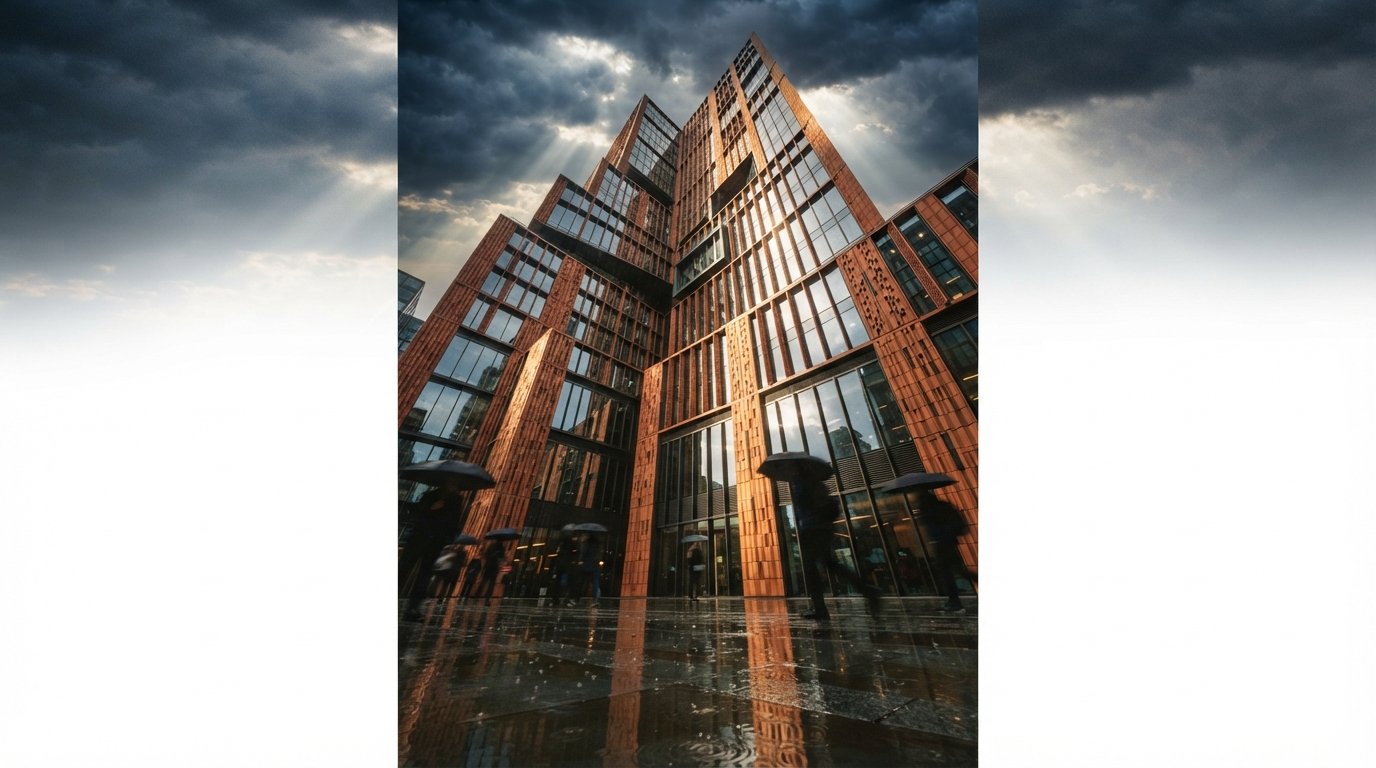
For two years the story was a gold rush of standalone tools. A render went out of your model as a flat image, into Midjourney or Magnific or a browser generator, and came back transformed and slightly untrue. The tool was a separate place you visited. You exported, you prompted, you reconciled, you hoped the model had not redrawn the building while it was prettying it up.
That arrangement is quietly ending. The AI is moving to where the model already lives. When this year's tool lists put Vantage, Enscape, Twinmotion and D5 in the same breath as the generators, they are recording a shift most studios can feel but have not named: the renderer you own is becoming the AI tool, and the separate generator is losing the part of the job it used to monopolise.
What the lists are actually telling you
Read the 2026 roundups as a market map rather than a shopping list and the pattern is hard to miss. The tools climbing them are not new AI startups. They are incumbents with AI bolted into a pipeline architects have used for a decade. D5 ships AI texture and enhancement features beside its real-time path tracer. Enscape and the wider Chaos line fold material generation and AI enhancement into the same window where you set up the shot. Twinmotion leans on AI for the busywork around an already-fast engine. And Veras, the tool that arguably defined add-in AI rendering, now arrives as part of V-Ray rather than a thing you bolt on after.
The common thread is not a feature. It is a location. The AI is being placed inside the software that holds your geometry, your camera and your materials, which changes what the AI has to guess. A browser generator starts from a flat picture and infers a world. An in-engine model starts from the world.
A standalone generator infers your building from an image. An in-engine one already has the building. That single difference decides most of the routine work.
Why the engines win the boring middle
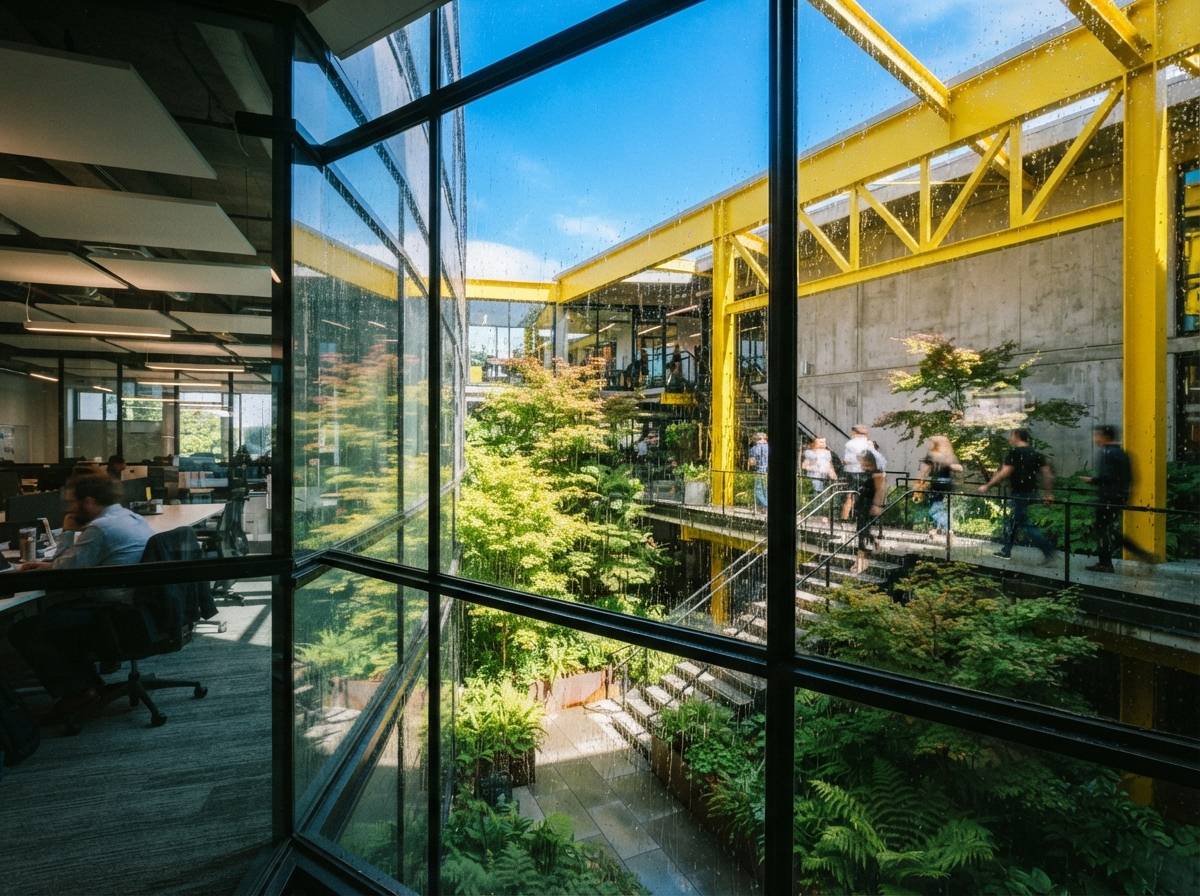
Most rendering is not the hero shot. It is the forty competent images a project needs between concept and handover, and that is exactly the work in-engine AI takes. Three reasons it wins there, none of them glamorous.
It adheres to the design instead of guessing
The oldest complaint about AI rendering is that it invents. A window migrates, a mullion thickens, a cantilever quietly grows a column. When the AI runs on real geometry it has far less to hallucinate, because the structure is given, not inferred. That is the same control problem we tracked in our note on model-adherence controls, and proximity to the model is the cleanest fix anyone has found.
It kills the round-trip
The separate-tool workflow has a tax you stop noticing: export the view, upload it, write the prompt, wait, download, then compare it against the model to catch what changed. In-engine AI deletes that loop. You frame the shot and the enhancement happens in the same place, against the same scene, with your settings already loaded. On a deadline, removing four steps from an action you repeat forty times is worth more than any single clever feature.
It keeps spend and access in one place
A studio can govern one renderer license. It cannot easily govern five browser accounts with five credit meters and five sets of terms about who owns the output and what they do with your uploads. We have written before about the confidentiality questions that come with sending project images to outside services. Keeping the AI inside the tool you already vetted is the boring, correct answer for most firms with clients who care.
Where the standalone tool still earns its place
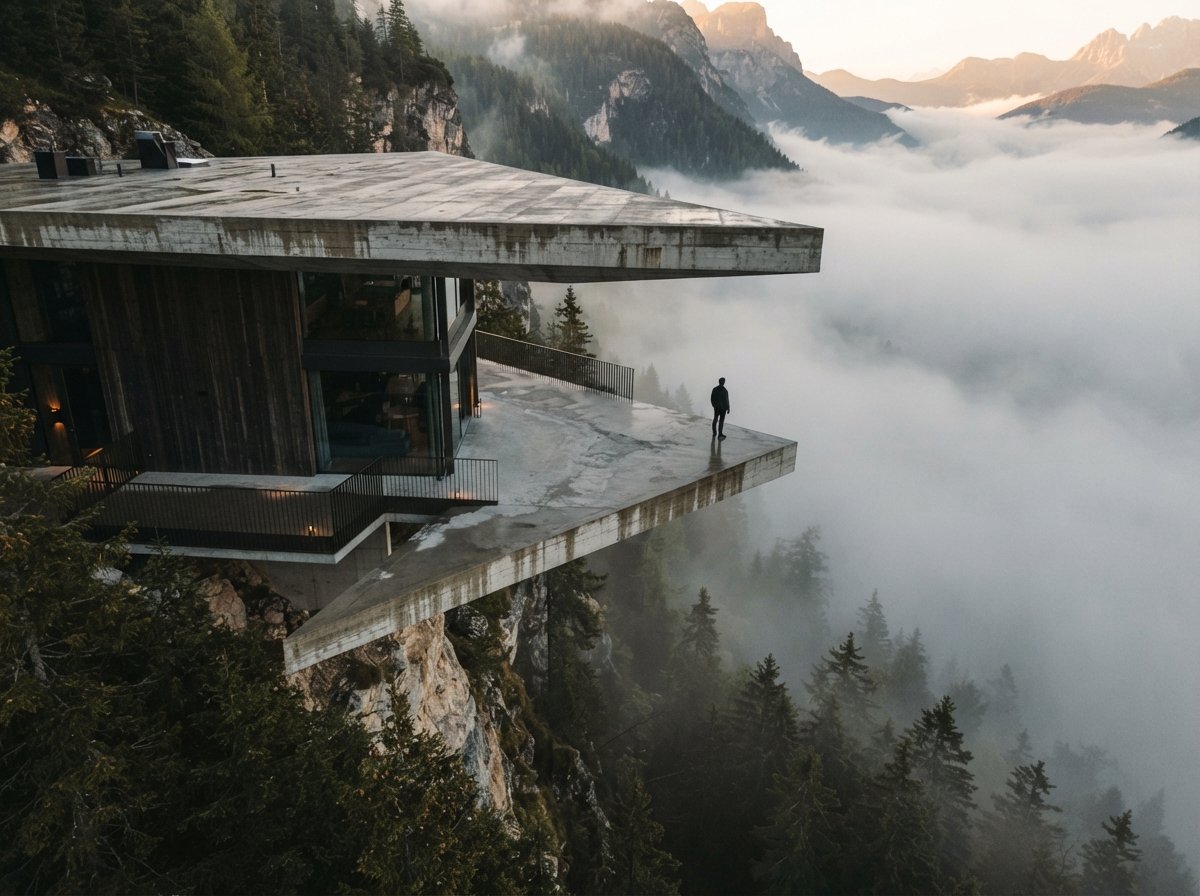
This is not a eulogy for the generator. Pipeline-native AI is built to respect your model, and respect is exactly the wrong instinct at the front of a project. When you are still deciding what the building wants to be, you want range, accident and a tool that will show you something you did not draw. A separate generator, working from a sketch or a massing study, still does that better than an engine whose whole job is fidelity.
So the line is cleaner than the tool lists make it look. Early, exploratory, what-if work, where the geometry is loose and surprise is the point, still belongs to the standalone generators and the image-to-image crowd. Resolved, on-model, deliverable work, where the building is decided and the picture has to be true, is moving into the engine. The mistake is using one where the other belongs: gambling a final client image on a generator, or asking your renderer to dream up a concept it was built to constrain. If you only keep one rule, it is the one in our piece on AI-native versus plugin renderers: match the tool to the stage, not to the hype.
Our take: buy the capability, not the logo
The right question for 2026 is not which AI render tool to subscribe to. It is whether the AI is where your model already is. For most firms that reframing changes the answer and the invoice. Before you buy another seat, check what your existing renderer already ships or is weeks from shipping, because for routine deliverables that is the cheapest, most faithful option on the table and you have already paid for most of it.
Then keep exactly one generator on the side for the front of the project, and stop collecting the rest. The drawer full of half-used subscriptions was a symptom of a market that had not consolidated yet. It is consolidating now, into the software on your machine. The studios that notice early will spend less, leak less and ship renders that actually match the building. Map your current stack against what each engine now does before you renew anything, and cancel what the renderer has quietly made redundant.
The standalone AI tool had a good two years. The engines were just slower, and now they have the model.
Based on the recurring 2026 best-tool roundups, vendor materials for the renderers and AI features named, and Vista Studios hands-on use of in-engine and standalone AI rendering. Features and packaging change fast; confirm what your own license includes before deciding. No affiliate relationship with any tool named.