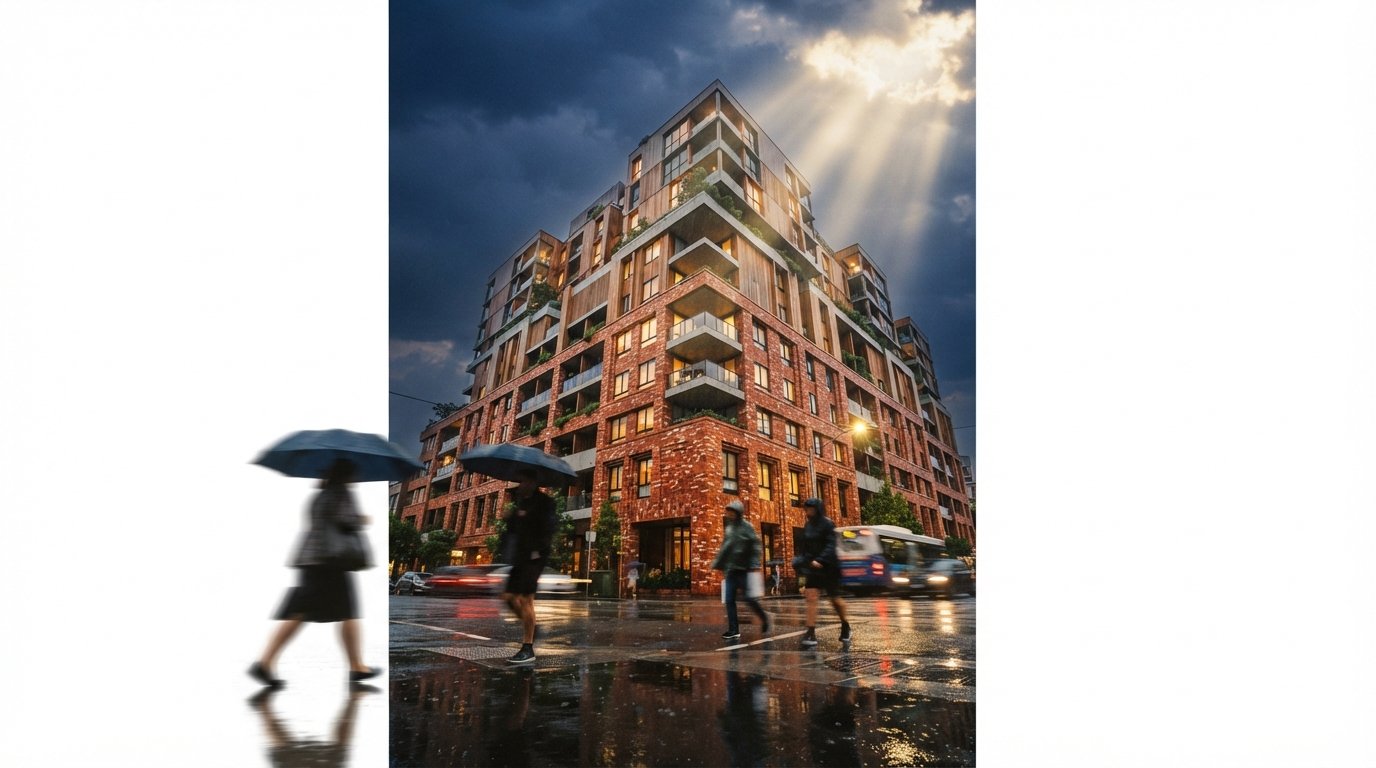
The friction was never the rendering. V-Ray has been competent at the final image for a decade. The friction was the gap in the middle, the part where you wanted to ask "what if this facade went warmer, or this courtyard read at dusk" and the only way to ask was to leave your scene, hand a flat screenshot to a different tool, and accept whatever it invented about geometry you had already modeled correctly. That round trip is the thing Chaos just deleted.
Veras is now reachable from inside V-Ray. The same AI ideation that used to be a separate add-in, separate login and separate bill runs against the live scene in 3ds Max, SketchUp and Rhino. This piece is about the workflow, not the price. We covered the billing change, the unified credit meter and who quietly pays more, in a separate analysis of the Veras credit system. Read that for the money. Read this for the day.
What it is: an AI styling pass that reads your actual model as its starting point, not a text prompt alone. What changed: it lives inside V-Ray now, so there is no export, no separate window, no reimport. What it is not: a replacement for the V-Ray render that goes to the client. It is the step before that, the fast exploration that used to cost you a tab switch and a guess.
The workflow, start to finish
The shape of a session is simple once the AI step stops being a detour. On a recent test scene, a mid-rise residential block in Rhino, the loop ran like this.
1. Build and frame as you always would
Nothing upstream changes. You model the massing, set your camera, drop in the V-Ray sun and a rough material pass. The discipline here is the same as any archviz shot: get the composition and the light direction honest before you ask AI for anything, because the AI styles what you give it. A weak camera in produces a weak option out.
2. Send the live view to Veras
Instead of a screenshot, the AI step now receives the scene. That is the quiet but real difference. Because Veras is reading your geometry as a substrate, the windows stay where you put them and the floor count does not drift between passes. You write a short prompt for mood and materials, warmer brick, late afternoon, planted terraces, and generate a small set of options.
3. Branch the directions that survive
This is where the in-app version pays off. You can run a few prompt variations against the same frame in a couple of minutes, keep the two that hold up, and discard the rest without ever losing your camera or your model. The old workflow punished exploration because every variant meant another export. Now the cost of a second idea is close to zero, which is the whole point of ideation.
4. Bring the chosen look back toward a final render
The AI still is not your deliverable. Once a direction wins, you carry its decisions, the material temperature, the time of day, the planting density, back into a real V-Ray render with your true materials and lighting. The AI pass narrows the search. V-Ray finishes the job. The value is that the narrowing now happens inside the same file, in minutes, against geometry the AI cannot scramble.
The old workflow charged you a tab switch for every idea. The new one charges you almost nothing, and that changes how many ideas you bother to have.

What the integration actually removes
| Step | Old juggle | In-app now |
|---|---|---|
| Getting the scene to AI | Export or screenshot, flat image only | Live geometry, no export |
| Geometry fidelity | AI guesses from pixels | Model used as substrate |
| Trying a variation | Repeat the whole round trip | Reprompt in place |
| Logins and bills | Separate add-in, separate plan | Credits tied to the subscription |
| Final image | V-Ray, after manual reconciliation | V-Ray, same file, fewer steps |
The honest summary of the table is that the integration removes friction, not skill. It does not make a bad scene render well, and it does not stop the AI from over-styling if you let it. What it removes is the dead time between having an idea and seeing it, and that dead time was the real tax on using AI inside a serious renderer.
Where a separate pipeline still wins
None of this retires ComfyUI, and anyone selling you that line is overstating it. The in-app workflow is the right default for V-Ray shops doing fast, scene-tied exploration. It is the wrong tool the moment you need control the host does not expose.
- Exact conditioning. If your look depends on specific ControlNet depth or edge maps, a tuned model, or LoRAs trained on your studio's style, a graph you own will beat a built-in pass every time. The Rhino to ComfyUI workflow still exists for a reason.
- Batch and consistency. Forty frames that must share one identity are a job for a pipeline with seeds and fixed conditioning, not an interactive ideation panel.
- Engine independence. If you are not a Chaos shop, or you want a model the integration does not offer, the standalone route keeps you off a single vendor's roadmap.
The realistic studio answer is both, used for what each is good at. Veras inside V-Ray for the rapid in-context passes that used to cost you a tab switch, and a dedicated ComfyUI graph for hero frames that need a look you have tuned by hand. Treating them as rivals is a category error. One is for thinking fast, the other is for finishing exactly.

Our take: friction was the feature nobody priced
The interesting thing about this release is not the AI. The engine underneath is the same Nano Banana generation Chaos already shipped, and the option quality is roughly what you would expect from it. The interesting thing is the deletion of a round trip. For years the AI ideation step was theoretically available and practically annoying, and annoying steps do not get used, no matter how good they are in a demo. Putting Veras where the work already happens is a smaller technical change than it looks and a larger behavioral one, because the tool you reach for without thinking is the tool that actually shapes the building.
If you already pay for V-Ray, the move is to stop treating AI ideation as a separate errand and start treating it as a normal pass between camera and final. Frame the shot, send the scene, branch two directions, then render the winner for real. The plugin juggle is over. Whether you fill the time you saved with better thinking or just more renders is, as always, on you.
Based on Chaos public materials, product pages and workflow demonstrations for V-Ray and Veras as of June 2026. Feature availability, host support and engine details change between releases and across tiers; confirm current specifics at chaos.com before relying on them for client work. No affiliate relationship with any tool named.