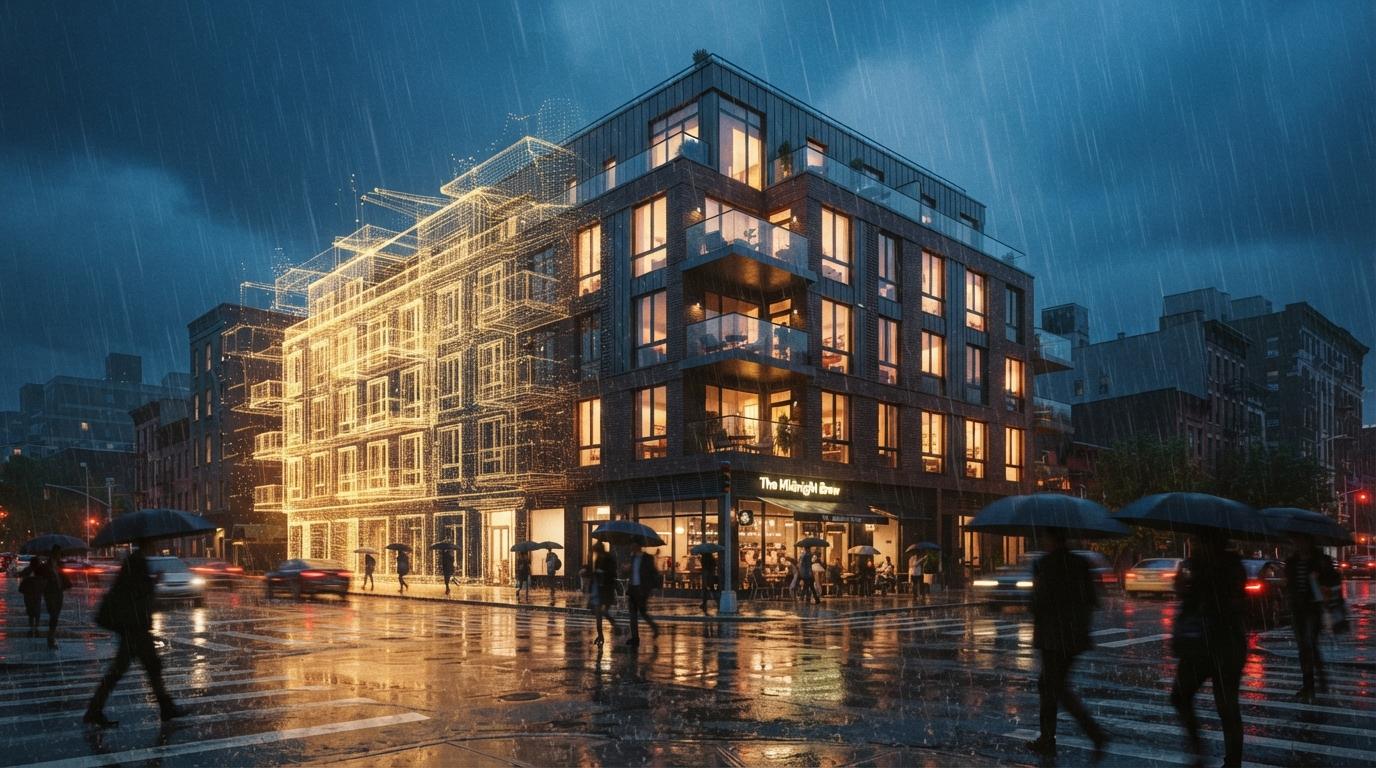

The mid-decade default has been SketchUp for the massing, Lumion or Twinmotion for the real-time pretty pictures, and a Photoshop pass for the things the real-time engines refused to do convincingly. Veras has lived in the stack the whole time too, but until this year it was a side path. Veras 4.3 changes that. It is no longer the side path.
This is not a Veras release review. We covered the headline 4.3 update separately. This is a workflow piece. The question we wanted to answer was specific: with the new reference image type, the video stitching, and the render fine-tuning pass, does the SketchUp + Veras pipeline finally collapse the early conceptual rendering loop down to something that respects the way architects actually iterate in the first two weeks of a project? The short answer is yes. The longer answer is that you have to set it up correctly and stop pretending Veras is a Lumion replacement, because it is not.
What changed in 4.3 that actually affects the workflow
Three pieces of the release matter for an architect using SketchUp as the geometry source. The new reference image type accepts a style anchor that influences the entire render instead of a single material swatch. Video render stitching lets you combine multiple Veras passes into a single clip without the discontinuity that used to make multi-pass animation feel cheap. Render fine-tuning lets you take a render you almost like and dial specific properties without regenerating from scratch.
Each of those is a small thing. Stacked, they remove three of the four friction points that used to push us back into Lumion at the schematic stage. The fourth friction point, walkthroughs, is now also serviceable inside Veras for early concept use. We will not pretend it is at parity with a real-time engine for final fly-throughs, but at the concept-meeting stage it is more than enough.
The pipeline, end to end on the project
Stage 1: SketchUp massing, kept dumb on purpose
The SketchUp model stayed at the same level of detail we would normally take to the Lumion handoff: massing volumes, void cuts, basic openings, ground plane, neighbors as block context. No materials applied. No PBR setup. The point of using Veras downstream is that the material vocabulary is going to be assigned by the AI inside its render pass, so prepping materials in SketchUp is wasted motion and, worse, it locks the Veras output into a narrower interpretation than you actually want at this stage.
The single SketchUp discipline that matters here is camera staging. Set the cameras you want renders from while you are still in geometry mode, save them as scenes, and label them. Veras renders against the active scene. The faster you can cycle scenes, the faster the conceptual loop runs.
Stage 2: Veras prompt and the new reference image hook
The new reference image type does not paste a material in. It conditions the whole render against the mood of the image. Drop in a Peter Zumthor photograph and the textures the model invents converge on that vocabulary across all the cameras in the project.
This is the upgrade that changes the conversation. In prior versions of Veras, holding a consistent style across six renders of the same building meant prompt discipline and luck. With the new reference image type, you can lock the studio to a stylistic intent the way you would brief a junior on a render set. We dropped in a single black-and-white photograph from the project's brief mood board and ran all six cameras against it. Consistency across the set was the highest we have seen out of any AI-native render path on a single iteration.
Stage 3: Render fine-tuning pass on the ones you almost like
The fine-tune pass in 4.3 is the second pipeline-changing upgrade. You can take a render that is 80 percent right and adjust the parts you do not like without regenerating from scratch and losing the 80 percent that was working. Want the sky less cinematic? Want the brick tighter? Want the people gone? You used to get them by re-rolling and praying. Now they are sliders and small targeted prompts. This is the upgrade that takes the workflow from generate until something works to direct until it is what we wanted.
Stage 4: Interior moments inside the same engine
The two interior moments per option were rendered from inside the same SketchUp model using a clipped camera and a different reference image (a soft daylit photograph of a similar program type from the studio archive). Veras handled the daylight, the ceiling reflections, and the material reading at concept fidelity in a way that does not require a Twinmotion handoff. For a final render at the construction document stage we would still want a real-time engine in the loop. For a concept meeting we did not.
Stage 5: Stitched video for the option walk
The new video stitching is the piece that surprised us most. We rendered three short Veras videos for each of the massing options (entry approach, mid-block, corner condition), stitched them into a 45-second walk, and dropped the result into the client deck. The stitched output kept the style anchor across cuts. Lumion is still better at walkthrough motion, but for a three-option concept comparison shown in a Tuesday morning meeting, the Veras walk was sufficient and arrived in hours rather than days.
The comparison against the Lumion path
| Stage | SketchUp + Veras 4.3 | SketchUp + Lumion |
|---|---|---|
| Material setup | None required | Hours of material library work |
| Style consistency across cameras | Locked via reference image | Manual coordination per scene |
| Render iteration speed | Minutes per pass | Faster with GPU, slower with adjustments |
| Walkthrough fidelity | Concept-grade | Production-grade |
| Final render polish | Strong at concept | Strong through CD |
| Total time to client deck | Same-day | Two to three days |
The honest read of the table is not that Veras 4.3 replaces Lumion. It is that the two tools no longer compete for the same slot. Veras 4.3 owns the conceptual rendering slot. Lumion still owns the production walkthrough slot. The mid-decade default of running Lumion at every stage of the project no longer makes sense, because the early stage is now better served by something else.
The setup decisions that matter
Pick the SketchUp version your team actually uses, not the newest. The Veras plugin runs across SketchUp Pro 2022 onward, and the workflow does not benefit from being on the latest release. Picking the version your team is already on removes a license excuse to delay adoption.
Build a reference image library before the first project, not during. The new reference image type is only as strong as the library you point it at. Spend an hour curating a starter set of 30 to 50 mood photographs grouped by program, era, and material vocabulary. This becomes a project-shared asset. It does the same thing for AI-native rendering that a material library does for traditional rendering.
Save SketchUp scenes for every camera you might want to render. Veras renders the active scene. The conceptual loop runs on how fast you can switch scenes and re-roll. If you set up scenes lazily, the loop slows down.
Treat the fine-tune pass as the part of the workflow, not a polish step. The biggest mistake we made on the first project was generating ten renders per camera looking for the perfect one. The 4.3 workflow is to generate two, pick the better, and fine-tune. The work is in directing, not gambling.
Veras 4.3 did not so much upgrade the renderer as collapse the early conceptual loop. The work that used to take three days now closes inside an afternoon.
Where the workflow still breaks
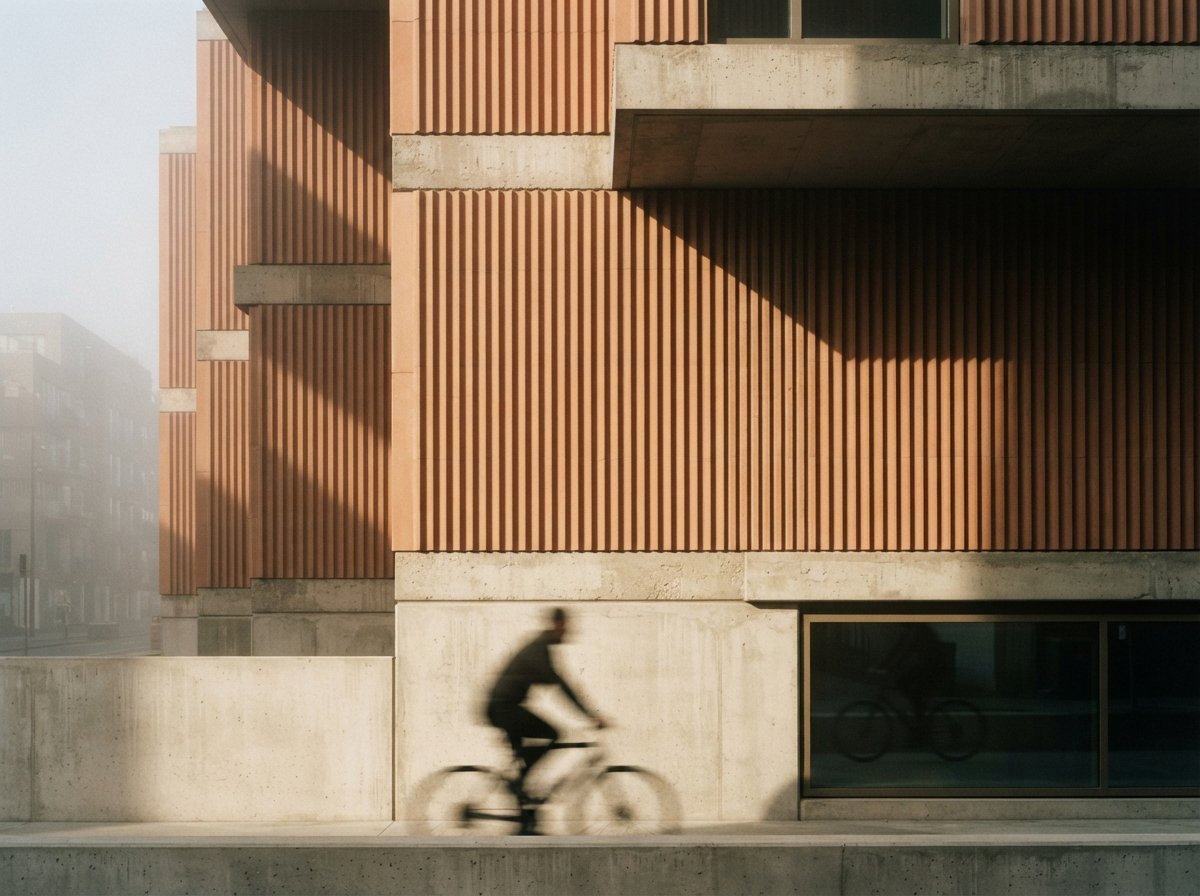
Three places. People in the scene are still uneven. The Nano Banana 2 engine underneath Veras has improved at people but it is not yet reliable enough to brief into a render and walk away. Add or remove people with the fine-tune pass rather than trusting the first generation. Brand-specific products (a specific Vola tap, a known Maharam textile, a particular Reggiani fixture) remain out of reach. If the client wants to see the specified product, you still need the traditional path. Construction document fidelity is not the target. If the deliverable is a glossy render packaged with a permit set, Veras gets you to a strong starting image but the final pass still benefits from a real engine.
The honest verdict
For the conceptual stage of a project, the SketchUp + Veras 4.3 pipeline is now the strongest workflow we have used. It collapses the time between the first massing decision and a deck of photoreal options into something that respects the actual iteration speed architects work at in the first two weeks of a job. It does this without sacrificing the design conversation, which is the part that traditionally got lost when teams pushed Lumion too early.
It does not replace your real-time engine for everything downstream of schematic design. If your firm runs Lumion or Twinmotion through CD, keep them. The shift is upstream. The new question is whether you keep paying for Lumion seats sitting unused for the first three weeks of every project because Veras 4.3 is now doing that work better, faster, and with less setup ceremony.
Test it this week. Take one current concept project, set up the cameras, build a 20-image reference library, and run the Veras 4.3 path against whatever you would normally do in the early stage. If the speed-up is what we saw, the rest of the conversation about your render stack writes itself.
No affiliate relationship with Chaos.