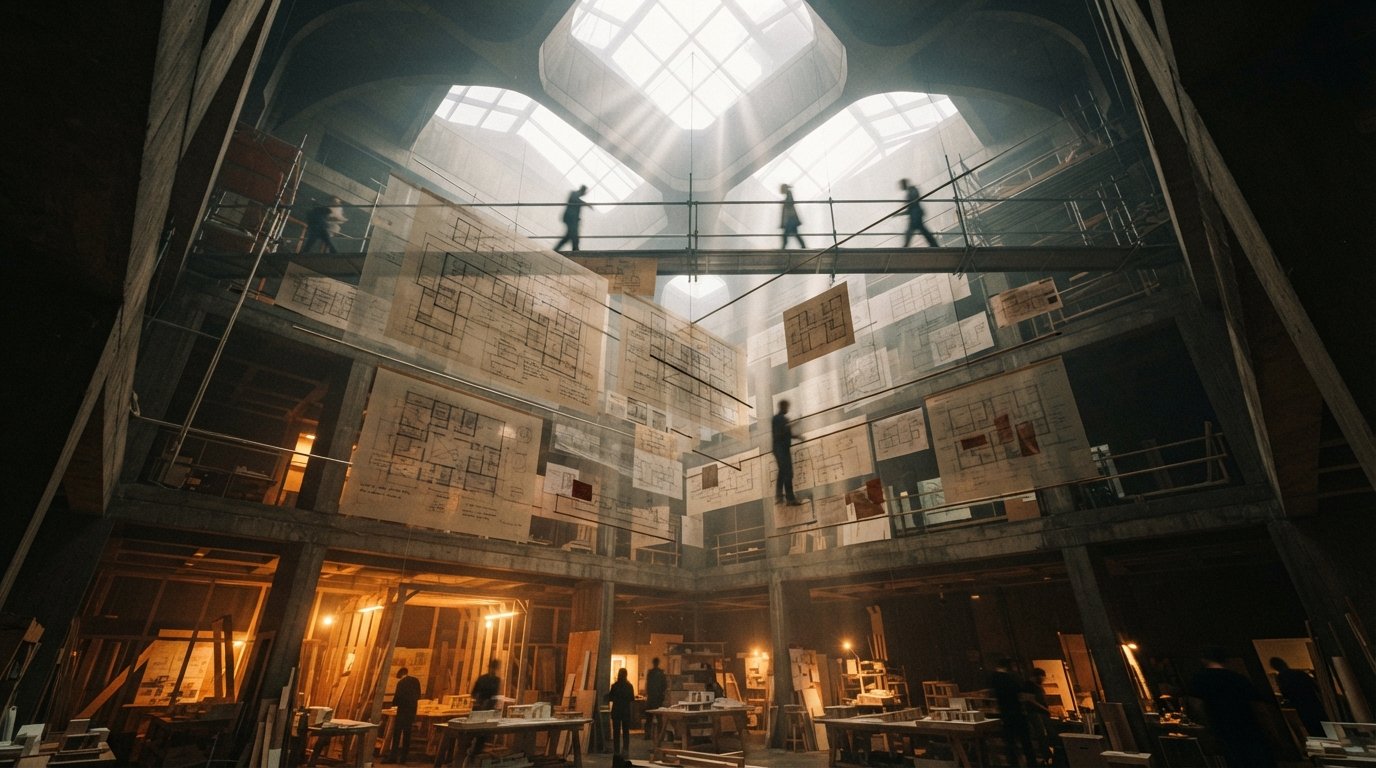
The reels found me before the product did. A plan tracing itself into clean walls in a couple of seconds. A flat drawing standing up into a 3D view with a caption promising no modeling required. The usual comment bait underneath, "this one actually delivers." After the fortieth such clip you stop watching the speed and start asking the only question that matters in practice: what happens on the forty-first project, the one with a weird existing condition and a client who changes the brief on Thursday.
That is the lens for this first look at Synaps. Not whether the demo is impressive, it is, but whether the idea underneath survives a real desk. And the idea underneath is more interesting than the speed claims it is being sold on.
What Synaps actually is
Synaps presents itself as an AI canvas for architecture, which is a more specific claim than "AI rendering." Three pieces do the work.
Floor plan tracer: upload a plan image and the AI converts it into editable walls and rooms, billed as turning pixels into geometry. Synaps Nodes: a node-based canvas where each design move is a node, so you can branch options and compare paths without losing earlier versions. 2D to 3D: a step that lifts a plan into a three-dimensional view and rendered output without manual modeling. Audience: early design, option studies and client-facing visuals, not documentation.
The tracer and the 2D-to-3D step are the parts that go viral, but the node canvas is the part worth your attention. Most AI tools in this market are one-shot: prompt in, image out, and if you want a different option you start over and lose the last one. A node graph keeps the whole exploration alive on one surface. You can fork a layout, try two circulation ideas side by side, and walk back to a branch you abandoned an hour ago. Anyone who has built in Grasshopper will recognize the instinct. Applying it to AI ideation, where the failure mode is usually a pile of disconnected JPEGs with no history, is a real design decision, not a gimmick.

The speed numbers, in context
Synaps marketing leans hard on figures like a plan generated in roughly three seconds and a 2D-to-3D render in under ten. Take those for what they are: vendor demonstrations on inputs chosen to look good. They are a ceiling under ideal conditions, not a benchmark you should plan a deadline around. We have audited enough of these claims to know the pattern. The clock starts on a clean, orthogonal, well-lit sample plan, and it conveniently stops before the part where you fix what the AI guessed wrong.
The speed of the first output is marketing. The speed of the tenth corrected output is the actual workflow.
This is not an accusation that Synaps is slow. It is a reminder that raw generation time is the least important number in any of these tools. What decides whether a feasibility tool earns a seat is the correction loop: when the tracer reads a thick poché wall as two thin ones, or stairs as a closet, how fast and how cleanly can you fix it. That is the metric we will be timing whenever we get a tool like this onto a real project, and it is the metric no promo reel ever shows.
Where it plausibly helps
Read against an honest version of its own pitch, Synaps has three uses that look credible from public materials.
- Reclaiming legacy plans. Tracing a scanned or PDF plan back into editable geometry is a genuinely tedious task that firms still do by hand. If the tracer is even decent, this alone could justify a look for anyone working on renovations and existing-building surveys.
- Fast option studies. The node canvas is built for the moment when a client asks to see "the same plan but with the kitchen on the other side." Branching beats restarting.
- Client-facing massing. A quick, ugly-proof 2D-to-3D view is often enough to align a client at the concept meeting, where a polished render would be premature and a bare plan would lose them.

Where to stay skeptical
| Claim or hope | Reality check | What to do |
|---|---|---|
| "No modeling required" | True for a view, not for data | Treat the 3D as a sketch, not a model you can dimension or document from. |
| Traced walls are accurate | Unverified | Spot-check overall dimensions and key room areas against the source before you trust any number. |
| Replaces early BIM | No | Use it upstream of Revit or Archicad, then rebuild properly. It is a thinking tool, not a record. |
| Safe for confidential plans | Cloud service | Uploads leave your machine. Clear it against client terms before sending live work. |
The biggest trap with a tool this fluent is mistaking a convincing 3D view for trustworthy geometry. A render that looks right invites you to skip the verification step, and a feasibility tool that quietly invents a square meter here and a corridor width there can carry a bad assumption straight into a client conversation. The discipline is the same one we apply to every AI output: the picture is a proposal, your model is the truth, and the two are not allowed to disagree on the page that goes out the door.
Our take: the canvas, not the clock
Synaps is being marketed on the wrong feature. The speed reels will get the clicks, but the speed is the part most likely to disappoint, because every AI plan tool is fast until you ask it to be right. The node canvas is the genuinely good idea here, the recognition that architectural thinking is branching and comparative, and that AI ideation has badly needed a way to hold that structure instead of spitting out orphans. If Synaps nails the tracer's accuracy and keeps the canvas this coherent, it has a defensible reason to exist that a one-shot render tool does not.
Our advice for now: try the floor plan tracer on a plan you already know cold, then check every dimension it gives you back. If it reclaims your geometry cleanly, you have found a real time saver for the most boring part of early work. If it does not, you have learned that in twenty minutes and risked nothing. Either way, judge it on the canvas and the correction loop, not on a stopwatch a marketing team controls.
We rate tools on fit, not hype. Join the studio newsletter for our full hands-on once we have run Synaps through a live feasibility study, or compare it against our look at floor-plan rendering with Nano Banana.
First look based on Synaps public marketing, product pages and demonstration videos as of June 2026. Features, pricing and performance are not independently bench-tested here and change quickly; confirm current details at synaps.app before relying on it for client work. No affiliate relationship with any tool named.