For most of its life, Veras has been a still-image tool. You fed it geometry or a source image, it gave you a frame, and if you wanted that frame to move, you took it somewhere else — Enscape for a real-time fly-through, Vantage for the polished pass, an animation render if the client was paying for it. The newest Veras 4 features change that quietly but meaningfully: there's now image-to-video built in, a set of twelve video presets, a Rotate Image tool that manufactures viewpoints from a single image, and a Gallery Mode for comparing all of it. Motion has arrived in a tool nobody was using for motion.
That's worth slowing down on, because "AI rendering tool adds video" is the kind of headline that's either a genuine workflow change or a checkbox feature that demos well and dies in practice. We went through what Chaos actually shipped and asked the question that matters: when a client asks to see the building move, does this change which tool you open?
What Chaos actually added
The motion story in Veras 4 is really three features that stack. Image-to-video is the headline: it transforms a still render into a short walkthrough-style animation, so an image you already generated can become a moving clip without you building a camera path by hand. Twelve video presets sit underneath that, described by Chaos as render-ready animation settings for smooth, photorealistic motion — you choose the movement rather than author it. And Rotate Image, which arrived alongside the recent workflow releases, lets you reorient a source image in 3D space by pitch, yaw, and roll, then generate a fresh render from the new viewpoint. Chaos explicitly frames Rotate Image as a way to build video from multiple frames without needing a 3D model.
That last detail is the interesting one. Taken together, these features mean you can produce motion from inputs that have no underlying geometry at all — a single rendered frame, a photograph, even a sketch that's been through the engine. For a profession where the source material is often a 2D image rather than a live model, that lowers the floor for "make it move" dramatically.
Image-to-video converts a still into a short walkthrough clip; twelve presets supply ready-made motion; Rotate Image manufactures new viewpoints from a single image with pitch/yaw/roll. Gallery Mode compares the results. Strong for concept and presentation motion, weaker where continuous geometric accuracy is the deliverable.
Where it earns its keep: the concept walkthrough
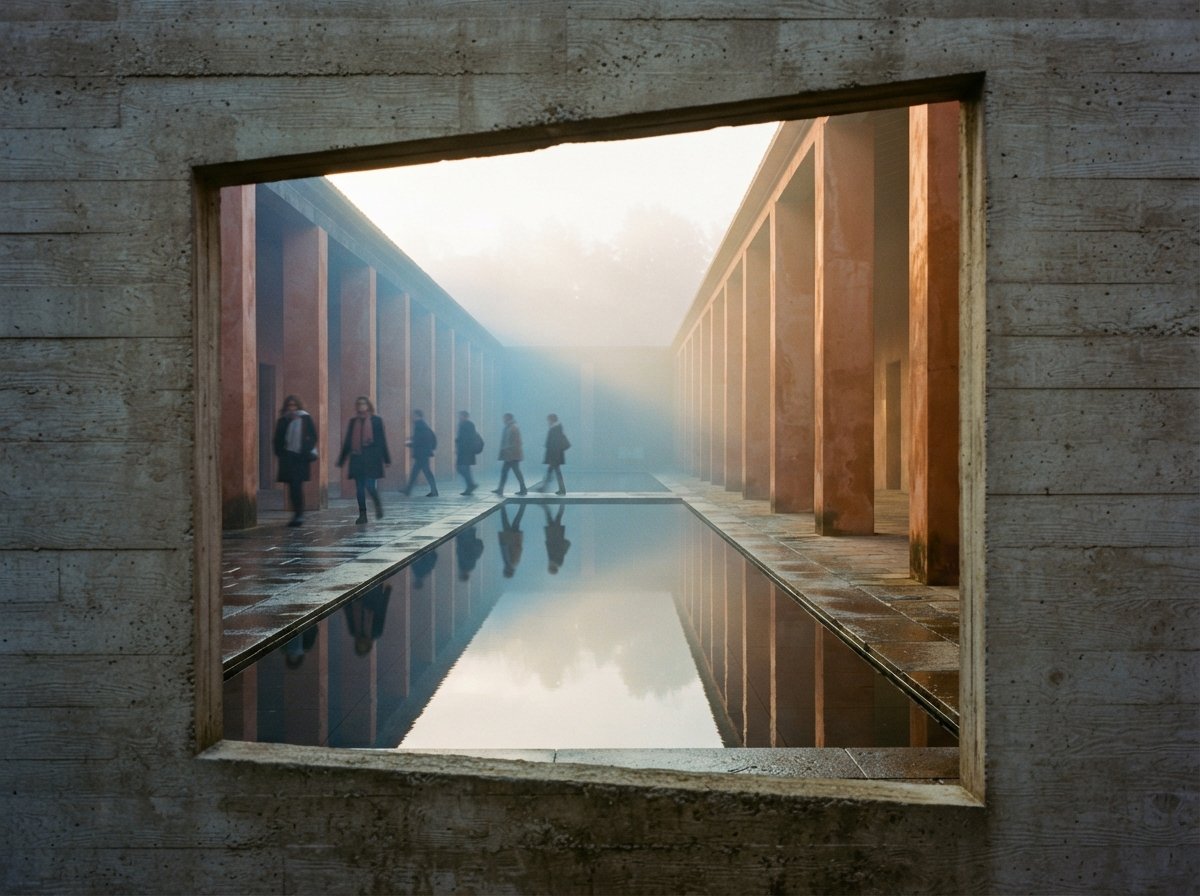
The deliverable this changes is the early-stage walkthrough — the thing you make when a client wants more than a board of stills but you're nowhere near committing to a paid animation. Previously that meant either standing up an Enscape session and screen-recording a path, or telling the client "stills only at this stage." Now you can take three or four hero renders you already produced, run image-to-video with a preset, and hand back a set of short moving clips the same afternoon.
Rotate Image is the quiet enabler here. If your input was a single competition-style image with no model behind it, you couldn't orbit it before. Now you can nudge the viewpoint, generate the in-between frames, and assemble motion that reads as a camera move rather than a slideshow. It won't survive frame-by-frame scrutiny, but for a concept teaser or a social clip, the audience isn't scrutinizing — they're getting a feeling for the space.
The value isn't a film. It's motion at the concept stage, when nobody has approved the budget for one yet.
Gallery Mode matters more than it looks once motion enters the picture. With stills, you compare two frames side by side and pick one. With short clips, you're judging movement, pacing, and how cleanly each preset handles your scene — and that's exactly the kind of comparison a grid-of-thumbnails view is built for. Pair it with the account-free shareable gallery links from the 4.4 and 4.5 releases and the client can review a set of motion options without you exporting a single file.
Where it hands the job back to your engine
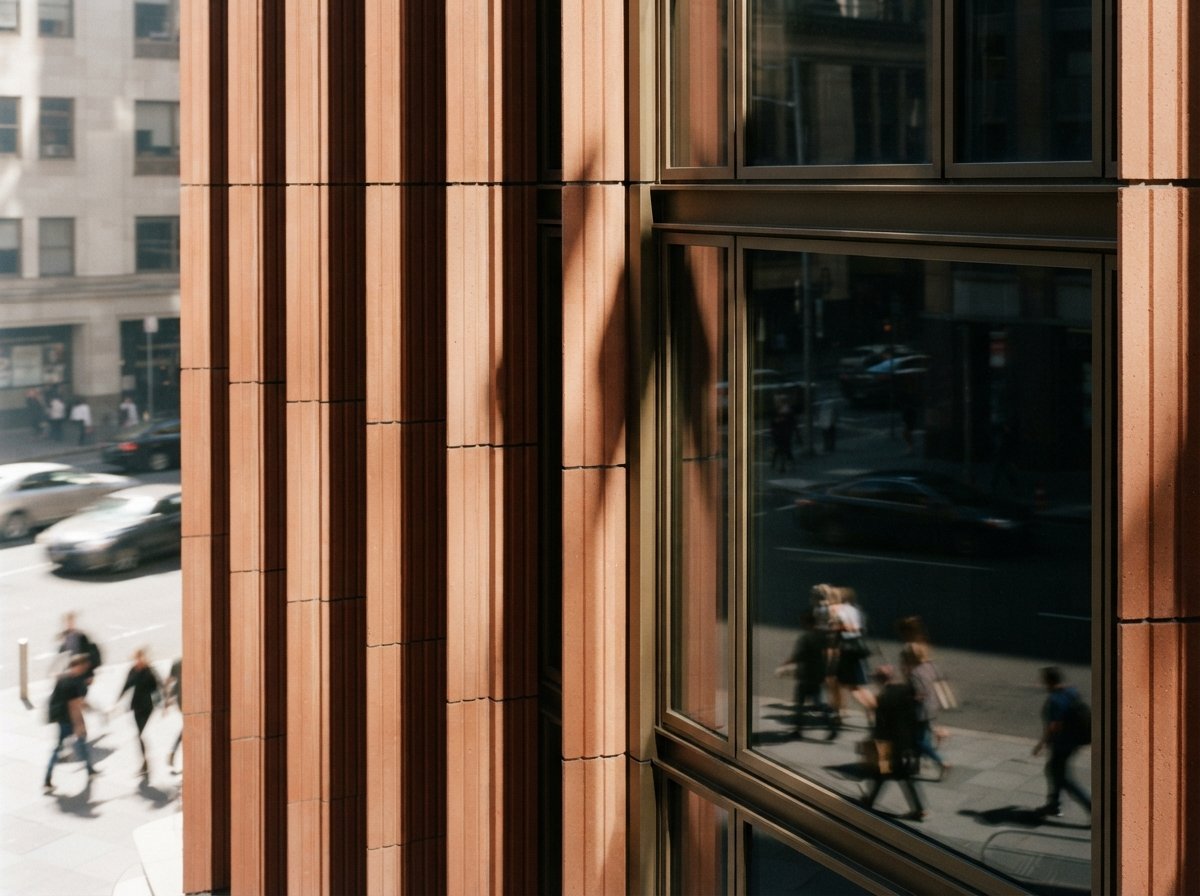
Here's the honest limit, and it's the same limit every AI-motion tool hits in 2026. Image-to-video infers the frames it doesn't have. That's fine when the camera move is short and the eye is moving with it, but it means detail can drift between frames — a mullion pattern that subtly reorganizes, a reflection that behaves like no real glass, a material that shimmers because the model re-imagined it slightly on each pass. On a five-second concept teaser, nobody notices. On a thirty-second contractual walkthrough that a planning committee will scrub frame by frame, those artifacts are exactly what gets flagged.
So the line is about accuracy-as-deliverable. If the motion exists to communicate an idea, Veras now does that fast and in-house. If the motion exists to prove the building — accurate geometry, consistent materials, a camera path you can reproduce — you still want a model-driven pipeline. Enscape and Chaos Vantage produce continuous motion from real geometry, which is why they remain the right tool when the deliverable is precision rather than vibe. It's telling that all three live under the same Chaos roof; the company isn't replacing its animation engines with Veras, it's giving you a fast on-ramp to motion that the heavier tools then take over when stakes rise.
How Veras motion compares to the alternatives
| Need | Veras 4 image-to-video | Enscape / Vantage animation |
|---|---|---|
| Input required | A single image — no model needed | Live geometry / full scene |
| Time to a clip | Minutes, in-house | Setup + render time |
| Geometric accuracy across frames | Can drift — inferred frames | Accurate — real camera path |
| Best for | Concept teasers, social, early review | Contractual walkthroughs, planning |
| Skill floor | Low — pick a preset | Higher — author the path |
Read that table as a workflow, not a competition. The point of Veras motion isn't to beat Vantage on a fly-through; it's to fill the gap before a fly-through is justified. Used that way, it's additive to a Chaos stack rather than redundant with it, and it slots neatly beside the kind of end-to-end Enscape-to-Veras pipeline a lot of studios already run.
Our take: the right feature at the right altitude
We're often skeptical when a tool reaches for video, because motion is where AI's frame-to-frame weaknesses are most visible and the temptation to overclaim is highest. Veras mostly avoids that trap by aiming low and honest. Twelve presets instead of a keyframe editor is a tell: Chaos is targeting the architect who wants a presentable clip in minutes, not the visualization specialist who'll author every camera move. That's the right altitude. The architect who needed Vantage was never going to switch, and the architect who never made motion at all now can.
The feature we'd actually build a habit around is Rotate Image feeding the motion stack. Manufacturing viewpoints from a single source image is the genuinely new capability — it means your back catalogue of flat hero renders is now raw material for motion, not a dead end. That's the kind of thing that quietly changes what you say yes to in a client meeting.
The caveat, as always: these features are reported from Chaos's own materials, and rollout across every host plugin and the web app isn't always simultaneous. If a moving deliverable is load-bearing for a deadline, confirm image-to-video and the presets are live in your exact build, and run one real test clip before you promise a client motion by Friday. AI video is improving fast, but "improving fast" and "reproducible on this project today" are different claims.
If you run Veras this week
Take one hero render you're proud of and run it through image-to-video with two different presets, then watch the clips at full size and look specifically for detail drift in repeating elements — glazing, brick, louvers. That tells you which of your scenes survive motion and which don't. Then try Rotate Image on a flat image with no model behind it and see whether the manufactured viewpoints hold up. The answer to those two tests tells you exactly where, in your pipeline, Veras motion belongs and where you'll still reach for the render engine.
We test new AI rendering features on real project work and publish the honest version — including where the shiny new thing quietly hands the job back to the old tool. Join the studio newsletter for weekly field notes, or read our take on the Veras 4.4 and 4.5 workflow releases that set up the gallery and sharing this motion work depends on.
Reported from Chaos's published Veras feature materials, with feature names and descriptions drawn from that source. Workflow framing and the accuracy caveats are editorial; we have not independently benchmarked image-to-video across all host plugins. No affiliate relationship with Chaos or Veras.