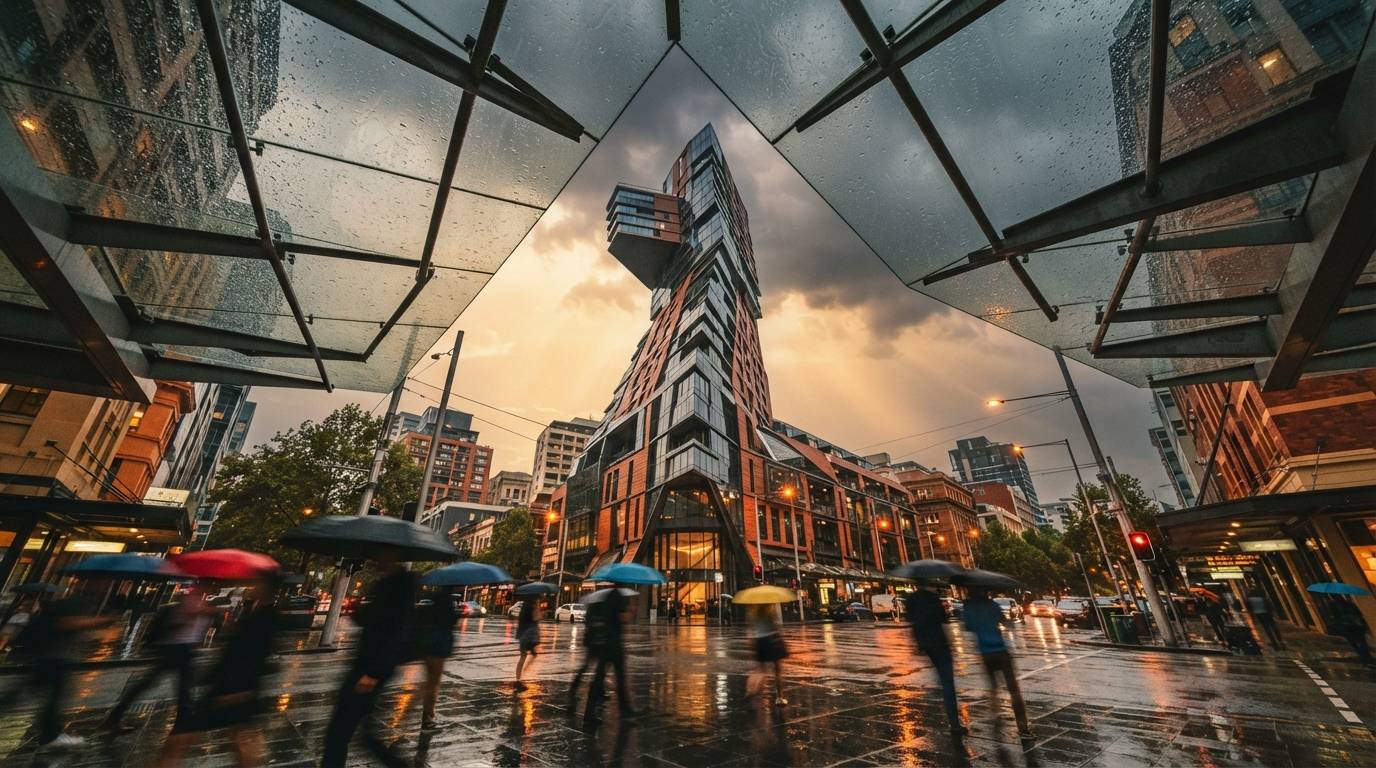
Archviz hides two different jobs inside one word. Say render and you might mean finding the shape of a building you have not designed yet, or you might mean finishing the exact building you already have. Those are not the same task, and the tools that are good at the first are bad at the second. For a while everyone waited for one program that did both. The people shipping work stopped waiting and started using two.
Two jobs wearing one name
The concept half is fast, wide and disposable. You want ten roofs in ten minutes, most of them wrong, so you can see the one that is right. Nothing is precious. You are buying direction, not pixels.
The control half is the opposite. It is exact, narrow and repeatable. You want this building, these mullions, this stone, held perfectly still while the light moves from noon to dusk across six frames for a client deck. Precious is the whole point.
A single model that is genuinely great at both does not exist yet. So the working answer is to stop asking one tool to switch personalities and hand each half to the thing built for it.
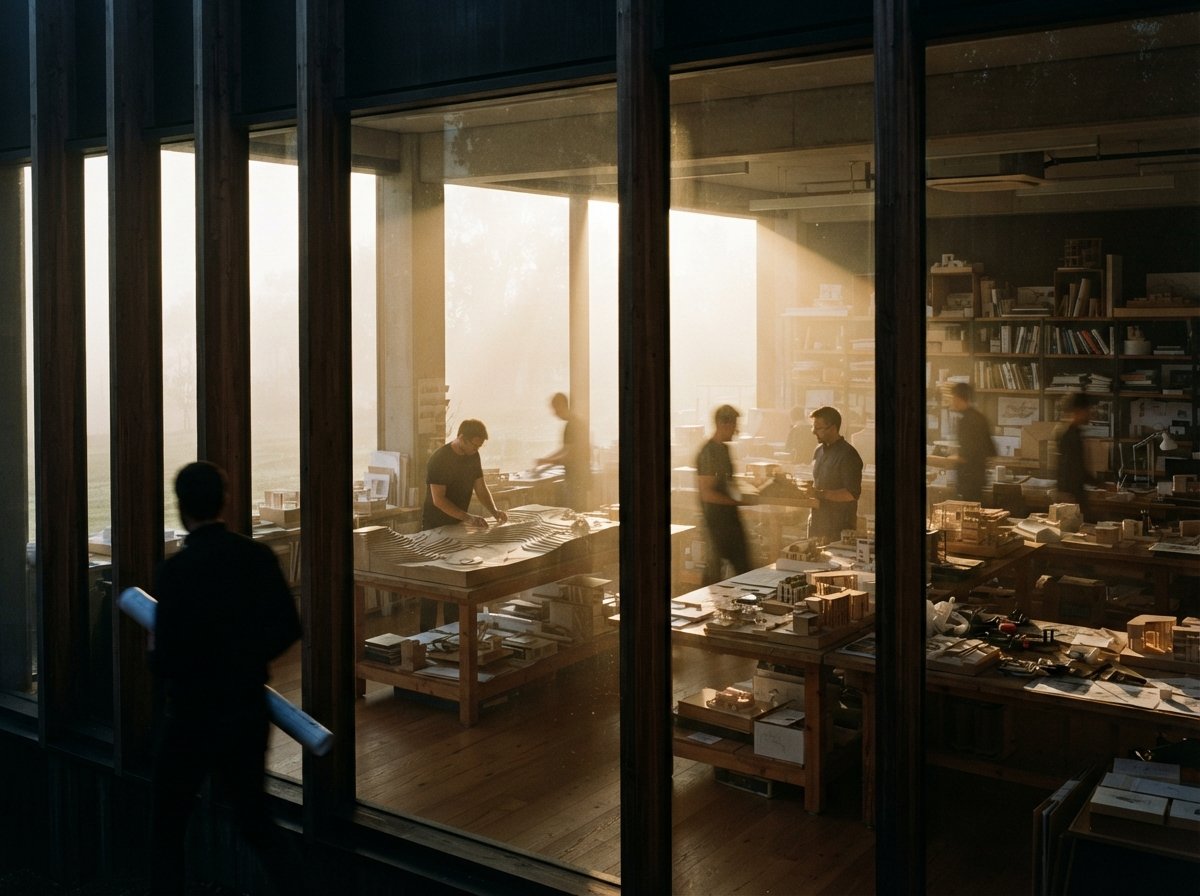
What a conversational model is actually good at
Gemini, and the Nano Banana Pro class of image models it sits next to, let you talk. Type a sentence, get an image. Say lower the roofline, warmer stone, push it to dusk, and get the next one a few seconds later. No graph, no nodes, no ControlNet stack to wire. The loop is nearly instant, and instant is exactly what the concept stage needs.
Because nothing is committed, you can be reckless on purpose. Twenty directions before ComfyUI would have finished loading its graph. The conversational edit is the part these models got right in 2025: keep the composition, change one thing, keep going. That is idea work, and it belongs in a tool that never makes you stop to think about plumbing. We looked at one version of this engine when it turned up inside Veras 4.
Where it quietly stops being enough
The moment you have the direction, you need it to hold, and holding is the one thing a conversational model will not promise. Ask for the same building from a new angle and you get a relative, not the same house. The five-bay curtain wall comes back with four. The stone shifts warmer. Run six images for a board and nothing quite matches its neighbor, which a client reads instantly as three different buildings.
There is a deeper gap underneath the wobble. The model is not rendering your building at all. It is inventing a convincing one from your words, so the thing you designed in Revit or Rhino, the massing you actually have to permit and build, never enters the picture. For a mood board that is fine. For a deliverable it is a problem, and it is the same problem behind why reproducibility is so hard to get out of a chat window.
What ComfyUI is for
ComfyUI is the control half, and it earns its ugliness there. You bring a structural signal off your real model, a depth map or a canny edge map, and ControlNet pins the output to it while diffusion changes finish, planting and light on top. Fix the seed and the same prompt returns the same image, every time, which is what lets a set of six actually look like one project. The mechanics of getting that control map, and where it lies to you, are their own subject we covered in rebuilding the depth pass.
Nobody explores in ComfyUI, and nobody should. Loading the graph and wiring nodes is not where you want to be deciding whether the roof is flat. It is where you want to be once that decision is made and cannot move. The friction that makes it wrong for concept work is the same friction that makes it right for control.
Concept is where you change your mind. Control is where you stop.

The handoff is the whole skill
So the pipeline is two moves: find the idea in the conversational tool, then rebuild it under control. There are two honest ways to make that handoff, and picking the right one is most of the craft.
The first treats the concept as reference and your geometry as truth. You keep the Gemini image only as a style and mood note, then drive the ComfyUI pass from a depth or canny map off your actual model. The concept steers the look, your model keeps the form, and what you deliver is the building you really designed wearing the mood you found.
The second treats the concept as the composition. If the Gemini frame is the exact shot you want, you recover a control map from that image and re-render it under ControlNet so it becomes consistent and repeatable instead of a lucky one-off. It is more forgiving of a made-up building, and less true to your model, so it suits early pitches more than construction-stage work.
The trap sits between the two: shipping the fast concept image as the final. It looks finished, so it is tempting. It is also a single frame with no leash, and the day the client asks for the same building at night, you are not editing, you are starting over.
Concept stage versus render stage, at a glance
| Gemini (concept) | ComfyUI (render) | |
|---|---|---|
| Loop speed | seconds per idea | minutes per setup |
| Control over geometry | none, it reinvents | held by ControlNet |
| Reproducible across a set | no | yes, with a fixed seed |
| Holds your actual model | no | yes, via depth or canny |
| Best for | finding the direction | finishing the deliverable |
| Where it fails | consistency | exploration |
Our take
The two-model pipeline is not a hack, it is the honest shape of the work. Use the conversational model to think out loud in pictures, cheaply, and throw most of it away without a second thought. Bring in ComfyUI only when the idea has settled and the building has to stay itself across every frame you hand over. The single mistake that costs people days is asking either tool to do the other one's job. Exploring inside a node graph is slow enough to kill the ideas before they arrive, and delivering out of a chat window is how you ship six beautiful pictures of six different buildings and call it a set.
Pick the tool by the question you are asking. If the question is what if, you are in Gemini. If the question is again, exactly, you are in ComfyUI.
Written from the 24 July 2026 intel sweep, prompted by a ComfyUI community thread describing a Gemini-then-ComfyUI archviz flow. This is a workflow note, not a benchmark of any tool, and model behavior shifts with each release, so test the handoff on your own project before trusting it on a deadline. ArchiGen AI carries no sponsored placements.