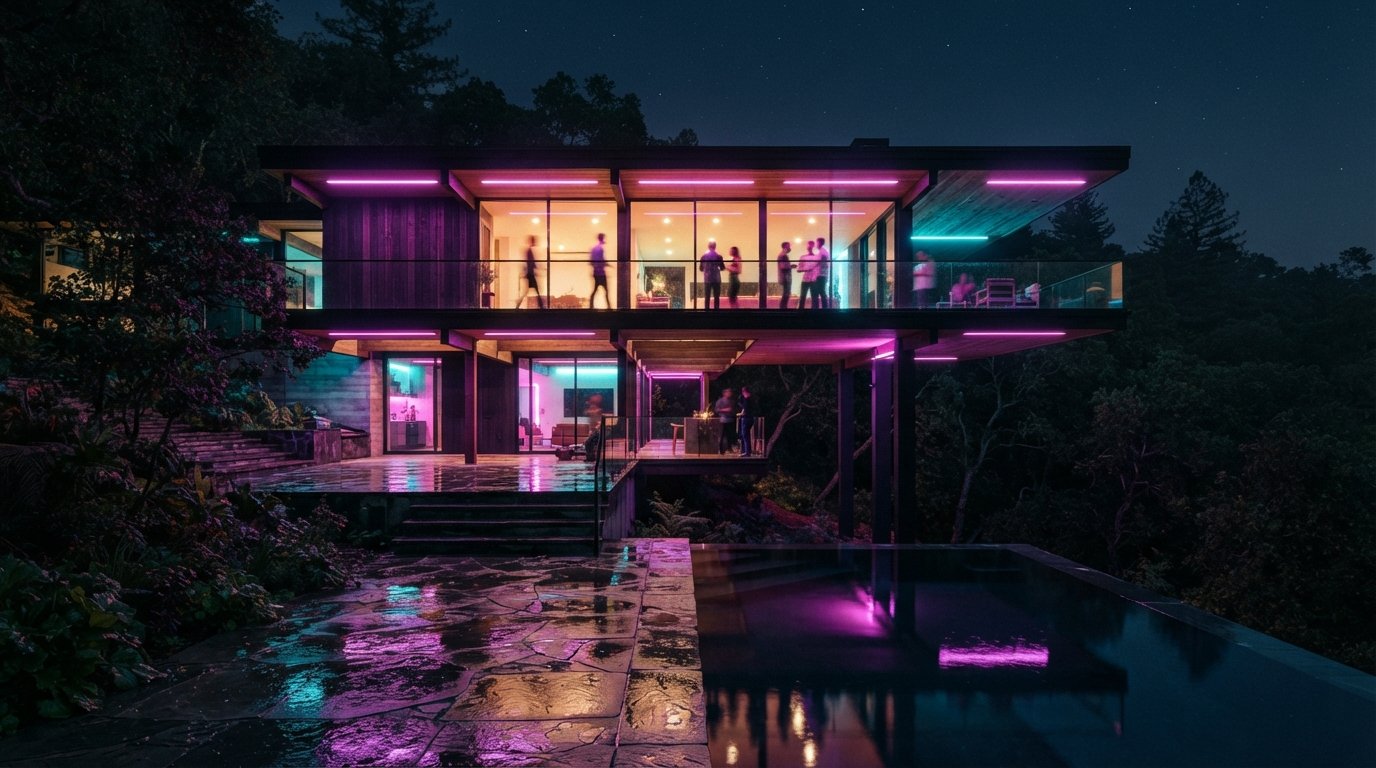
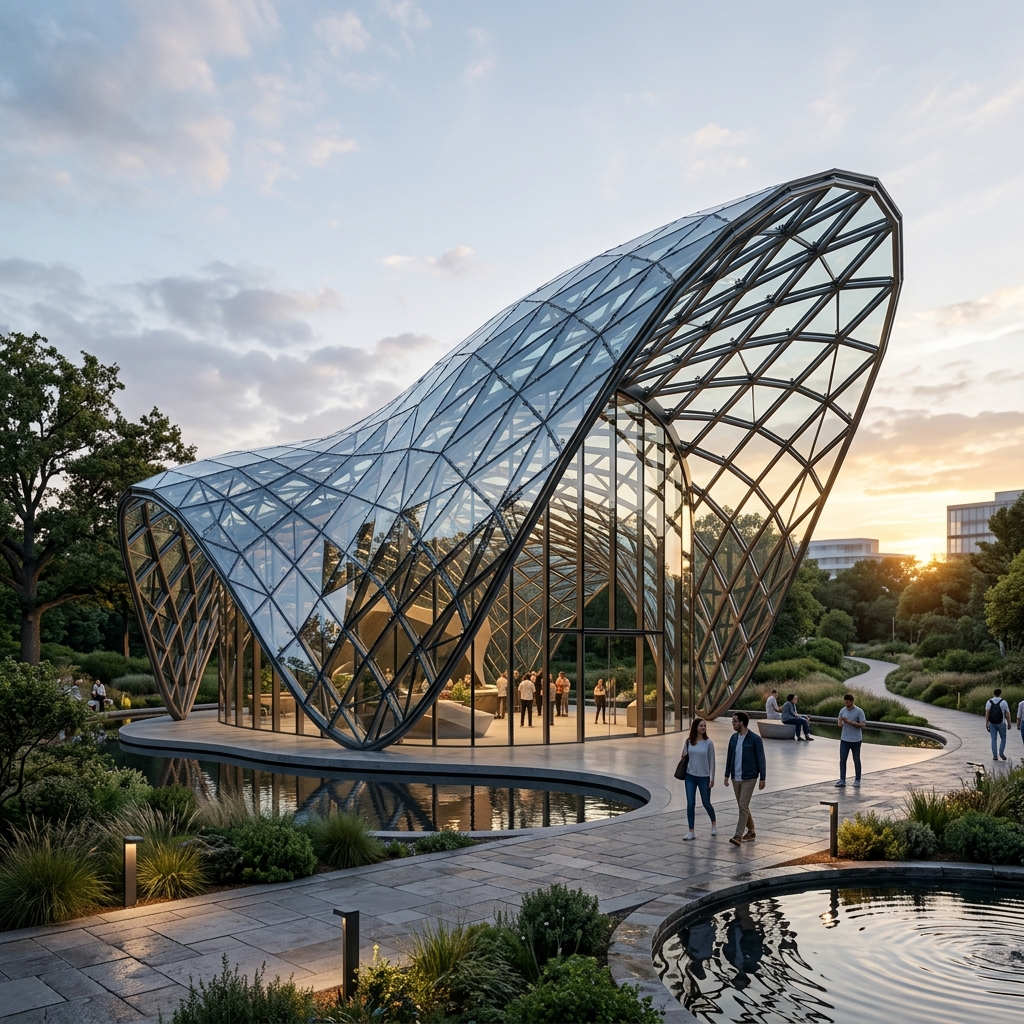
If you have been reading us for the last two months, you know the Veras release cadence has been relentless. We covered 4.3 in April, when the engine moved to Nano Banana 2 and the reference-image system got typed inputs. Now Chaos has pushed Veras 4 onto Nano Banana Pro, the latest of Google's image models, and bundled three feature changes alongside the swap.
The marketing line is the usual one: cleaner, higher-fidelity images with fewer artifacts. That is an easy claim to make and a hard one to verify, so we ran the new build against the same two test projects we have been using all spring, a mixed-use scheme in Philadelphia and a residential compound modeled in SketchUp. This is what the update actually does once you are billing time against it.
Plugin for SketchUp, Rhino, Revit, Vectorworks, Archicad, Autodesk Forma and Allplan, plus the Chaos render apps (Enscape, V-Ray, Corona). The Nano Banana Pro engine is the headline change; Image as Input, Gallery Mode and the new video presets are the supporting cast.
The engine swap: Nano Banana 2 to Pro
This is the part that matters and the part Chaos talks about least specifically. Nano Banana Pro is a newer, larger Google image model than the NB2 build in 4.3. In practice the difference is incremental, not transformational, but it lands exactly where Veras users have been complaining.
The first place you notice it is hard geometry. NB2 already improved on edge softening; Pro tightens it further. On the residential compound's cantilevered volumes, we ran 20 exterior passes and got clean, correctly-cast shadow edges on all but one. With NB2 on the same geometry in April, we were getting soft corners on roughly one pass in seven.
The second place is window hallucination, the recurring sin of every AI renderer that touches glazing. On 24 elevation passes of the Philadelphia scheme, NB2 invented mullion or window geometry on four. Nano Banana Pro did it on two. That is not zero, and you are still checking every output before it leaves the studio, but the trend line is going the right way release over release.
The Pro engine doesn't change what Veras is for. It just narrows the gap between "good enough for a mood board" and "good enough to put in front of a client."
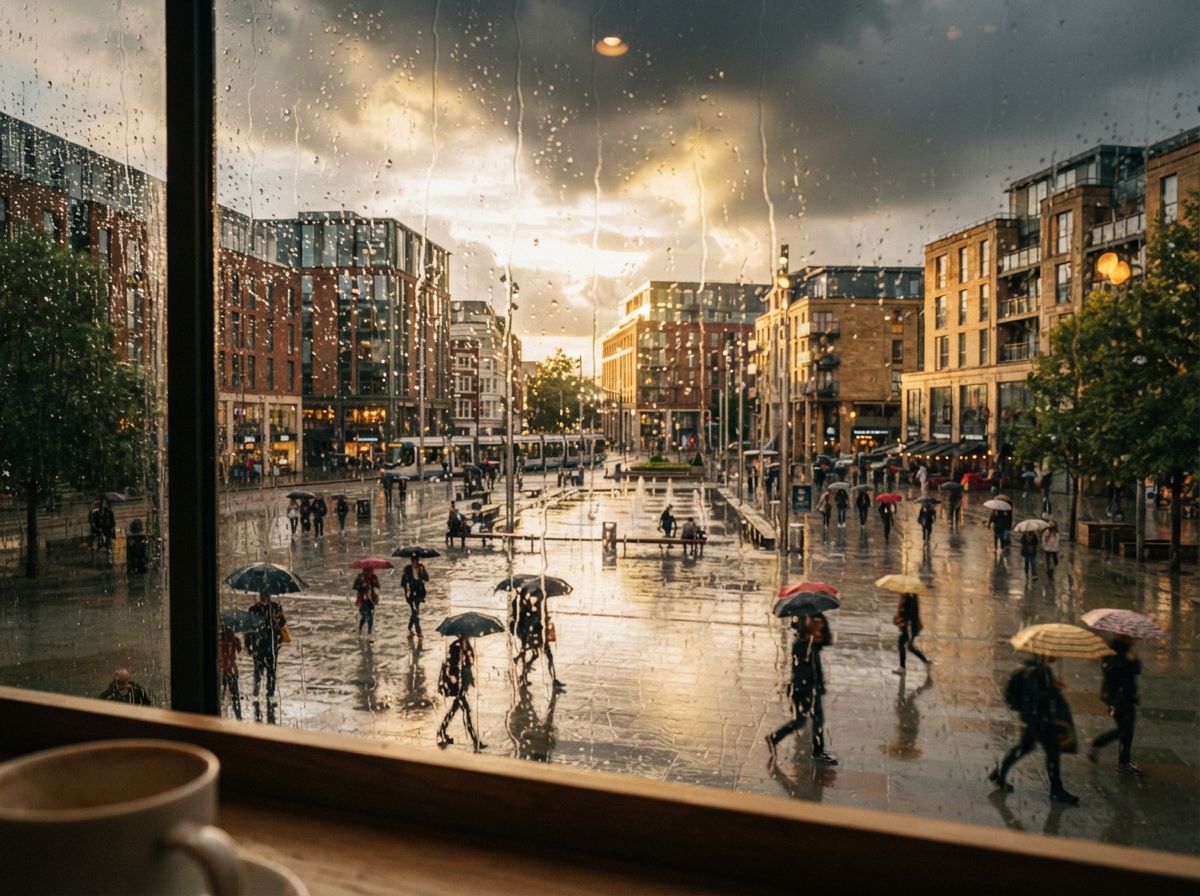
Color and material rendering also read a touch more naturally, less of the slightly plastic sheen NB2 put on matte surfaces. It is subtle. If you handed a client two renders, one from each engine, they would not name the difference, but they would probably pick the Pro one.
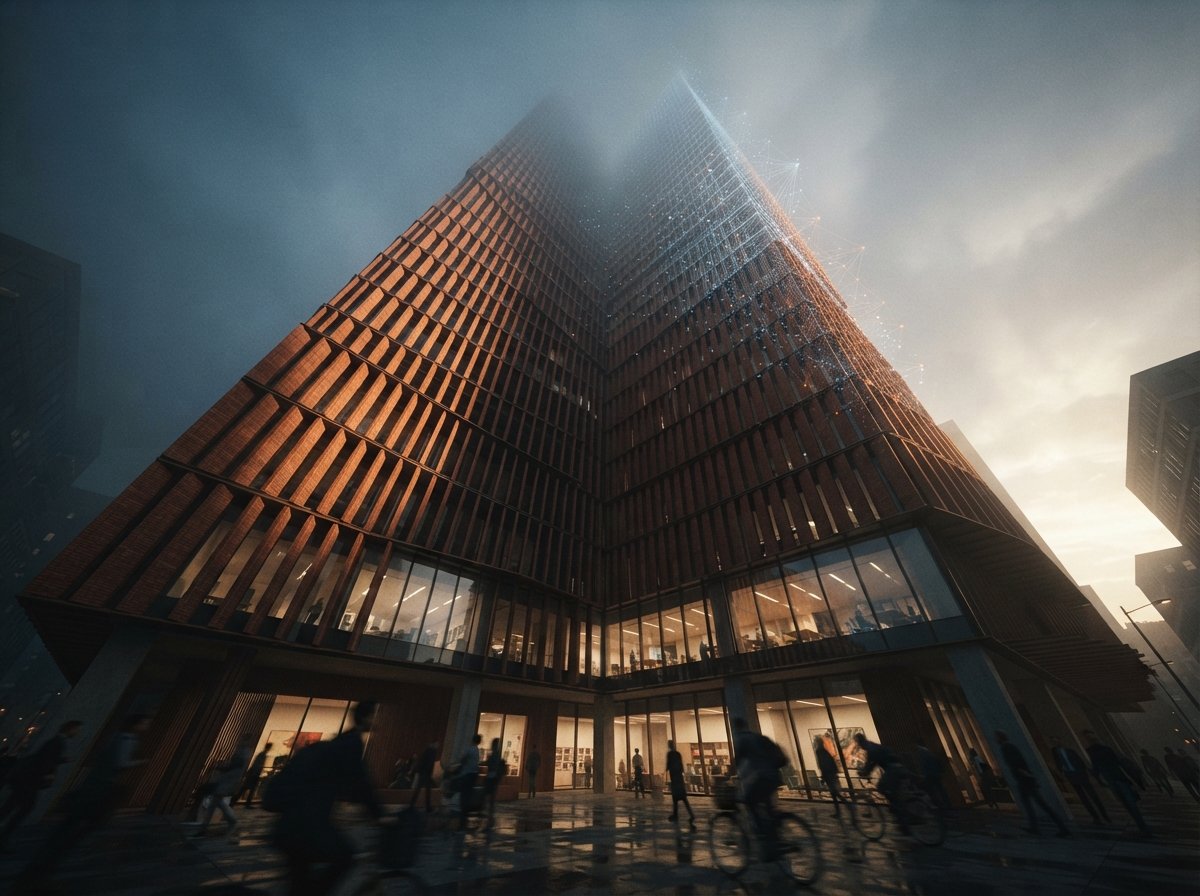
Image as Input
This is the new feature most likely to change a daily habit. Image as Input lets you generate a concept from a reference image, a photo, a plan, even a sketch on a napkin, without writing a prompt at all. You feed the picture, Veras builds a scene from it.
It is genuinely fast. For very early concept work, where you want to throw a precedent photo at the wall and see what the model does with the massing language, it removes the prompt-writing step entirely. We used it to spin up six atmospheric options for a competition entry in about ten minutes.
Where it helps, where it doesn't
The catch is the obvious one: when you generate from an image rather than from your 3D model, you give up the geometry lock that is the whole reason to use Veras over Midjourney. The output is inspired by your reference, not anchored to your building. So Image as Input is a concept-phase tool, not a documentation-phase one. Use it to explore; switch back to model-based rendering the moment the geometry needs to be true.
Treat it as a sketch tool that happens to live inside your render plugin, and it earns its place. Treat it as a shortcut around modeling, and it will quietly invent a building you didn't design.
Gallery Mode and the video presets
The other two additions are quality-of-life rather than capability.
Gallery Mode is a grid, a thumbnail view of every render you have generated, so you can scan variations over time instead of clicking through them one by one. It sounds trivial. It is not, if you generate at any volume. Comparing a morning-light pass against a dusk pass against last week's material study, side by side, is the kind of small friction that adds up across a project. We found ourselves leaving Gallery Mode open as a working surface.
Twelve video presets ship as render-ready animation settings, balanced lighting, photorealistic motion, a spread of cinematic styles. They are starting points, not finished looks, but they cut the fiddling out of getting a walkthrough to a presentable state. If you have ever stared at animation settings wondering where to begin, the presets are a real time saver. If you are an experienced motion person, you will tune past them in minutes.
Nano Banana 2 vs Pro: the delta
| Dimension | Veras 4.3 (NB2) | Veras 4 (Nano Banana Pro) |
|---|---|---|
| Hard geometry / edges | Good, occasional soft corners on complex volumes | Clean edges on nearly every pass |
| Window hallucination rate | ~17% of glazing-heavy passes | ~8%, better, not solved |
| Material realism | Slight plastic sheen on matte surfaces | More natural matte rendering |
| Concept-from-image | Not available | Image as Input (no prompt required) |
| Render comparison | Click through one at a time | Gallery Mode grid |
| Animation setup | Manual settings | Twelve render-ready video presets |
| Pricing | Included with V-Ray | Unchanged |
Our take
Veras is now updating faster than most firms can re-learn it, and that is a double-edged thing. The good news is the trajectory: every release since 4.0 has chipped away at the two failures that kept Veras off final deliverables, soft geometry and invented windows. Nano Banana Pro continues that, and the artifact reduction is real enough that the band of "client-ready on the first pass" keeps widening.
The honest caveat is that none of this changes the tool's fundamental shape. Veras is still a photorealistic finisher of geometry that already exists. Image as Input flirts with concept work, but it does so by abandoning the geometry lock, so it is a side door, not a new room. If you need loose, exploratory massing studies, Midjourney or a ComfyUI setup is still the faster, freer path.
For existing Veras users the decision is trivial: the engine swap costs nothing and the output is cleaner, so take it. For firms that bounced off Veras months ago because of hallucination, this is a reasonable moment to re-trial it on your own geometry, the failure rate you remember is roughly half what it was.
If you are weighing Veras against the field rather than against its own past, read our Veras vs Rendair AI comparison and our full ranking of AI visualization tools next, then trial the new build on one real elevation before you commit a project to it. The only test that matters is whether it holds your geometry.
No affiliate relationship with Chaos.