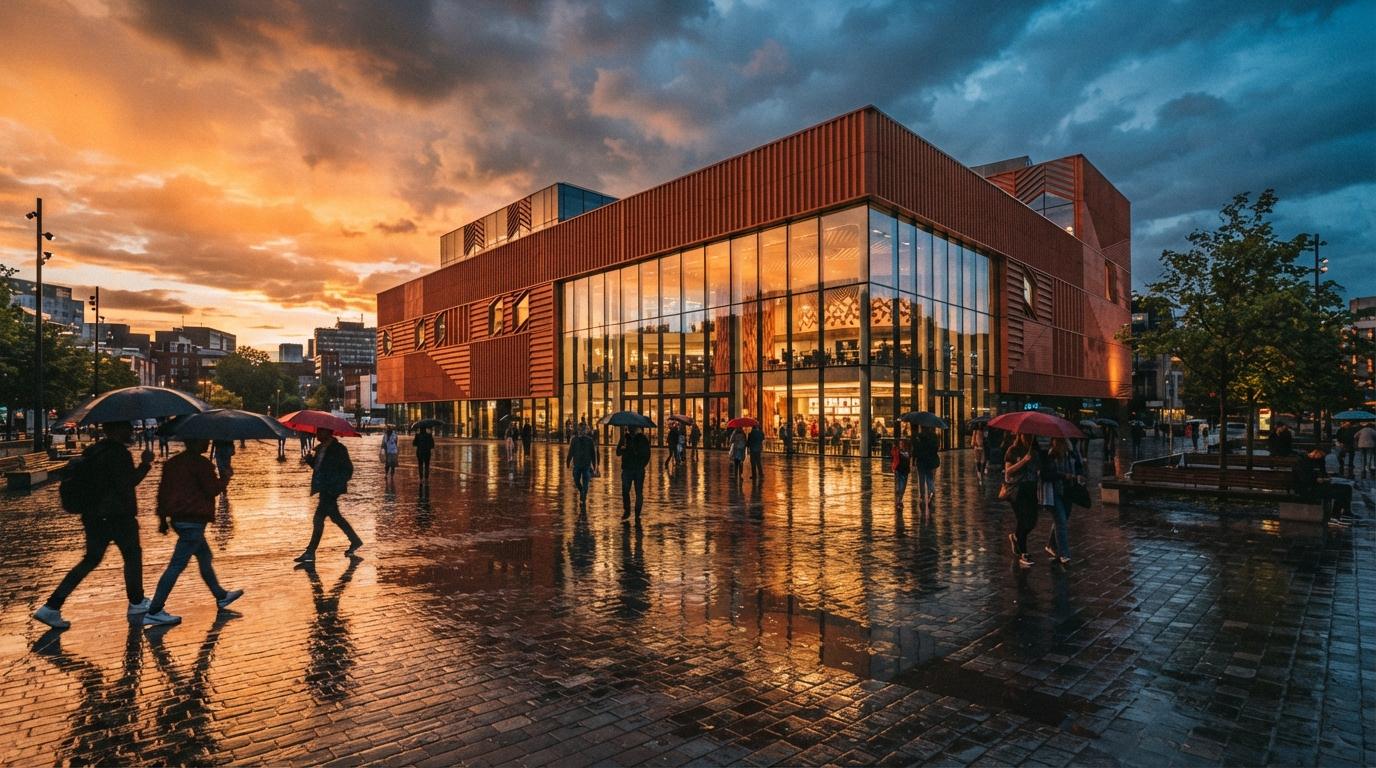
There is a gap between the discourse and the desk. The discourse is renderers: which engine, which plugin, which model version, the arguments our audit of the ranked lists keeps unpicking. The desk is quieter. On the desk, an artist finishes a V-Ray or D5 frame, opens it in Photoshop the way archviz has done for twenty years, and now uses generative fill a dozen times before the image ships. Nobody posts about it because nothing about it is new enough to post. That silence is exactly why it deserves a piece.
Why the incumbent won
Generative fill did not beat the dedicated tools on model quality. On raw output, a tuned diffusion pipeline produces better pixels. It won on position. Post-production already happens in Photoshop, so the AI that lives inside Photoshop gets used at every friction point, while the better model two applications away gets used when someone has twenty minutes to spare.
Three structural advantages do the work. First, the selection is the mask. Every archviz artist already knows how to select a region precisely, and generative fill inherits that precision for free, where standalone inpainting tools make you rebuild the mask in their own clumsy brush. Second, it is non-destructive by default. Each generation lands on its own layer, so the fill slots into the layer stack, takes a mask, takes a blend mode, and can be dialed back to forty percent opacity like any other element. No dedicated AI tool treats its output with that little ego. Third, it is already licensed. The studio pays for Creative Cloud anyway, and Adobe's Firefly training-data position (licensed stock and public domain) is the easiest AI provenance story to repeat to a cautious client, a real consideration after the questions raised in our confidentiality piece.
What it is actually good at
The forum answer named the real use cases, and they are all around the building rather than on it.
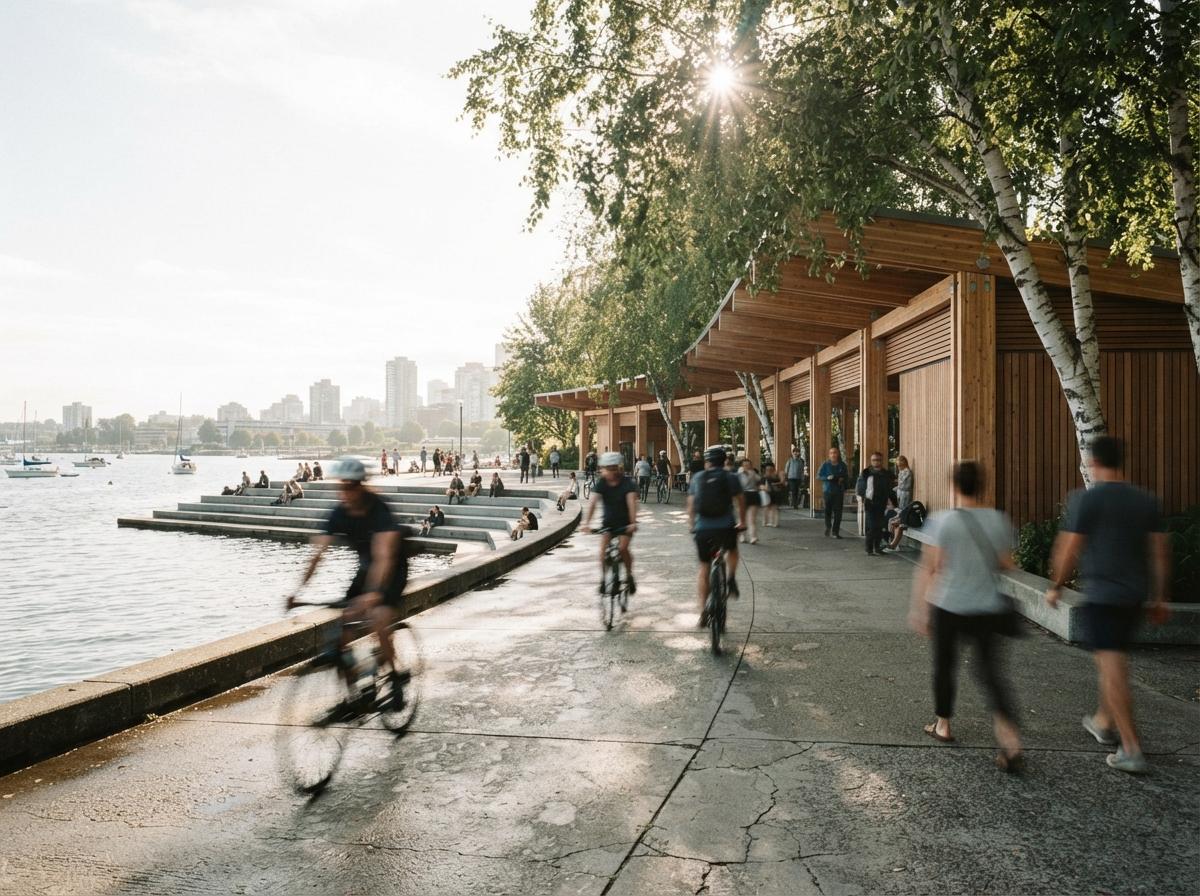
- People. Removing the render person whose face broke, adding a figure with believable motion blur, fixing hands and feet under a client's zoom. This is the daily grind of the entourage pass, and generative fill handles it in seconds per figure because each fix is small, local, and judged instantly.
- Skies. Swapping a dead sky for one with weather, then matching the horizon glow. The classic sky-replacement craft, minus the stock-library search.
- Cleanup. The render region a diffusion pass smeared, the reflection edge that tore, the bin and bollard clutter at the frame's edge. Select, fill, done.
- Extending boards. Generative expand is quietly the best aspect-ratio tool in the stack. The competition board wants a square crop, the deck wants 16:9, and the render was framed at neither. Expanding sky, paving, and planting to reframe a fixed camera is exactly the low-stakes continuation task the model is reliable at.
Notice the pattern: sky, ground, people, clutter. Content where plausibility is the whole job and nobody audits the result against a drawing set.
Generative fill is for everything in the frame you did not draw. The moment the edit touches something with a dimension on it, you have left its territory.
Where it breaks: the building
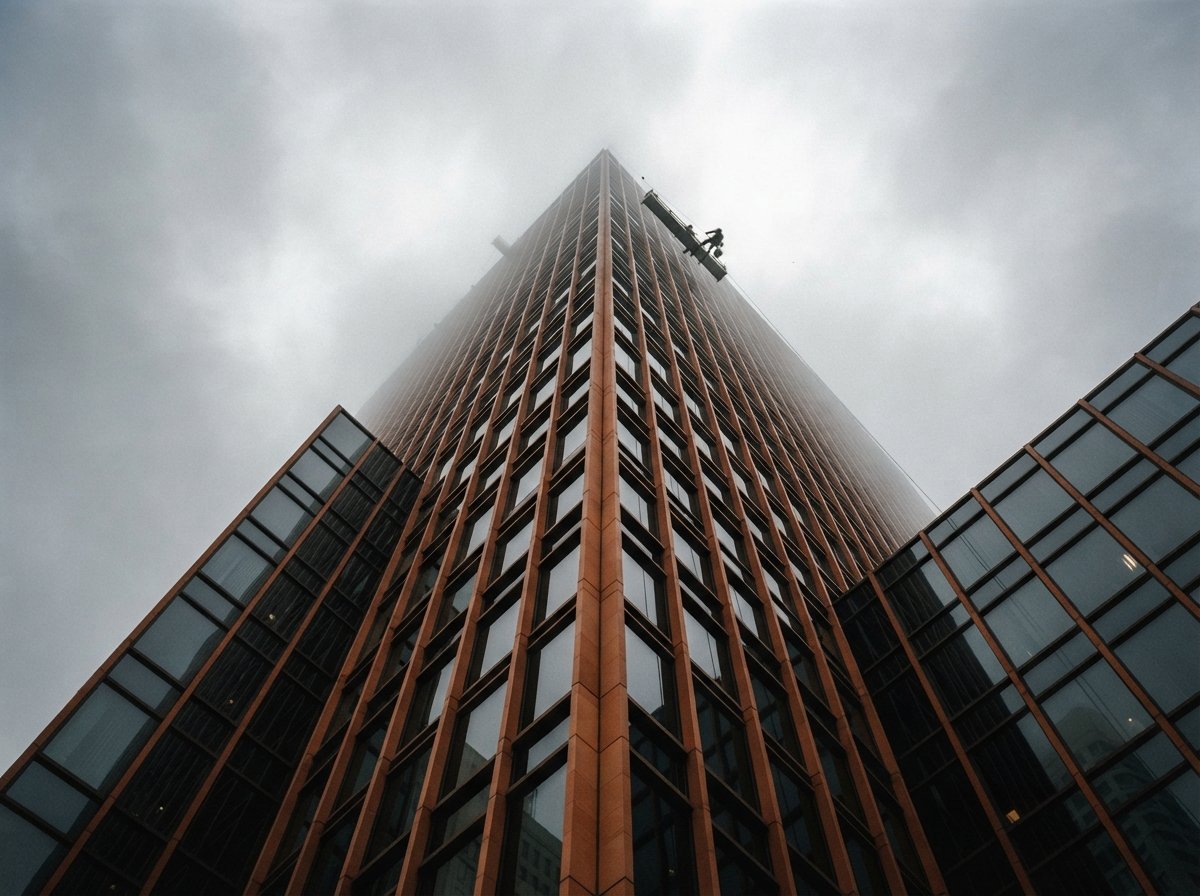
Ask generative fill to continue a facade and it will hand you windows at three subtly different widths. It does not know your coursing module, your mullion spacing, or that floor plates repeat. It paints plausible texture, and plausible is precisely wrong for the one element in the frame that has a drawing behind it. Glass is worse, for the reasons reflections are always worse: the model guesses what the pane should mirror and guesses wrong. And on large canvases the fills come back soft, because the generation resolution is fixed while your print resolution is not, so a big fill gets upscaled into mush right where a reviewer will lean in.
This is the boundary that sorts the toolbox. Structure edits belong in a geometry-aware route: a masked regeneration with ControlNet holding the lines, the render engine itself, or the disciplined process in our inpainting guide, where Photoshop appears as the low-friction route exactly because its ceiling is low. The physical tells piece is the checklist for catching what a careless fill breaks: material scale, reflection logic, repetition.
The five-second routing rule
In practice the decision is fast once you name what the edit touches.
| The edit touches | Route | Why |
|---|---|---|
| People, skies, ground, clutter | Generative fill, right in the open file | Local, plausibility-judged, instantly reviewable on its own layer |
| A material's look, whole-frame light | Enhance or relight pass in the render route | Needs whole-image consistency a local fill cannot see |
| Anything with a dimension on it | Geometry-held regeneration, or the engine | Fill paints plausible texture; drawings need the drawn module |
| Print-size regions | Tiled upscale route, then local fills | Fixed generation resolution goes soft on large canvases |
The rule compresses to one question: does this edit have a drawing behind it? No: fill it where you stand. Yes: leave Photoshop, or accept that you are now freehanding the architecture.
The pass it owns
Slot it deliberately into the pass order from the post-production stack: repair, enhance, relight, entourage, grade, upscale. Generative fill owns repair and entourage, contributes to grade-adjacent cleanup, and should be locked out of enhance and relight, which want whole-image consistency a local fill cannot see. Run it late, after the geometry is final, because every fill is pixels with no model behind them, and a design revision throws the work away.
The point the Reddit artist made about fundamentals is worth keeping too. Generative fill did not replace the compositing craft, it collapsed the boring middle of it: the sourcing, the cutting-out, the perspective-matching of a cut-out person. What remains is the part that was always the skill, deciding what belongs in the frame, where the light comes from, when to stop. That is why it does not clash with learning the fundamentals. It is the fundamentals, with the stock library replaced by a text field.
Our take
The tool lists have a survivorship bias for novelty. A thing gets ranked when it launches, demos well, and has a price to compare, and generative fill fails all three tests while doing more billable minutes of AI work in archviz studios than anything on the lists. We spend most of our time here covering renderers, and that coverage stands: the render is where the architecture is decided. But an honest map of where AI actually sits in a 2026 archviz pipeline has Photoshop in the middle of it, unranked, unhyped, and open in the background.
The best AI tool of 2026 shipped in 2023, inside the software you never stopped paying for.
Written from the July 7, 2026 intel sweep: the recurring r/archviz thread on the most useful AI tools in rendering work, where Photoshop AI keeps appearing as the practical answer. No affiliate relationship with Adobe or any tool named.