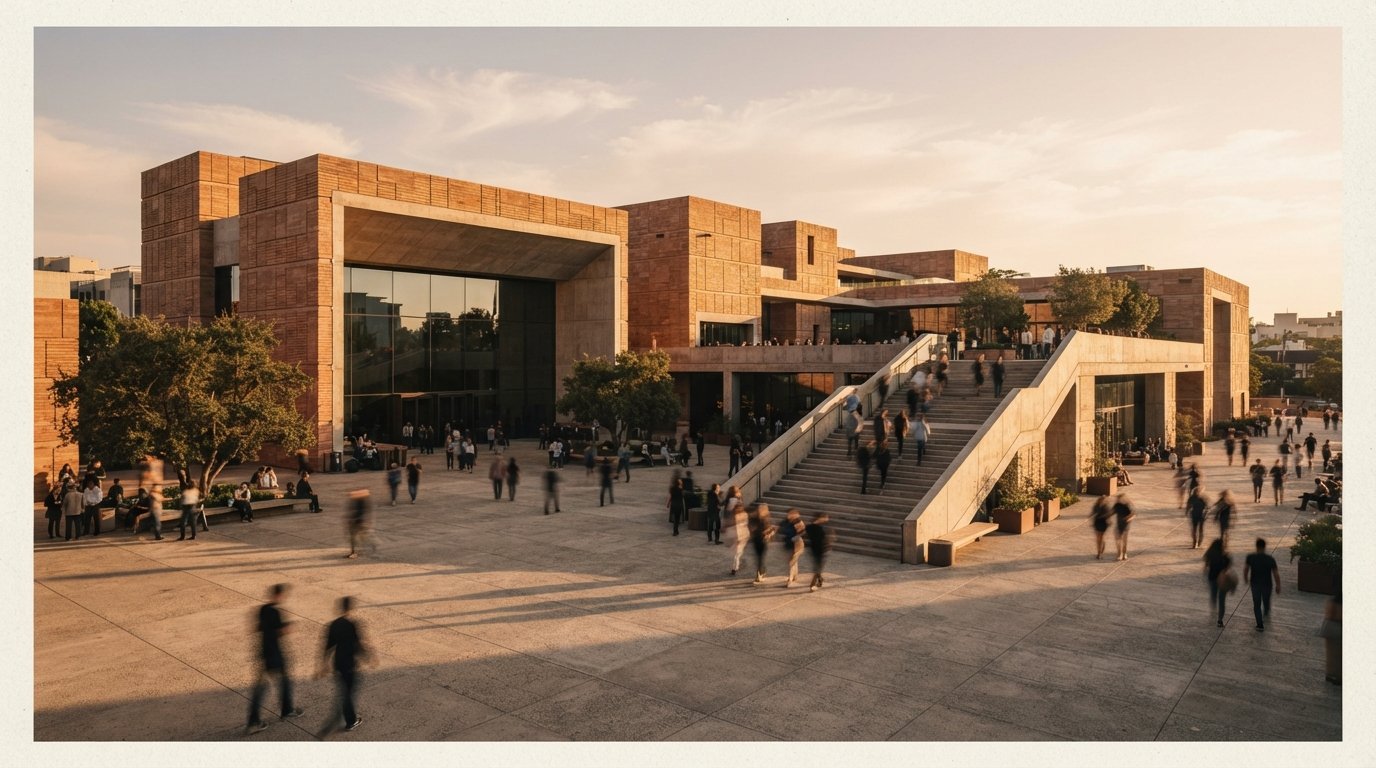
Three threads in this week's sweep alone: one asking for a post-production course, one hunting a ComfyUI graph to "enhance architectural renders," one just asking where the tutorials are. The demand is obvious and the supply is garbage, because everyone selling education in this space teaches their tool, and the tools keep dying. The archviz veterans in those threads know something the tool tutorials skip: post-production was never about the software. Photoshop post had a pass structure (cleanup, entourage, atmosphere, grade, output sharpening) that outlived every plugin fad for twenty years. AI post-production has one too. The passes even come in the same order. Only the labor inside each pass changed.
Six passes, one order
Run them in this sequence. The order is not a style preference; each pass exists to hand clean input to the next, and two of the positions (first and last) are load-bearing.
1. Repair
Fix what is wrong before you polish anything: the melted mullion, the client's rejected tree, the texture seam. The AI route is masked inpainting, which regenerates the problem region and only that region. Repair goes first because every later pass bakes errors in deeper. A graded, upscaled artifact is an artifact you now have to fix twice.
2. Enhance
The pass the Reddit threads are actually asking about: making a raw render read as photographic. This is image-to-image at low denoise, and the denoise number is the entire game. We wrote the settings up in the no-hallucination enhancement piece; the one-line version is that under roughly 0.3 you sharpen what exists, and much past it you commission a new building. The dedicated enhancers (Magnific, Krea, and the renderer built-ins) are this same pass with the dial hidden behind a nicer interface.
3. Relight and atmosphere
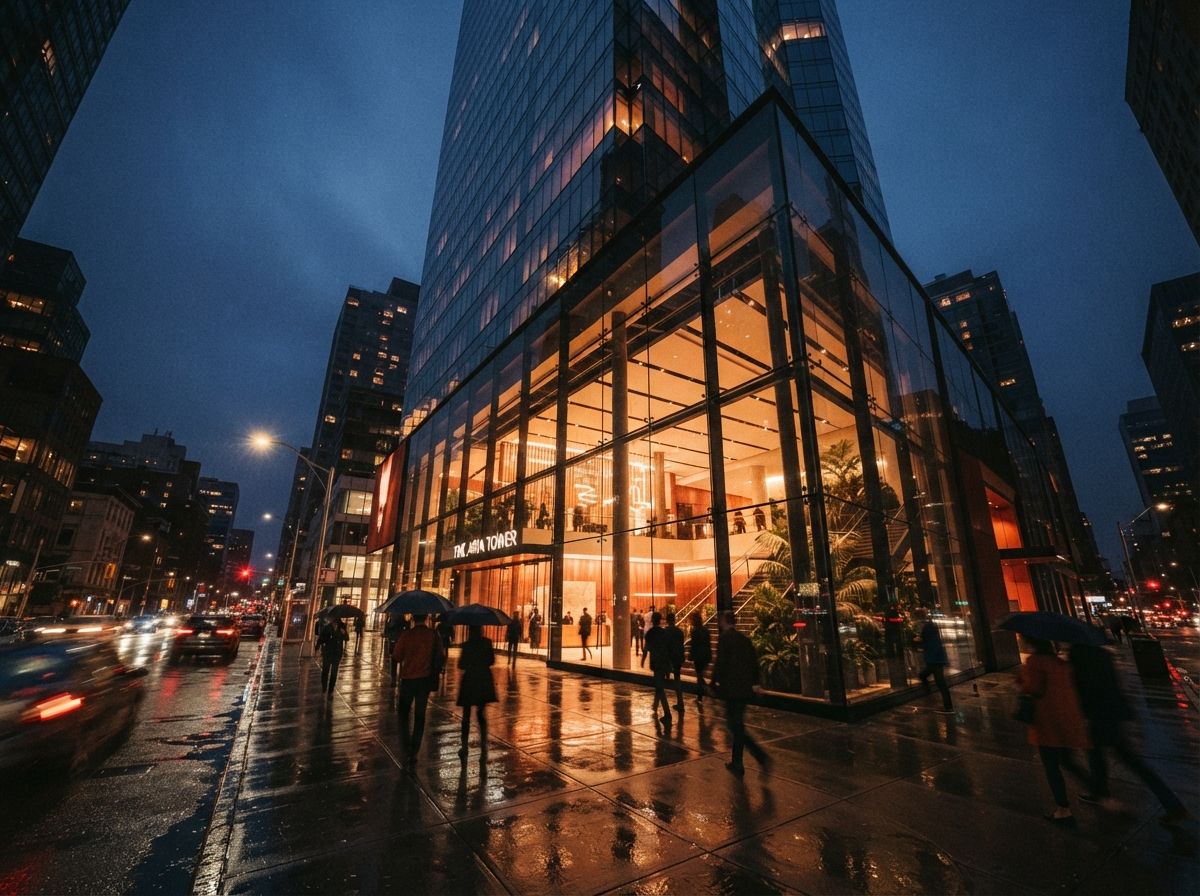
Dusk from a noon render, fog in the valley, the lit-window pass. This used to be the most manual work in Photoshop post and it is now the most startling AI win; the routes are in our relighting piece. It sits after enhancement because relighting a noisy render amplifies the noise, and before entourage because people pasted in at noon look wrong at dusk.
4. Entourage
People, planting, cars, life. Inpainted directly into the scene with the light already established, which is exactly why this pass sits here. The failure modes (crowd clones, impossible shadows, the same woman in every render) are catalogued in the entourage piece.
5. Grade
Color, contrast, mood, the house look. Contrarian take: this is the pass to keep out of the AI. A grade is a set of curves you can reproduce across a whole submission set; a prompt that says "cinematic warm tones" is a dice roll per image. Camera Raw, Lightroom, or LUTs in Photoshop remain the professional route, precisely because they are deterministic and a client set has to match across every view.
6. Upscale
Last, always. Work at 1.5 to 2K through passes one to five, then take the finished image to delivery resolution using the routes in our 4K upscaling guide. Upscaling early makes every intermediate pass slower and pricier while adding nothing, and creative upscalers invent detail, so an early upscale can quietly undo your repair pass. Fidelity mode for the final, never before the final.
Where ComfyUI actually fits
Now the answer to the "any tuts for ComfyUI?" threads, which is going to be annoying: not first. ComfyUI is not a post-production method, it is an automation rack. Its job is to chain passes you already understand into a graph you can rerun on the next image, the thing the advanced tutorial covers. Downloading a stranger's forty-node "archviz enhancer" workflow means inheriting forty of someone else's decisions with no idea which three matter. That is why those graphs feel like magic for a week and then produce a mush you cannot diagnose.
The learning path that works is shorter than any course: learn each pass in the simplest tool that does it, one pass a week, on one real project image. Inpainting in any tool with a mask brush. Enhancement in a web enhancer where the only dial is denoise. Relighting and entourage the same way. When you know what good output from a pass looks like, and which two settings produce it, then move your two or three most-repeated passes into ComfyUI (local or cloud) and leave the rest in the simple tools. Six weeks, no course required, and nothing to un-learn when the model underneath changes, because the passes will not change. They have not changed since the Photoshop era; they just got faster.
The tools will not survive the year. The order of operations will survive your career.
What stays with the hand
Three things do not go in the graph. The geometry QA pass, checking that no AI pass quietly redrew a mullion or thickened a slab edge, runs on human eyes against the hallucination checklist, because the tool that made the error cannot be the tool that catches it. The grade stays deterministic, as above. And the final five percent, the judgment finish we described in finishing by hand, is still what separates an image with an author from an image with a pipeline.
Our take
The weekly Reddit thread is asking the wrong question politely. "Which course?" assumes this knowledge lives in tools, and it does not; the tool half of the answer rots in a quarter, which is why nobody serious has recorded the course. The pass structure is the actual curriculum, it fits in the six headings above, and every image that leaves your studio should be able to name which pass each pixel-level decision happened in. That, not a node graph, is what post-production skill has always meant.
Learn the passes. Rent the tools. They were never going to stay anyway.
Drawn from this week's intel sweep, where three separate community threads asked for archviz AI post-production workflows, courses, or ComfyUI tutorials, plus prior ArchiGen pass-level guides on inpainting, enhancement, relighting, entourage, and upscaling. Tool names per pass will age; the pass order is the durable part. No affiliate relationship with any tool named.