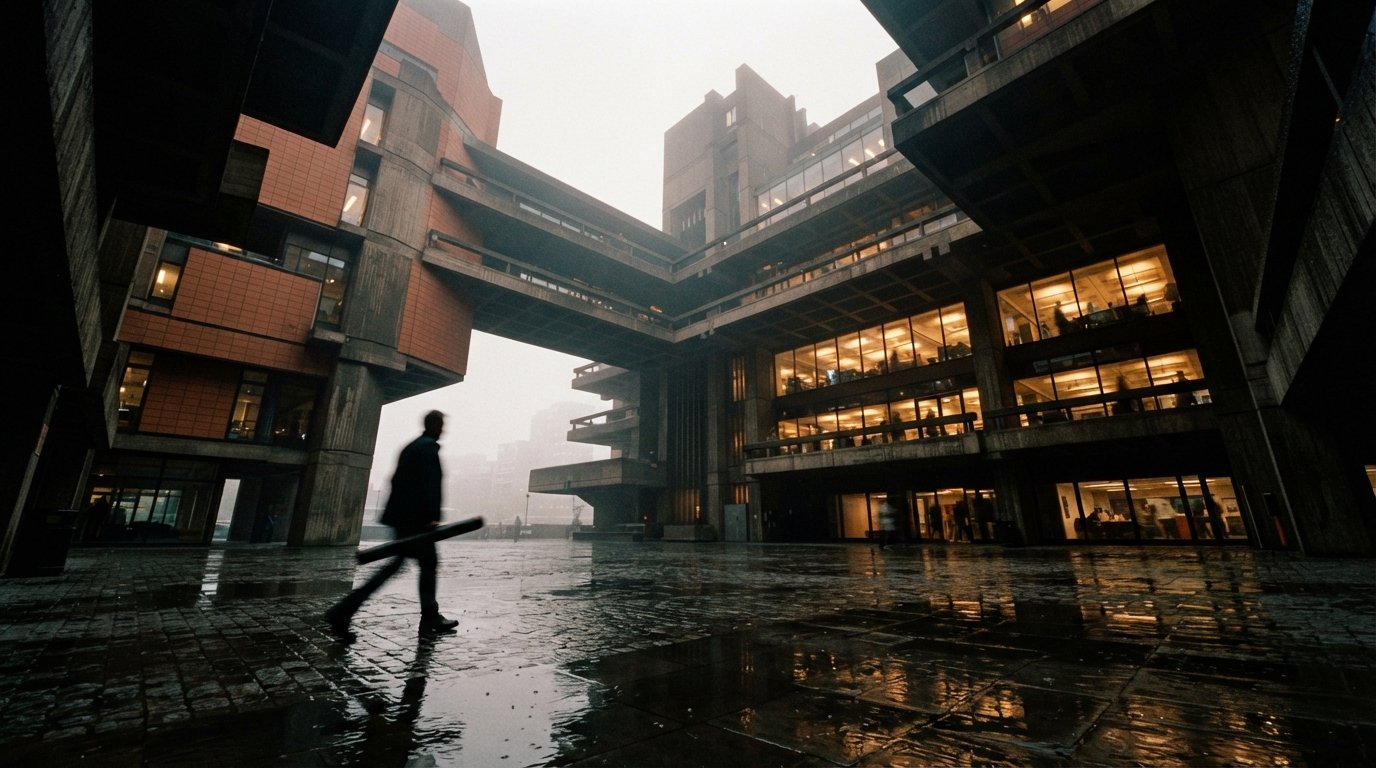
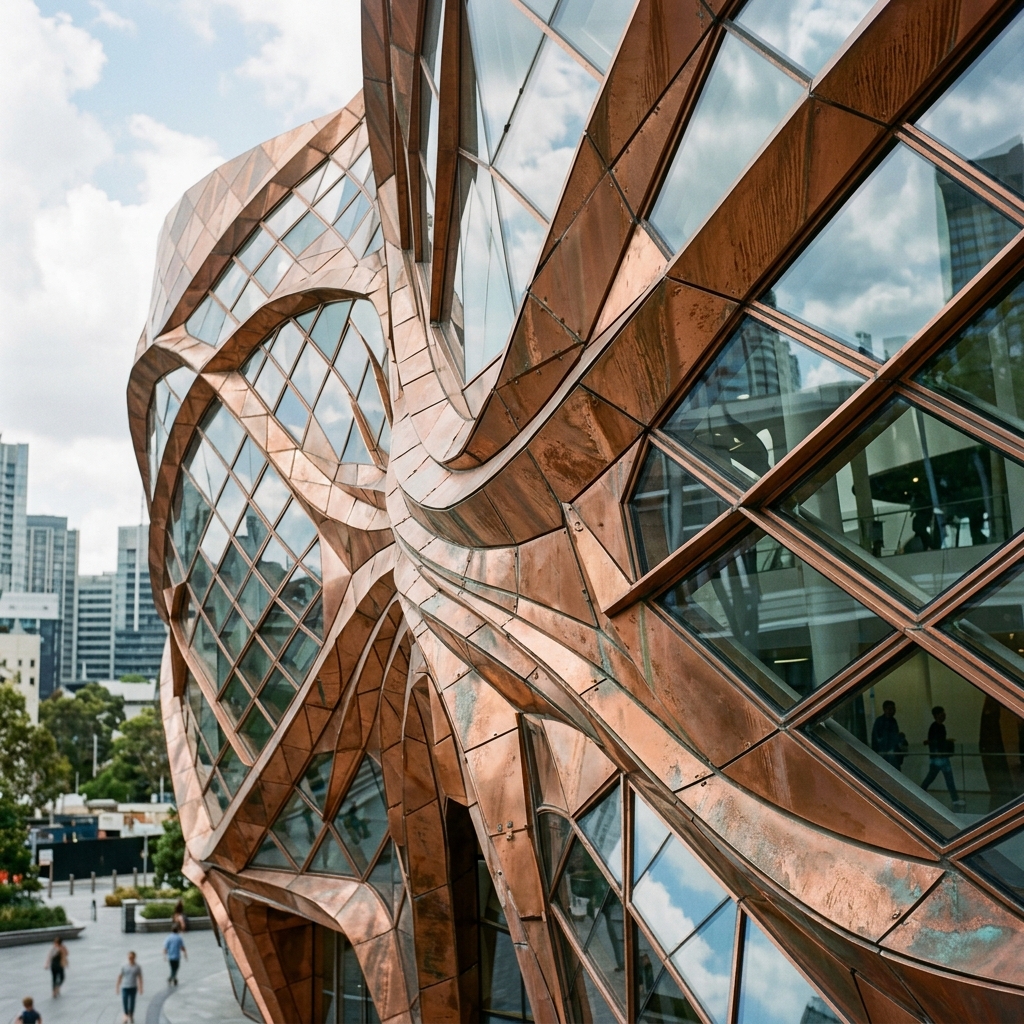
If you spend any time in the ComfyUI groups, you've seen the question over and over: how do I get Midjourney-quality results in ComfyUI? In one such Facebook thread this past week, the most upvoted answer wasn't a prompt trick. It was a redirect: "Use Qwen, Flux, Zimage instead. The license primarily applies to image generation for third parties, not to the images themselves." That single comment captures a shift we've watched gather pace all year. Architects who used to default to a Midjourney subscription are quietly moving to open-weight models they run locally, and they're doing it for reasons that have nothing to do with chasing a prettier render.
Our ComfyUI sketch-render guide distinguishes line preprocessors from compatible control weights. And on LinkedIn, the "AI for Architect | ComfyUI Specialist" crowd has been posting Qwen-driven archviz for a while now. So this isn't fringe. It's a working pattern. Let's break down why, and then get honest about where Midjourney still wins.
Why architects are going local: licensing, cost, control, privacy
Four reasons keep coming up, and they stack. Any one of them might not move you off a tool you know. Together they're why the open stack has gone from hobbyist curiosity to something studios actually run on deadline work.
Licensing clarity. This is the one that started the thread. Midjourney's commercial-use terms are tied to your subscription tier and have moved around over the years; the practical anxiety for a firm is always "am I allowed to put this in a fee proposal?" Open-weight models reframe the question. As the commenter noted, with these models the license concern is largely about reselling image generation as a service to third parties, not about the images you generate for your own projects. That's a meaningfully cleaner story for a practice. The important caveat: the exact terms differ by model and version, and Flux in particular ships in multiple license tiers, so you still have to read the specific license that comes with the weights you download. Don't take a forum comment as legal advice. But the direction is real.
Cost. A subscription is a recurring line item. A local model is a one-time download against hardware you may already own. If you're rendering at volume, ten studies a day across a project, the math tilts hard toward local. The cost moves from per-seat-per-month to electricity and the GPU you bought anyway.
Control. This is the technical heart of it. In ComfyUI you wire the pipeline yourself: base model, ControlNet for structure, IPAdapter for style reference, upscalers, the lot. You can lock a render to the exact massing of your model export. Midjourney gives you a prompt box and, increasingly, reference tools, but nothing approaching node-level control over geometry.
Privacy. Client work under NDA shouldn't be uploaded to a third-party service if you can avoid it. A local model never sends the image off your machine. For confidential competition entries or unannounced developments, that alone can be the deciding factor.
The pitch isn't "open models look better." It's "open models are yours" — your license, your machine, your geometry, your client's confidentiality intact.
The three contenders, honestly compared
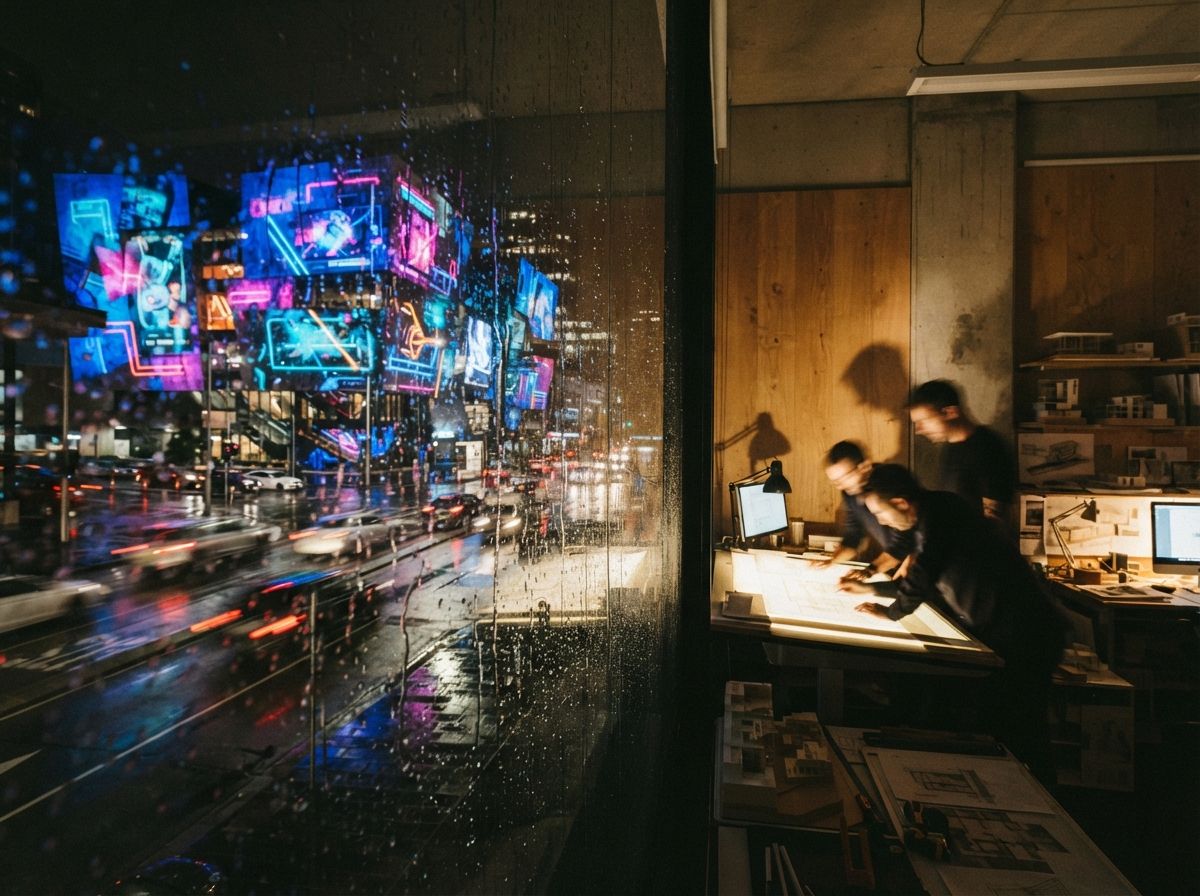
Flux, Qwen-Image and Z-Image are three different model families with three different temperaments. Here's how the community generally characterizes each for architectural work. A note before the specifics: these models iterate fast and exact version strings and benchmark numbers move week to week, so we're describing reputations and tendencies, not quoting spec sheets. Check the current model card before you commit a pipeline.
The community's default for photoreal architectural exteriors. Flux is widely regarded as having strong prompt adherence and clean, believable light, which is exactly what archviz needs. The catch is licensing nuance: Black Forest Labs releases Flux in multiple tiers, including a non-commercial dev license, so confirm you're using a variant whose terms fit billable work.
The model the LinkedIn archviz specialists keep reaching for. Qwen-Image is generally noted for unusually good text rendering and diagram handling — signage, labelled plans, callouts that don't dissolve into gibberish — plus capable image editing. That makes it strong for presentation boards and annotated visuals, not just pretty hero shots. It's a heavier model, so expect higher VRAM demand than a quantized Flux build.
The newest of the three and the one we'd hedge on hardest. Z-Image, from Alibaba's Tongyi lab, is generally positioned by the community as an efficiency play — competitive quality at lower compute, attractive if your GPU is modest. It has less of a track record in archviz than Flux, so treat it as promising and worth testing rather than proven. Watch the threads before you rebuild your pipeline around it.
When to reach for which
| Your task | Reach for | Why |
|---|---|---|
| Photoreal exterior hero shot | Flux | Strong photorealism and prompt adherence; the community default for buildings |
| Presentation board with text / labels | Qwen-Image | Better at legible text, signage and diagram elements |
| Editing or restyling an existing render | Qwen-Image | Capable image-editing workflows beyond pure generation |
| Modest GPU, fast iteration | Z-Image | Positioned as the efficient option; test before committing |
| Out-of-the-box polish, minimal setup | Midjourney | Still wins when you want a beautiful image from one prompt |
The workflow that makes it work: sketch to render via ControlNet
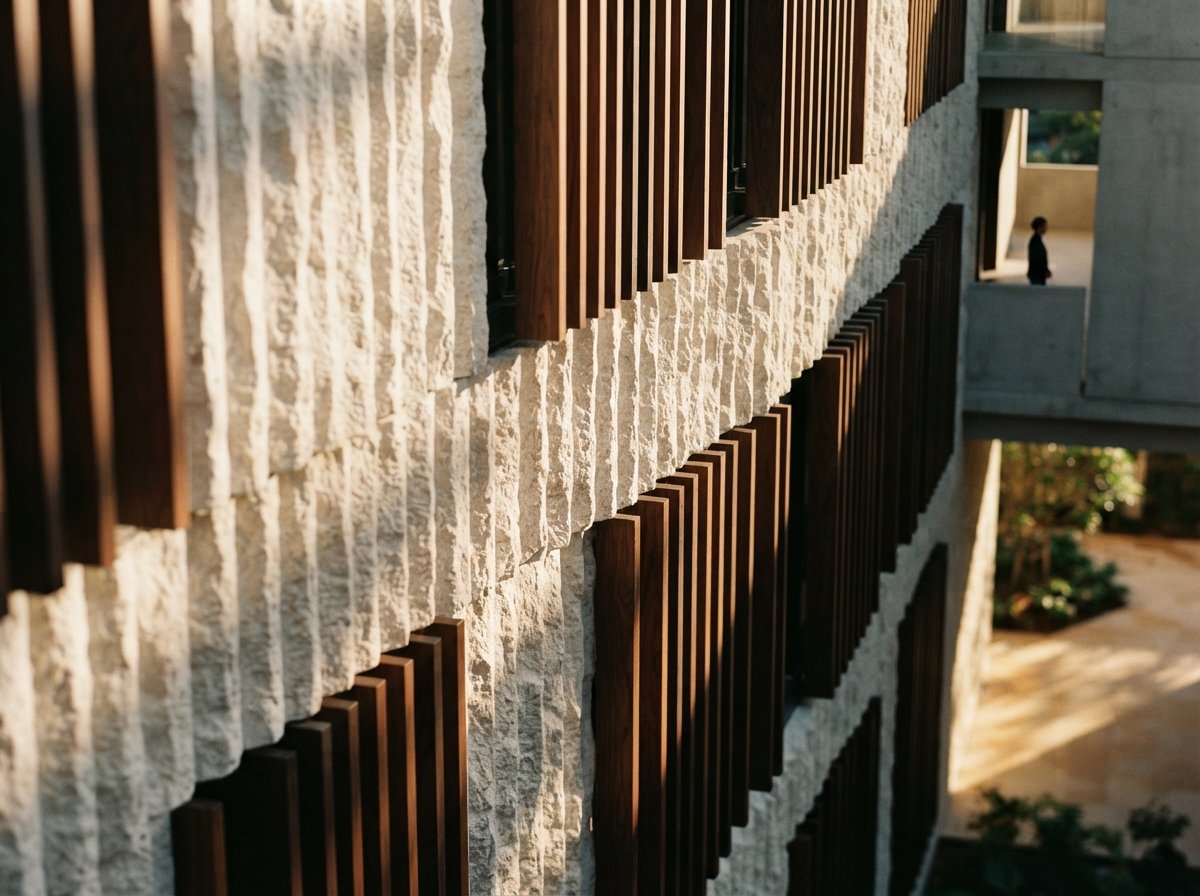
None of this matters for architecture if the model invents a different building than the one you designed. The thing that makes local diffusion genuinely useful for architecture, and the reason that r/comfyui student was pointed at it, is structural conditioning. In ComfyUI you don't just prompt a base model; you pair it with a ControlNet (or equivalent) that constrains the output to a structure you provide.
The practical chain looks like this:
- Input: a hand sketch, a line export from SketchUp or Rhino, or a depth pass rendered from your 3D model.
- Preprocess: convert it to an edge map (Canny or scribble) or feed the depth map directly.
- Condition: a ControlNet locks generation to that structure so massing, openings and edges hold.
- Generate: the base model (Flux, Qwen-Image, Z-Image) fills in materials, light and atmosphere within those bounds.
- Refine: upscale, then optionally use Qwen-Image's editing to fix one element without re-rolling the whole frame.
That depth- or edge-locked pass is the capability Midjourney simply doesn't offer at the same level. It's the difference between "give me a building like this" and "render this building." For design development, where the client already approved the massing, that distinction is the whole game.
The hardware reality
Here's where honesty matters most, because the forums are full of optimistic VRAM claims. The community generally reports that full-size Flux is comfortable around 24GB of VRAM, with quantized GGUF and FP8 builds dropping it to 12GB or even 8GB cards at some cost to speed and quality. Qwen-Image is larger and hungrier. Z-Image is pitched as lighter. But treat every one of those numbers as a starting point, not a guarantee, they shift with each quantization and each ComfyUI update. If you're on a laptop GPU, start with a quantized build and modest resolutions, and upscale after. If you're specced with a 24GB desktop card, the door is wide open.
Our take: open wins on everything except the first impression
We'll say the unglamorous thing plainly: Midjourney still wins on out-of-the-box aesthetic polish. Type a prompt, get a gorgeous image, no node graph, no driver headaches, no quantization roulette. For early mood-boarding and concept exploration, that frictionlessness is a real feature, and pretending otherwise to sell a local workflow would be dishonest.
But for the work that actually gets billed, the calculus flips. Open models in ComfyUI win on the things that matter to a practice over a project's life: licensing clarity, recurring cost, geometric control, and client privacy. The ControlNet sketch-to-render pipeline does something Midjourney structurally can't, hold your design while it renders it. And the license story, the one that started the thread, removes a quiet anxiety that's been hanging over commercial AI image use since the beginning.
Our recommendation for a studio testing the water: start with Flux for exteriors, add Qwen-Image when you need legible text or to edit a render, and keep an eye on Z-Image as the efficiency option matures. Don't rip out Midjourney on day one, use it where its polish earns its keep, and move your structured, confidential, high-volume work to the local stack. That's not a religious choice between camps. It's a practitioner picking the right tool per task.
If you set this up this week
Install ComfyUI, pull a quantized Flux build that fits your card, and wire one ControlNet from a depth pass of a project you've already approved. Render it once. Then read the license file that came with your weights, actually read it, before you put the output anywhere near a fee proposal. That single end-to-end test will tell you more than any forum thread about whether this belongs in your pipeline.
We cover local AI rendering pipelines and publish the honest version, including where they fall short. Join the studio newsletter for weekly field notes, see our ComfyUI exterior guide for documented operations and separate model routes, or read our roundup of Midjourney alternatives for architects for other options.
Reported from a ComfyUI community thread on achieving Midjourney-quality results, an r/comfyui sketch-to-render discussion among architecture students, and LinkedIn posts from ComfyUI archviz specialists. Model characterizations reflect general community consensus, not benchmarked specs; version strings, VRAM figures and license terms change frequently — confirm against the current model card. No affiliate relationship with Black Forest Labs, Alibaba, Tongyi, ComfyUI or Midjourney.