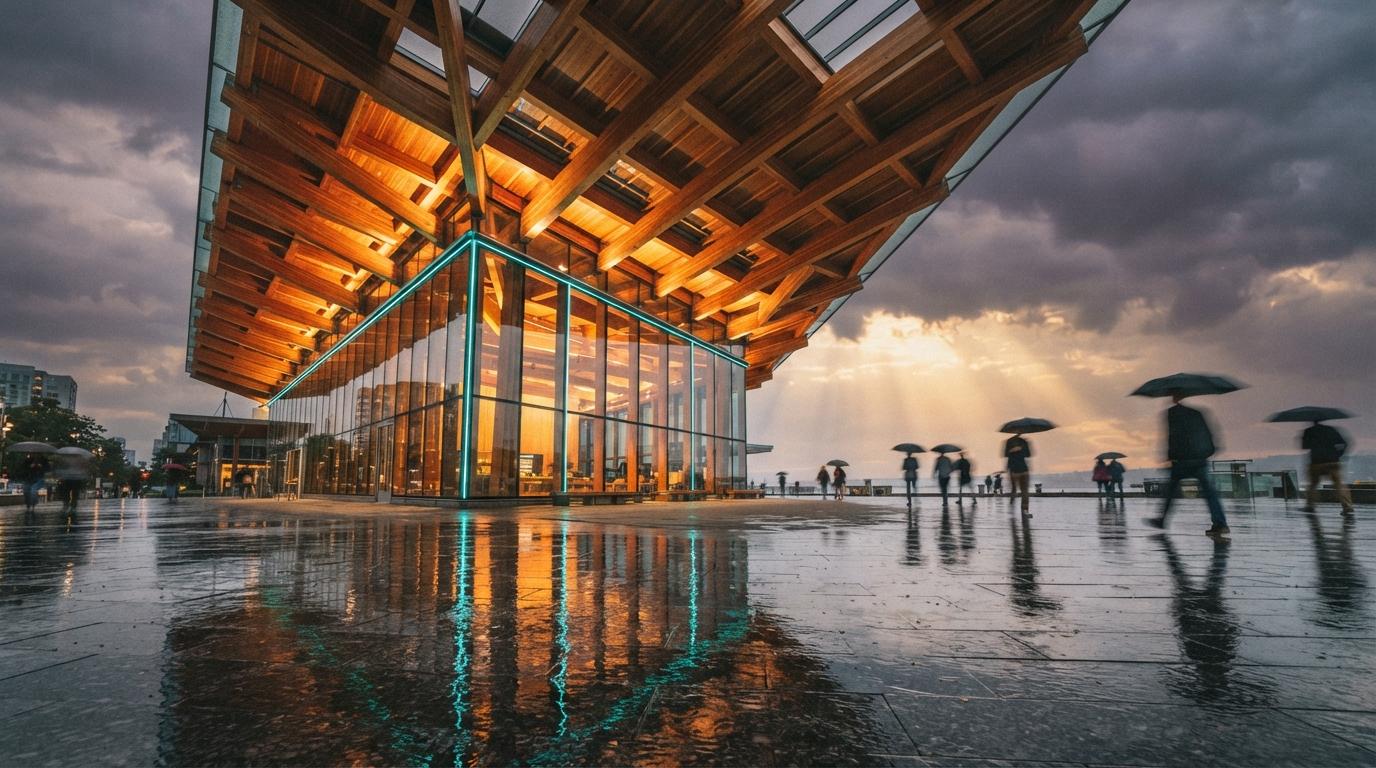
For years the dividing line in architectural visualization wasn't talent, it was setup. The architects producing slick concept images had taken the time to install a render plugin, learn its quirks, and build a material library. Everyone else exported a flat SketchUp screenshot and apologized for it in the meeting. SketchUp Diffusion, now shipping natively in SketchUp 2026.1, quietly erases that line.
The feature isn't new in concept, Trimble has offered AI image generation in SketchUp for over a year. What changed in 2026.1 is where it lives. It's no longer an extension you hunt down in the Warehouse or a web step you bounce out to. It's in the viewport, next to the tools you already use, available the moment you open the application. We've spent the last two weeks running it against live concept work to see whether "native" is a meaningful upgrade or just a packaging change.
What "native" actually changes
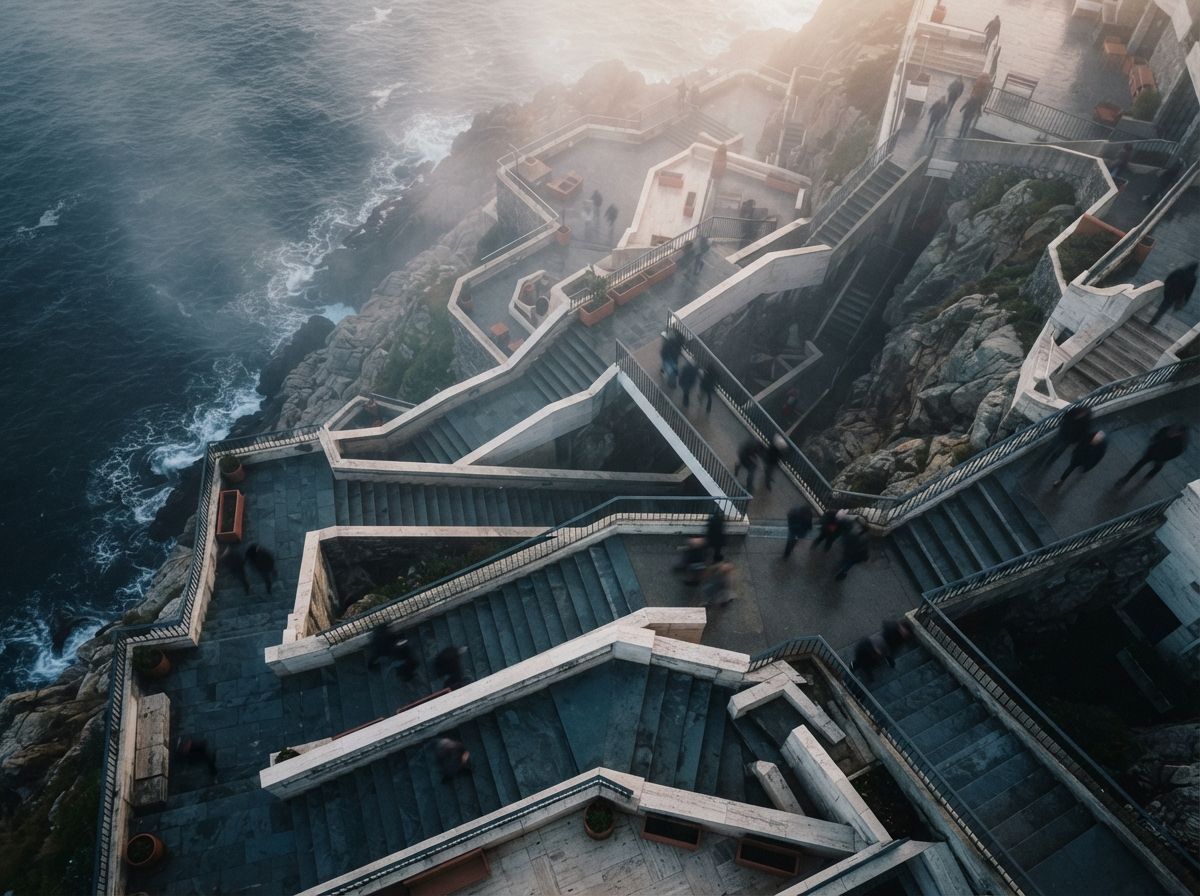
The mechanics are deliberately simple. You orbit to the view you want, open the Diffusion panel, type a prompt describing the atmosphere and materials you're after, choose one of eight style presets, and generate. A few seconds later you get an image rendered from your current camera, using your model's geometry as the structural skeleton. You can regenerate, nudge the prompt, or change preset without leaving the modeling window.
That tight loop is the whole point. The old friction wasn't the rendering, it was the context-switch, exporting a view, opening another app, re-establishing the camera, waiting, importing back. Collapsing all of that into a side panel means you generate concept images while you're still designing, not as a separate production phase at the end of the week. The cognitive distance between "I wonder how this reads in warm evening light" and seeing it is now about ten seconds.
In-viewport AI image generation for SketchUp. Text-prompt input, eight style presets, renders from your active camera and model geometry. Built for fast concept and mood imagery rather than model-locked final deliverables. Zero setup, no separate install.
The eight presets, and what they're good for
The style presets do most of the heavy lifting for people who don't want to write long prompts. They span the predictable range, photoreal exterior, photoreal interior, a couple of sketch and illustrative looks, a clay/whitebox study mode, and a few atmospheric treatments. The clay and sketch presets are the underrated ones for architects: they let you produce a presentable conceptual image that's honestly readable as a study, instead of an over-finished photoreal render that implies decisions you haven't made yet.
That matters more than it seems. One recurring problem with AI rendering at the concept stage is that photorealism oversells the idea, clients see a glossy image and assume the design is locked. Having a native sketch preset on hand makes it easy to keep the visual register honest about where the project actually is.
Where the geometry holds, and where it drifts
Because Diffusion works from your camera view and depth, massing and major openings come through dependably. Run it on a clean massing model and the silhouette, floor lines, and window rhythm are faithful. The drift shows up in two places: large blank surfaces, where the model gives the AI little to anchor to and it sometimes invents paneling or reflections you didn't model, and the foreground, where empty ground plane gets populated with whatever the preset thinks belongs there.
Diffusion respects your building. It improvises everything around it. Knowing which is which is the whole skill.
The practical workaround is the same discipline good archviz has always rewarded: give the model enough information to constrain the result. Block in context massing, drop in rough entourage, set a real camera height. The more you model, the less the AI guesses, and the closer the output stays to your intent.
How it stacks up against the model-aware tools
The obvious comparison is Veras and the in-viewport renderers like Rendair that read your geometry more tightly. Native Diffusion isn't trying to win that fight. It's competing for the architect who was never going to install any of them.
| Dimension | SketchUp Diffusion (native) | Model-aware renderer (e.g. Veras) |
|---|---|---|
| Setup | None, ships with SketchUp 2026.1 | Install, license, learn the panel |
| Geometry fidelity | Good on massing, drifts on blank/foreground | Tight, locks to the actual model |
| Speed to first image | Seconds, in the same window | Fast, but a separate workflow step |
| Best phase | Ideation and concept imagery | Concept through client-facing deliverables |
| Cross-platform | SketchUp only | Reads 7 BIM/CAD platforms |
The honest read: Diffusion lowers the floor, it makes competent concept imagery available to everyone in SketchUp with no barrier. The model-aware tools still own the ceiling, the renders that have to match the project exactly because a client is about to sign off on them.
Our take: a floor-raiser, not a ceiling-raiser
The interesting story in 2026.1 isn't that SketchUp got better AI. It's that AI rendering stopped being a thing you opt into and became a default capability of the modeler. That's a structural shift. When a feature is bundled and one click away, usage isn't driven by enthusiasts anymore, it's driven by everyone. Expect a wave of perfectly decent concept imagery from firms that have never thought of themselves as "doing archviz."
For studios already running a proper render pipeline, native Diffusion doesn't replace anything, but it does change the early loop. It's now the fastest way to test a lighting mood or material direction before committing it to the real render. We've started using it as a disposable sketch tool: generate five quick atmospheres in the viewport, pick a direction, then take that direction into the model-locked renderer for the deliverable. The two tools aren't competitors, they're different gears.
What we'd watch for next is whether Trimble extends the geometry-locking, the single biggest gap between Diffusion and the model-aware tools. If a future point release tightens how strictly it honors the model, the line between "concept tool" and "deliverable tool" gets blurry fast.
If you're deciding what to do this week
Update to 2026.1 and spend twenty minutes running your current project through all eight presets, it costs you nothing and recalibrates your sense of what a fast concept image looks like now. If you produce final renders, fold Diffusion into the front of your pipeline as the ideation step, not the output step. And if you've been meaning to evaluate a model-aware renderer, this is the moment to A/B it against native Diffusion on the same view and see exactly what the extra fidelity buys you.
Want the practitioner's-eye breakdown as new tools ship? We test this stuff on live project work and publish the unglossed version. Join the studio newsletter for the weekly field notes, or browse the full AI tools directory to see where Diffusion sits against the rest of the stack.
No affiliate relationship with Trimble or SketchUp.