If you read the existing "best SketchUp AI render" roundups, every tool is a winner, every plugin is "industry-leading," and the rankings happen to correlate with affiliate payouts. That is not useful to anyone making a decision. We have spent the last six weeks running SketchUp render plugins against the same project geometry. Here is the honest ordering.
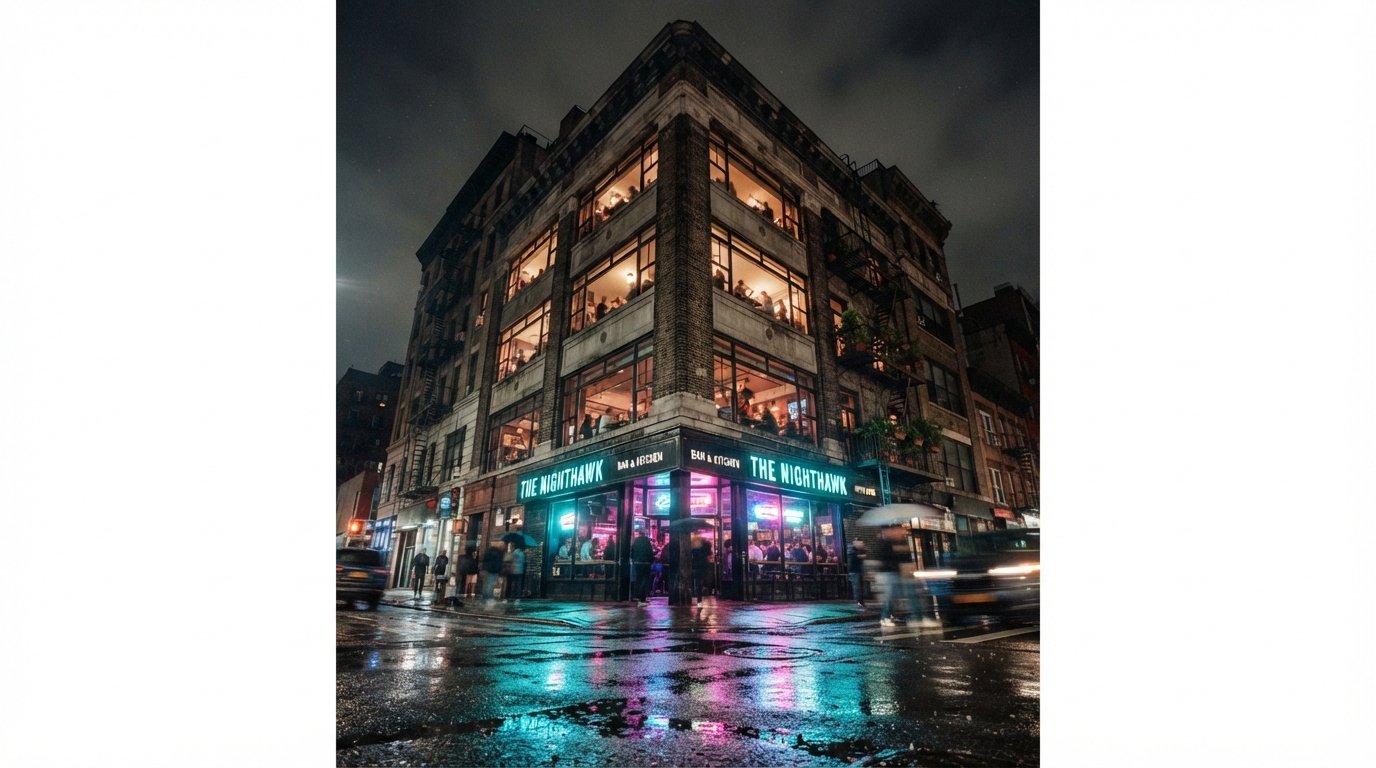
The model: our Philadelphia mixed-use scheme in SD, exported as a clean SketchUp file. Ground-floor retail and a corner bar tenant, four residential floors above, modest brick-and-glass facade with concrete spandrels. Every plugin got the same scene, the same camera angles, the same lighting prompt, and the same time budget. Then we judged outputs side by side.
The ranking, quickly
- Veras 4.3 — the strongest geometry-locked render plugin for SketchUp in 2026
- Enscape (with AI Enhancement) — real-time + AI overlay, best for client review
- Rendair AI — accessible, fast, strong on interiors
- D5 Render (SketchUp Live Link) — AI features inside a real-time pipeline
- Lumion (with View plugin) — AI Style Transfer is genuinely useful for mood iteration
- Spacely AI — web-based, interior-focused, strong for residential
- MyArchitectAI — budget tier, decent for concept passes
Detailed notes follow. We are leaving off tools that are technically SketchUp-compatible but lose their core value when used through SketchUp specifically — for example, ComfyUI and Midjourney both work with SketchUp exports, but you are really running them as image generators rather than as SketchUp render plugins.
1. Veras 4.3 — the geometry-locked winner
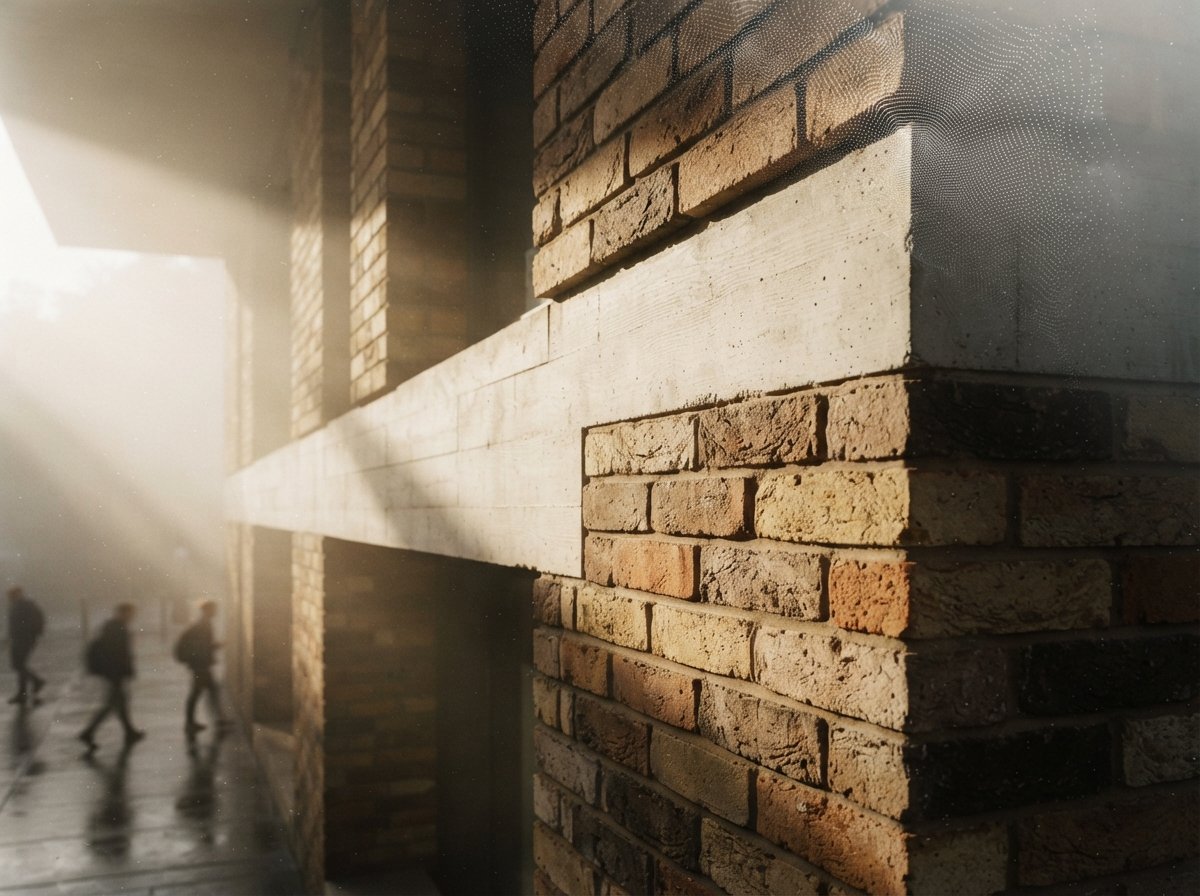
The plugin to beat. Veras 4.3 with the Nano Banana 2 engine produces the most geometrically faithful AI renders on the market right now — specifically tuned for architectural inputs. Design Lock and typed reference images let you stack style, material, and lighting references with weight controls. SketchUp integration is first-class.
If your work needs to look like the building you actually modeled, Veras is the answer. Full review: our Veras 4.3 review.
2. Enscape (with AI Enhancement) — for client review
Real-time walkthrough renderer with an AI Enhancement pass that lifts the output from rendered to photographic. The strength is not raw image quality — Veras edges it — but the workflow. Client review in real time with a credible AI-finished still at the end of the meeting is a different selling motion.
Enscape's AI Enhancement pass is a credibility lifter rather than a creative tool. Run a real-time walkthrough with the client, freeze on a frame, push the AI pass, and you have a presentable still in under a minute. We use it almost weekly for in-meeting decision-making.

3. Rendair AI — accessible and interior-strong
The accessibility winner. Rendair's pricing structure makes it the most realistic option for solo architects, students, and very small firms. The iteration loop is fast, the interior renders are stronger than Veras's pre-4.3 baseline, and the SketchUp plugin is unfussy.
If Veras's pricing is a stretch and your work is interior-leaning, Rendair is where to start. The Veras 4.3 release closed Rendair's interior advantage somewhat, but the price gap is still meaningful. See our full breakdown: Chaos Veras vs Rendair AI.
4. D5 Render with SketchUp Live Link — the real-time + AI hybrid
Real-time renderer with maturing AI features — AI Material, AI Sky, an AI Enhancement pass. The Live Link to SketchUp keeps geometry synced as you edit. Strong asset library. Less geometry-faithful than Veras when the AI pass is engaged, but visually punchy.
D5 is what we reach for when the goal is visually impressive output and the precise geometry is less important. Marketing imagery, competition boards, early-stage concept presentations. It loses points for fidelity but wins on visual energy. Full review: D5 Render AI features for architects.
5. Lumion (with View plugin) — AI Style Transfer worth the seat
Long-time SketchUp companion. The AI Style Transfer feature in current Lumion versions lets you generate stylistic variations of the same scene quickly — useful for mood iteration when you are still settling the brief. Less compelling as a final-image generator than Veras.
Lumion remains relevant in 2026 because of its asset library and stylistic flexibility. The AI Style Transfer is the feature worth the upgrade if you already own it. Full review: Lumion View plugin review.
6. Spacely AI — the interior specialist
Web-based, interior-focused. Strong on residential and small commercial interior visualization. Less robust on exteriors and not really a "plugin" — you export from SketchUp and work in the browser. Strong style controls and a fast iteration loop.
Pick Spacely when your work is mostly interior and your geometry is simple enough that the web export workflow is not friction. Background reading: our Spacely review for interior designers.
7. MyArchitectAI — the entry-level option
Budget-friendly, web-based, easy to learn. Useful for concept passes, mood boards, and quick visualizations early in a project. Not strong enough for client-ready exteriors and not geometry-faithful enough to be a Veras alternative, but it earns a seat at the bottom of this list because the free tier is generous.
Reach for MyArchitectAI when the work does not need to be precise, competition mood boards, early-stage internal review, student work. Full take: MyArchitectAI review.
The head-to-head at a glance
| Plugin | Geometry fidelity | Interior | Real-time | Price tier |
|---|---|---|---|---|
| Veras 4.3 | Highest | Strong (improved in 4.3) | No | $$ |
| Enscape (AI Enhancement) | High | Strong | Yes | $$ |
| Rendair AI | Good | Strongest interior | No | $ |
| D5 Render | Good | Strong | Yes | $ |
| Lumion | Moderate | Strong | Near real-time | $$$ |
| Spacely AI | Moderate | Strong (residential) | No | $ |
| MyArchitectAI | Lower | Moderate | No | Free / $ |
What is not on this list, and why
Midjourney and Nano Banana Pro. Powerful image generators that work with SketchUp exports, but they are not really SketchUp render plugins — you are running them as standalone image generators and feeding them a SketchUp screenshot. They belong in a different conversation. See: our hybrid workflow piece.
ComfyUI. Same logic. Our ComfyUI sketch-render guide covers documented nodes and model files. Excellent for power users; not really a "SketchUp plugin" in the traditional sense.
Twinmotion. Capable, but Twinmotion users mostly come at it from Revit or Archicad rather than SketchUp. AI features are improving but not best-in-class. See: our Twinmotion AI workflow review.
Affiliate-list filler tools. A few names that appear repeatedly in the "best AI render plugin" affiliate roundups did not make this list — either the SketchUp integration is broken in current versions, the geometry fidelity is so poor that you cannot recognize your own building, or the pricing model is misaligned with how architects actually buy software. We are not naming them — the negative coverage is not worth the SEO.
Our take: pick by workflow, not by ranking
The wrong question is "which is best?" The right question is "what does the next render need to do?" The answers usually don't overlap.
If you can only own one plugin and your work is mostly exterior architectural rendering, the answer is Veras 4.3. If you do live client review, add Enscape. If you are running a one-person practice on a tight budget, Rendair is the durable choice. If you do a lot of interior work for residential clients, Spacely.
The category is moving fast. We will re-run this test in six months. The order will likely change again — we expect Snaptrude's plugin ecosystem to start showing up here, and the line between "AI render plugin for SketchUp" and "AI-native CAD" is going to blur further. For now: those are the seven.
No affiliate relationships with any tools reviewed.