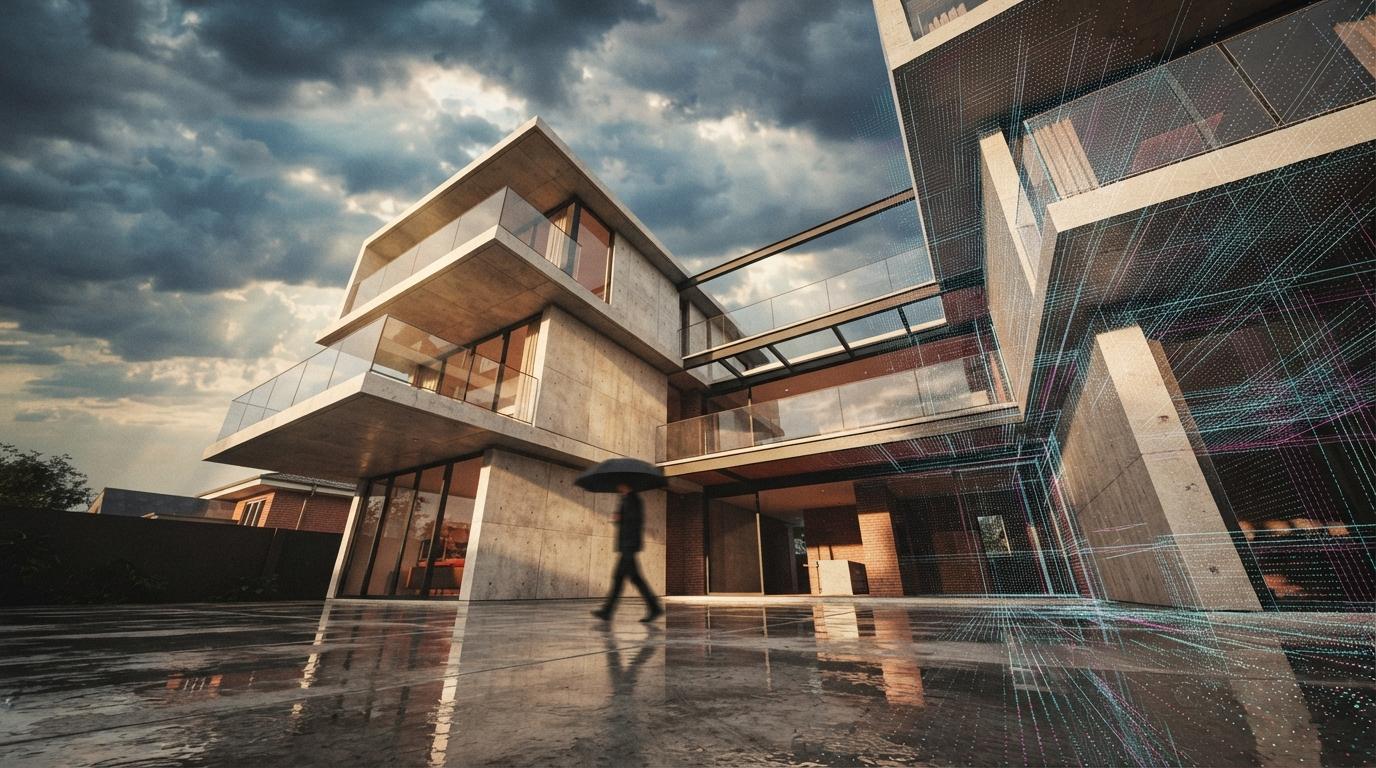

For two years the answer to "how do I get an AI render straight out of SketchUp" was a plug-in: Chaos Veras, the add-in that reads your model geometry and repaints it. Then Trimble shipped SketchUp Diffusion — an AI image generator baked into SketchUp itself, free with a subscription — and the question changed. Why pay for an add-in when the host app does it out of the box? We spent a day answering that the only honest way: one model, the same three camera scenes, the same prompts, run through both tools back to back.
The model was a small contemporary house we had built for an unrelated job — clean massing, a glazed corner, a flat roof, a bit of landscape. Nothing exotic, exactly the kind of scheme a practice would push through an AI renderer for a quick concept board. The brief to each tool was identical: a warm late-afternoon exterior, a soft overcast exterior, and a daylit interior of the living space.
Trimble's native text-and-viewport AI image generator, built directly into SketchUp (web and desktop). Frame a scene, type a prompt, pick a style, and it returns AI renders of the current view. No plug-in, no export, no second app. The trade-off is control: it is deliberately simple, and the model is freer to reinterpret your scene than a geometry-locked tool is.
The AI visualisation add-in originally from EvolveLAB, now part of Chaos. Veras uses your 3D geometry as the substrate — depth, edges and materials condition the output — so renders stay locked to what you actually drew. The 2026 release (Veras 4.x) runs the Nano Banana Pro engine, with prompt strength, style references and per-region control. It is the deeper, paid, cross-platform option.
The wall test — does the geometry survive?
This is the whole ballgame for architects, and it is where the two tools separate immediately. An AI renderer is only useful to us if the building it returns is the building we drew. Invent a window, move a wall, add a phantom storey, and the image is worthless for client work no matter how pretty it is.
Veras held the model. Because it conditions on your geometry, the glazed corner stayed a glazed corner, the roofline stayed flat, the window positions matched the SketchUp scene at a glance. We pushed the prompt strength up to get more atmosphere and it started to take small liberties with mullion spacing and reflections, but the massing never moved. That is the entire reason geometry-aware tools exist, and Veras delivers it.
Diffusion drifted, and you have to manage it. On default settings SketchUp Diffusion produced the most attractive single image of the day — and also quietly added a window to a blank gable and softened the flat roof into a slight pitch. Drop the creativity/strength down and it tracks the model far more faithfully, at the cost of some of that magazine sheen. It can be disciplined into fidelity; it just is not fidelity-first the way Veras is, and a junior could easily ship the drifted version without noticing.
Image quality and the Nano Banana engine
Raw image quality is closer than the price gap suggests. SketchUp Diffusion's best frames are genuinely good — materials read well, light is convincing, and for an in-app free feature it punches above its weight. Veras, running Nano Banana Pro in the 4.x line, produces cleaner detail, better-resolved reflections and more controllable light, and it does so while staying tied to the model. The honest summary: Diffusion can match Veras on a lucky single frame; Veras wins on the tenth frame, when you need consistency across a set of views for a board.
Head to head on the desk
| What matters | SketchUp Diffusion | Chaos Veras |
|---|---|---|
| Geometry fidelity | Drifts on defaults — tunable | Locked to the model |
| Best-case image quality | Surprisingly strong | Cleaner, Nano Banana Pro |
| Consistency across a set of views | Variable | Reliable |
| Control (strength, regions, references) | Minimal — style presets | Deep |
| Friction | None — it is in SketchUp | Install an add-in |
| Platforms | SketchUp only | SketchUp, Revit, Rhino, Archicad + |
| Price | Free with SketchUp | Paid subscription |
The shape of it is clear: Diffusion wins on friction and price, Veras wins on everything that turns a render into deliverable client work. That is not a knock on Diffusion — it is a free feature doing a remarkable amount — it is just an honest read of what each is built to do.
The free tool makes the prettiest single image. The paid tool makes the image you can put your name on across six views without redrawing the building.
Control and workflow
Veras gives you the dials architects actually reach for: prompt strength to trade fidelity against creativity, style and image references to pin an aesthetic, and per-region control to treat the facade and the sky differently. Diffusion keeps it to a prompt and a handful of style presets — which is exactly why it is approachable, and exactly why it tops out sooner. The cross-platform point matters too: if your practice also works in Revit or Rhino, Veras is one tool and one mental model across all of them, while Diffusion stops at the SketchUp door.
Who each one is actually for
SketchUp Diffusion is for the early sketch and the SketchUp-only shop. If you live in SketchUp, want a quick mood image to test a direction, and do not want to pay for or learn a second tool, it is genuinely excellent and it is free. Concept boards, internal reviews, "what if the cladding were timber" — this is its home.
Veras is for client-facing work and multi-platform practices. The moment the render has to match the building precisely, stay consistent across a set, or come out of Revit and Rhino as well as SketchUp, the paid add-in earns its fee. If renders are part of how you win and deliver work, Veras is the professional tool.
We run these head-to-heads on real models, not press shots.
The ArchiGen AI journal tests the AI render tools architects actually use — same model, same prompts, no affiliate links, no sponsored placements — and tells you which one belongs in your stack.
Read the journal →Our take
This is not really a fight, because the two tools are not after the same job. SketchUp Diffusion is the best free thing that has happened to casual SketchUp rendering — frictionless, in-app, and good enough that plenty of concept work never needs to leave it. Chaos Veras is the professional instrument: geometry-faithful, controllable, consistent across views and across CAD platforms, and now sharper with the Nano Banana Pro engine behind it. If you do client work, the fidelity and consistency alone justify the subscription.
Our recommendation for most practices is to use both, and to know which is which. Reach for Diffusion to explore — it is free, it is right there, and it makes a fast, attractive image to react to. Switch to Veras to deliver, when the render has to be the building you actually drew and has to hold up next to five of its siblings on a client board. The free tool earns its 3.5; the paid tool earns its 4.5; and the smartest workflow we saw all day used the cheap one to decide and the good one to ship.
No affiliate relationship with Trimble or Chaos. Feature sets current as of May 2026; verify pricing and version specifics with each vendor.